
DermaLens
Build a skin journal you can look back on.
Keep dated skin notes and photo comparisons together in a private record.
What you can do with DermaLens
Keep dated skin notes and photo comparisons together in a private record. DermaLens gives each observation a place and preserves the context you want to remember. Revisit earlier entries, compare your own photos and gather a useful account of changes for your next conversation.
- Keep dated skin notes and photos together
- Return to earlier visual checkpoints
- Prepare a personal history for discussion
See the workspace
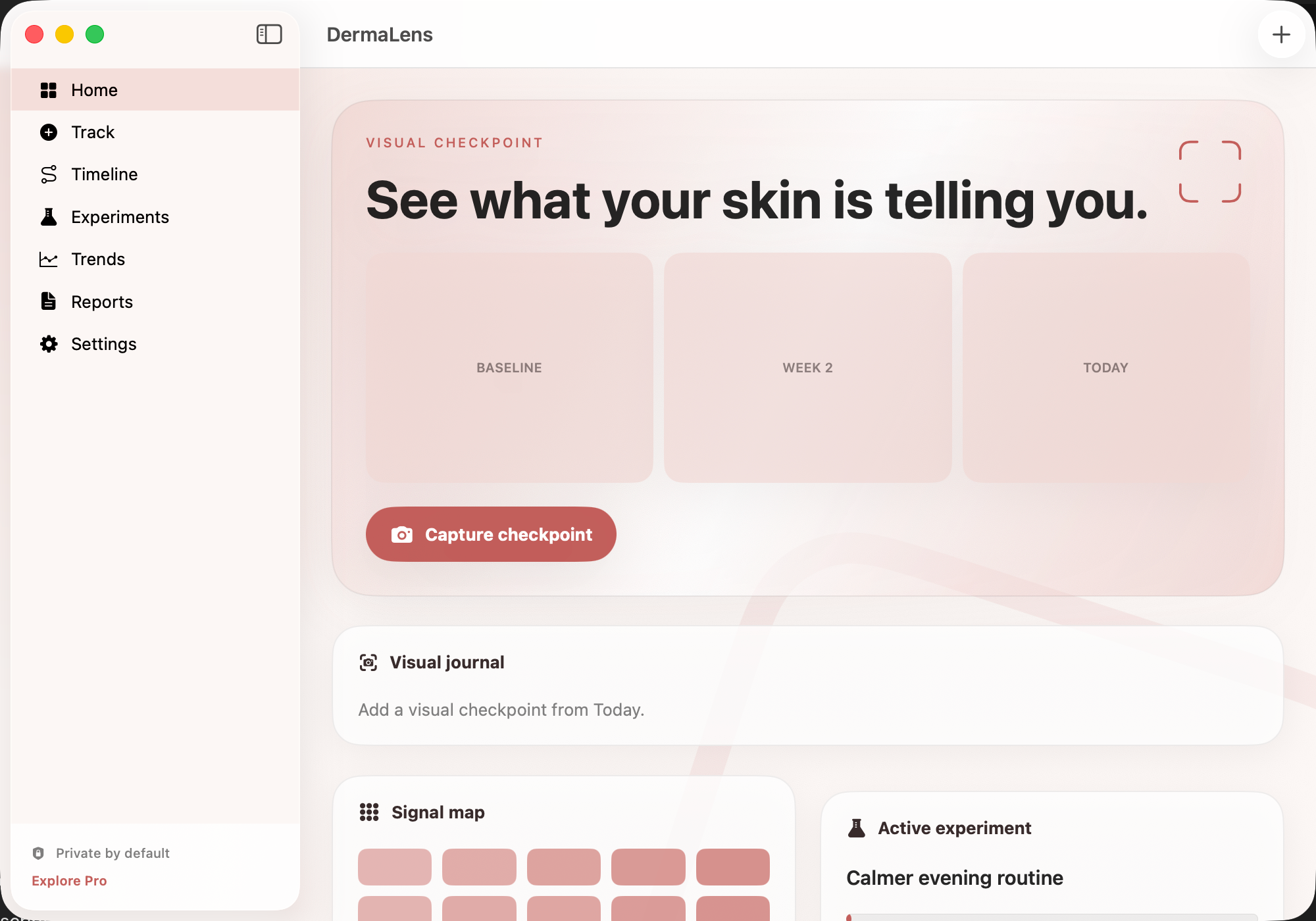
A simple way to get started
Capture the details
Record the observations and context you want to remember.
Review your own history
Return to dated entries and keep useful details together.
Prepare a conversation
Gather the notes and questions you want to bring to an appointment.
Explore more features
- Dated personal records and context
- Descriptive timelines and charts
- Care tasks, notes and exports
Get DermaLens
Compatibility and installation details
- Requires
- Windows x64; review product requirements
- Architecture
- x64
- Version
- 1.0.0
- Download
- 95.4 MB
- Installer
- DermaLens-1.0.0-Windows-x64-Setup.exe
- Publisher signature
- Unsigned
- SHA-256
af0cfb5056104d463f4d81792df8f3c1f856175abd140a2490e6912d0771d400
Download the Windows installer from your receipt and follow its setup steps.
Useful to know
What can I do with DermaLens?
Keep dated skin notes and photo comparisons together in a private record. DermaLens gives each observation a place and preserves the context you want to remember. Revisit earlier entries, compare your own photos and gather a useful account of changes for your next conversation.
How do I start?
Record the observations and context you want to remember. Return to dated entries and keep useful details together. Gather the notes and questions you want to bring to an appointment.
How do I receive my download?
After your purchase, the receipt page provides your download link. The exact expiry is shown with your delivery link. Keep your receipt and installer. If a link expires or a download fails, contact support with your receipt instead of buying again.
Where can I find setup help?
Compatibility and installation details are on this page. The installation guide and support team can help with the next step.