Private file summary
Attach a folder of notes, PDFs, or meeting files and ask: "Summarize the key decisions, list open questions, and do not edit the files." Use a local model when the material should stay on the PC.

Put your AI model to work across your desktop.
Bring your chosen model into a workspace built for research, documents, code and local tools.
Bring your chosen model into a workspace built for research, documents, code and local tools. MultiAgentOS keeps browser work and project files close to the conversation, with visible agent activity as tasks progress. Move from a question to useful work in the same place, using the model connections that suit your workflow.
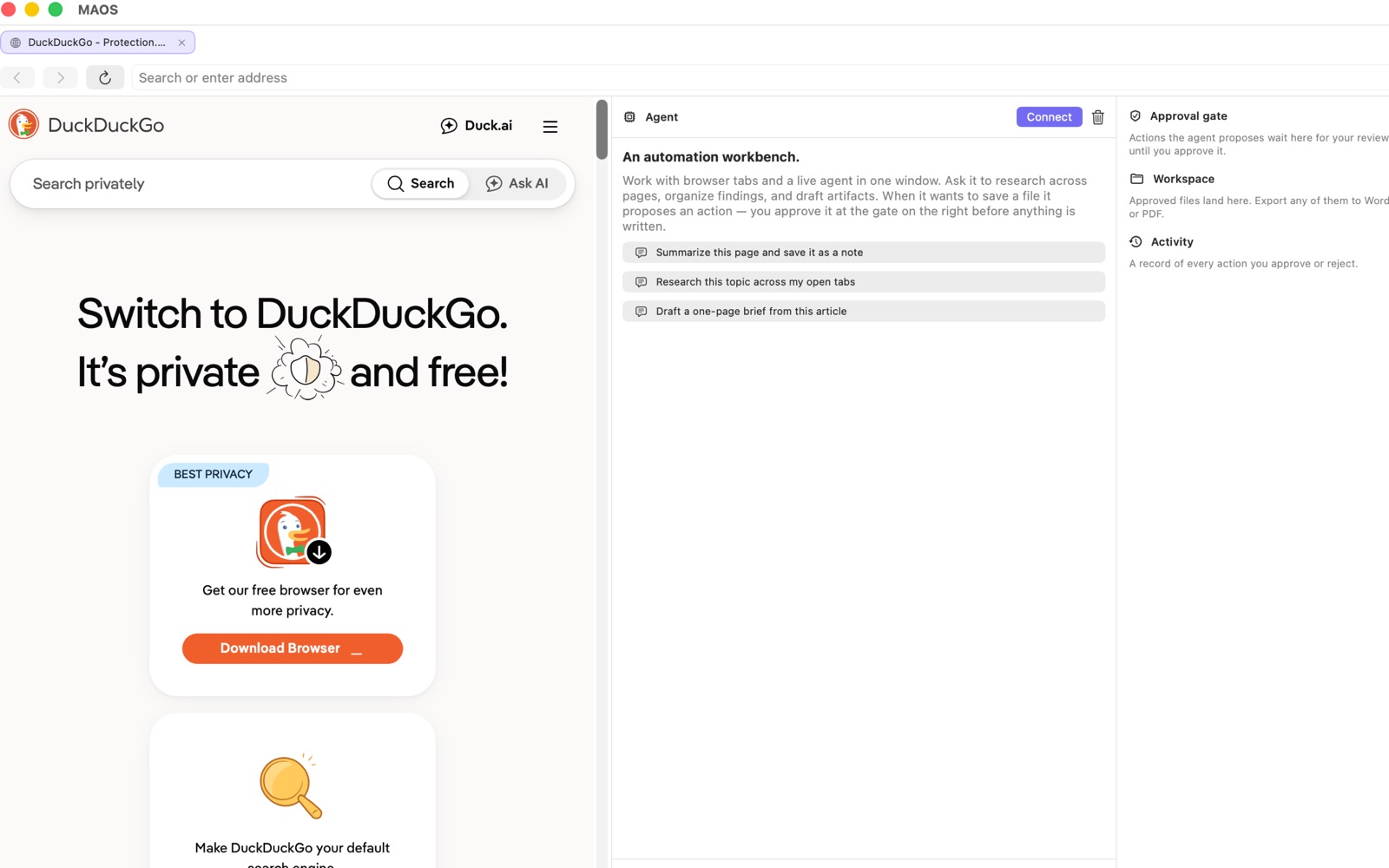
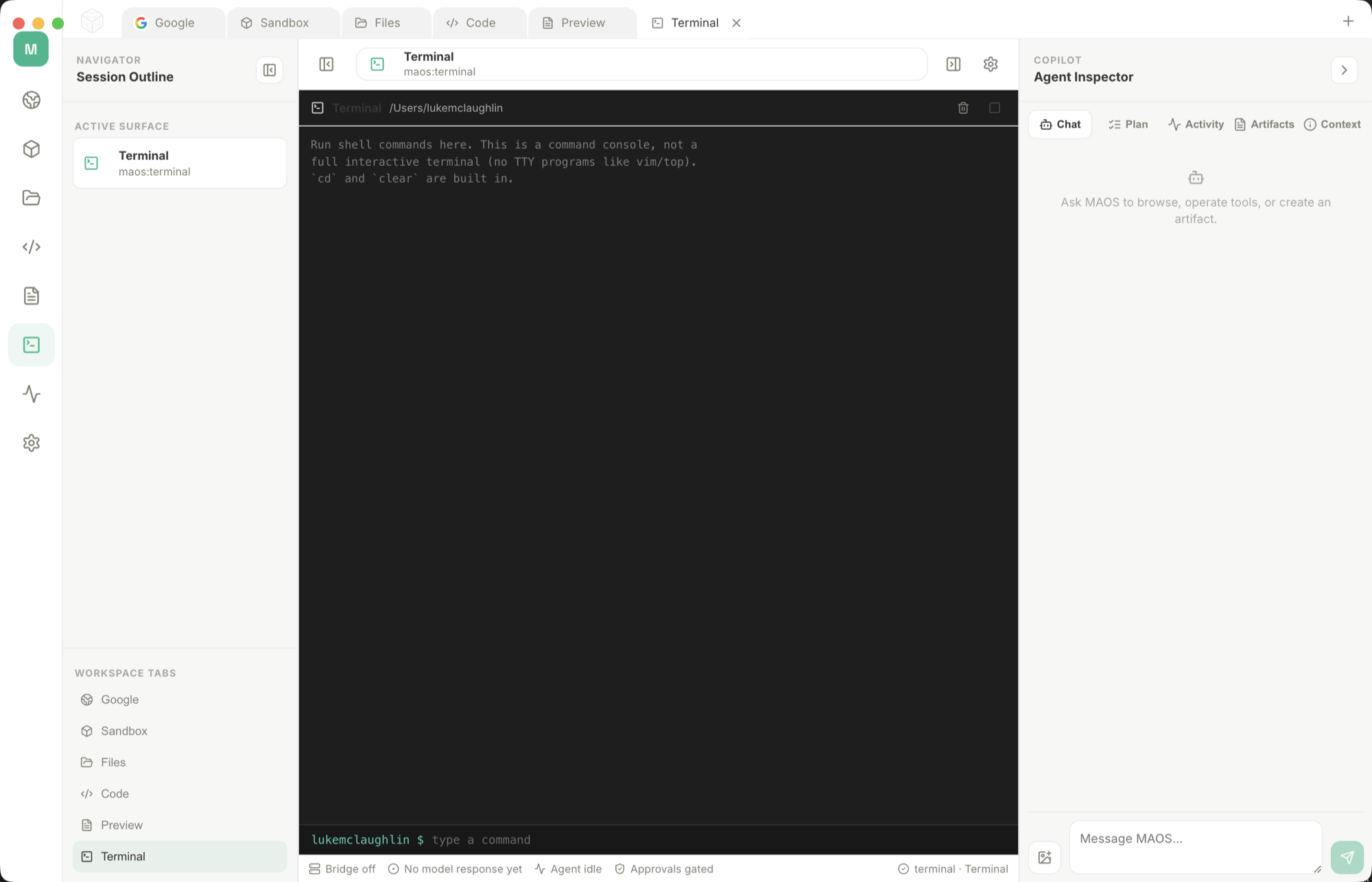
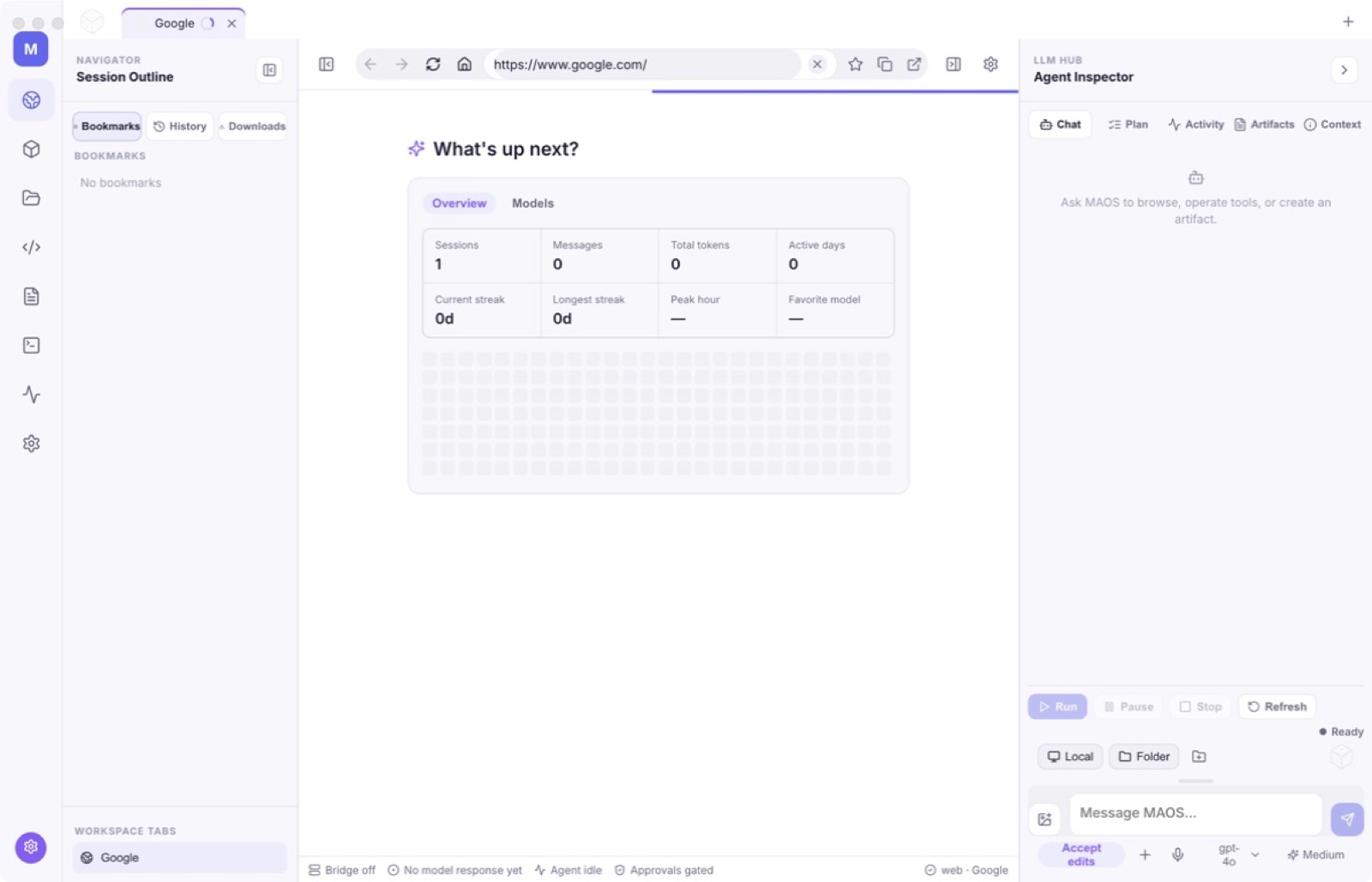
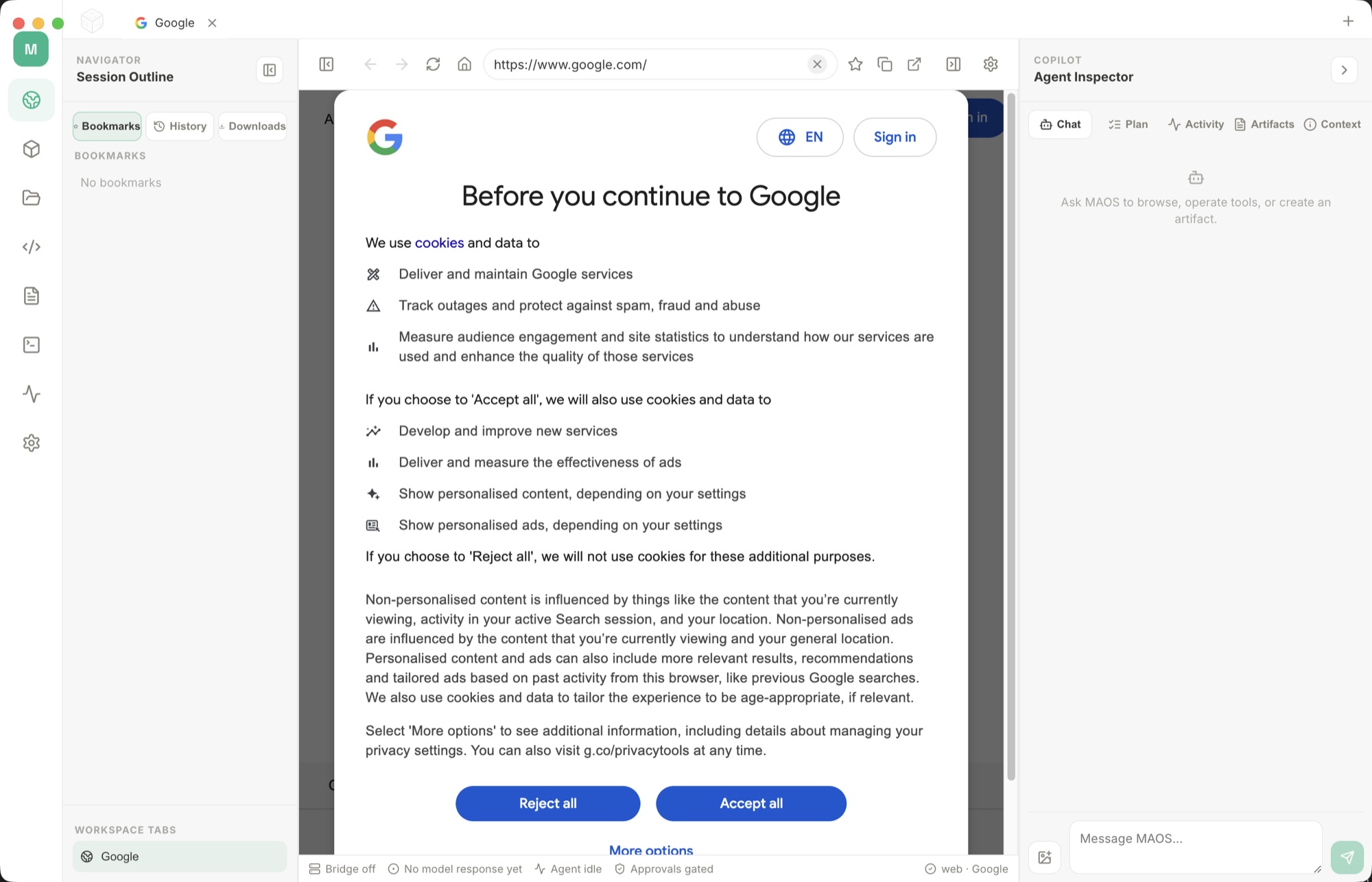
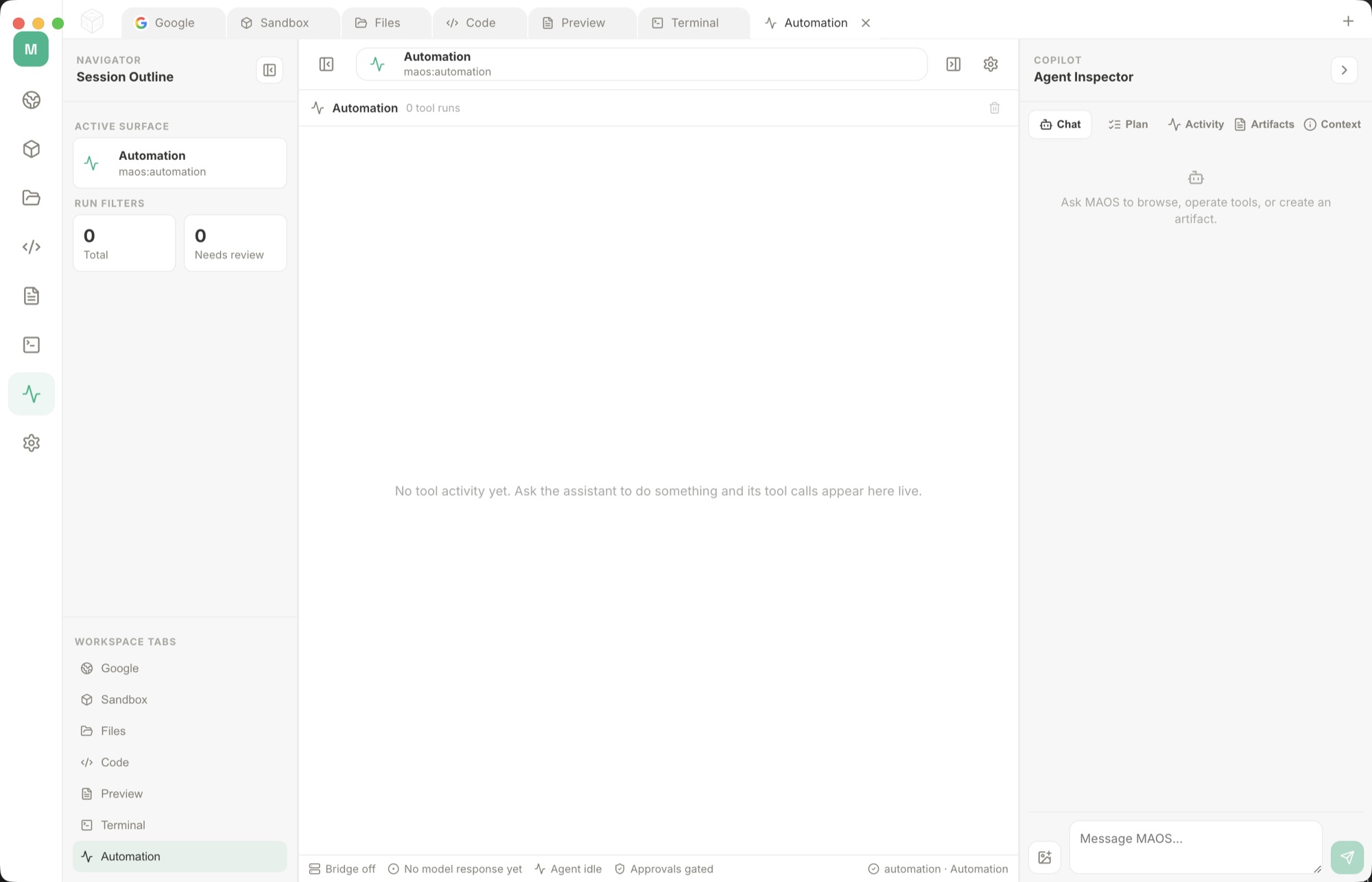
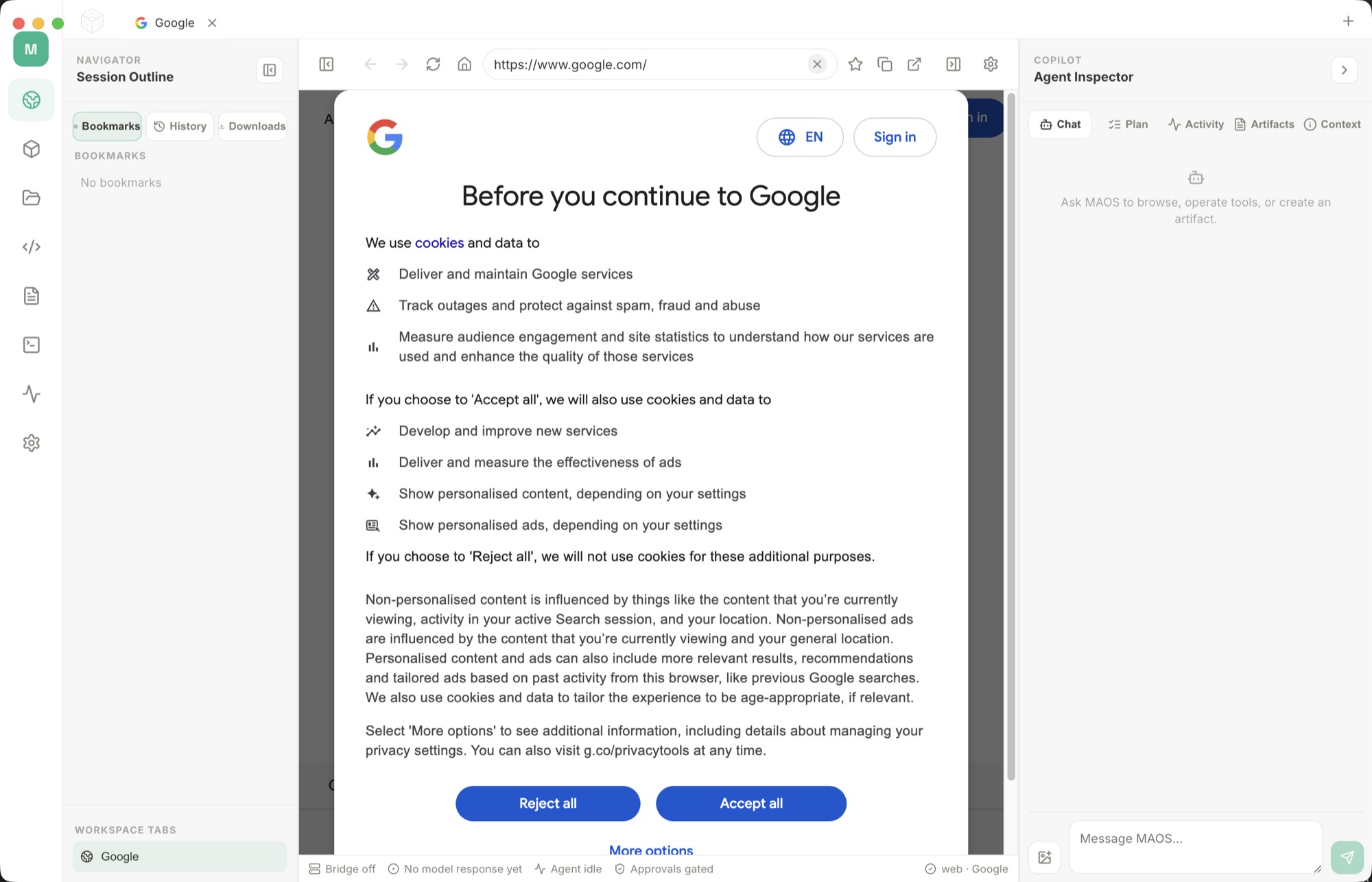
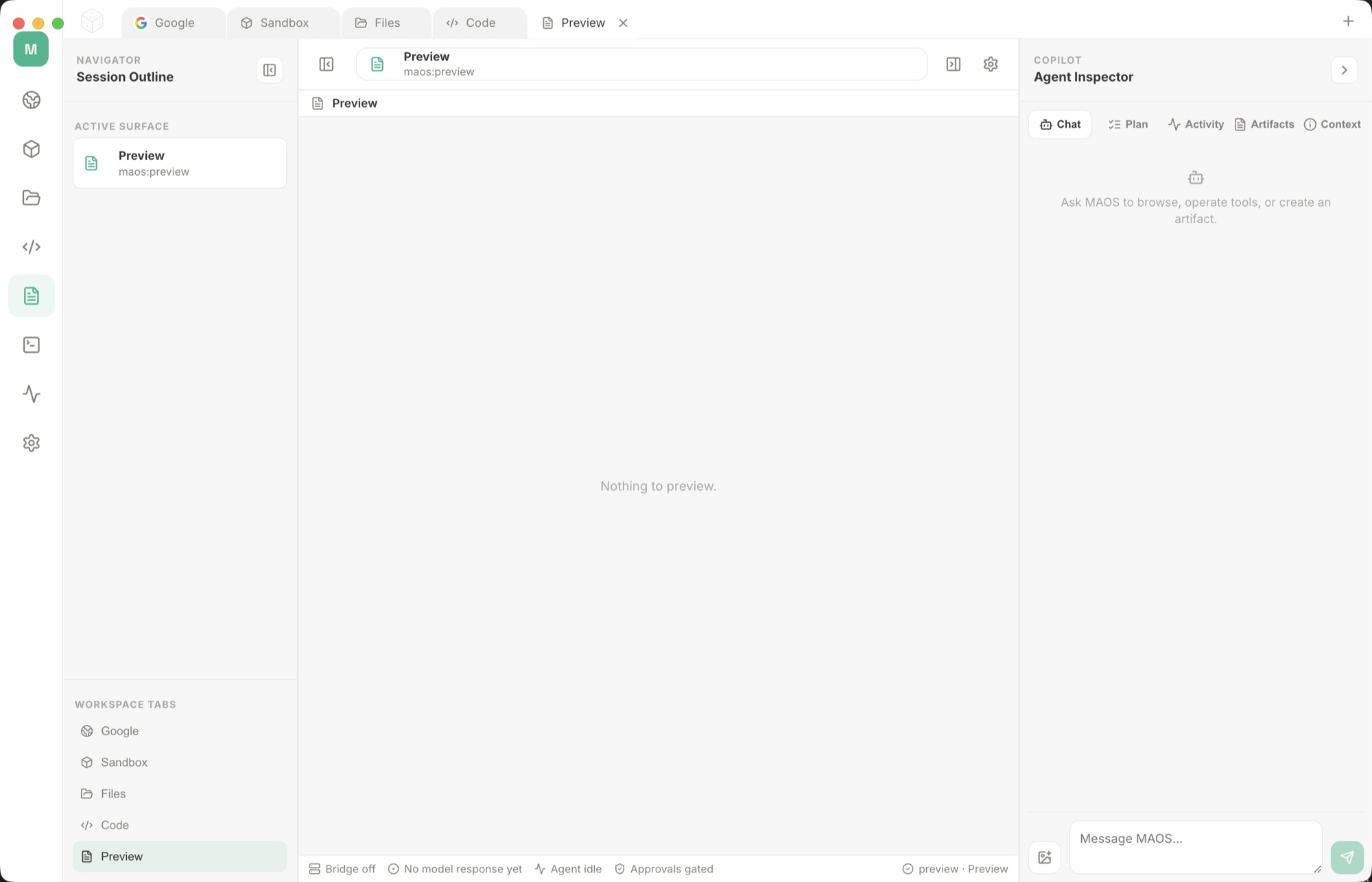
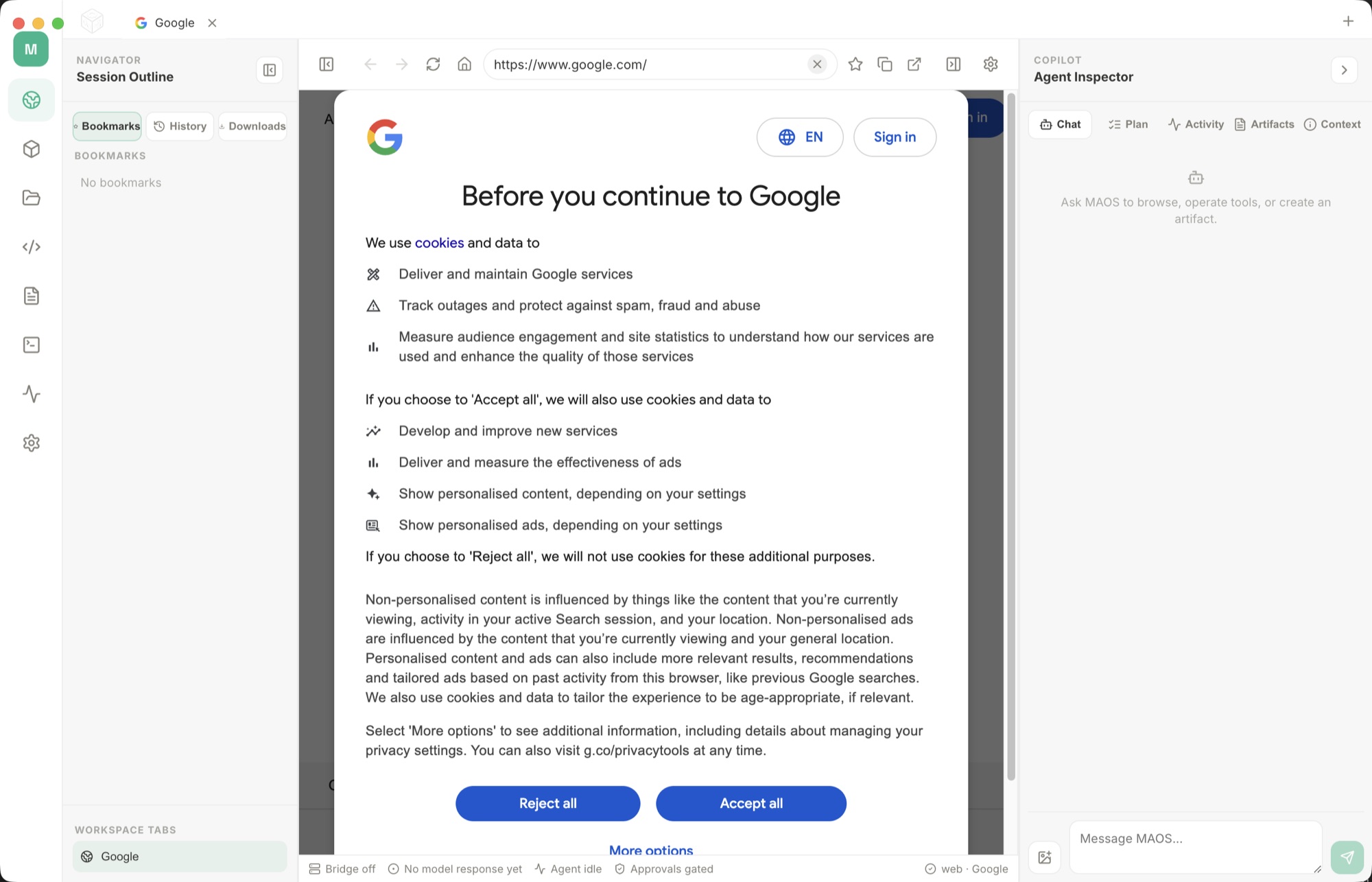
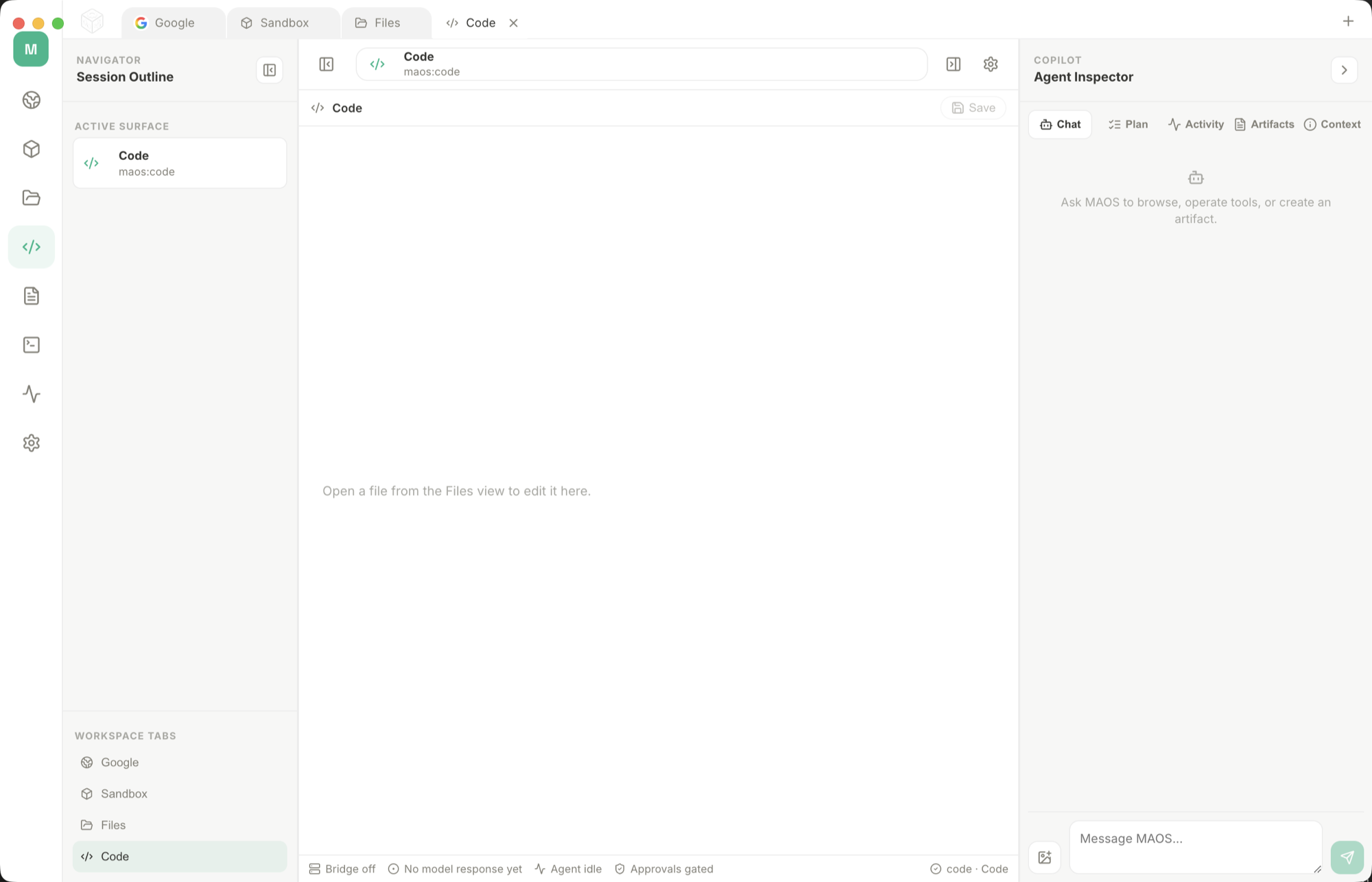
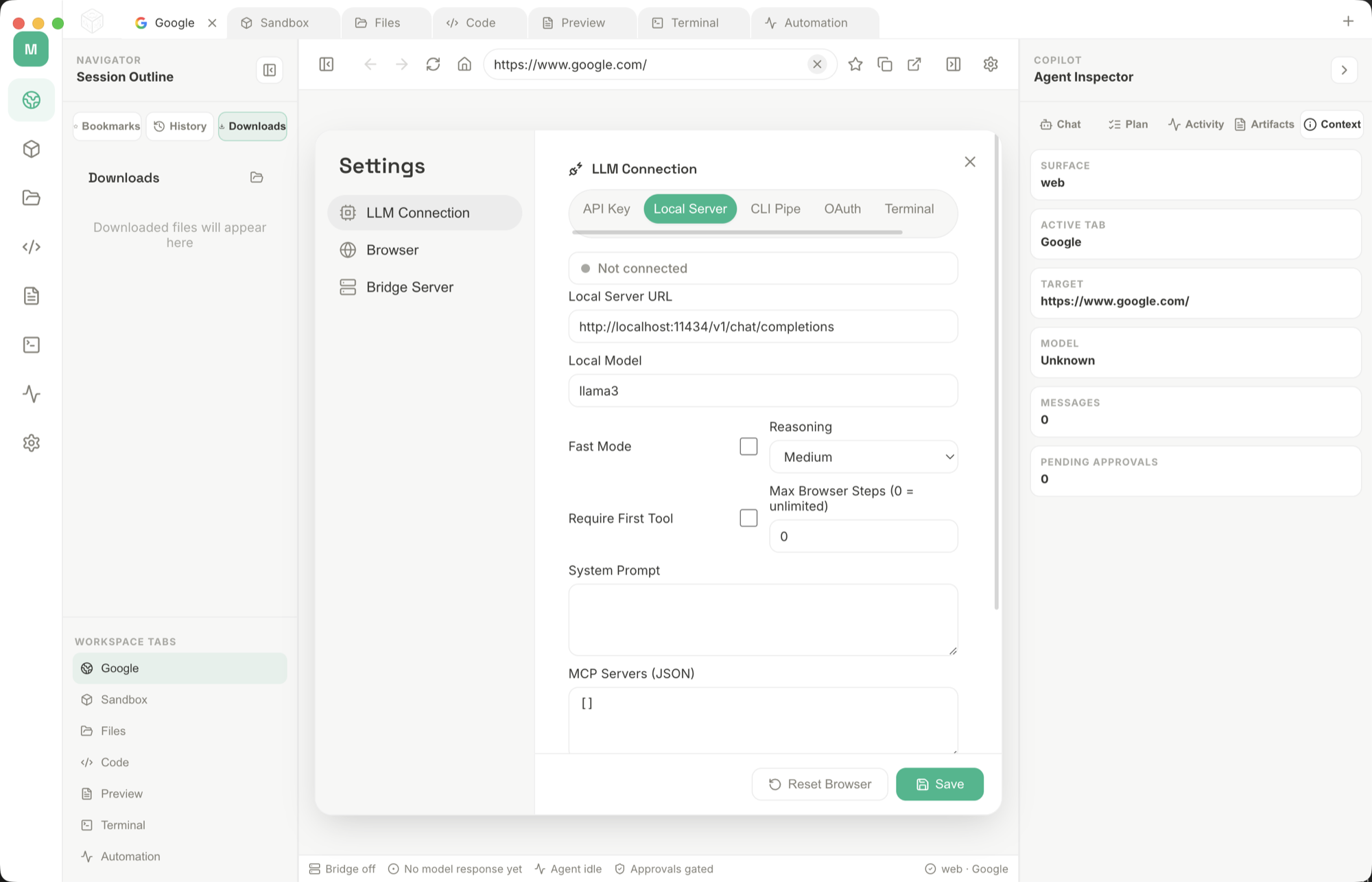
Choose a supported model connection and open a workspace for your task.
Use browser pages, local documents and code as the context for your request.
Keep the conversation, tool activity and resulting files together as the work progresses.
Attach a folder of notes, PDFs, or meeting files and ask: "Summarize the key decisions, list open questions, and do not edit the files." Use a local model when the material should stay on the PC.
Open Settings, choose Local Server or Local AI, point at Ollama, LM Studio, llama.cpp, or a GGUF file, then send a short test prompt before adding files, screenshots, or desktop control.
Open a page in the browser sidecar and ask for a comparison, summary, or source list. Tell the assistant to quote the page title, keep links, and stop before logging in or submitting forms.
Ask it to inspect Downloads, Desktop, or a project folder and create a cleanup plan. Keep the first pass read-only, then approve moving or renaming files one batch at a time.
For command-line work, ask for the command, the reason, and the expected output before anything runs. This is useful for Git checks, file searches, dependency installs, and local server setup.
When a prompt works, save it as a repeatable checklist: folder to read, model route, allowed tools, output format, and the exact actions where the assistant must pause for approval.
5231b8102c6950b6d252647fc6b82d5cb9f657f051438d6c61f4f4842486a648Choose a supported model provider or local model connection. Any connected provider account and usage charges belong to the service you choose.
Download the Windows installer from your receipt and follow its setup steps.
Bring your chosen model into a workspace built for research, documents, code and local tools. MultiAgentOS keeps browser work and project files close to the conversation, with visible agent activity as tasks progress. Move from a question to useful work in the same place, using the model connections that suit your workflow.
Choose a supported model connection and open a workspace for your task. Use browser pages, local documents and code as the context for your request. Keep the conversation, tool activity and resulting files together as the work progresses.
After your purchase, the receipt page provides your download link. The exact expiry is shown with your delivery link. Keep your receipt and installer. If a link expires or a download fails, contact support with your receipt instead of buying again.
Compatibility and installation details are on this page. The installation guide and support team can help with the next step.
Watch the video and read a guide to the views it shows before choosing the app.