InQ Photo for Windows
Editable layers · Precise colour · Local projects · High-bit-depth export.
About the Windows edition
InQ Photo brings editable layers, masks and colour curves to a local Windows photo editor. Shape your image without flattening your ideas. Keep text and image elements separate, refine tone with channel curves, and save an editable project with its undo and redo history. Export a finished image when you are ready. The current development preview demonstrates these workflows; a public release is still in preparation.
Windows features
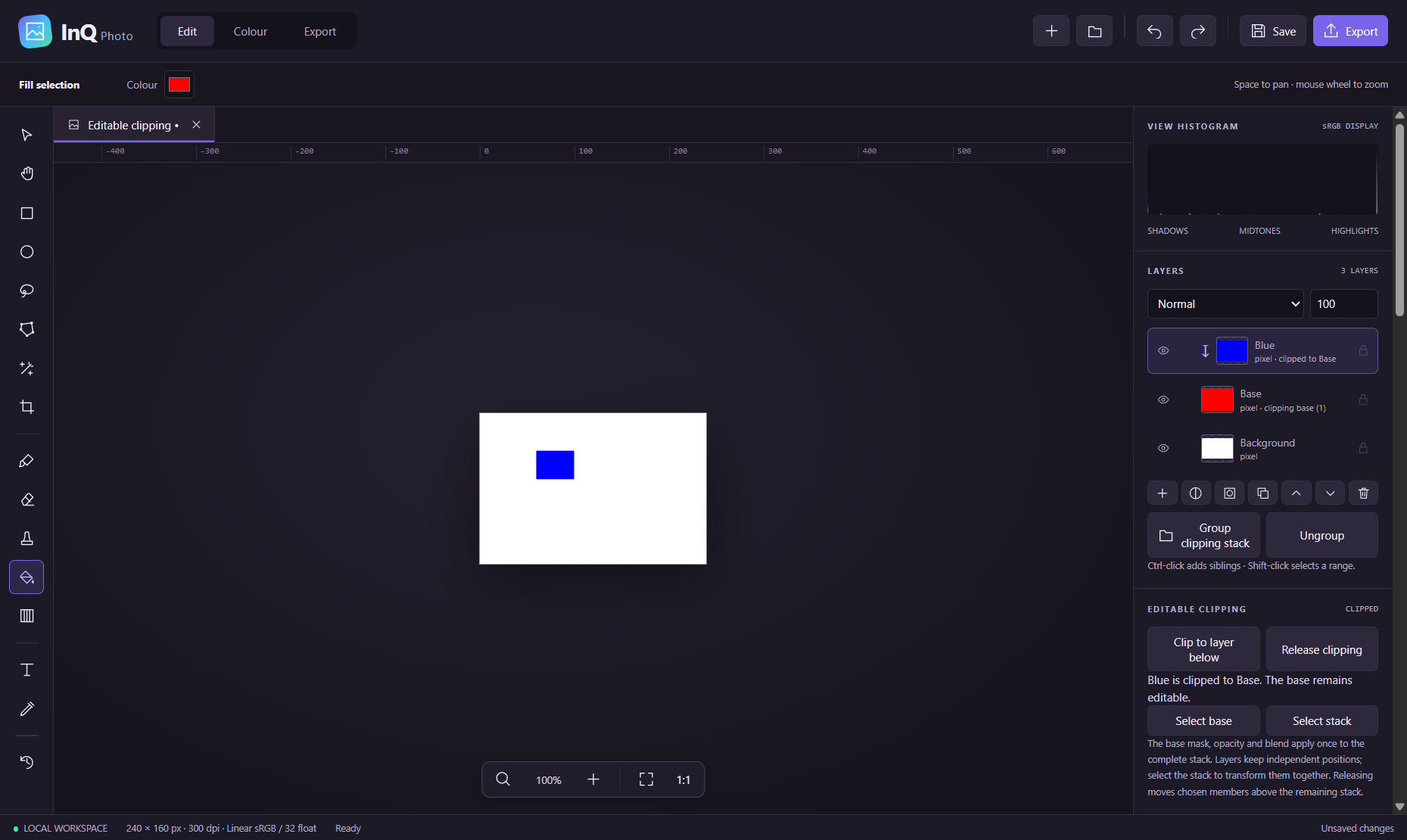
- Build editable compositions with pixel and text layers, nested groups, masks and clipping stacks
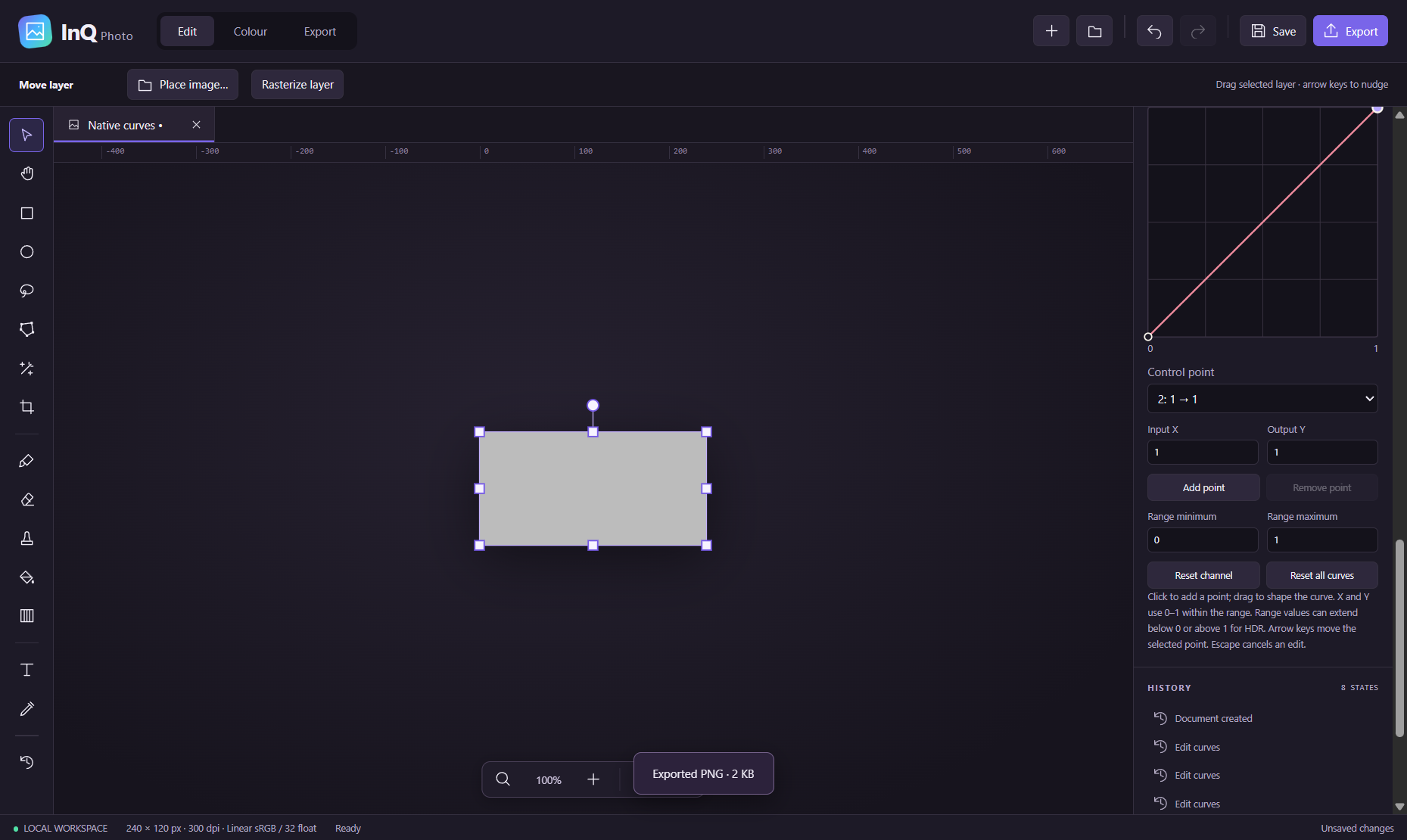
- Refine colour with Master/R/G/B curves, exposure, contrast, saturation and tonal controls
- Paint, erase and clone with brush hardness, flow, spacing and pressure-sensitive radius
- Isolate details with geometric, freehand, polygon and flood selections, feathering and saved selections
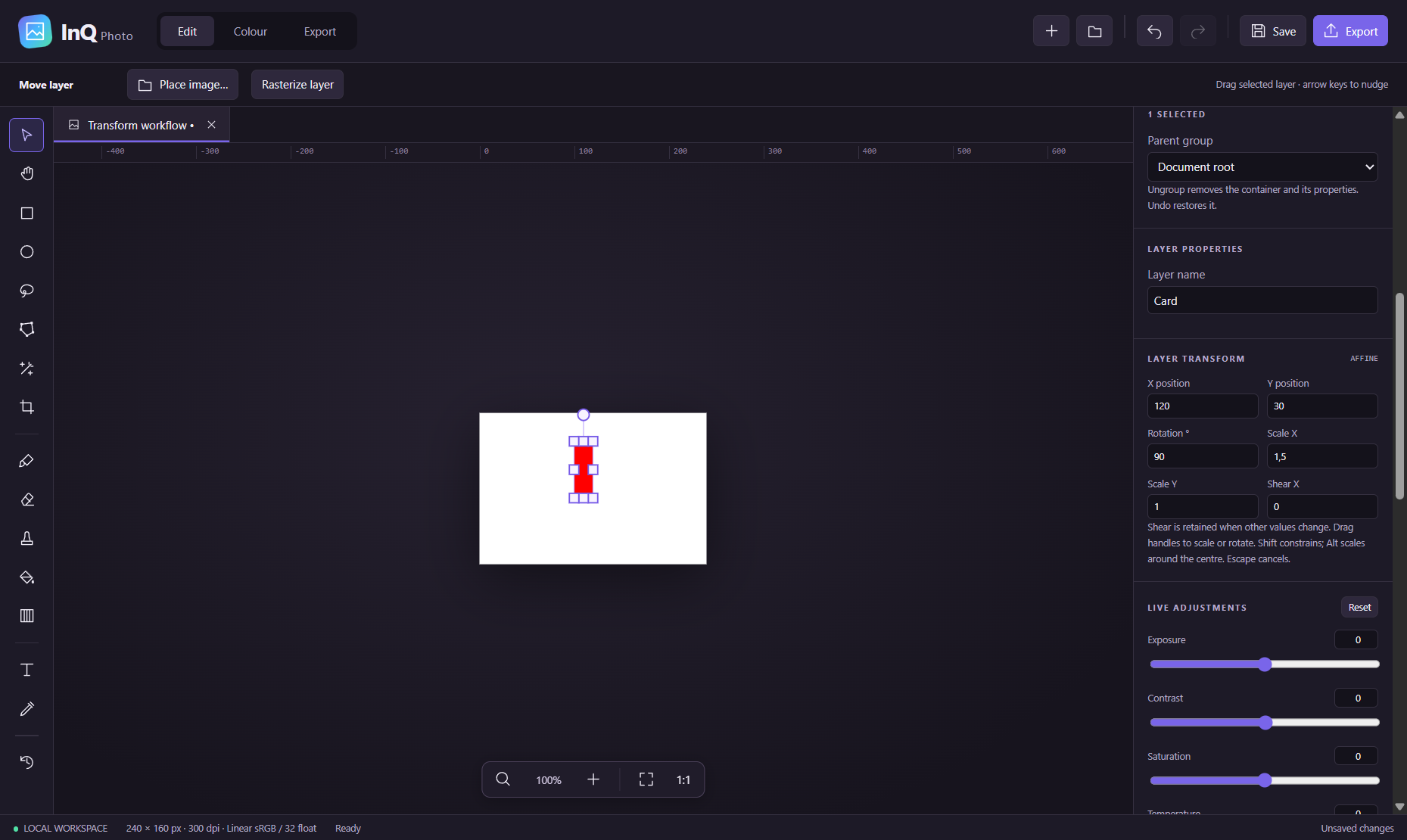
- Position layers, groups and masks precisely with affine transforms, shear, crop and resize
- Keep creative decisions reversible with editable adjustment layers, opacity and 16 blend modes
- Save local .inqphoto projects with portable undo/redo history and recovery of committed edits
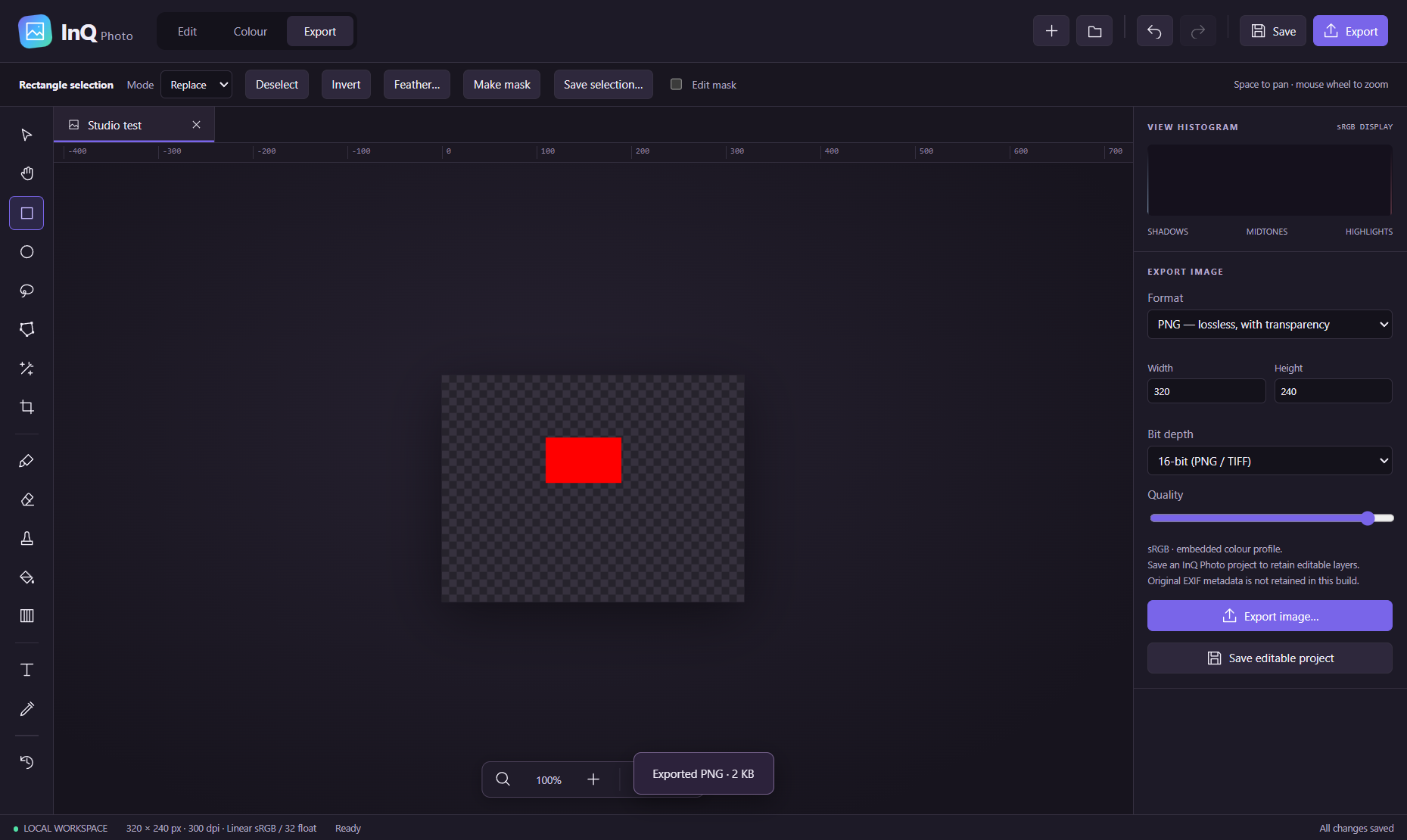
- Finish with 16-bit PNG/TIFF or 8-bit PNG/JPEG/WebP/TIFF export
Requirements and known limits
Windows-first x64 development build, version 0.12.0. Release qualification and signing are pending. The current document guard is 8192 px per dimension and 32 megapixels. The native workspace uses 32-bit floating-point linear sRGB; broader colour management and soft proofing are unfinished. Camera RAW development, PSD interchange, healing/content-aware repair, panorama/focus merging and batch automation are not implemented. Exported images do not retain original EXIF metadata. Text and export resource handling need further work. A selection-workflow validation failure remains unresolved, so this app is not yet offered for purchase or download.
Download and purchase status
Development preview only. The public release is being prepared; installed validation, stability and dependency distribution checks are not complete. This app is excluded from checkout and the current bundle.
Mac release numbers, signatures and system requirements do not apply to Windows. Read the Windows installation checklist.
Browse the Windows collection · Explore the related Mac collection
From layered edits to a finished image, with your decisions intact
Start with a raster image, add a separate text or pixel layer, and use a mask to control where an edit appears. Refine the image with an editable curves adjustment rather than flattening the composition. Save an .inqphoto project to retain layers and history, then export a separate image for sharing. Reopen the editable project when you want to change the composition. These are supported development workflows, not a claim of complete professional-editor parity.
- Editable composition
- Pixel, text and adjustment layers, nested groups, masks, clipping and independent layer or mask transforms.
- Precision
- Native floating-point tiles preserve the editing workspace; 16-bit PNG and TIFF are available for final raster output.
- Creative control
- Painting, erasing, clone stamp, combined selections, editable channel curves and opacity/blend controls.
- Local projects
- The .inqphoto container saves editable content and a portable undo/redo timeline. Save a native project as well as an exported image.
- Preview media
- Original screenshots from the Windows development build, using synthetic validation images. They demonstrate controls and workflows, not finished photographic artwork.
- Release status
- Version 0.12.0 remains a development preview. Installed release qualification, stability checks and dependency distribution review are open.
View the Windows preview gallery
Windows workflow information checked 9 October 2026. Release and testing notes.
InQ Photo previews
Original screenshots from the Windows development build. Synthetic images show the current editing controls; this app is a development preview.