
Sift
Make room for the photos worth keeping.
Find duplicate files, similar shots, blurry images and older screenshots in your photo collection.
What you can do with Sift
Find duplicate files, similar shots, blurry images and older screenshots in your photo collection. Sift brings likely clutter together so you can compare images and choose what to keep. Turn a crowded set of pictures into a clearer collection through a focused review workflow on your own computer.
- Find duplicate and similar photos together
- Compare likely clutter in a focused review
- Choose the images you want to keep
See the workspace
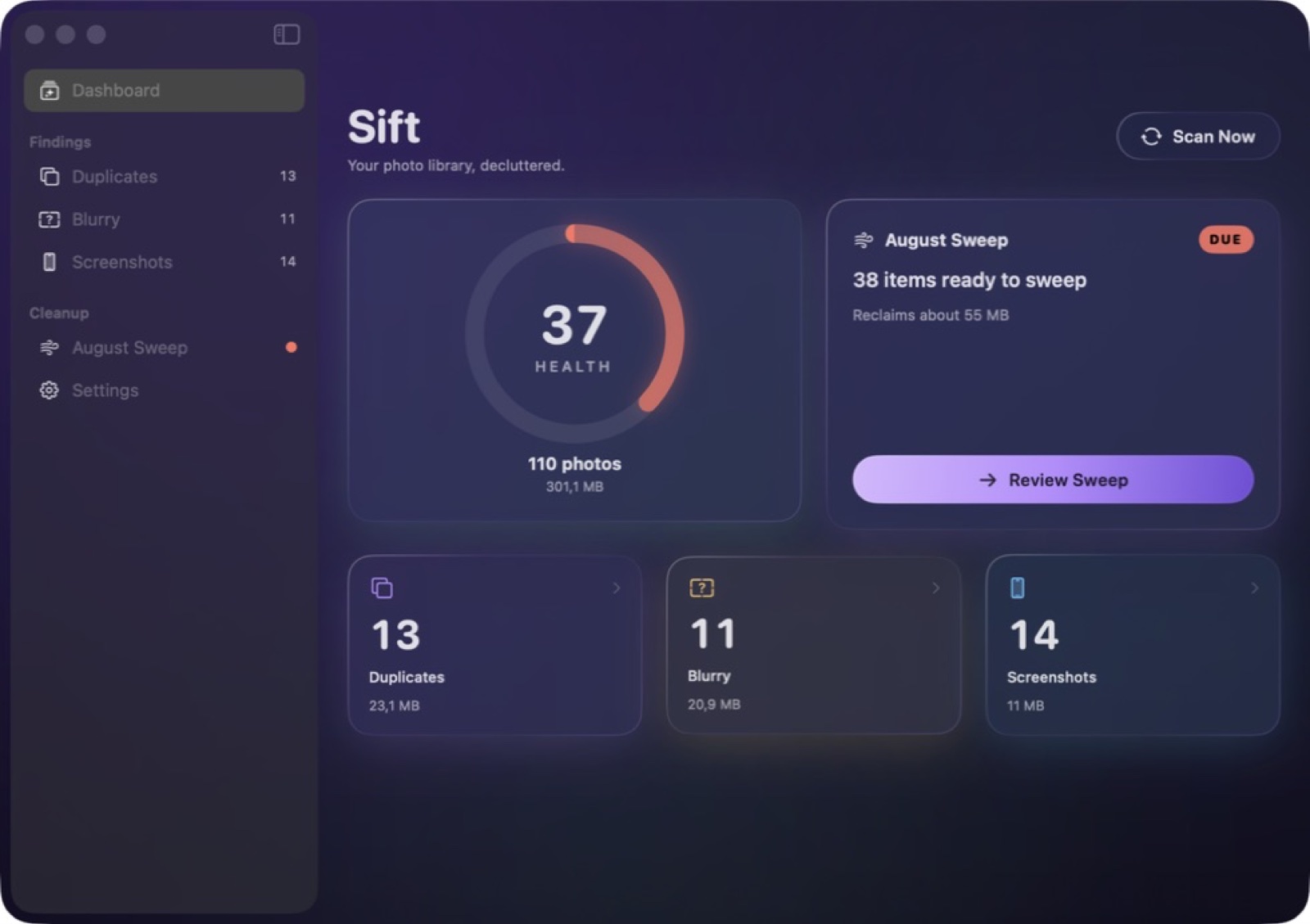
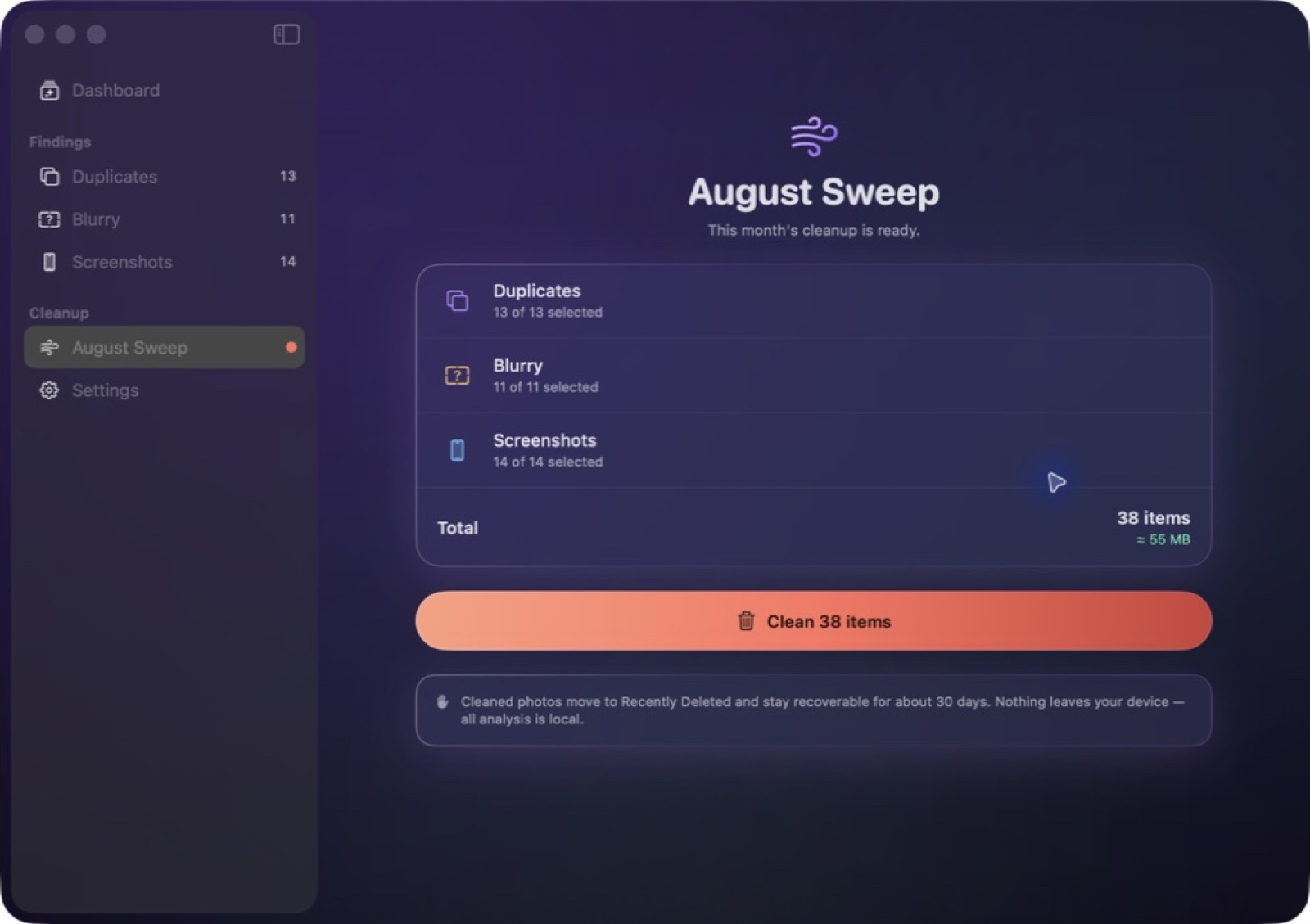
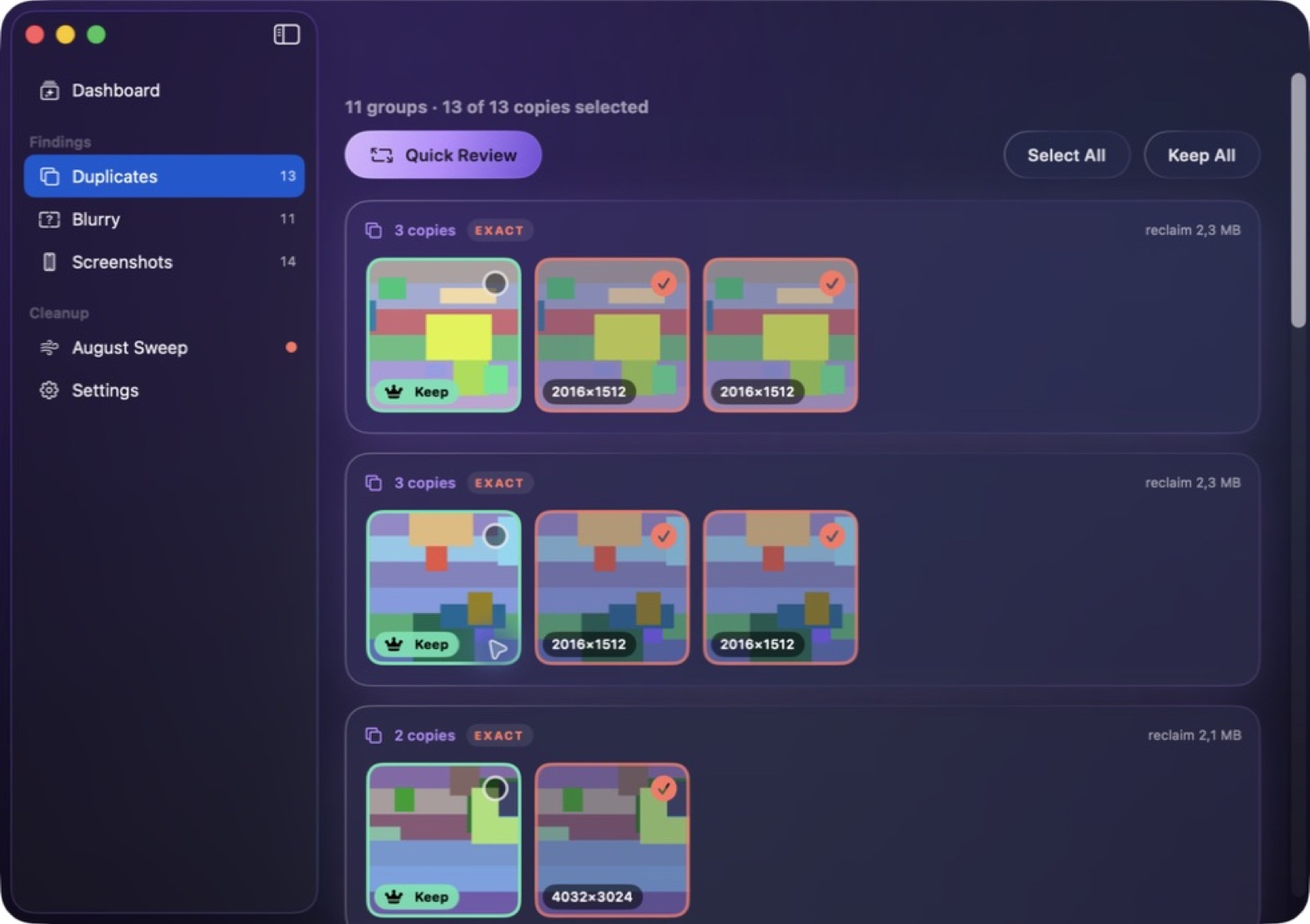
Explore 5 more screenshots
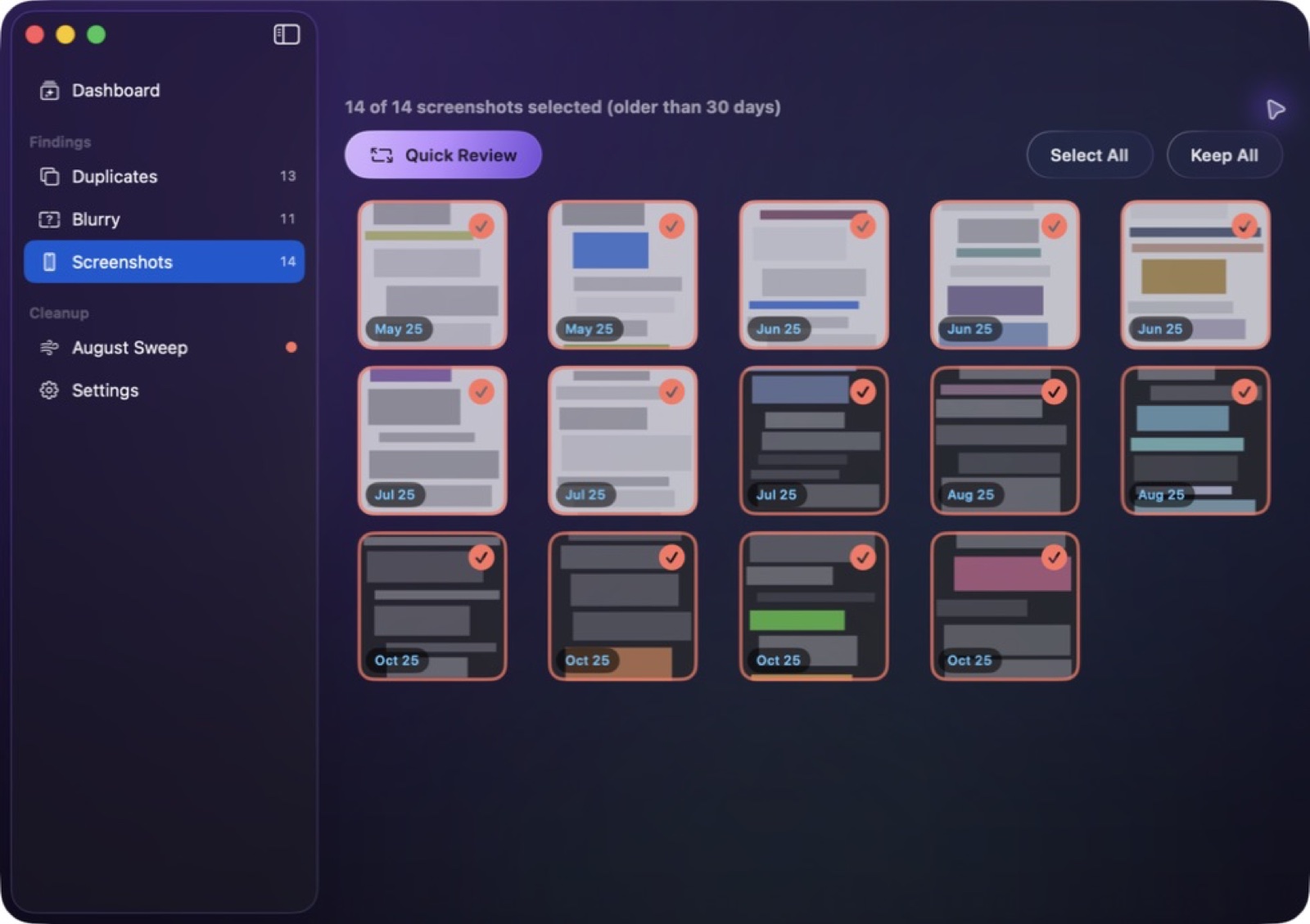
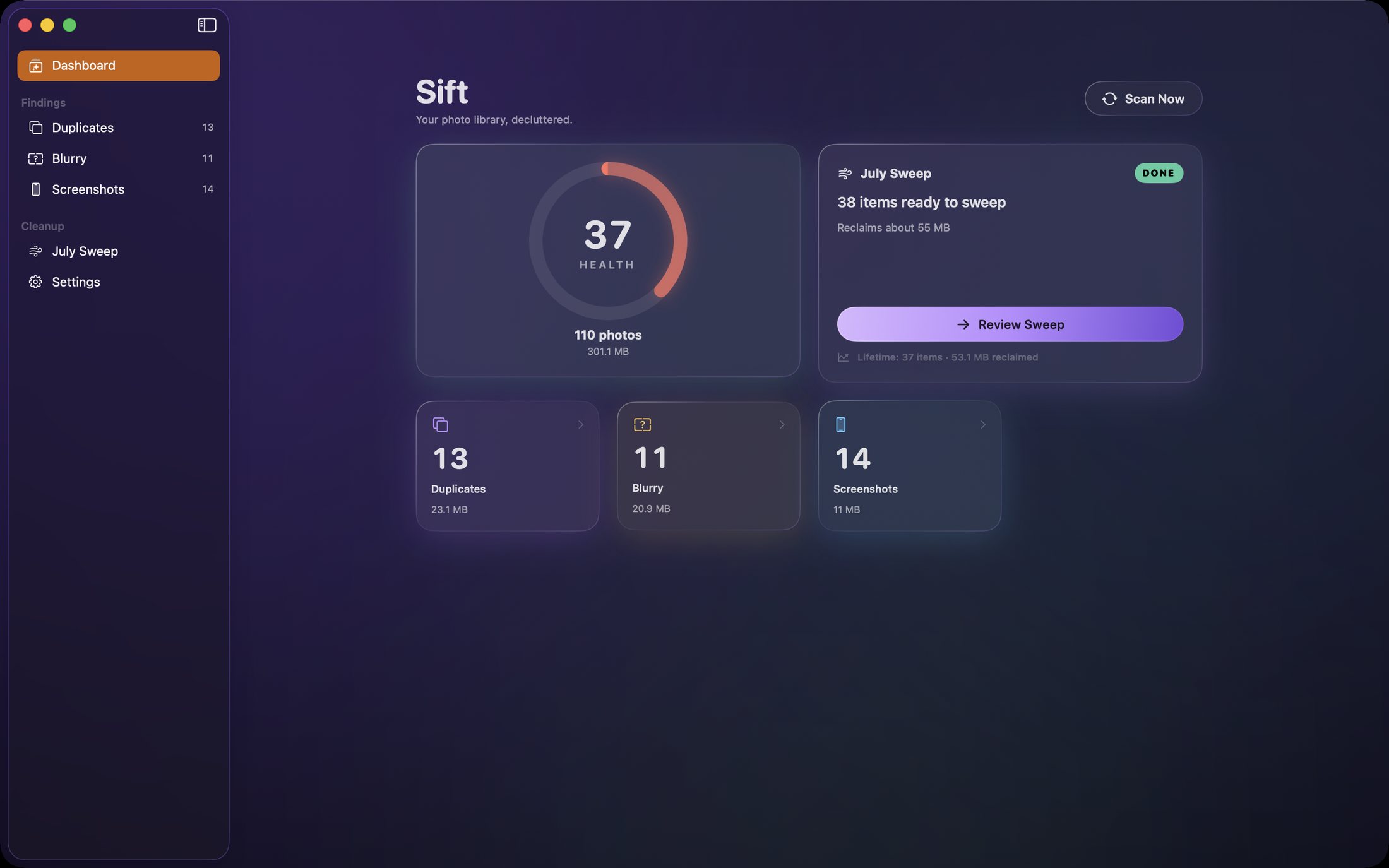
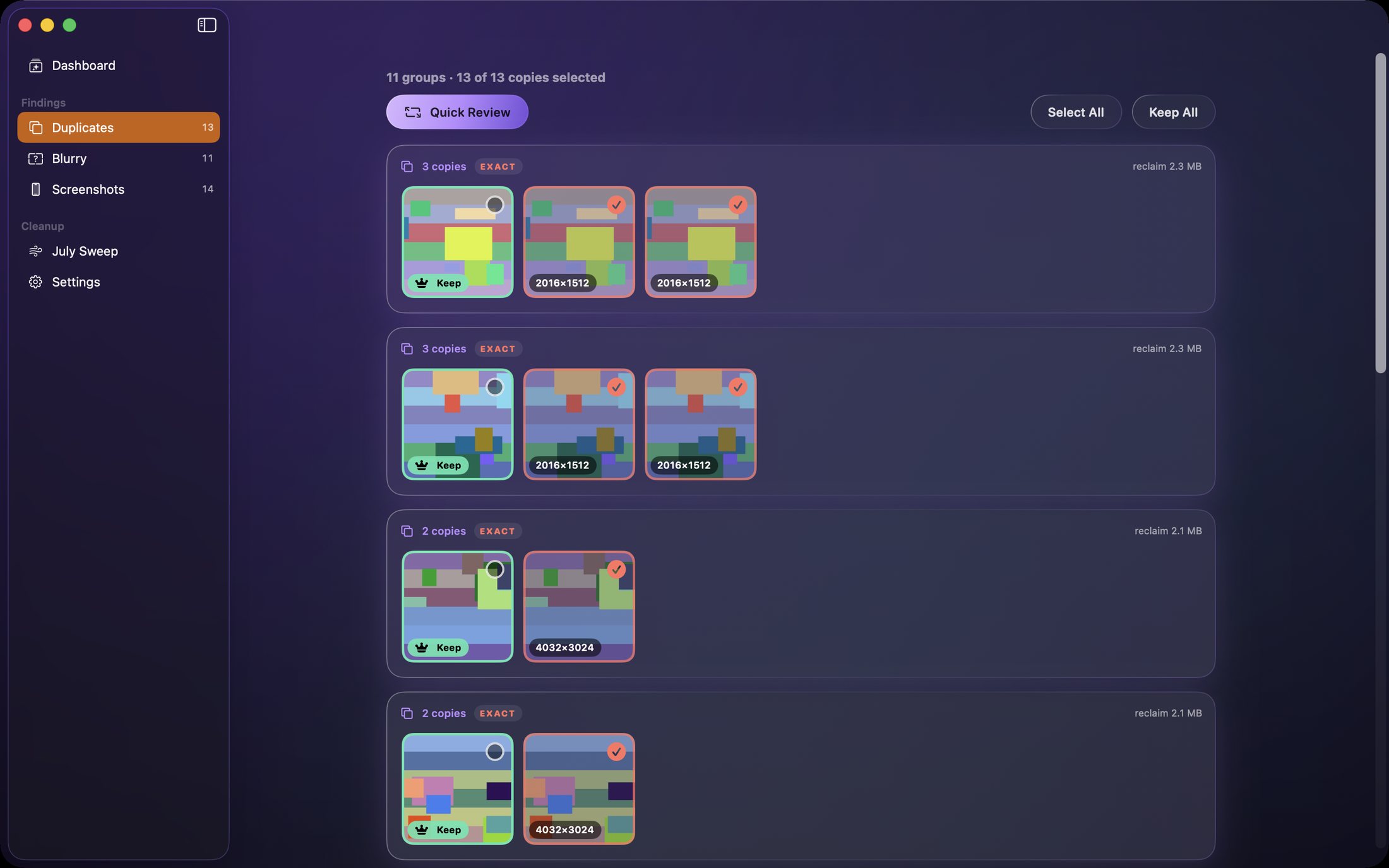
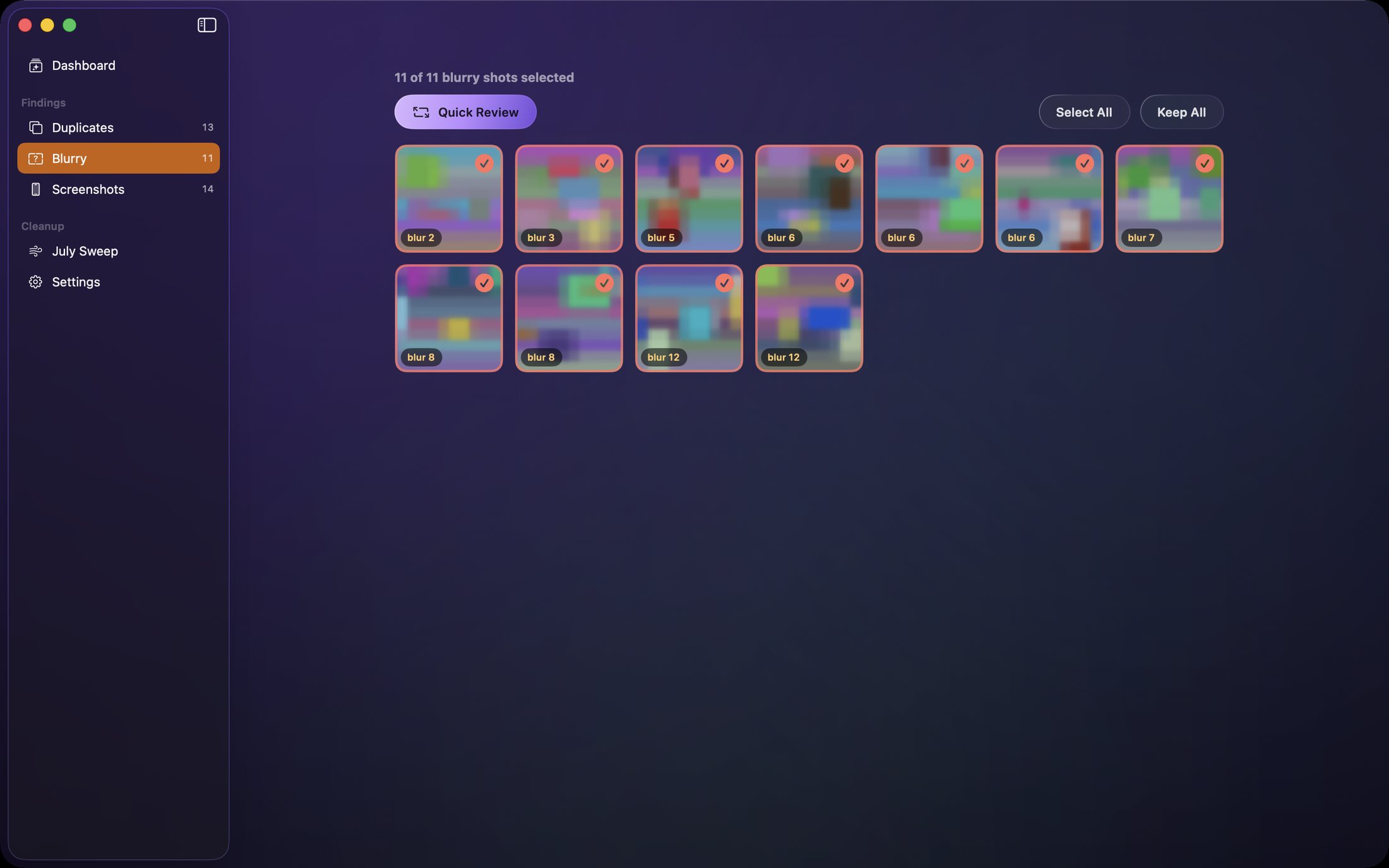
A simple way to get started
Open your photo collection
Bring the images you want to review into Sift.
Compare the candidates
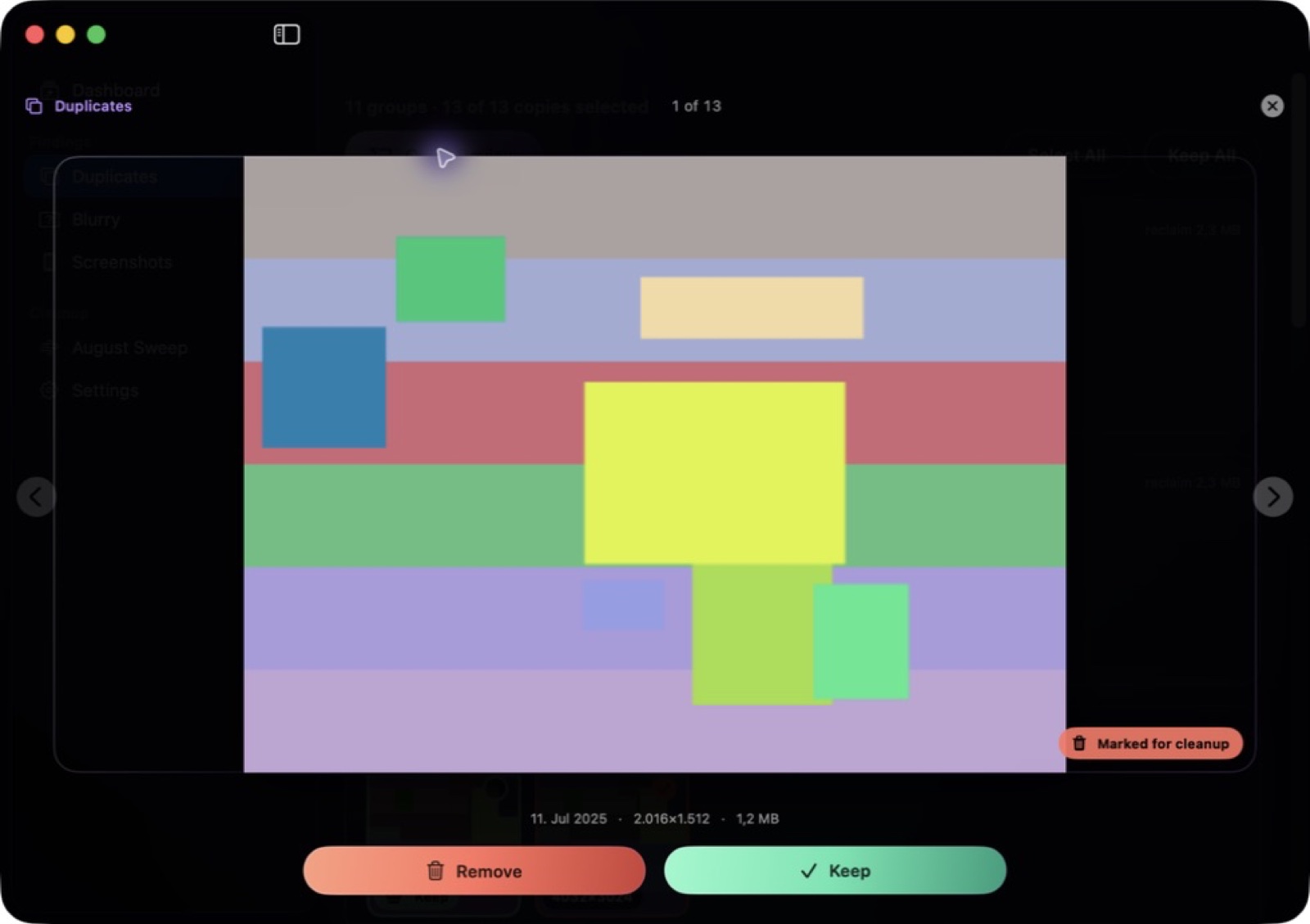
Look through duplicate, similar and blurry image suggestions with the pictures beside each other.
Choose what to keep
Make your own selections and clear the images you no longer want.
Explore more features
- Compare exact and near-duplicate photos side by side
- Review blurry-image suggestions in context
- Make your own selections before cleanup
Get Sift
Compatibility and installation details
- Requires
- Windows x64; review product requirements
- Architecture
- x64
- Version
- 1.0.0
- Download
- 103.2 MB
- Installer
- Sift-1.0.0-Windows-x64-Setup.exe
- Publisher signature
- Unsigned
- SHA-256
45689af3bcbd8a99ced4de585e3806714fe83d0ae0f5a560b01c6984082b7f0d
Download the Windows installer from your receipt and follow its setup steps.
Useful to know
What can I do with Sift?
Find duplicate files, similar shots, blurry images and older screenshots in your photo collection. Sift brings likely clutter together so you can compare images and choose what to keep. Turn a crowded set of pictures into a clearer collection through a focused review workflow on your own computer.
How do I start?
Bring the images you want to review into Sift. Look through duplicate, similar and blurry image suggestions with the pictures beside each other. Make your own selections and clear the images you no longer want.
How do I receive my download?
After your purchase, the receipt page provides your download link. The exact expiry is shown with your delivery link. Keep your receipt and installer. If a link expires or a download fails, contact support with your receipt instead of buying again.
Where can I find setup help?
Compatibility and installation details are on this page. The installation guide and support team can help with the next step.