Examly
Give exam practice a clear routine.
Practise English exam-style questions for IELTS, TOEFL, B2 First and C1 Advanced in one workspace.
What you can do with Examly
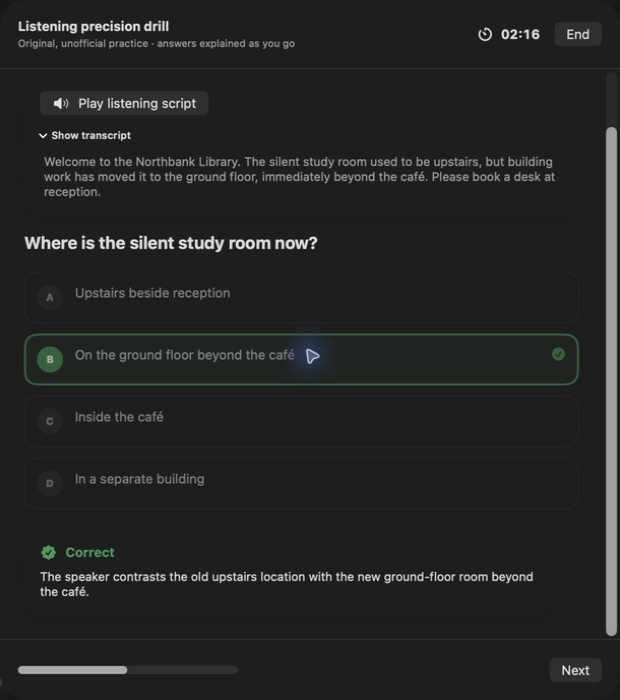
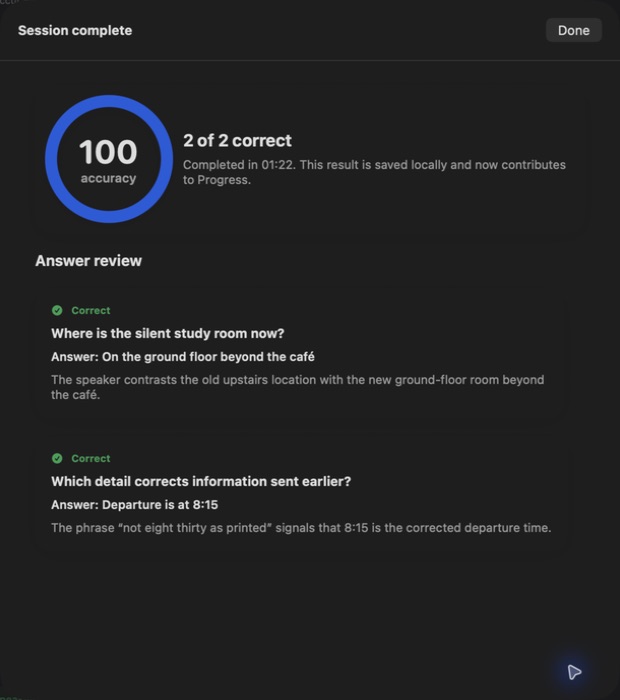
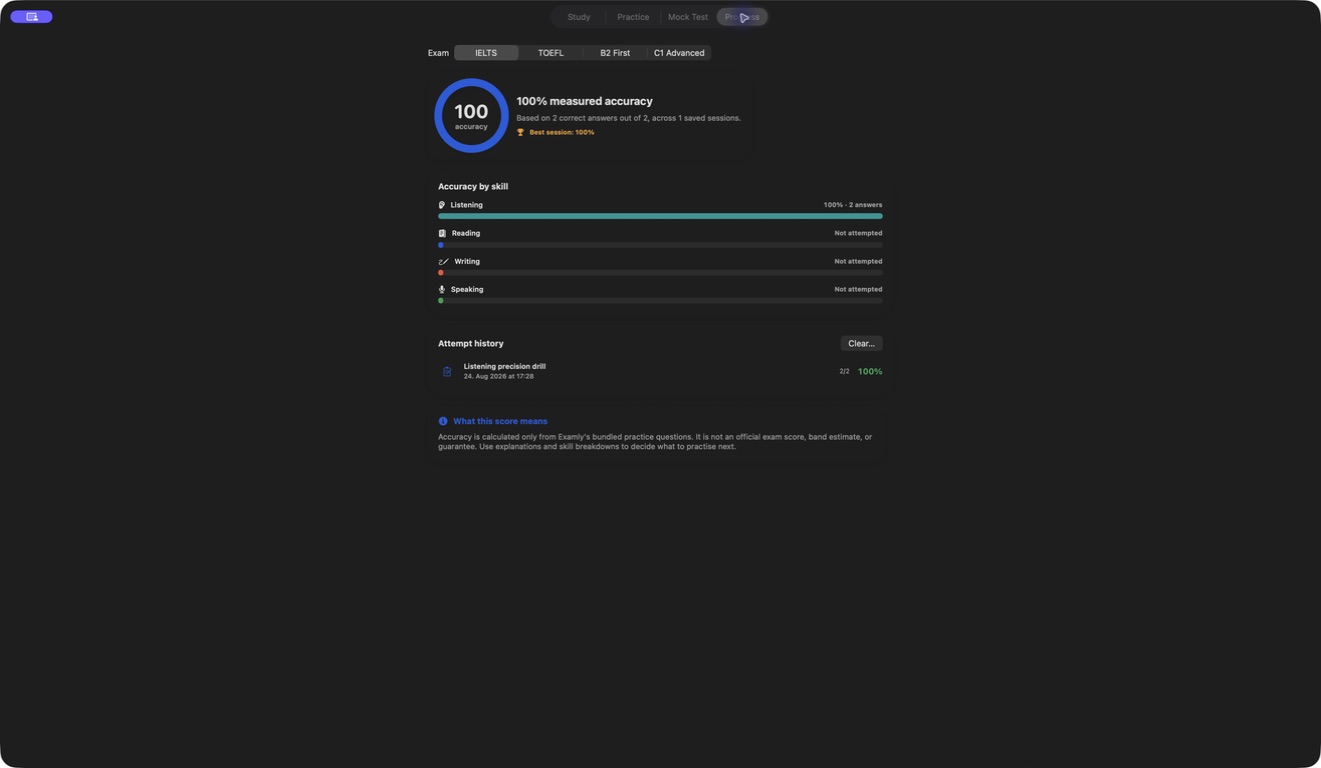
Practise English exam-style questions for IELTS, TOEFL, B2 First and C1 Advanced in one workspace. Use drills and explanations to study a topic, then switch to timed mocks for a different pace. Review previous answers and return to the areas you want to strengthen.
- Practise across four English exam families
- Study with questions and explanations
- Switch to timed mocks and review your answers
See the workspace
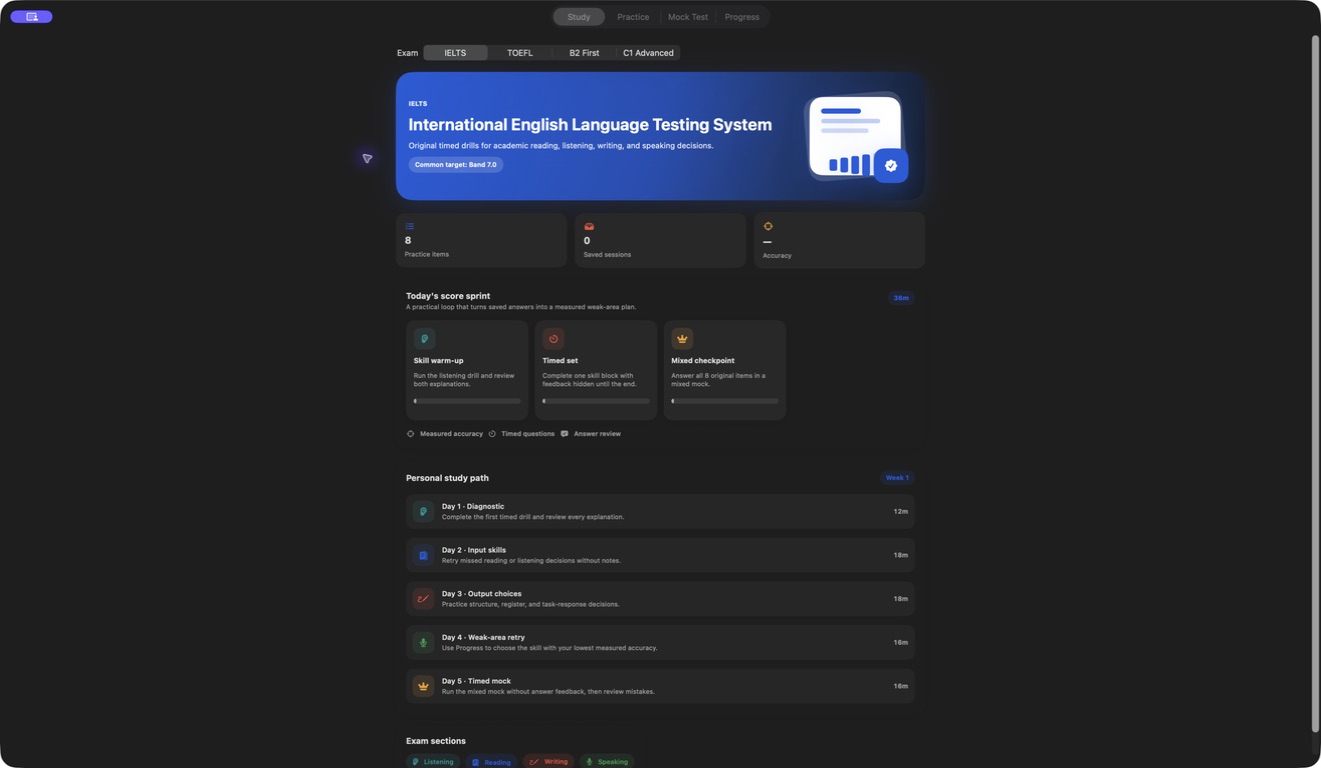
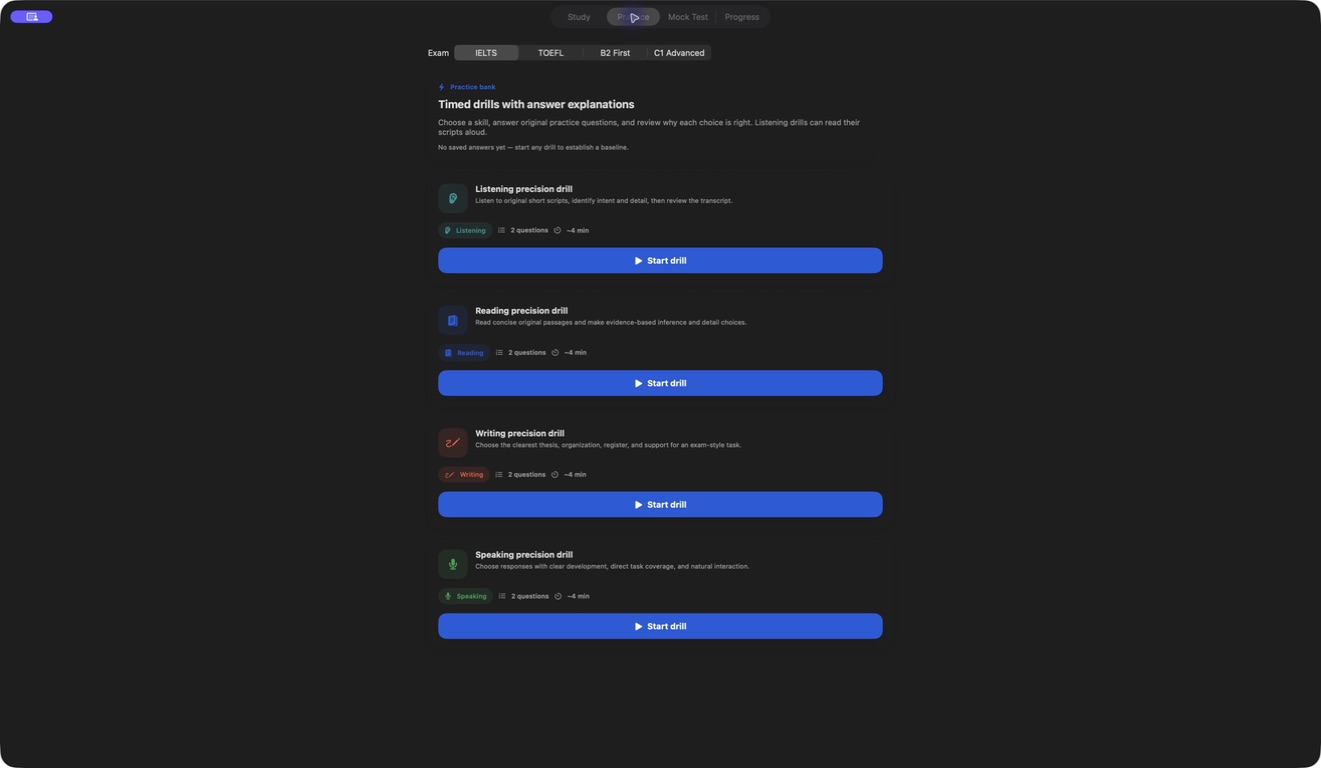
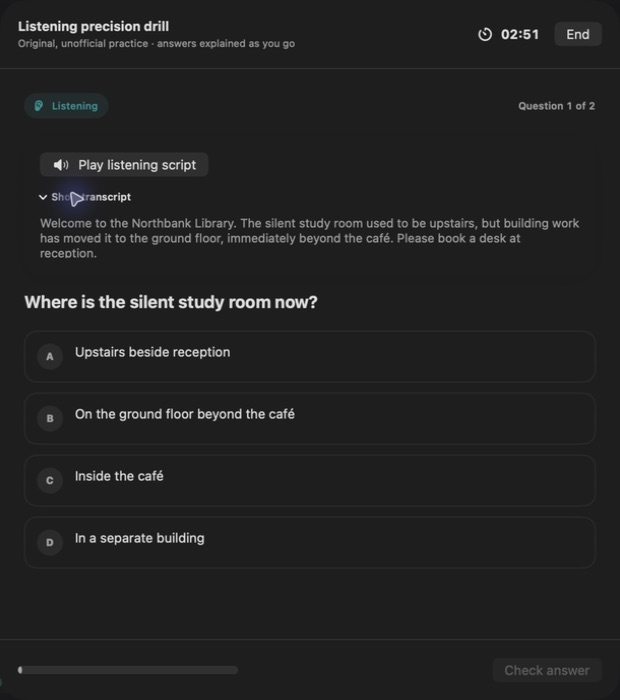
Explore 3 more screenshots
A simple way to get started
Choose your focus
Pick the language, sound or situation you want to practise.
Make it an active session
Work with the available listening, speaking and recall activities.
Return to useful practice
Revisit the material and keep building a routine that fits your day.
Explore more features
- IELTS, TOEFL, B2 First and C1 Advanced practice
- Timed mocks and explanations
- Per-exam review history
Get Examly
Compatibility and installation details
- Requires
- Windows x64; review product requirements
- Architecture
- x64
- Version
- 1.0.0
- Download
- 95.4 MB
- Installer
- Examly-1.0.0-Windows-x64-Setup.exe
- Publisher signature
- Unsigned
- SHA-256
218eaff6273b9268a2b1dcf4147657e3cf6da85c28621cb2b9c3078660ed4ff5
For spoken audio, use the Windows voice and speech resources installed for your chosen language.
Download the Windows installer from your receipt and follow its setup steps.
Useful to know
What can I do with Examly?
Practise English exam-style questions for IELTS, TOEFL, B2 First and C1 Advanced in one workspace. Use drills and explanations to study a topic, then switch to timed mocks for a different pace. Review previous answers and return to the areas you want to strengthen.
How do I start?
Pick the language, sound or situation you want to practise. Work with the available listening, speaking and recall activities. Revisit the material and keep building a routine that fits your day.
How do I receive my download?
After your purchase, the receipt page provides your download link. The exact expiry is shown with your delivery link. Keep your receipt and installer. If a link expires or a download fails, contact support with your receipt instead of buying again.
Where can I find setup help?
Compatibility and installation details are on this page. The installation guide and support team can help with the next step.
Watch the screenshot tour
. Watch the video and read a list of the views it shows before choosing the app.