Gravity
Arrange your desktop around the way you work.
Give each task a clear place on your screen.
What you can do with Gravity
Give each task a clear place on your screen. Gravity brings window arrangement, reusable scenes and spatial docking together so you can organise applications into a workspace that suits the job. Save a useful layout and return to it when you are ready to pick up that work again.
- Arrange windows around the task at hand
- Save useful desktop layouts as scenes
- Explore a more spatial way to organise windows
See the workspace
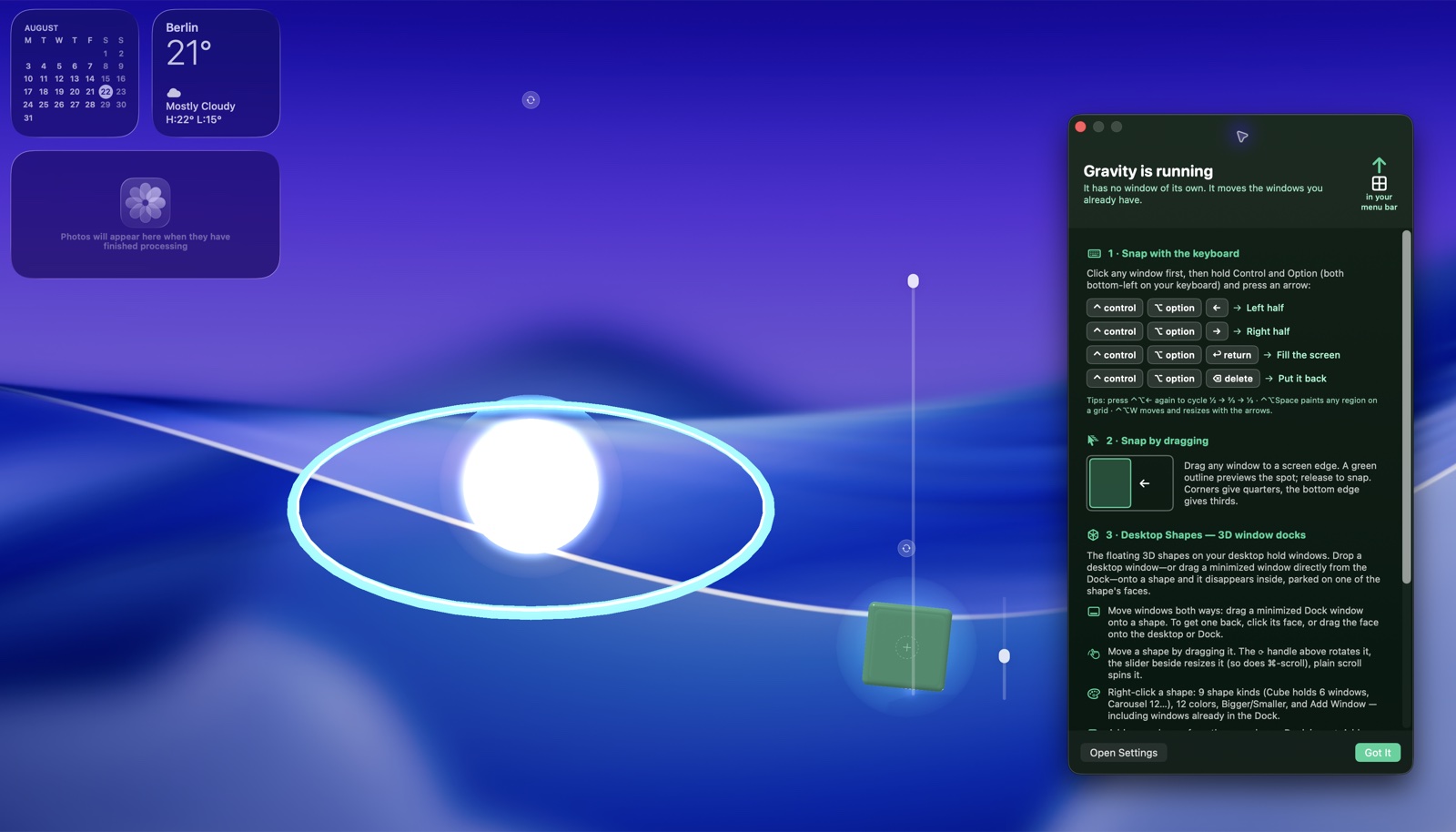
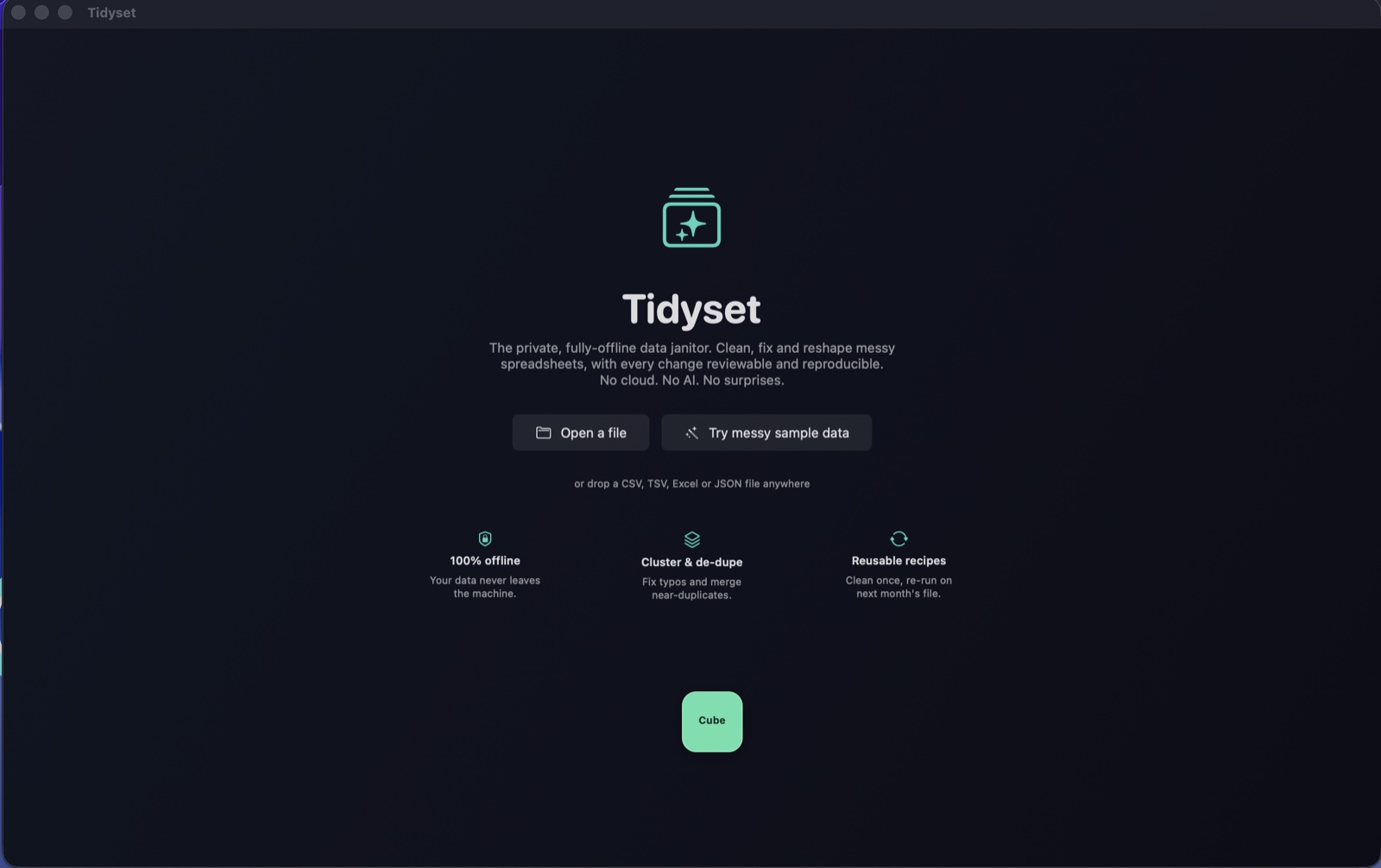
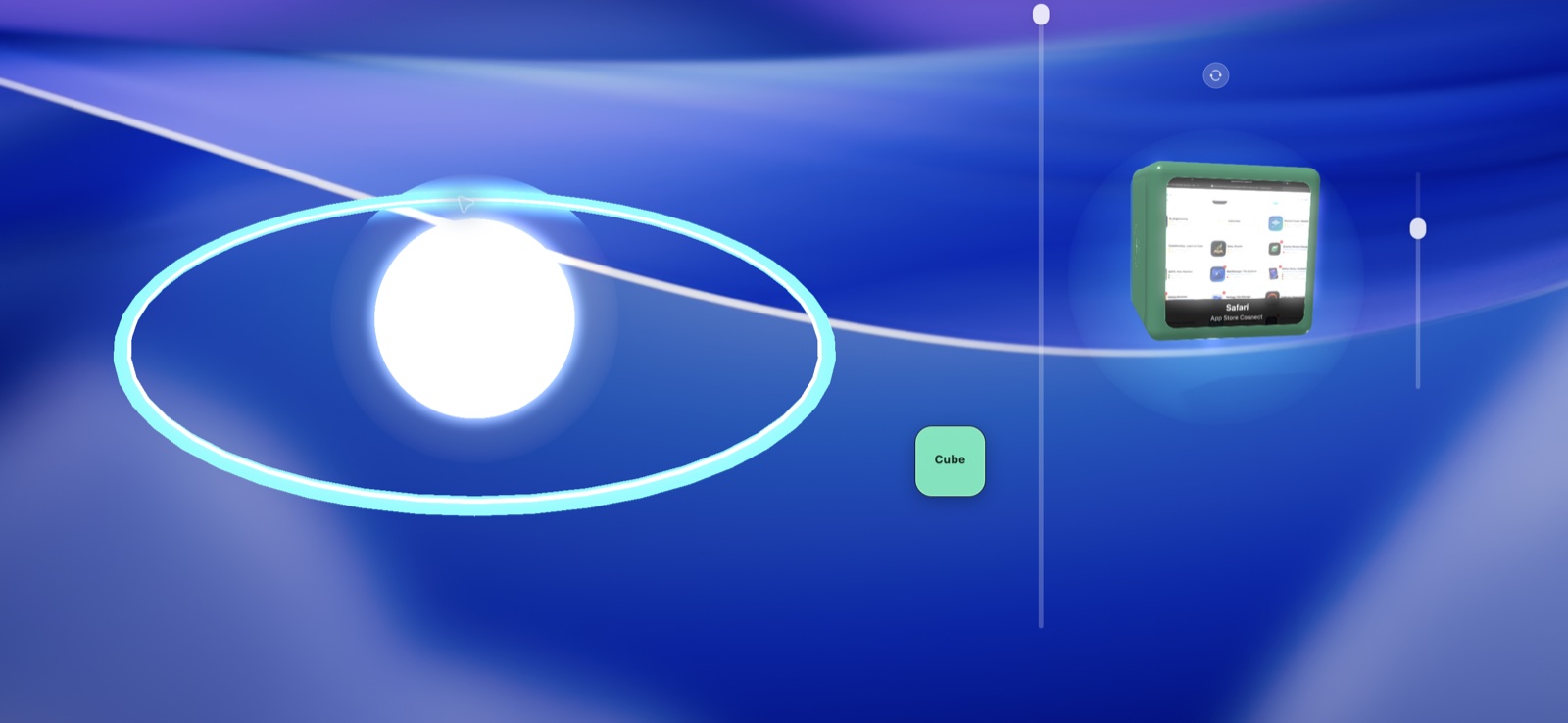
Explore 3 more screenshots

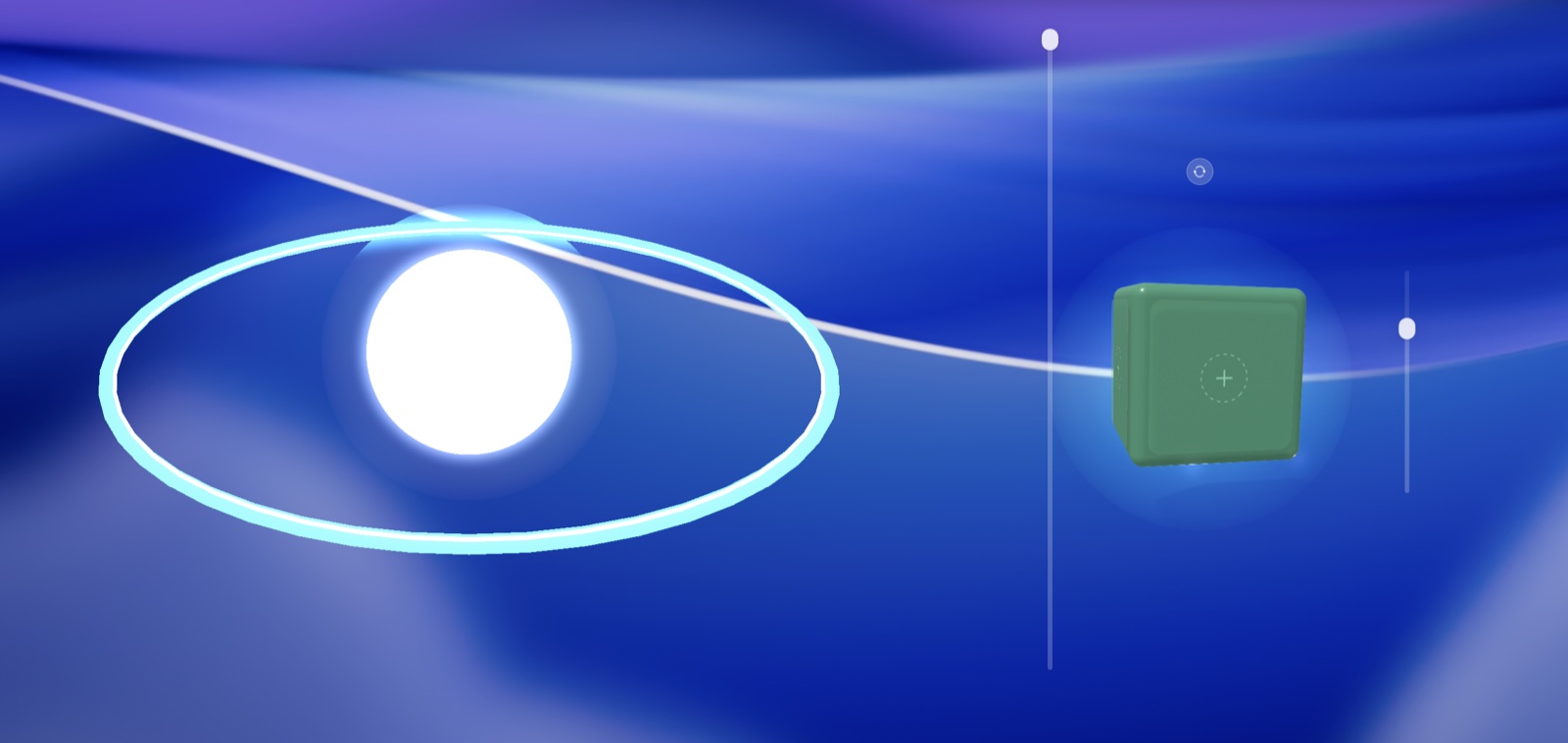
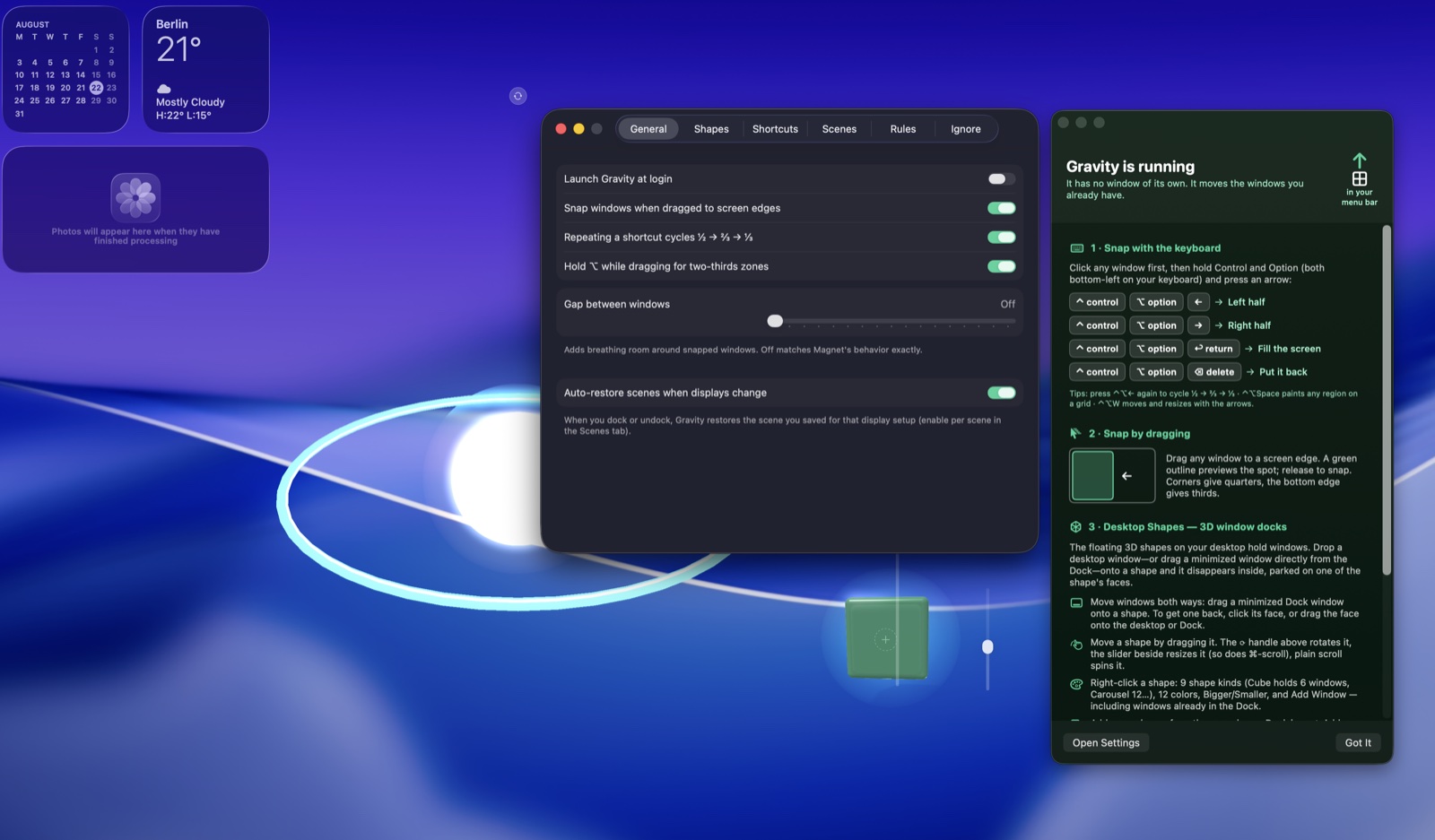
A simple way to get started
Arrange your windows
Place the apps for your current task into a useful screen layout.
Save a scene
Keep the arrangement as a reusable scene for that kind of work.
Return to your workspace
Restore the saved layout when you are ready to pick up the task again.
Explore more features
- Window arrangement
- Saved desktop scenes
- Spatial docking layouts
Get Gravity
Compatibility and installation details
- Requires
- Windows x64; review product requirements
- Architecture
- x64
- Version
- 1.0.0
- Download
- 141.4 MB
- Installer
- Gravity-1.0.0-Windows-x64-Setup.exe
- Publisher signature
- Unsigned
- SHA-256
adde4f21b518bf7942022ecff60b10ae1d23f878339a2e72ad2010571ed1e939
Download the Windows installer from your receipt and follow its setup steps.
Useful to know
What can I do with Gravity?
Give each task a clear place on your screen. Gravity brings window arrangement, reusable scenes and spatial docking together so you can organise applications into a workspace that suits the job. Save a useful layout and return to it when you are ready to pick up that work again.
How do I start?
Place the apps for your current task into a useful screen layout. Keep the arrangement as a reusable scene for that kind of work. Restore the saved layout when you are ready to pick up the task again.
How do I receive my download?
After your purchase, the receipt page provides your download link. The exact expiry is shown with your delivery link. Keep your receipt and installer. If a link expires or a download fails, contact support with your receipt instead of buying again.
Where can I find setup help?
Compatibility and installation details are on this page. The installation guide and support team can help with the next step.