
Insightful
Make maths something you actively practise.
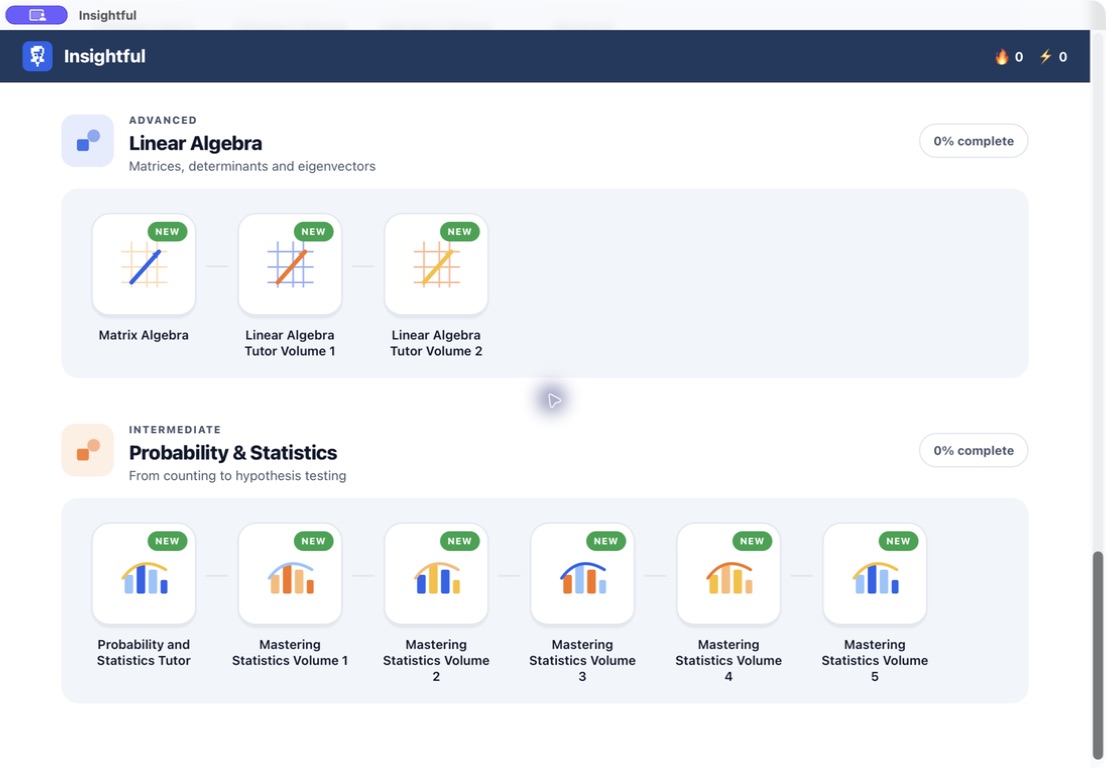
Work through 399 lessons across 33 learning paths, with a structured course library that keeps progress together.
What you can do with Insightful
Work through 399 lessons across 33 learning paths, with a structured course library that keeps progress together. Insightful gives each topic a clear place in your study routine so you can move through the material and return to earlier lessons. Build your understanding one focused session at a time.
- Explore 399 lessons across 33 learning paths
- Follow a structured maths curriculum
- Keep your learning progress on your computer
See the workspace
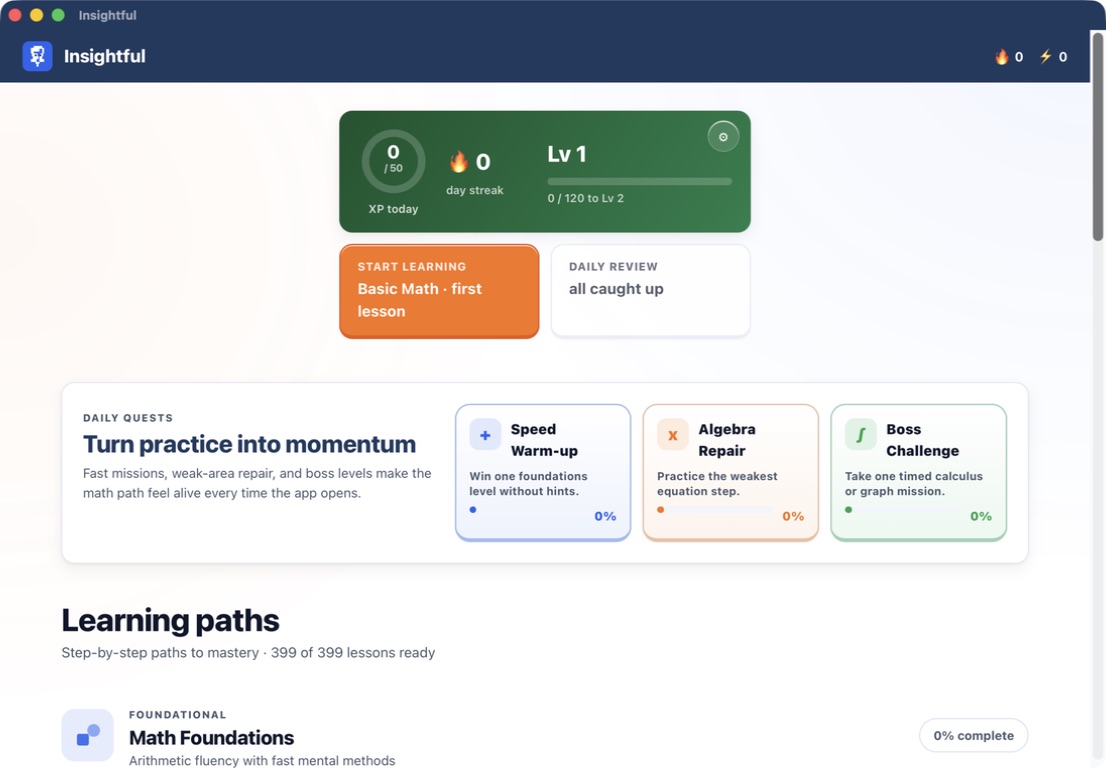

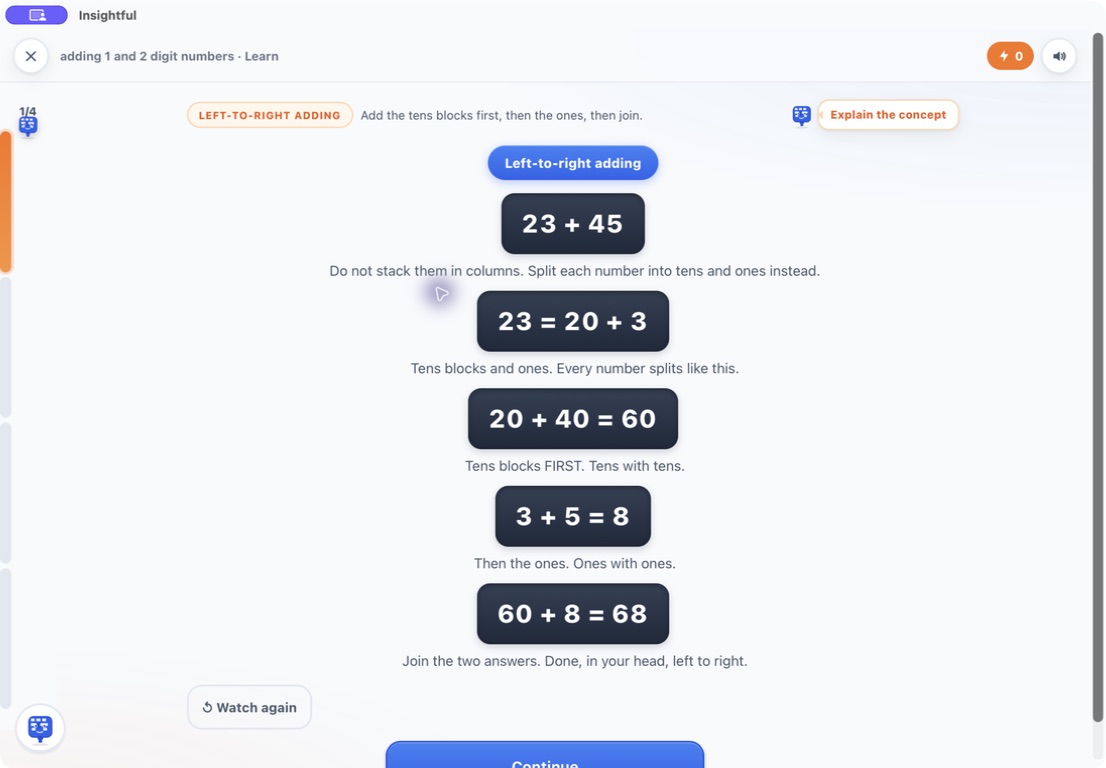
Explore 3 more screenshots
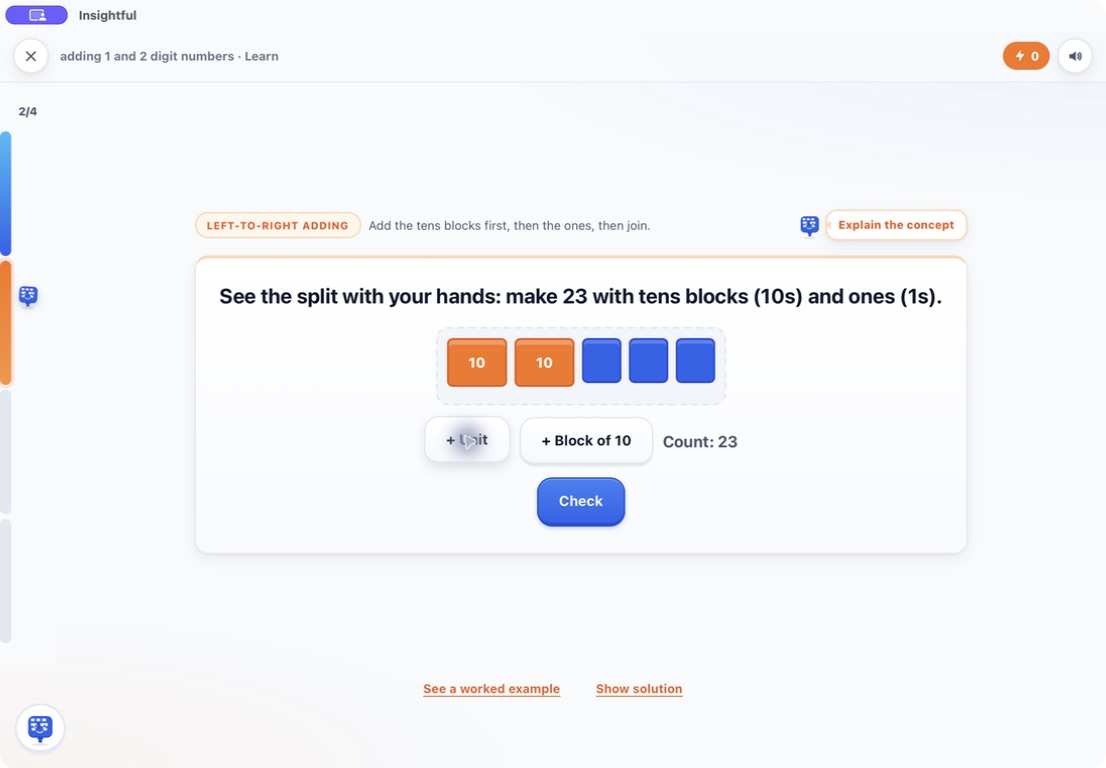
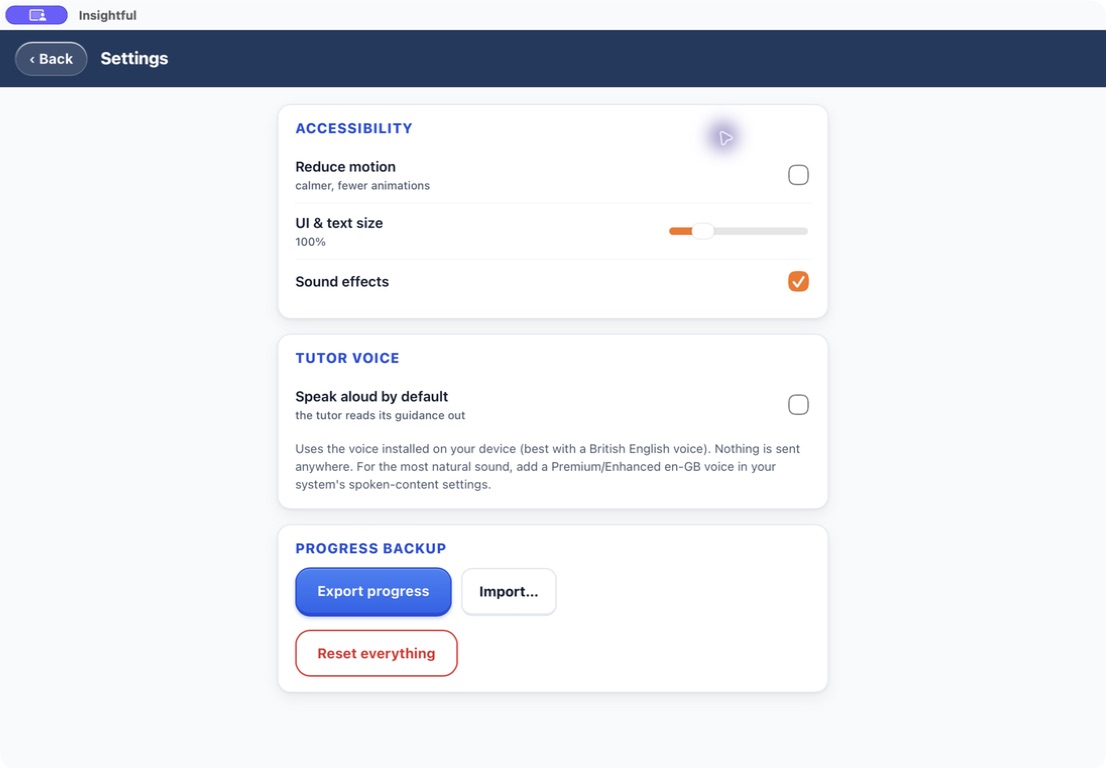
A simple way to get started
Bring in your material
Start with the notes, pages or recording you want to work with.
Make it useful
Read, organise or shape the material in a focused workspace.
Return with context
Keep the useful details ready for your next session.
Explore more features
- 33 courses and 399 lessons
- Main-syllabus and foundation content
- Local learning progress
Get Insightful
Compatibility and installation details
- Requires
- Windows x64; review product requirements
- Architecture
- x64
- Version
- 1.0.1
- Download
- 94.3 MB
- Installer
- Insightful-1.0.1-Windows-x64-Setup.exe
- Publisher signature
- Unsigned
- SHA-256
4434caaa0813ceb512a6335afd5986349152e33e2cf4ac3915a3cc0ac4c5f328
Download the Windows installer from your receipt and follow its setup steps.
Useful to know
What can I do with Insightful?
Work through 399 lessons across 33 learning paths, with a structured course library that keeps progress together. Insightful gives each topic a clear place in your study routine so you can move through the material and return to earlier lessons. Build your understanding one focused session at a time.
How do I start?
Start with the notes, pages or recording you want to work with. Read, organise or shape the material in a focused workspace. Keep the useful details ready for your next session.
How do I receive my download?
After your purchase, the receipt page provides your download link. The exact expiry is shown with your delivery link. Keep your receipt and installer. If a link expires or a download fails, contact support with your receipt instead of buying again.
Where can I find setup help?
Compatibility and installation details are on this page. The installation guide and support team can help with the next step.
Watch the screenshot tour
. Watch the video and read a list of the views it shows before choosing the app.