Lectern
Keep the useful parts of every recording.
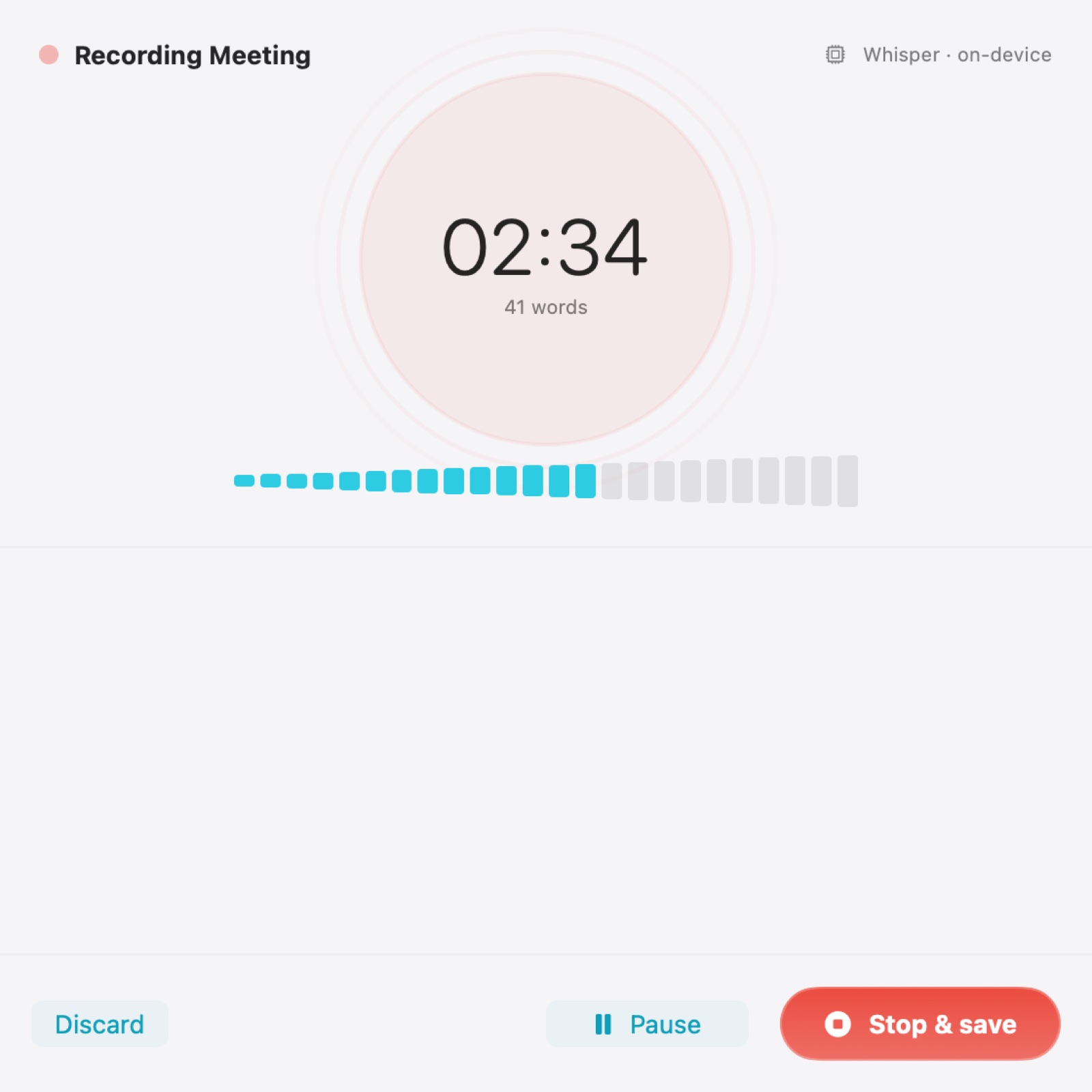
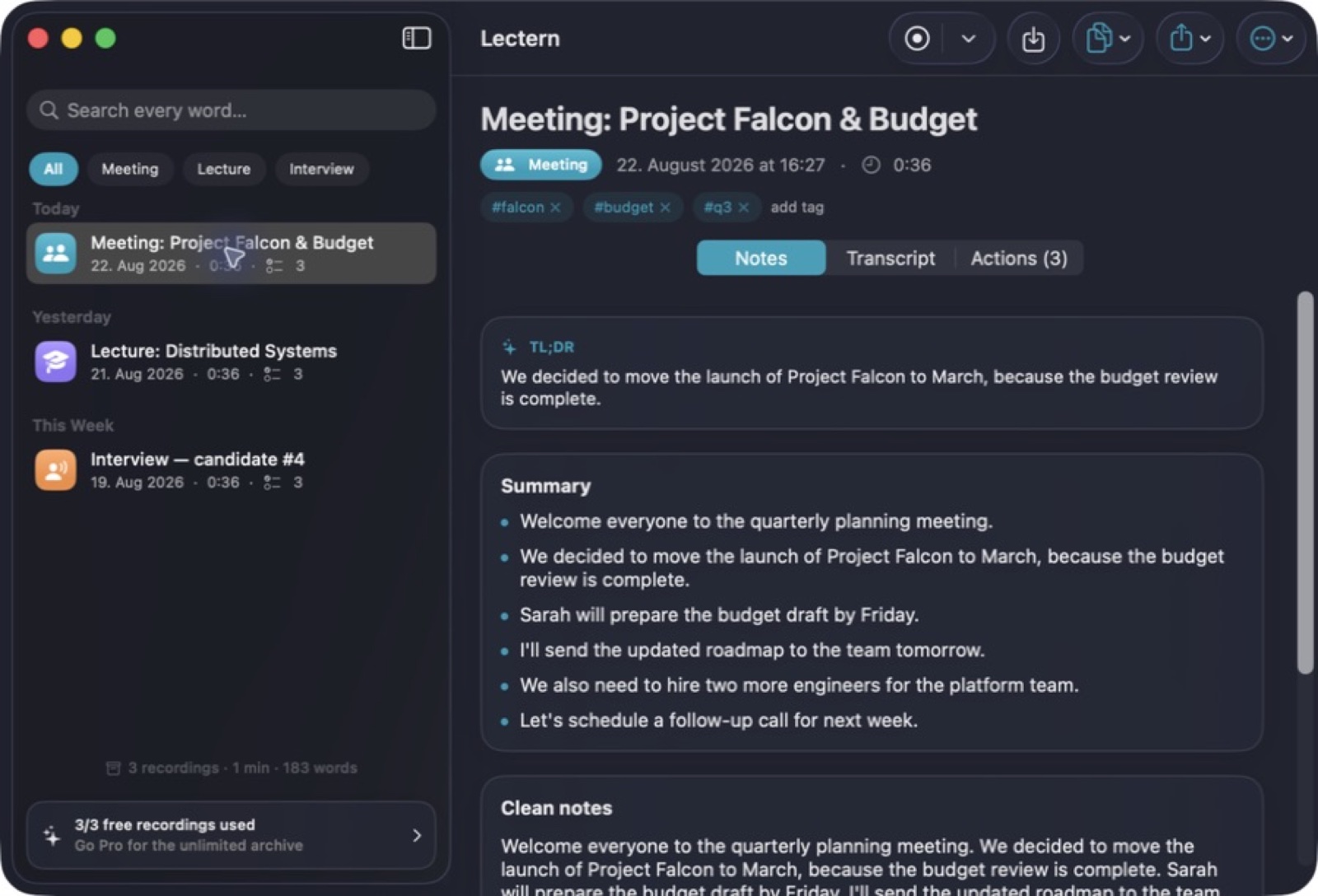
Record or import audio, work with a local transcript, and turn the session into notes and actions you can return to.
What you can do with Lectern
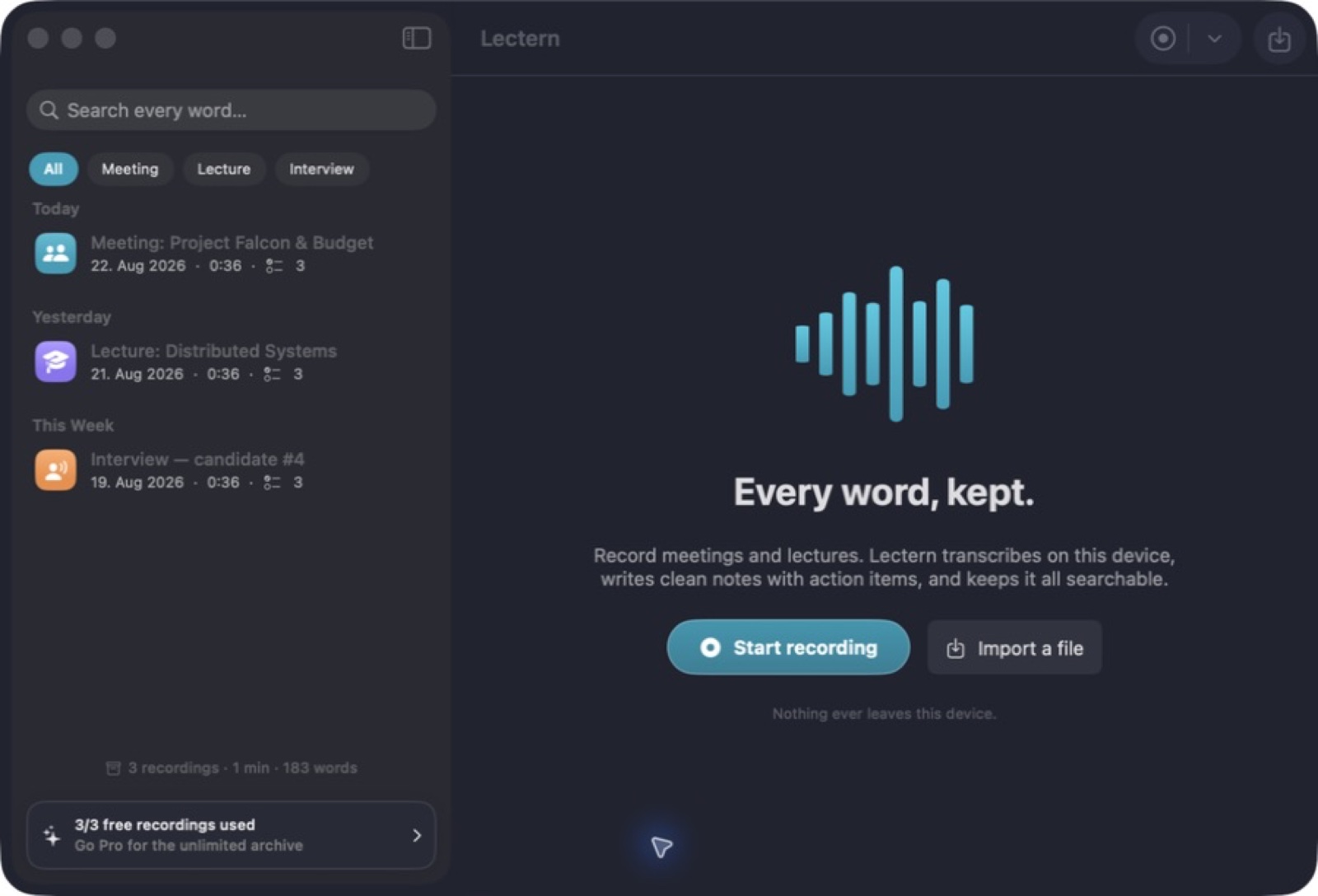
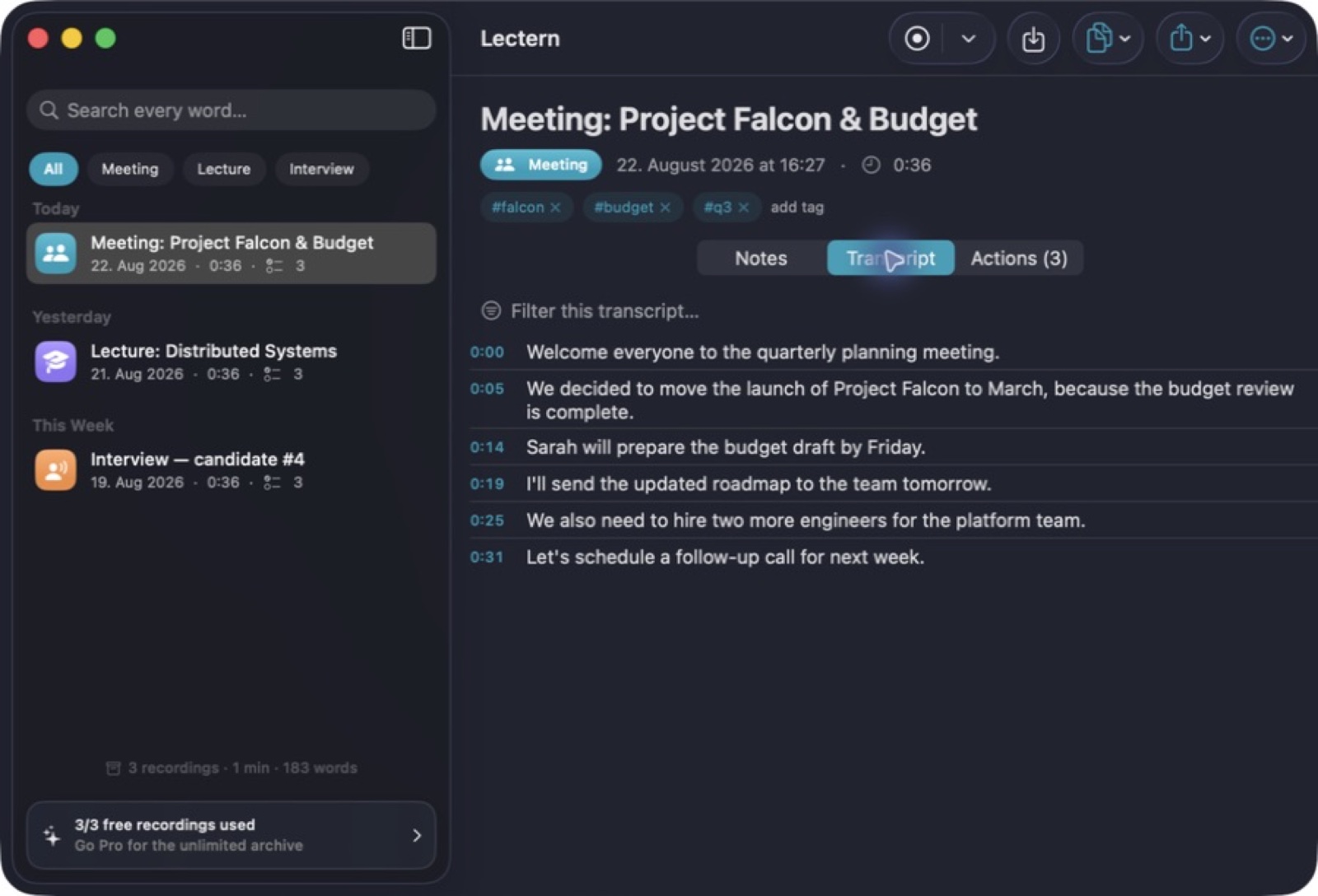
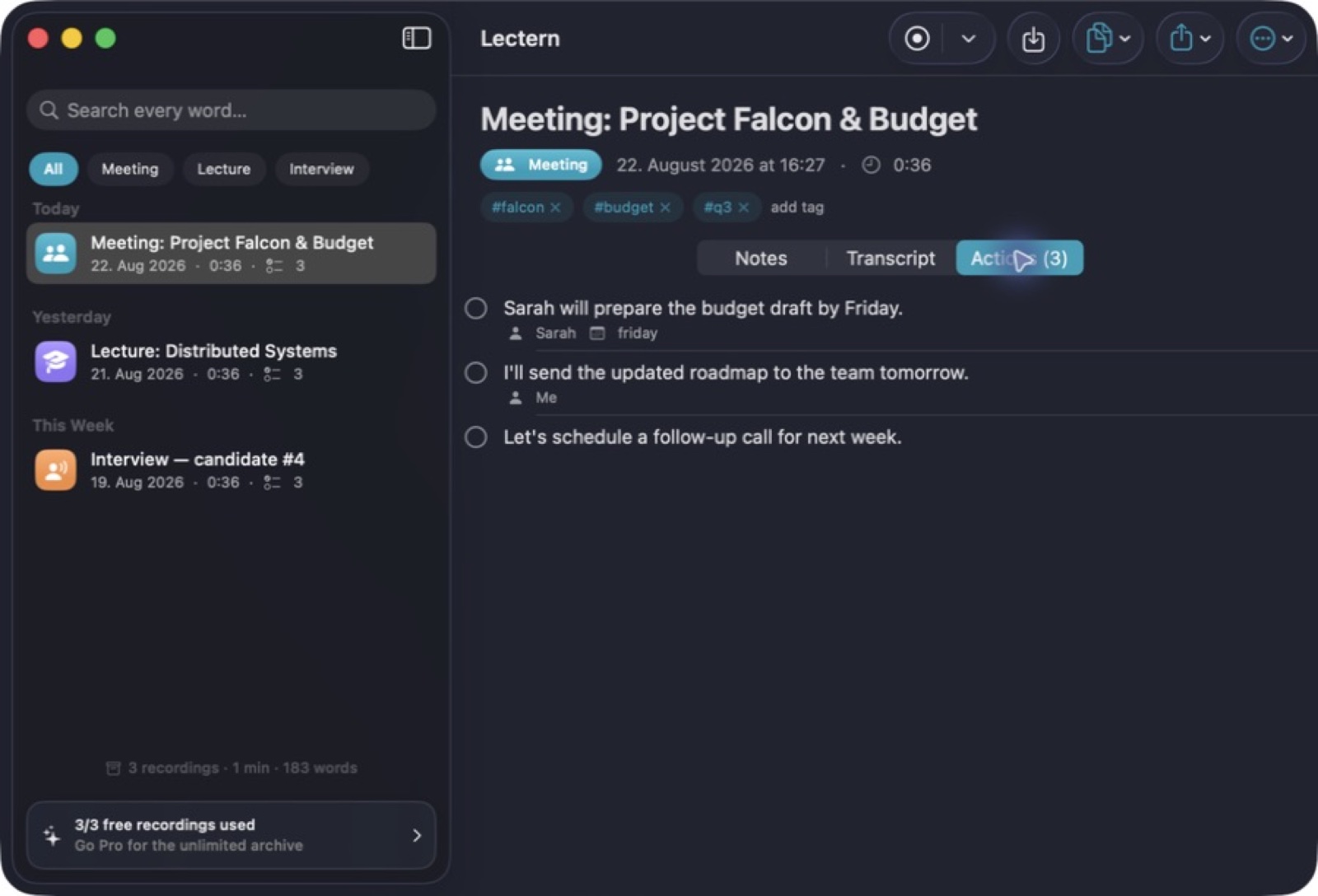
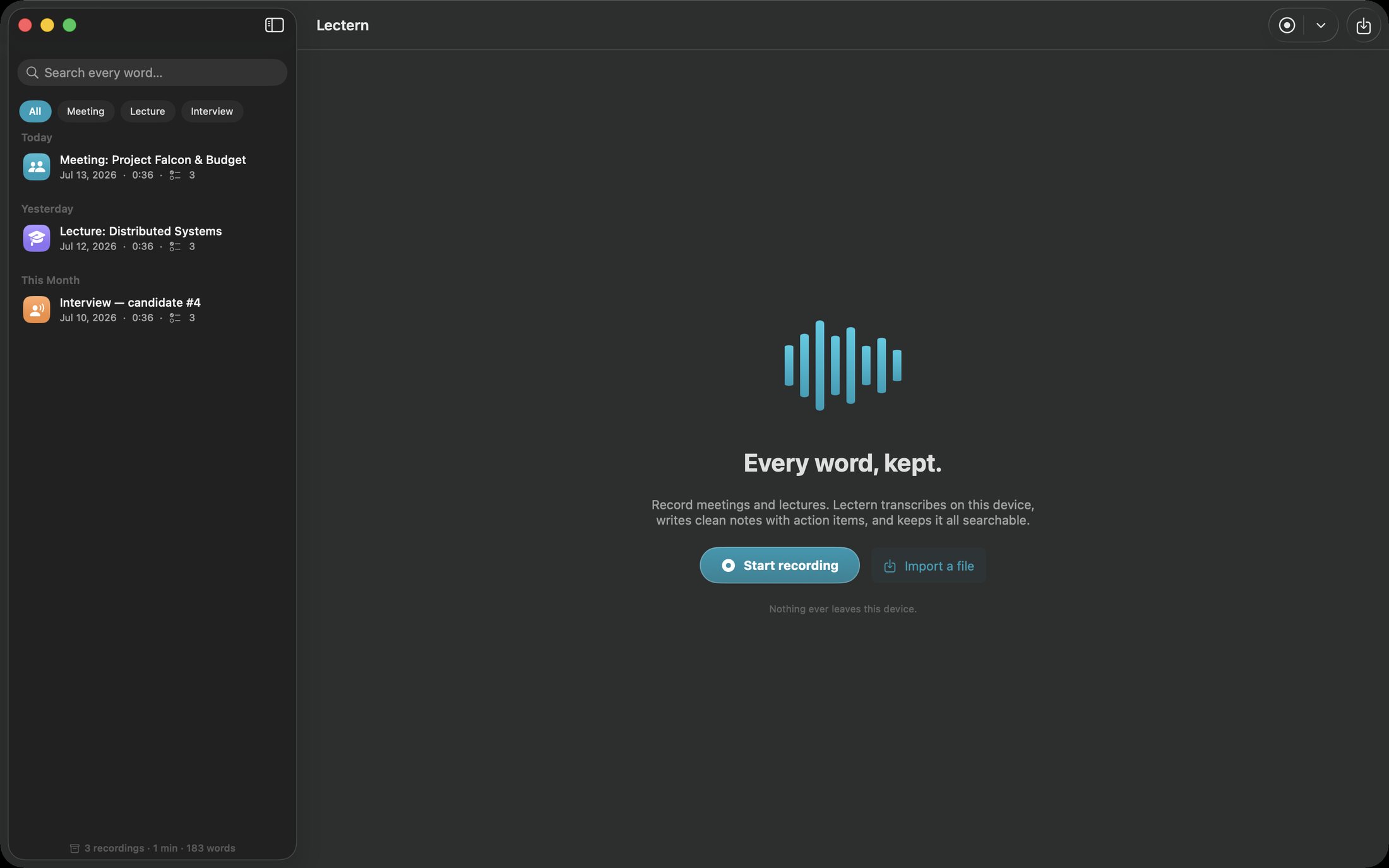
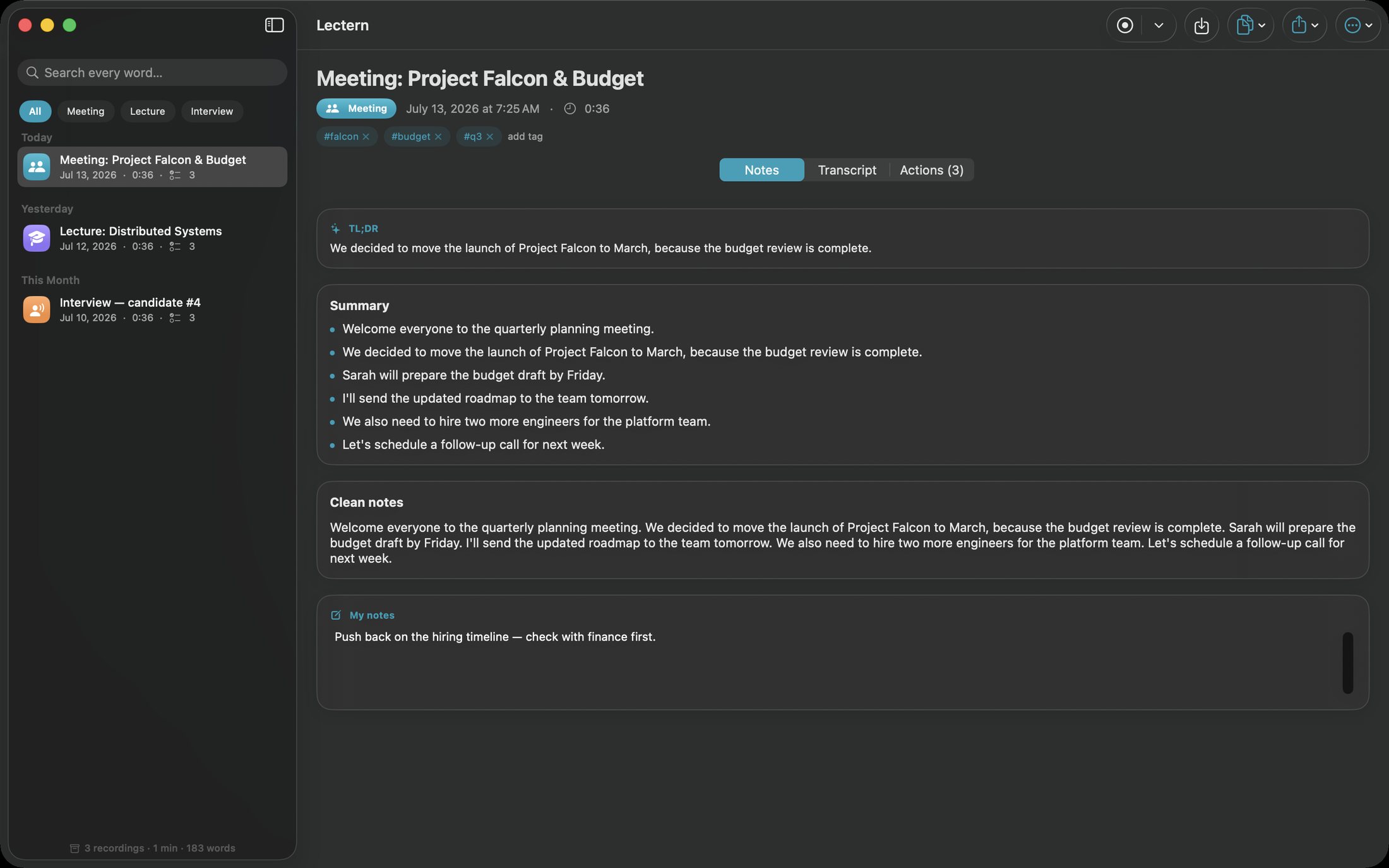
Record or import audio, work with a local transcript, and turn the session into notes and actions you can return to. Lectern brings playback and searchable saved sessions together, helping you find a useful moment long after a meeting or lecture ends. Export the material you want to carry into your next task.
- Record or import audio for local transcription
- Find useful moments in saved sessions
- Turn transcripts into notes you can return to
See the workspace
Explore 5 more screenshots
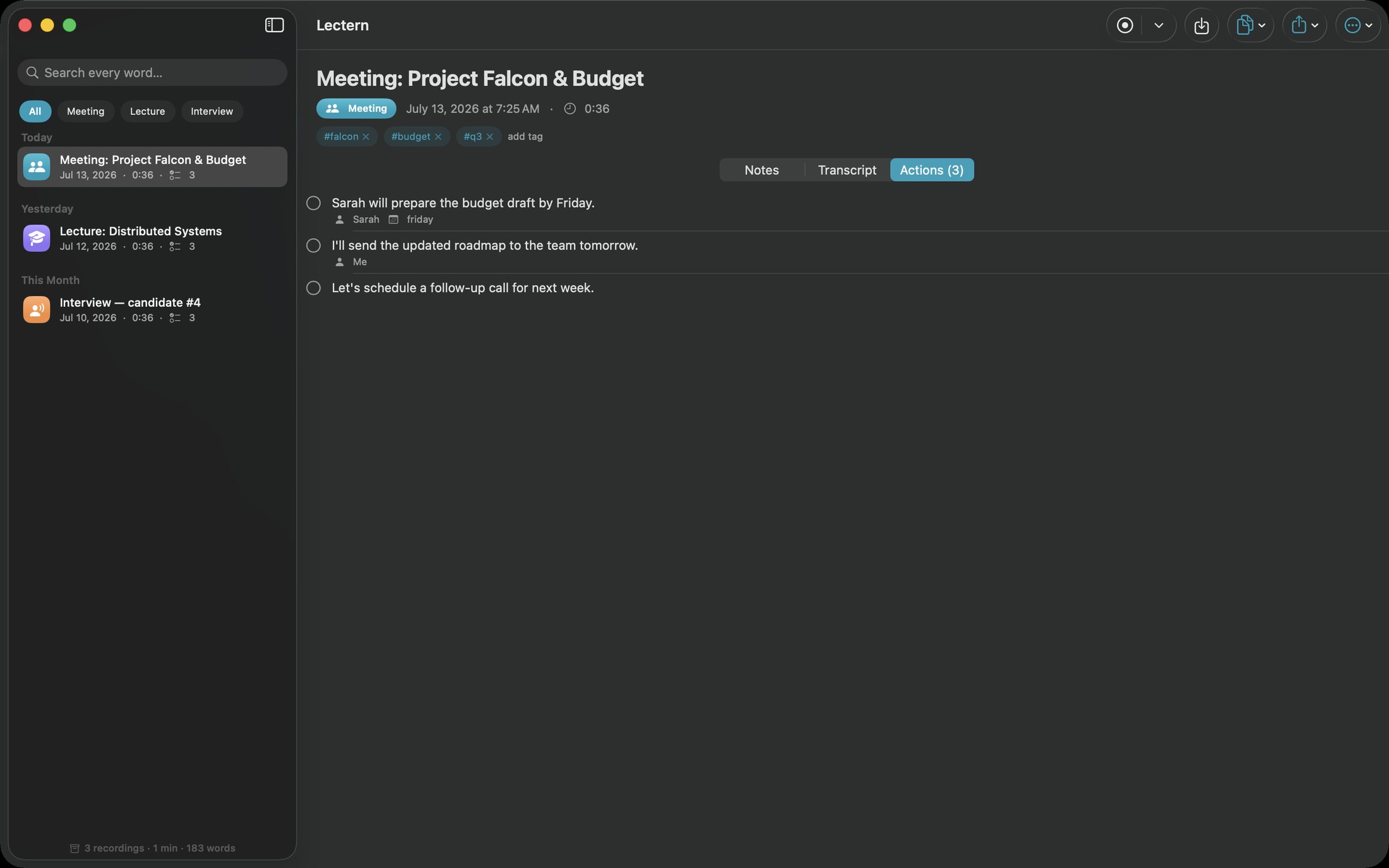
A simple way to get started
Record or import
Capture the session or bring in an audio recording for transcription.
Review the transcript
Read the text beside playback and find useful moments in the recording.
Keep the useful parts
Save your session, return through search and export material for the next task.
Explore more features
- Recording and imported media
- Transcript search and playback
- Markdown, text, subtitle, HTML and PDF export
Find your next Windows app
Explore apps for files, creativity, learning and everyday work.
Explore Windows appsCompatibility and installation details
Useful to know
What can I do with Lectern?
Record or import audio, work with a local transcript, and turn the session into notes and actions you can return to. Lectern brings playback and searchable saved sessions together, helping you find a useful moment long after a meeting or lecture ends. Export the material you want to carry into your next task.
How do I start?
Capture the session or bring in an audio recording for transcription. Read the text beside playback and find useful moments in the recording. Save your session, return through search and export material for the next task.
Where can I find setup help?
Compatibility and installation details are on this page. The installation guide and support team can help with the next step.