
Radiant
Keep your skin routine and photo history together.
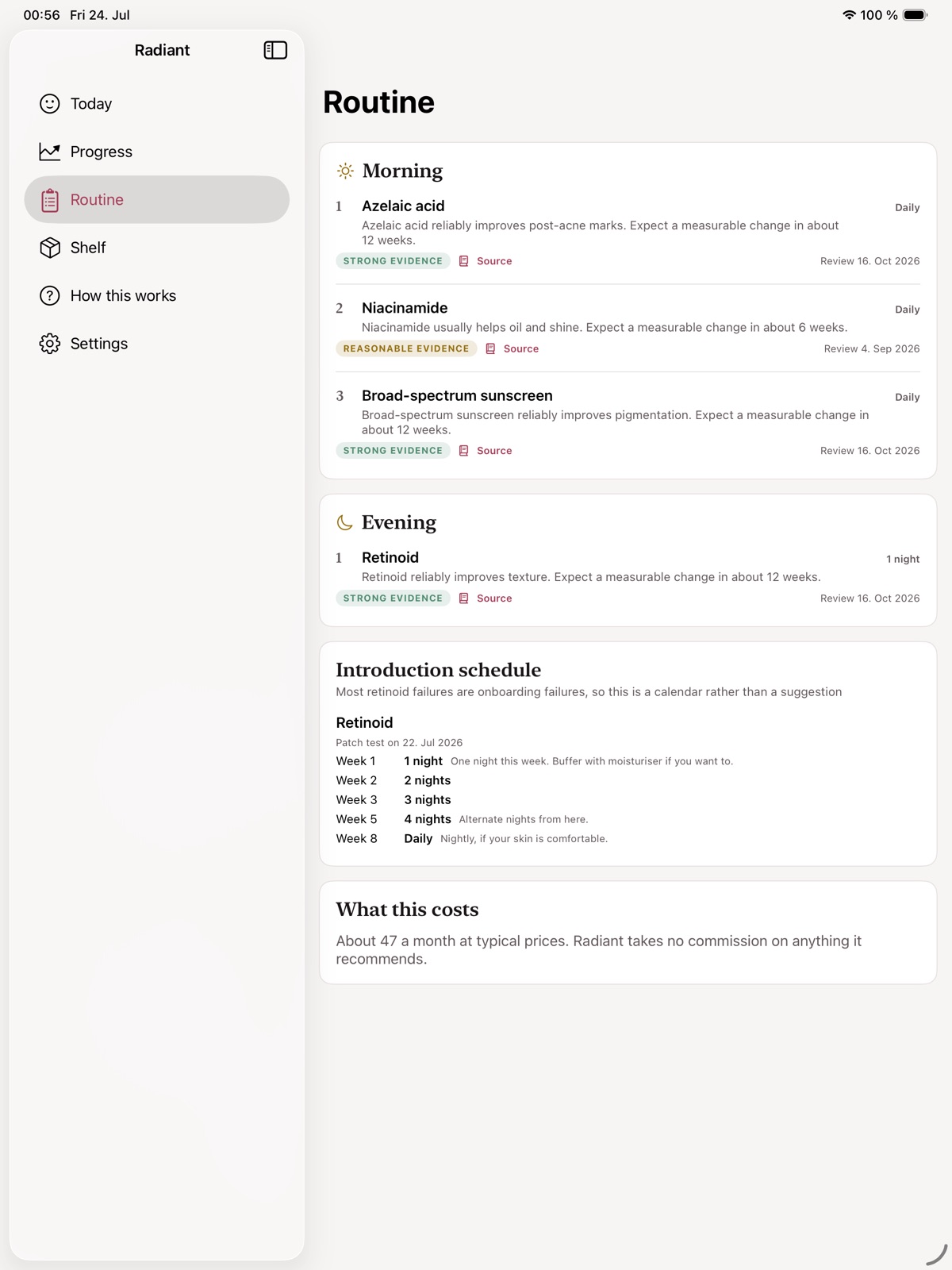
Build a personal record of photos, routine checkoffs and observations in a local workspace.
What you can do with Radiant
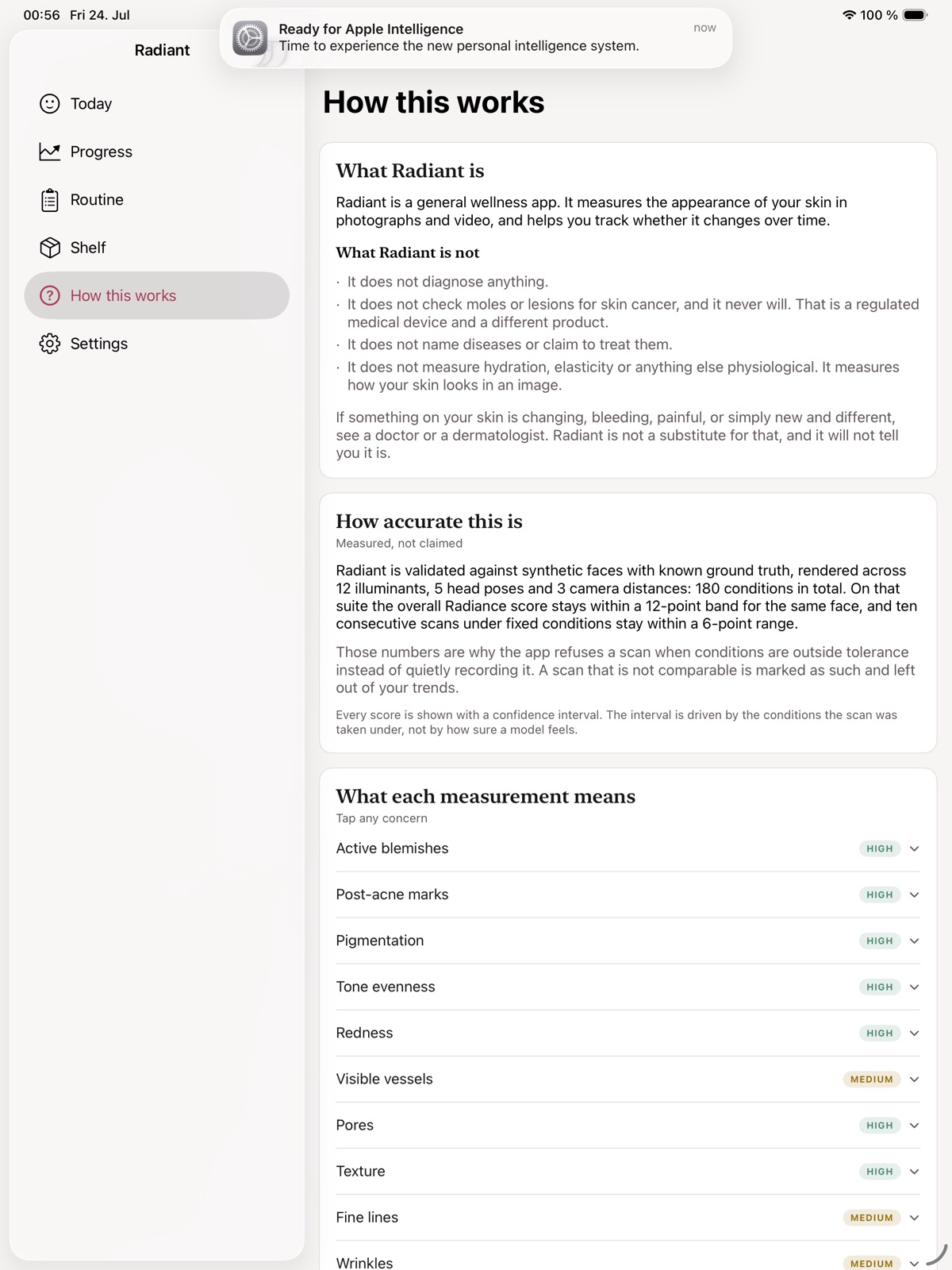
Build a personal record of photos, routine checkoffs and observations in a local workspace. Radiant helps you capture comparable images and revisit how your routine has developed over time. Keep useful context beside each photo and draw on educational reference material as you organise your next steps.
- Keep photos and routine notes together
- Use a guided local capture workflow
- Review your own appearance history
See the workspace

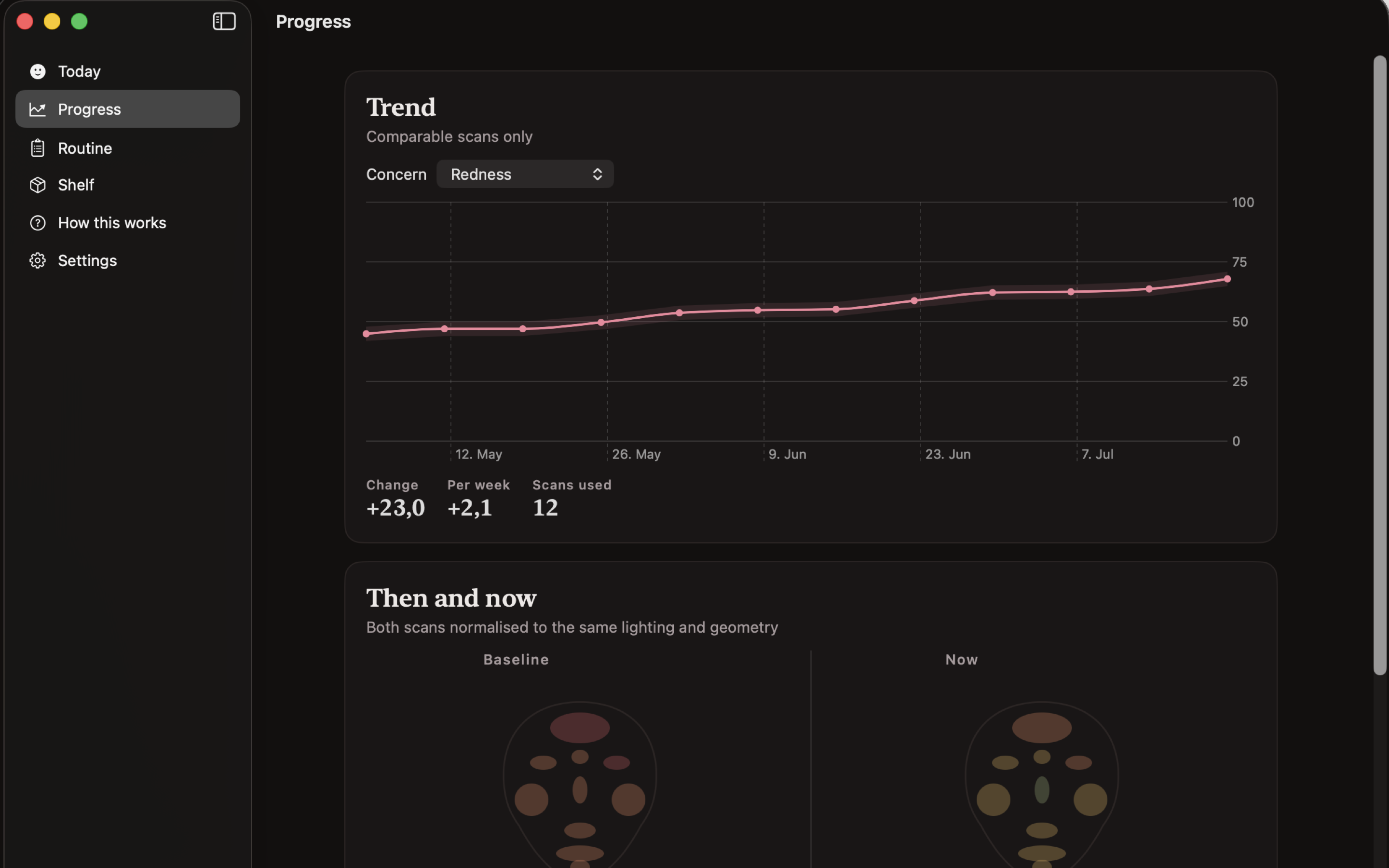
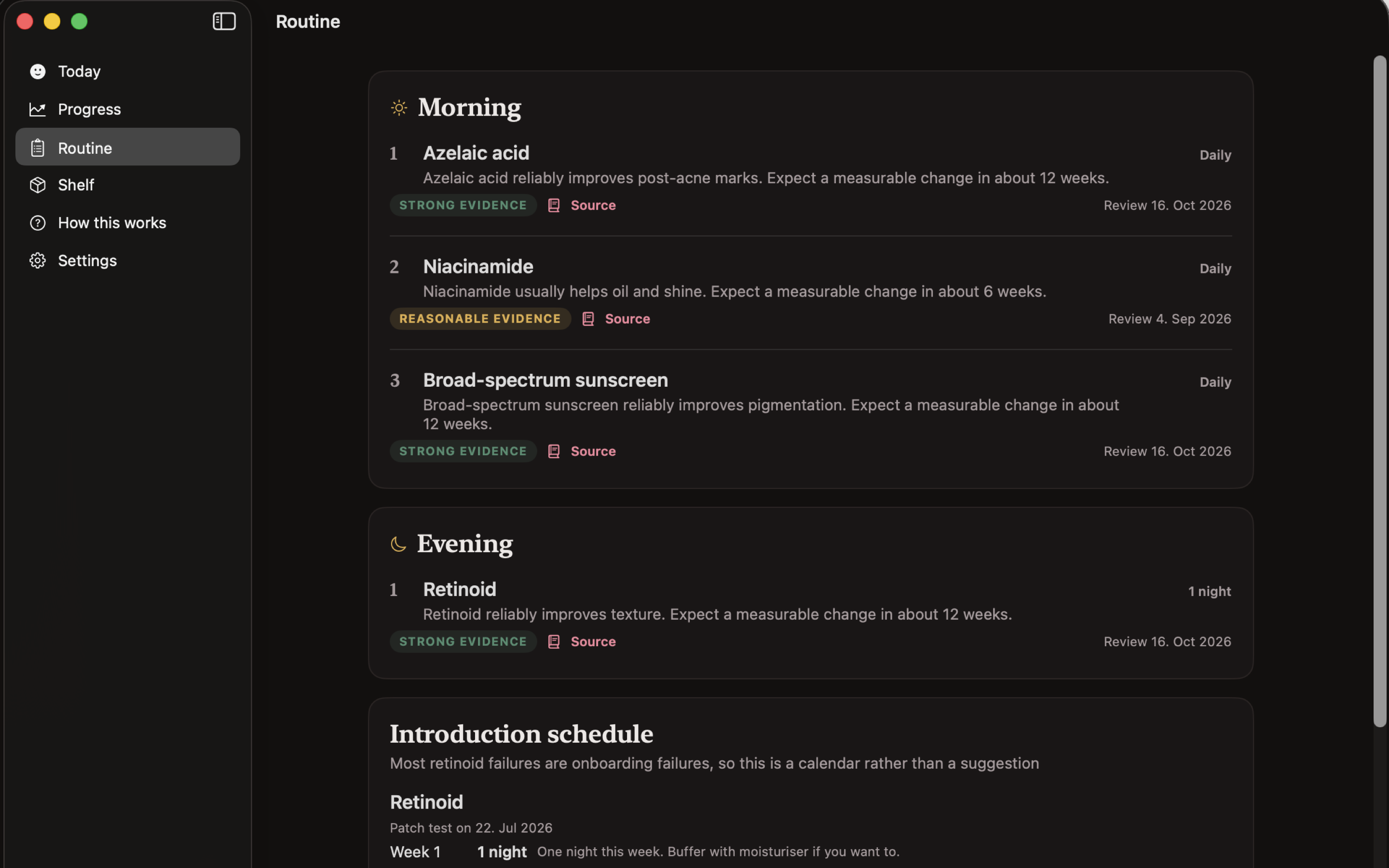
Explore 5 more screenshots
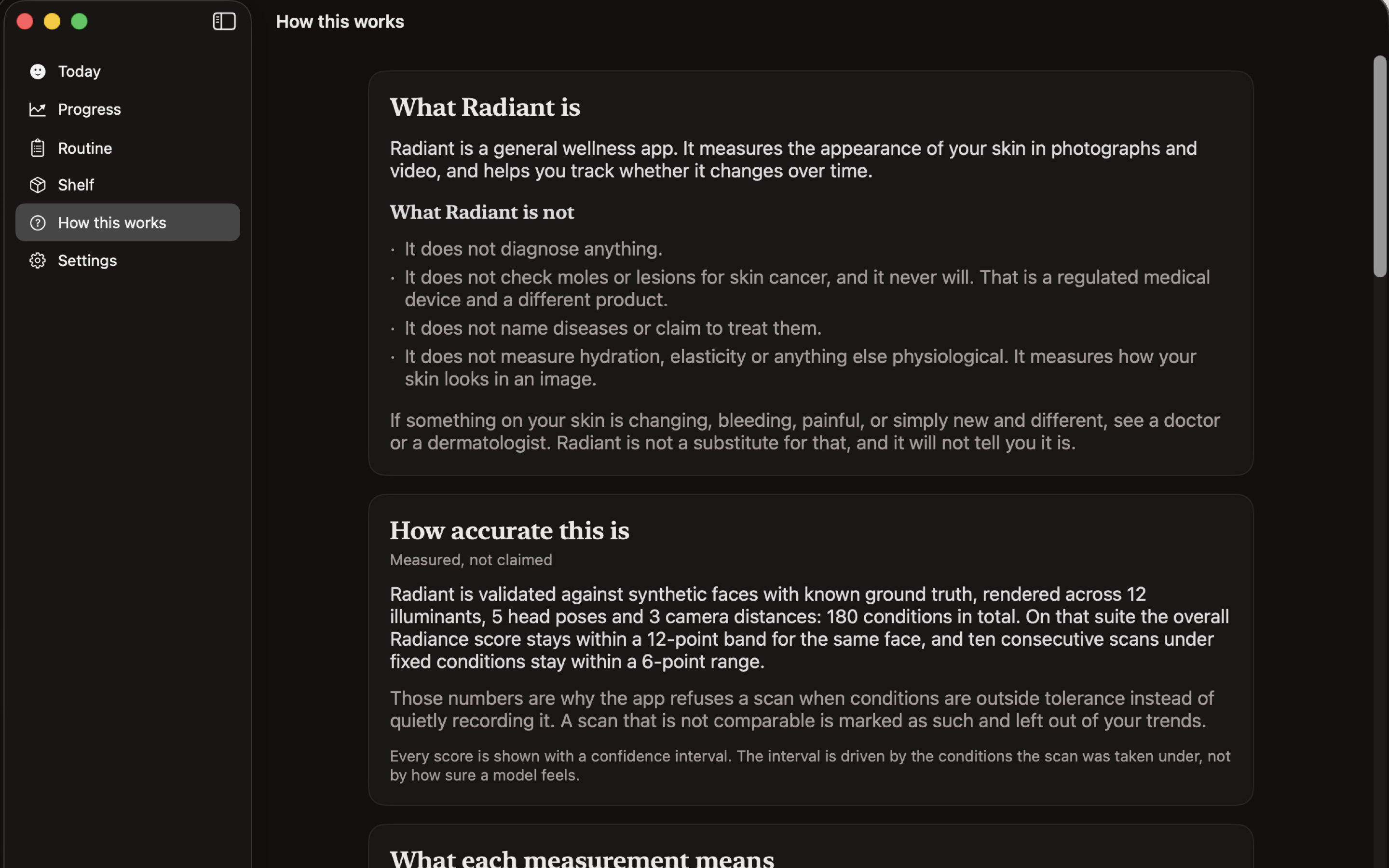

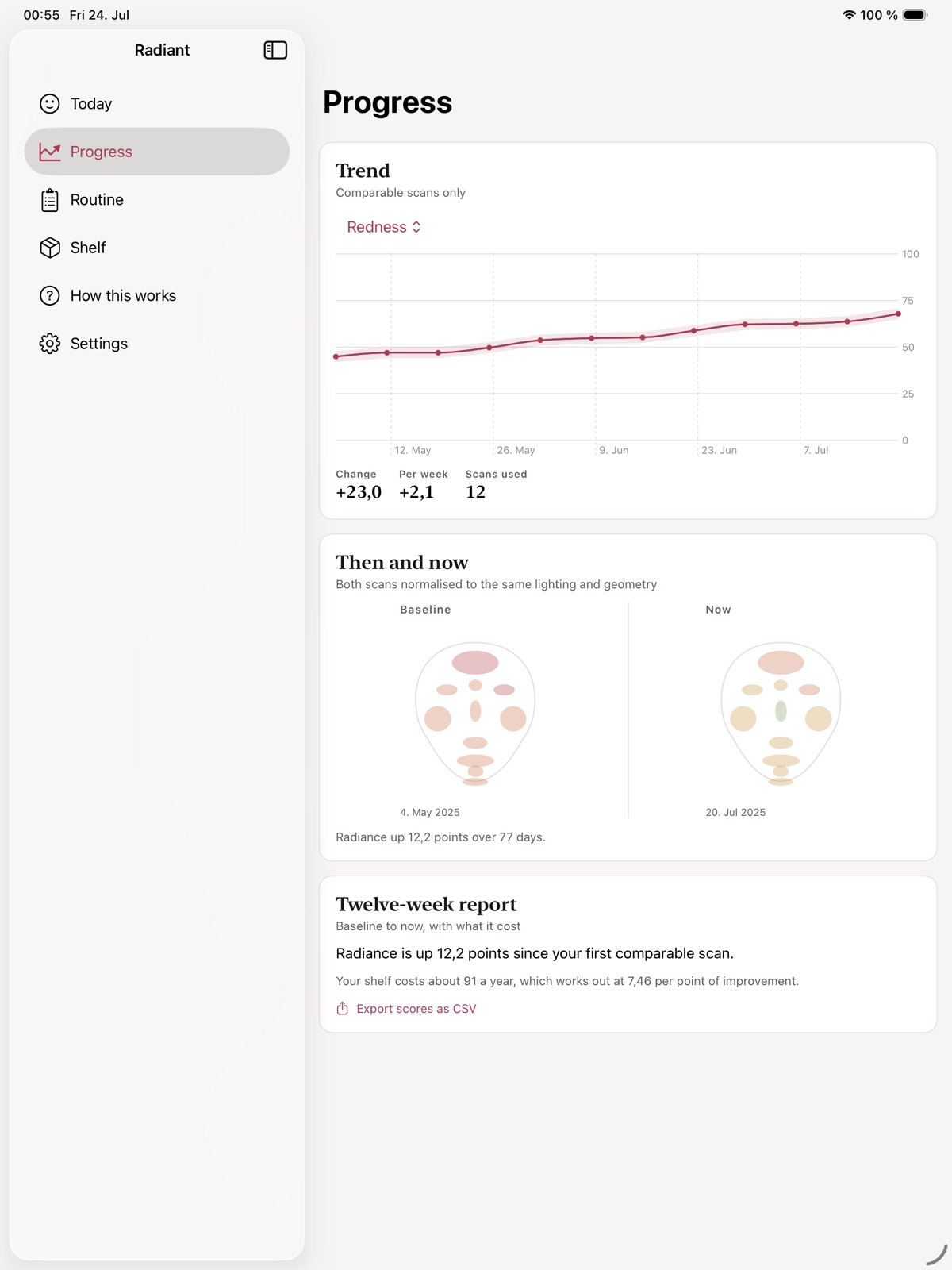
A simple way to get started
Start with your material
Open a project and bring in the material you want to shape.
Refine the details
Use the app’s editing controls to develop the result.
Keep the work ready
Save the project or use the supported output for your next step.
Explore more features
- Photo journal and routine checkoffs
- Local camera and alignment
- Descriptive appearance indices
Get Radiant
Compatibility and installation details
- Requires
- Windows x64; review product requirements
- Architecture
- x64
- Version
- 1.0.0
- Download
- 113.0 MB
- Installer
- Radiant-1.0.0-Windows-x64-Setup.exe
- Publisher signature
- Unsigned
- SHA-256
a8804b8c49c1a2b610c6f045348c344e4b60ccc83bcebf9ed00c94ab0cd13435
Download the Windows installer from your receipt and follow its setup steps.
Useful to know
What can I do with Radiant?
Build a personal record of photos, routine checkoffs and observations in a local workspace. Radiant helps you capture comparable images and revisit how your routine has developed over time. Keep useful context beside each photo and draw on educational reference material as you organise your next steps.
How do I start?
Open a project and bring in the material you want to shape. Use the app’s editing controls to develop the result. Save the project or use the supported output for your next step.
How do I receive my download?
After your purchase, the receipt page provides your download link. The exact expiry is shown with your delivery link. Keep your receipt and installer. If a link expires or a download fails, contact support with your receipt instead of buying again.
Where can I find setup help?
Compatibility and installation details are on this page. The installation guide and support team can help with the next step.