
AI Engineering
Turn AI concepts into practical engineering skills.
Build a structured learning routine with 40 courses and 400 lessons covering AI engineering.
What you can do with AI Engineering
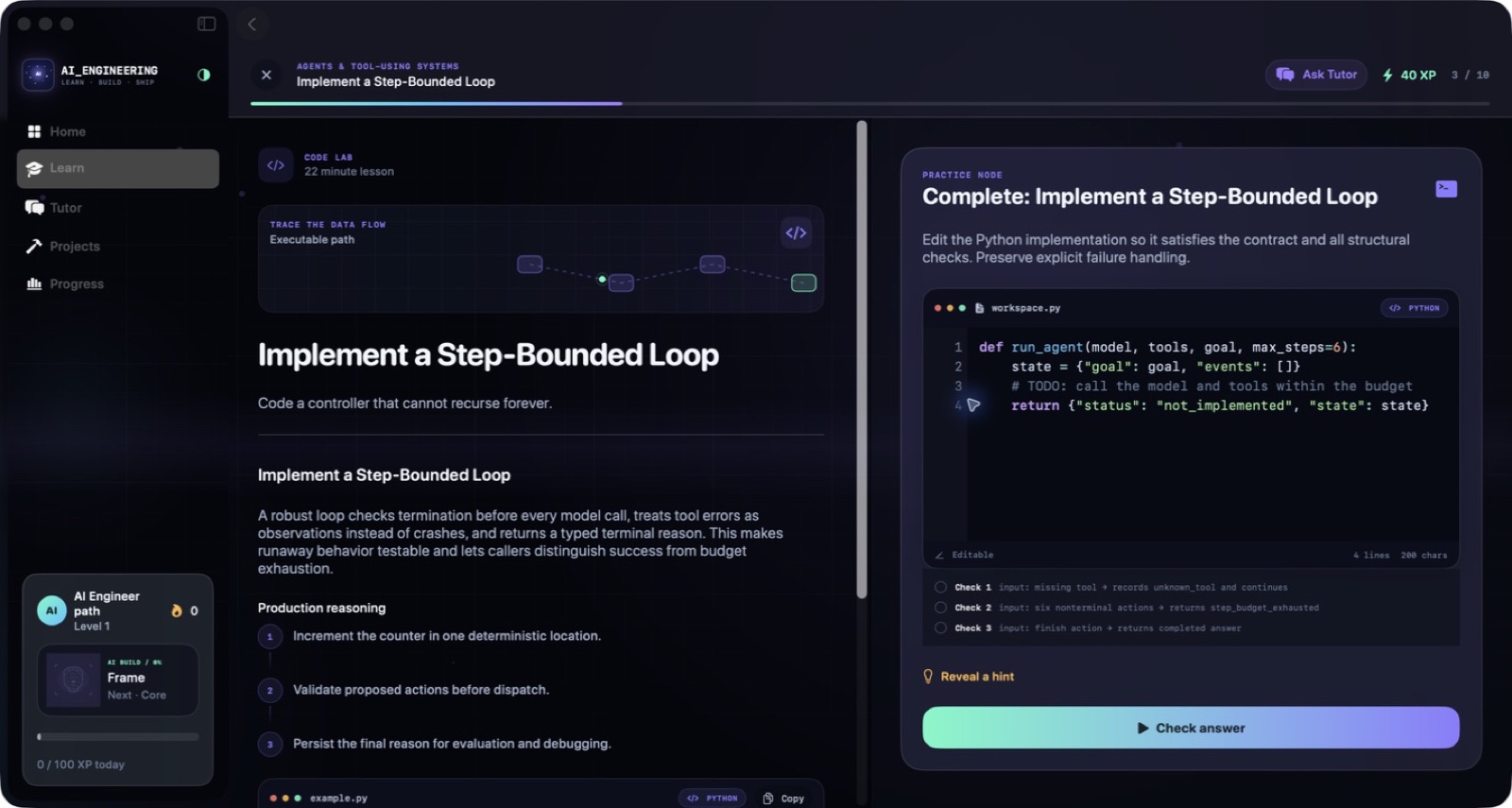
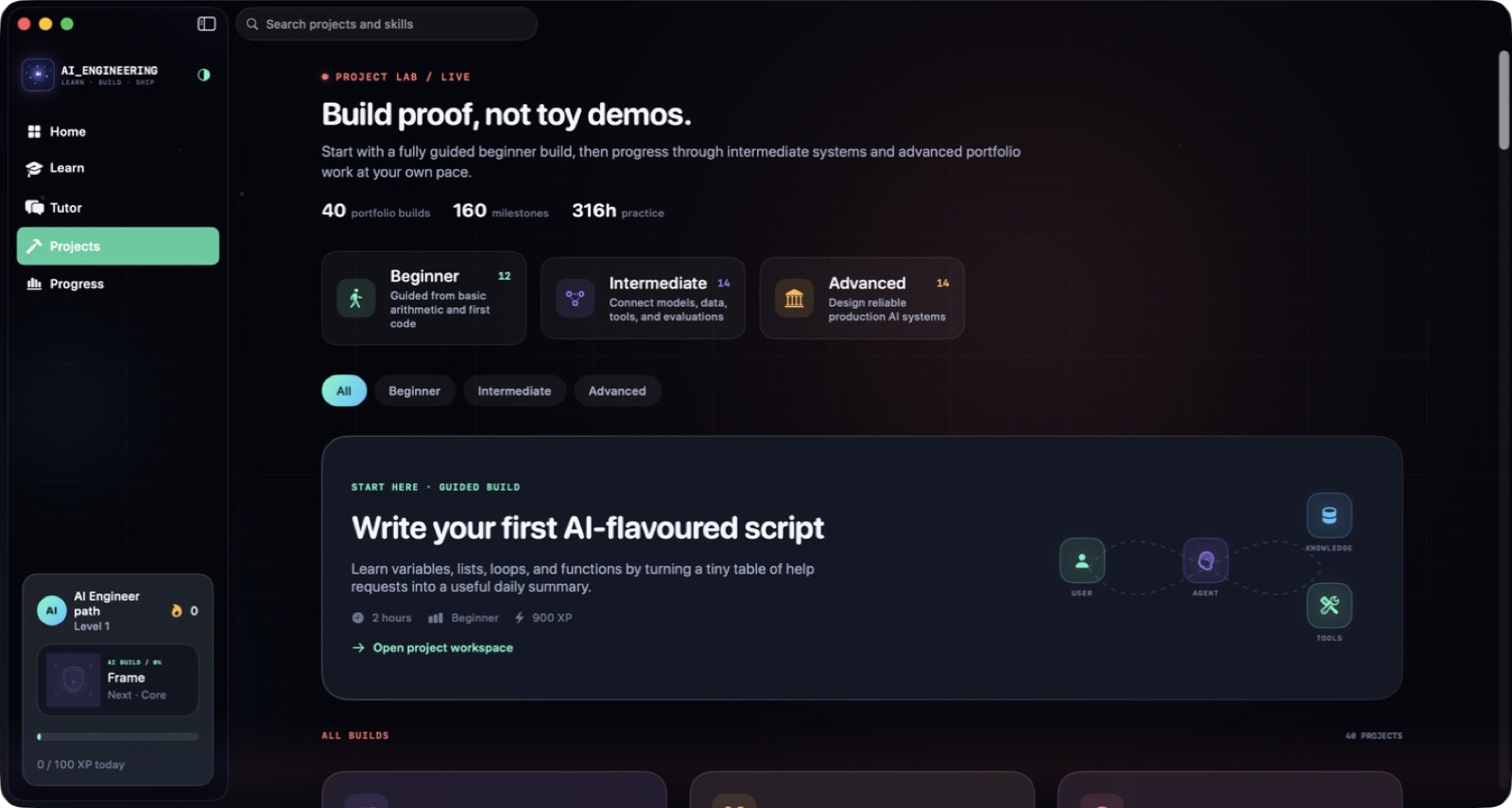
Build a structured learning routine with 40 courses and 400 lessons covering AI engineering. Work through concept explanations, test your understanding, explore architecture decisions and put ideas into code exercises. Project briefs connect the course material to practical work, helping each study session contribute to something you can build.
- Follow a structured AI-engineering curriculum
- Test ideas through code and architecture exercises
- Turn course topics into project work
See the workspace



Explore 5 more screenshots



A simple way to get started
Choose a topic
Begin with the skill or project you want to understand.
Try it yourself
Work through the available exercises, examples and project activities.
Build on the session
Return to the material and carry the ideas into your next task.
Explore more features
- 40 courses and 400 lessons
- Project briefs and starter files
- Architecture and code exercises
Get AI Engineering
Compatibility and installation details
- Requires
- Windows x64; review product requirements
- Architecture
- x64
- Version
- 1.0.0
- Download
- 95.3 MB
- Installer
- AI Engineering-1.0.0-Windows-x64-Setup.exe
- Publisher signature
- Unsigned
- SHA-256
f2abd4f527936d8b9467db28e9e4ef6f7314915706096aeebfa93059ade6b80a
Download the Windows installer from your receipt and follow its setup steps.
Useful to know
What can I do with AI Engineering?
Build a structured learning routine with 40 courses and 400 lessons covering AI engineering. Work through concept explanations, test your understanding, explore architecture decisions and put ideas into code exercises. Project briefs connect the course material to practical work, helping each study session contribute to something you can build.
How do I start?
Begin with the skill or project you want to understand. Work through the available exercises, examples and project activities. Return to the material and carry the ideas into your next task.
How do I receive my download?
After your purchase, the receipt page provides your download link. The exact expiry is shown with your delivery link. Keep your receipt and installer. If a link expires or a download fails, contact support with your receipt instead of buying again.
Where can I find setup help?
Compatibility and installation details are on this page. The installation guide and support team can help with the next step.