
Software Engineering
Practise the decisions behind better software.
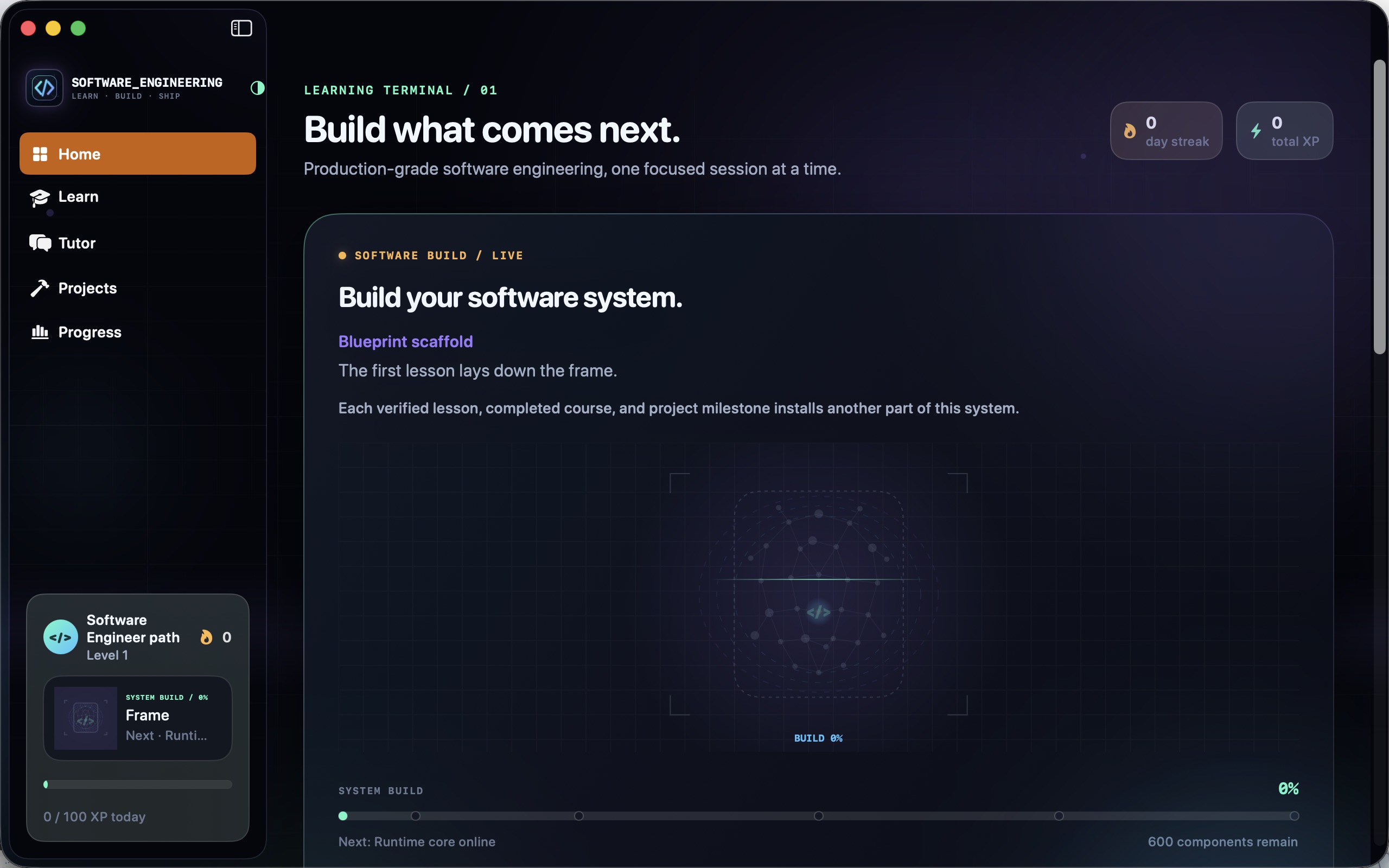
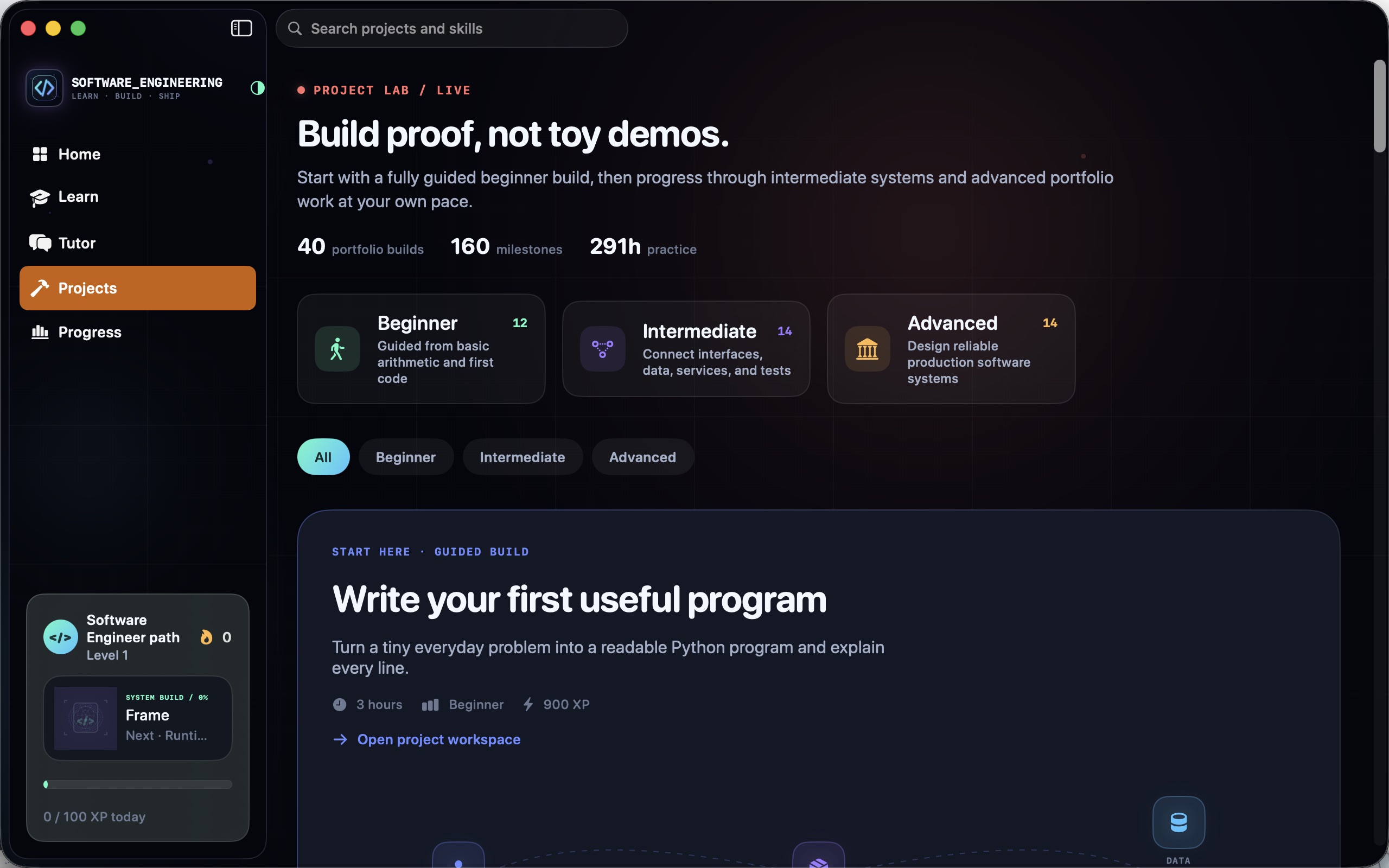
Work through software-engineering concepts with a structured library of 40 courses and 400 lessons.
What you can do with Software Engineering
Work through software-engineering concepts with a structured library of 40 courses and 400 lessons. Move between explanations, knowledge checks, code practice and architecture activities, then use project briefs and milestones to apply what you learn. Build a more connected understanding of how software is designed, tested and developed.
- Connect concepts with practical code exercises
- Practise architecture and design decisions
- Follow project milestones as you learn
See the workspace
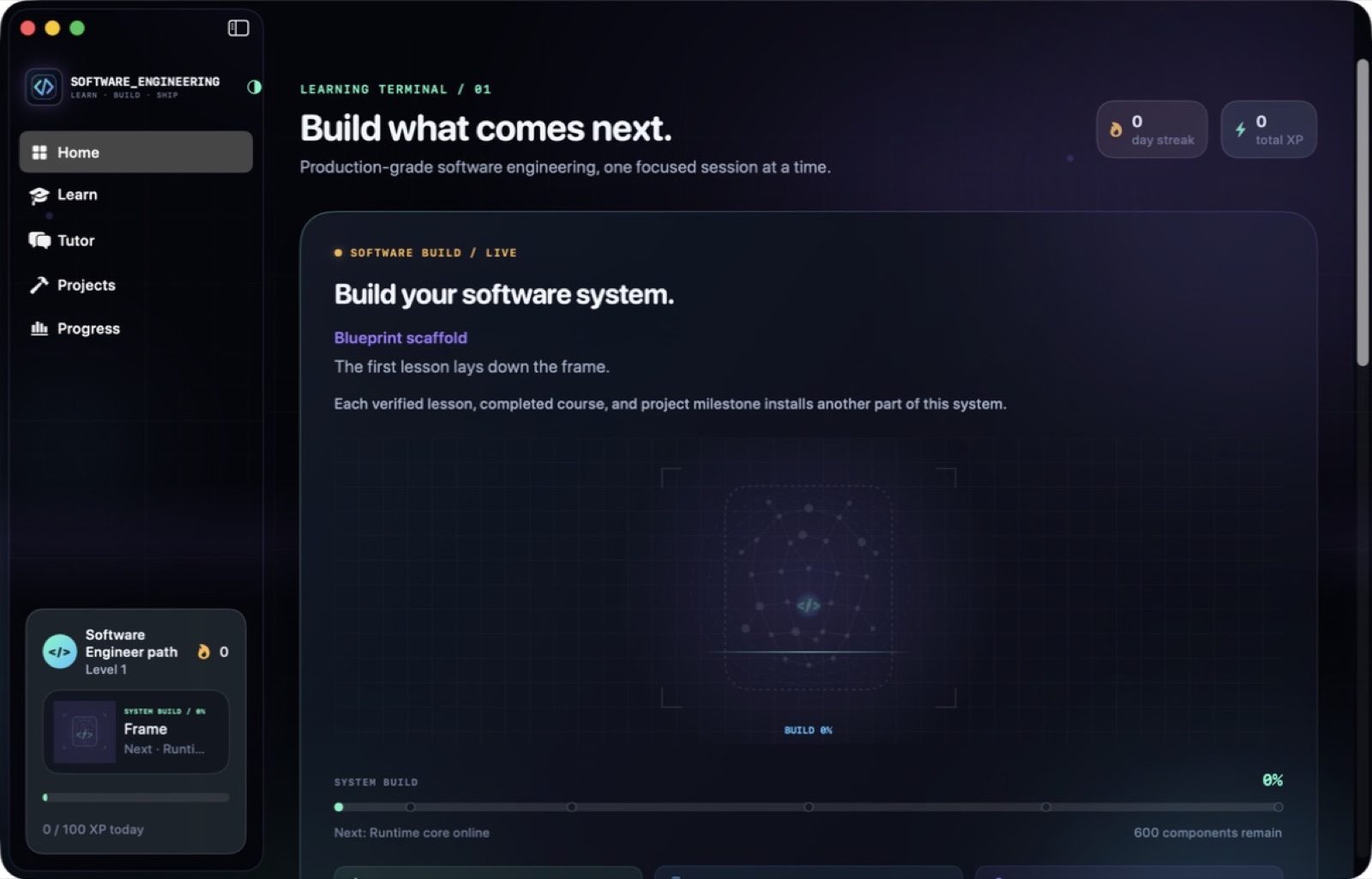

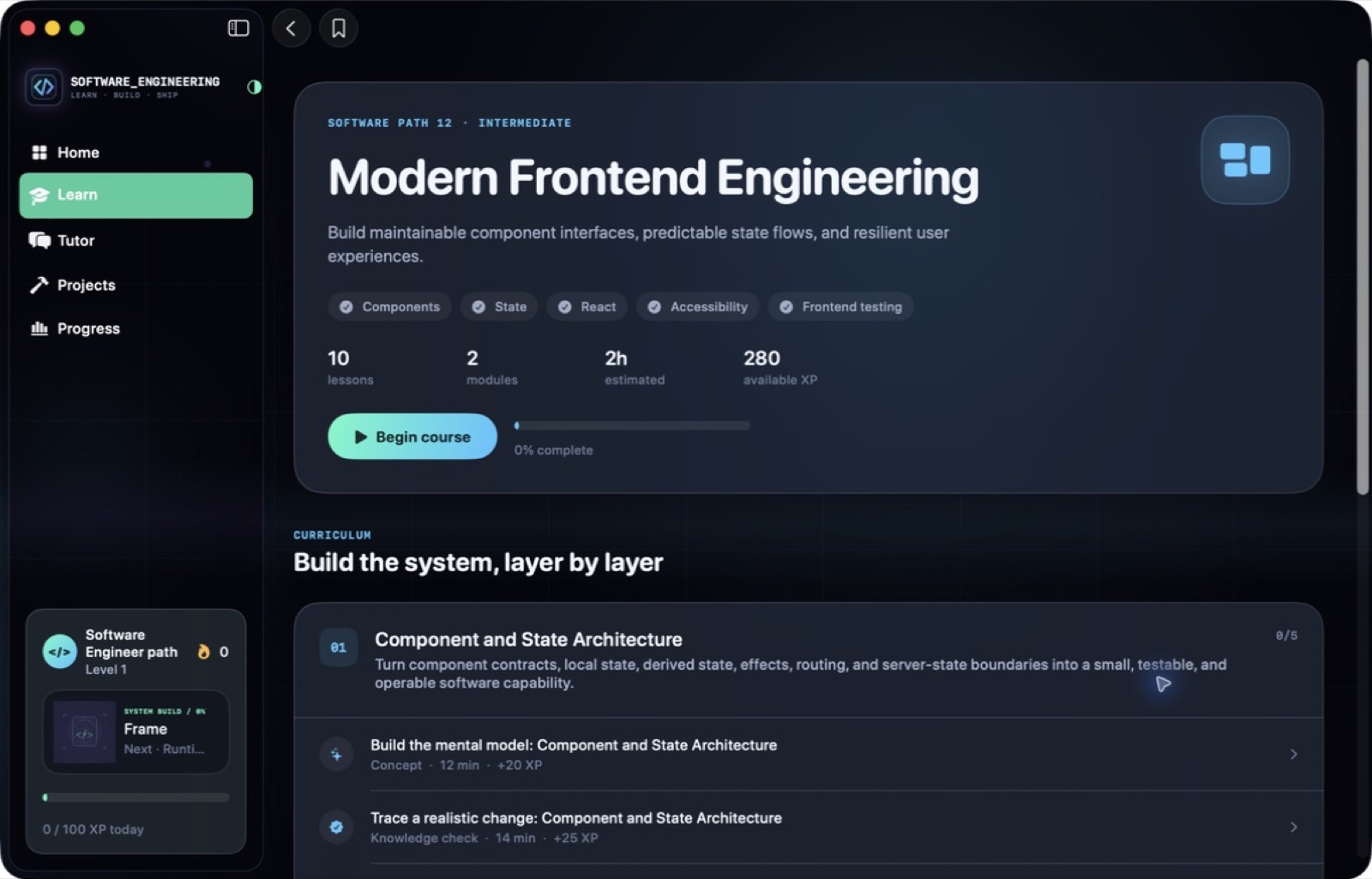
Explore 5 more screenshots
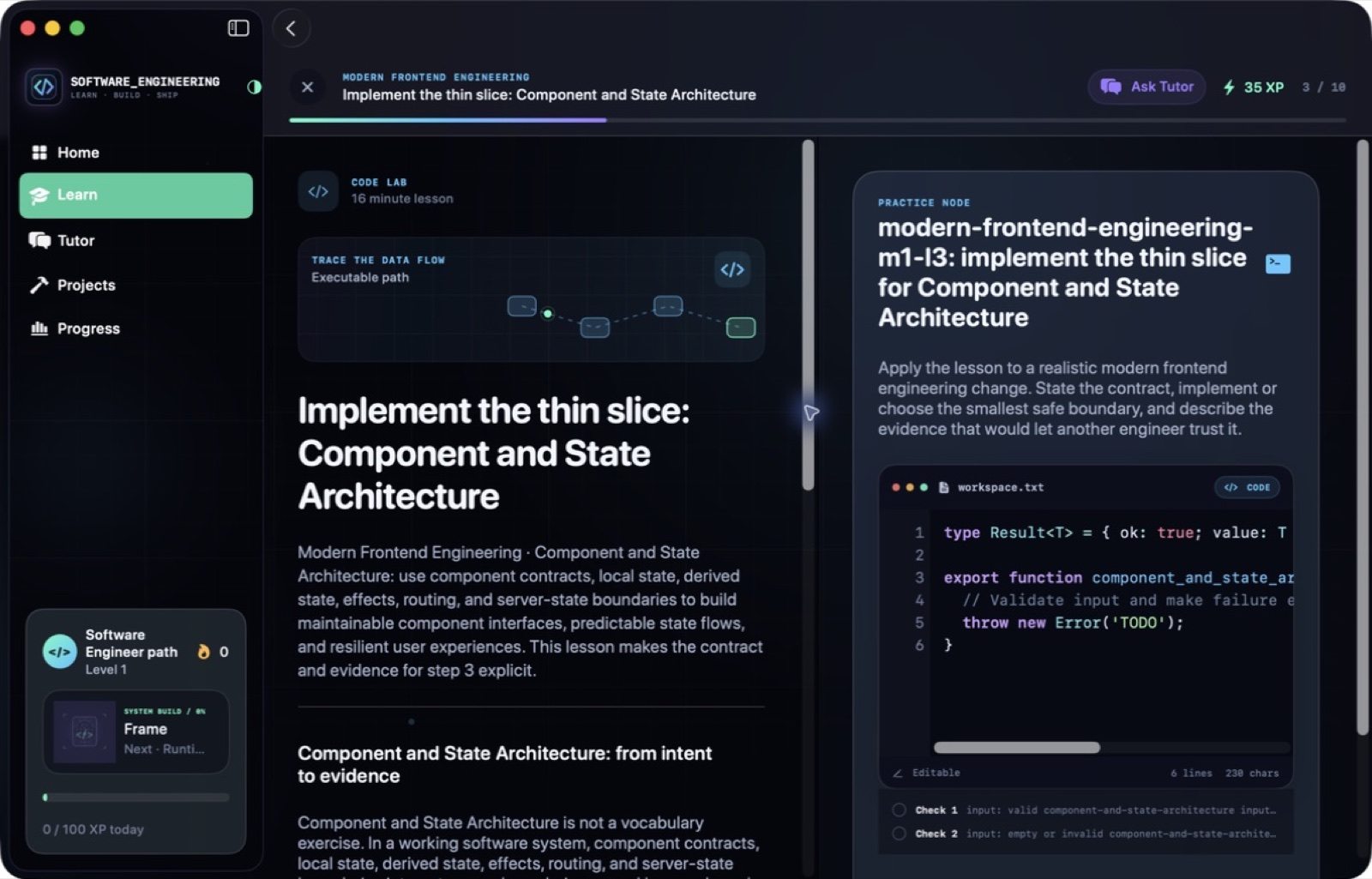
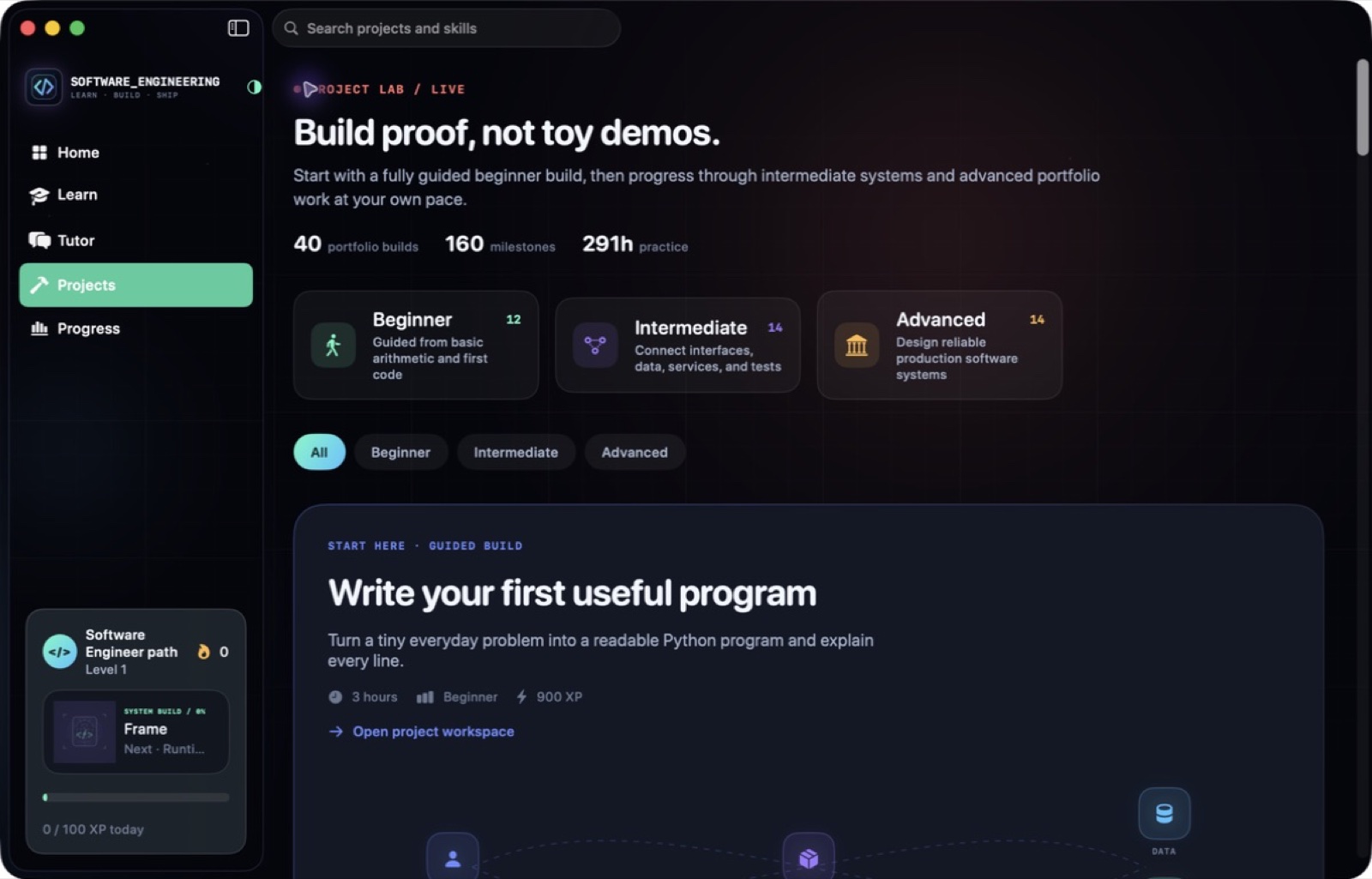

A simple way to get started
Choose a topic
Begin with the skill or project you want to understand.
Try it yourself
Work through the available exercises, examples and project activities.
Build on the session
Return to the material and carry the ideas into your next task.
Explore more features
- 40 courses and 400 lessons
- Software project briefs
- Knowledge checks and architecture lessons
Get Software Engineering
Compatibility and installation details
- Requires
- Windows x64; review product requirements
- Architecture
- x64
- Version
- 1.0.0
- Download
- 94.3 MB
- Installer
- Software Engineering-1.0.0-Windows-x64-Setup.exe
- Publisher signature
- Unsigned
- SHA-256
bd69ddb3ae847293b4efaa4d3eb776f2e4af2ae7cc031f70147345b39a6255db
Download the Windows installer from your receipt and follow its setup steps.
Useful to know
What can I do with Software Engineering?
Work through software-engineering concepts with a structured library of 40 courses and 400 lessons. Move between explanations, knowledge checks, code practice and architecture activities, then use project briefs and milestones to apply what you learn. Build a more connected understanding of how software is designed, tested and developed.
How do I start?
Begin with the skill or project you want to understand. Work through the available exercises, examples and project activities. Return to the material and carry the ideas into your next task.
How do I receive my download?
After your purchase, the receipt page provides your download link. The exact expiry is shown with your delivery link. Keep your receipt and installer. If a link expires or a download fails, contact support with your receipt instead of buying again.
Where can I find setup help?
Compatibility and installation details are on this page. The installation guide and support team can help with the next step.