
Alembic
Prepare your source material for AI work.
Give training and retrieval data a dedicated preparation stage.
What you can do with Alembic
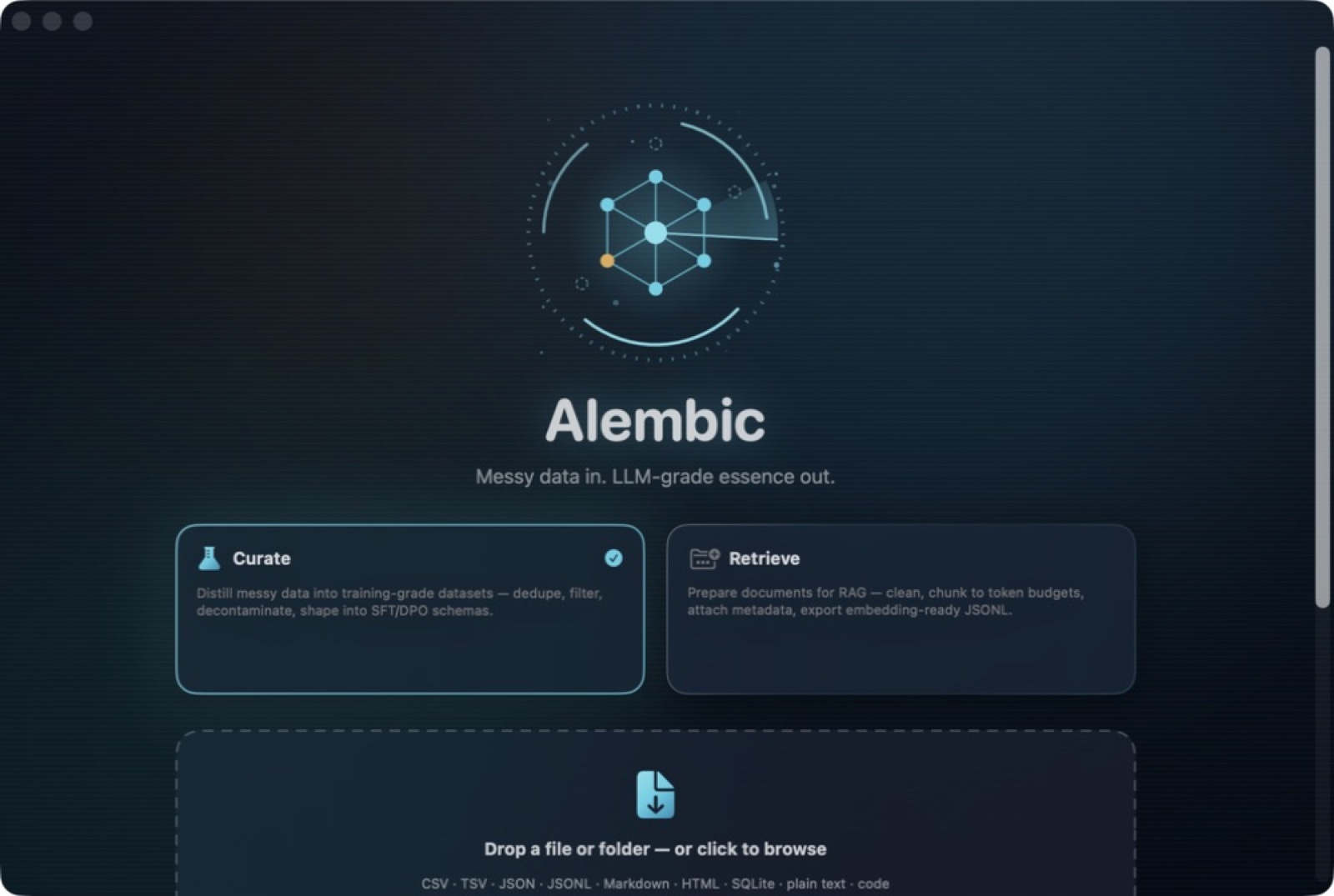
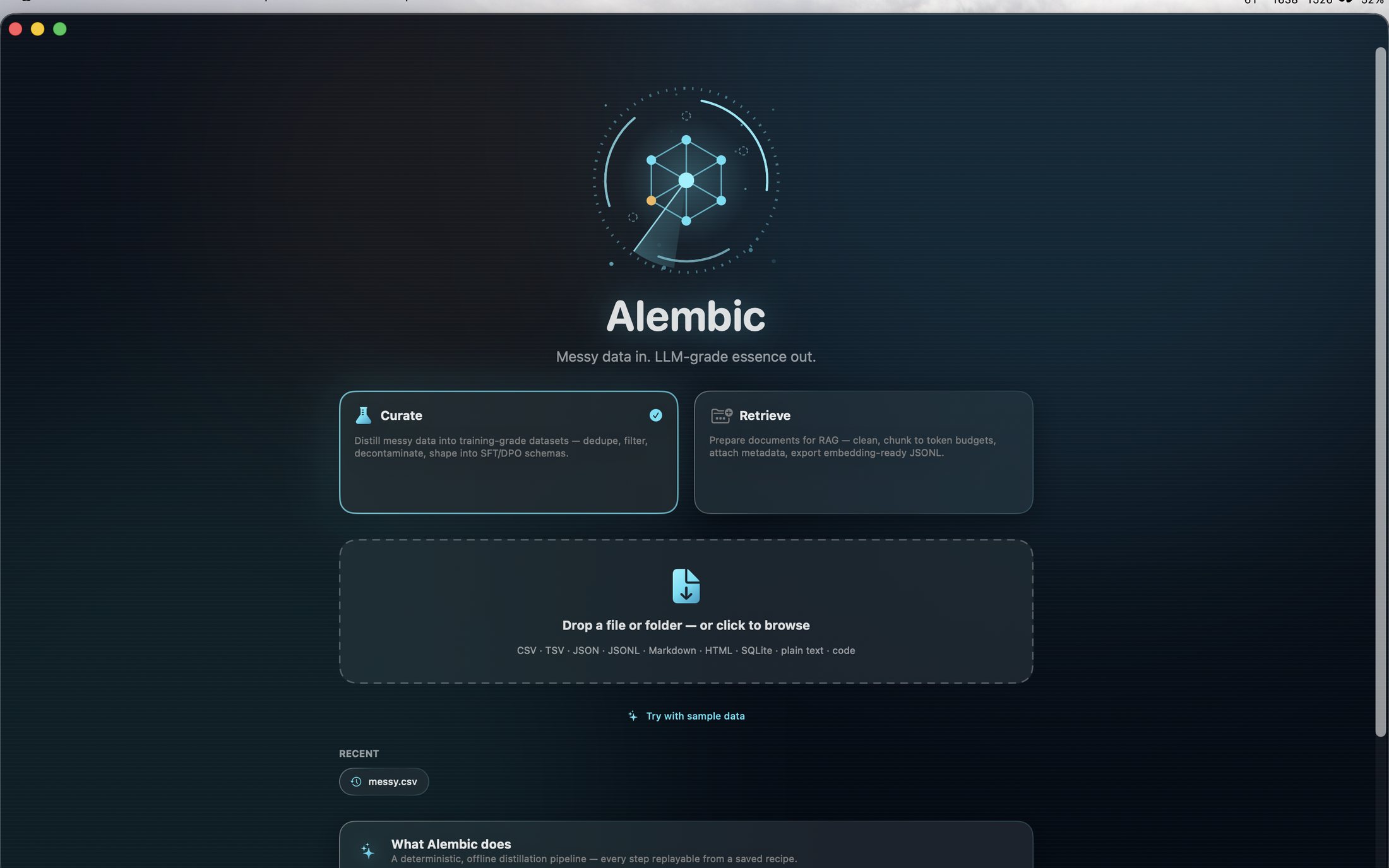
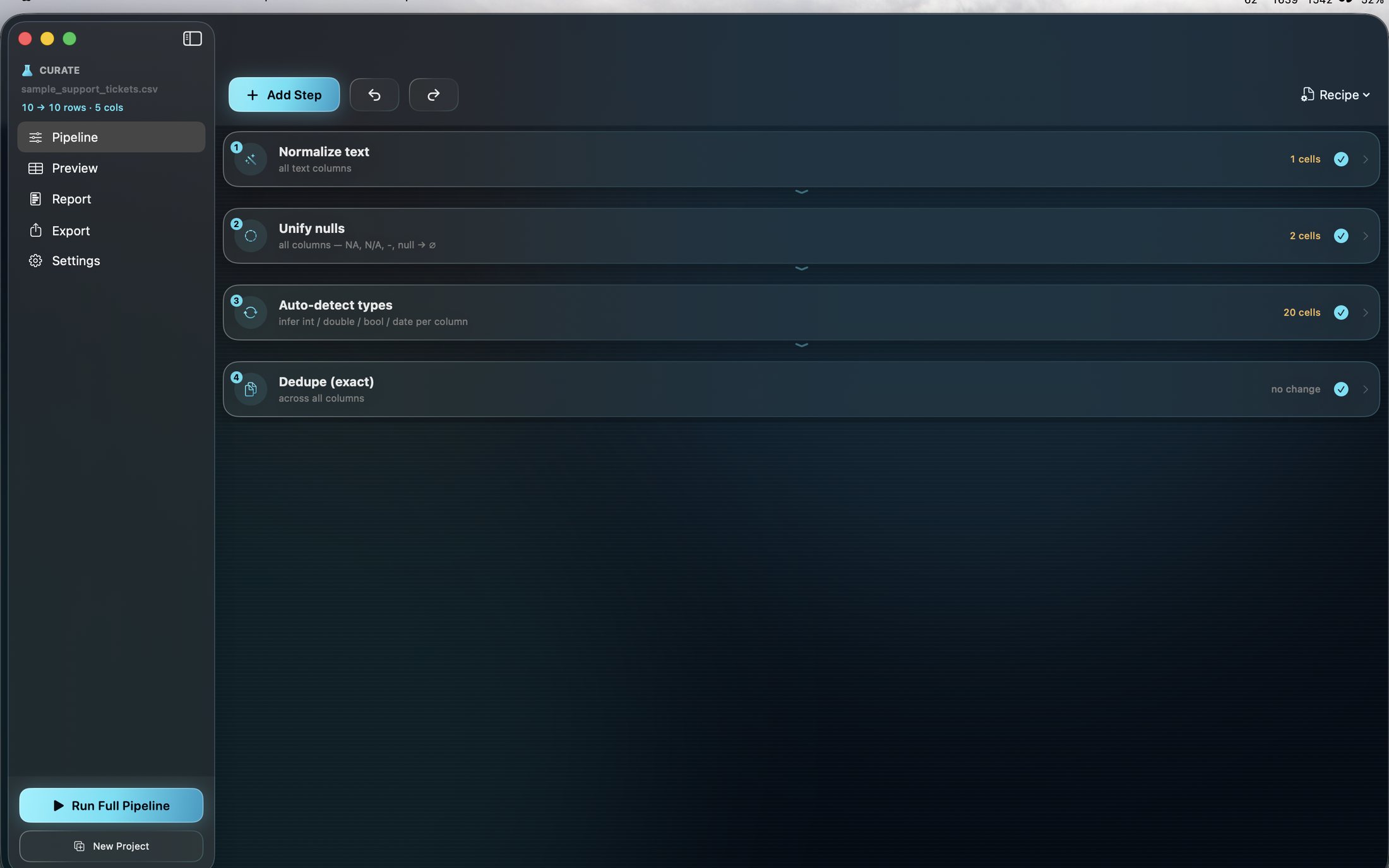
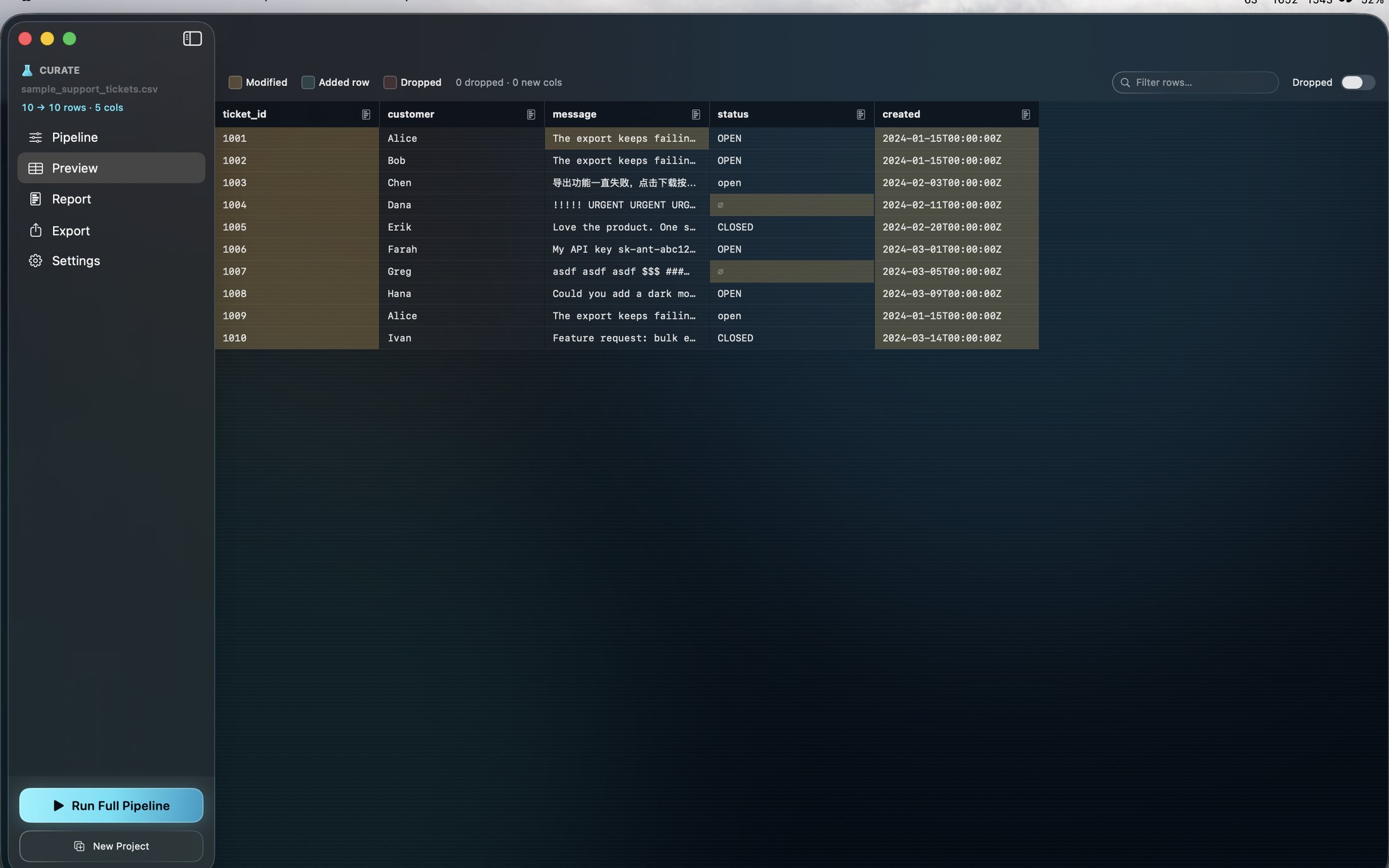
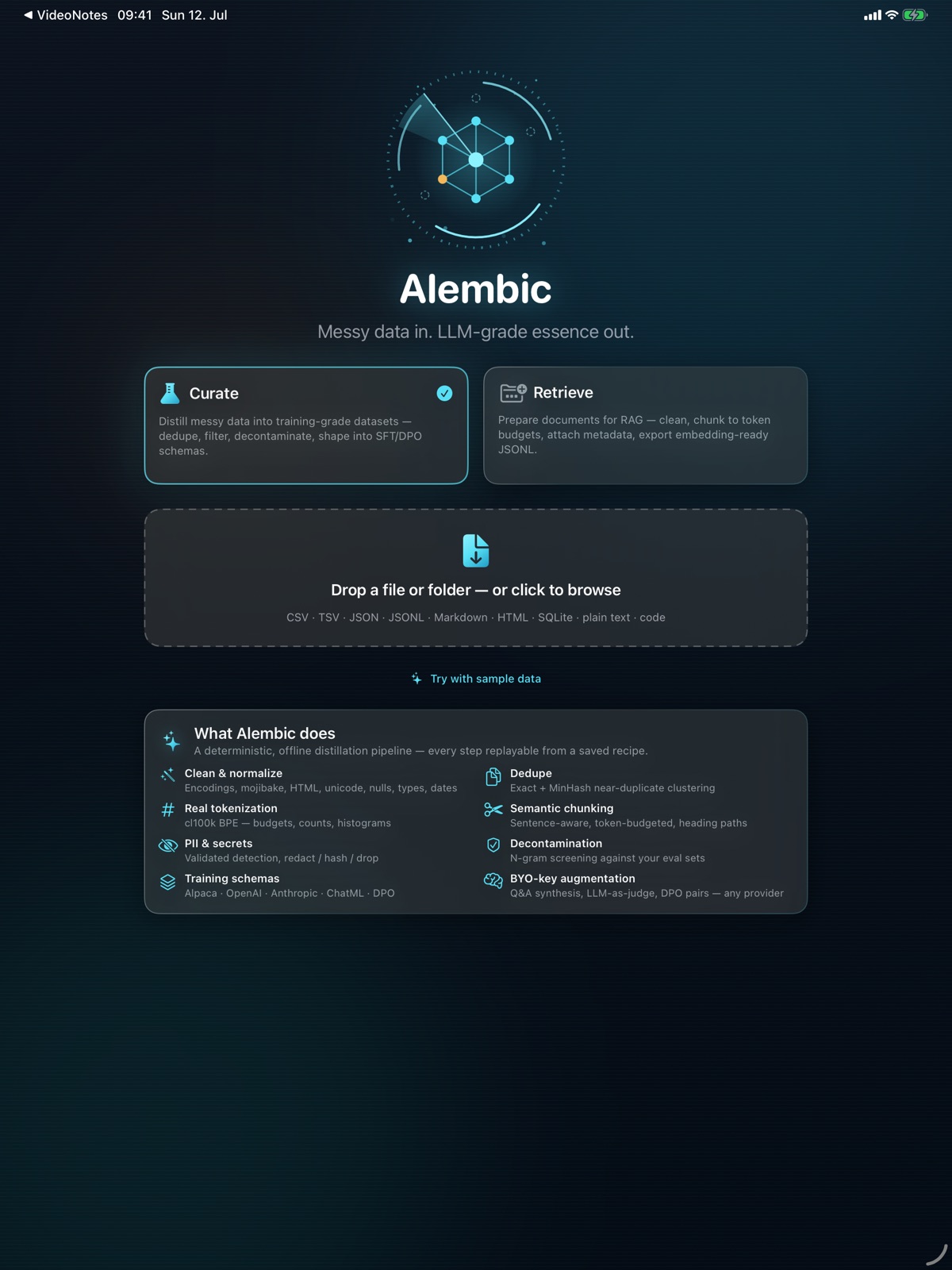
Give training and retrieval data a dedicated preparation stage. Alembic provides a local workspace for reviewing source material and shaping it for the next step in your AI workflow. Bring dataset preparation into a repeatable routine, with the material and its intended use considered together before export.
- Prepare local material for AI training
- Organise source data for retrieval workflows
- Keep dataset preparation in a focused workspace
See the workspace


Explore 5 more screenshots

A simple way to get started
Bring the task into focus
Choose the source material or dashboard layout you want to work with.
Shape the result
Use the focused tools to prepare and organise the work.
Prepare the handoff
Save or export the result for the next part of your workflow.
Explore more features
- Local dataset preparation
- Training-data workflows
- Retrieval-data preparation
Get Alembic
Compatibility and installation details
- Requires
- Windows x64; review product requirements
- Architecture
- x64
- Version
- 1.0.0
- Download
- 95.6 MB
- Installer
- Alembic-1.0.0-Windows-x64-Setup.exe
- Publisher signature
- Unsigned
- SHA-256
878d46326958b607b11c2f7c36be0964cc94b772b904471b2ee307e1a8454621
Download the Windows installer from your receipt and follow its setup steps.
Useful to know
What can I do with Alembic?
Give training and retrieval data a dedicated preparation stage. Alembic provides a local workspace for reviewing source material and shaping it for the next step in your AI workflow. Bring dataset preparation into a repeatable routine, with the material and its intended use considered together before export.
How do I start?
Choose the source material or dashboard layout you want to work with. Use the focused tools to prepare and organise the work. Save or export the result for the next part of your workflow.
How do I receive my download?
After your purchase, the receipt page provides your download link. The exact expiry is shown with your delivery link. Keep your receipt and installer. If a link expires or a download fails, contact support with your receipt instead of buying again.
Where can I find setup help?
Compatibility and installation details are on this page. The installation guide and support team can help with the next step.