
Dash Weaver
Design a dashboard that tells a clear story.
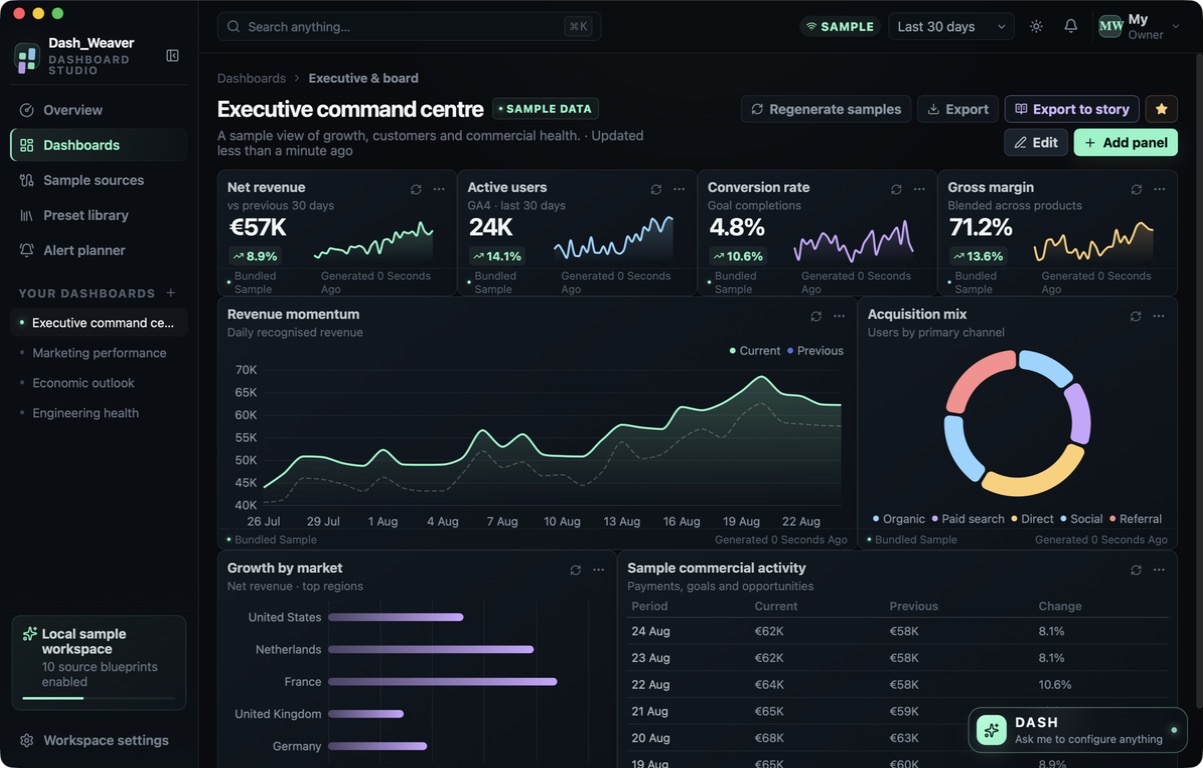
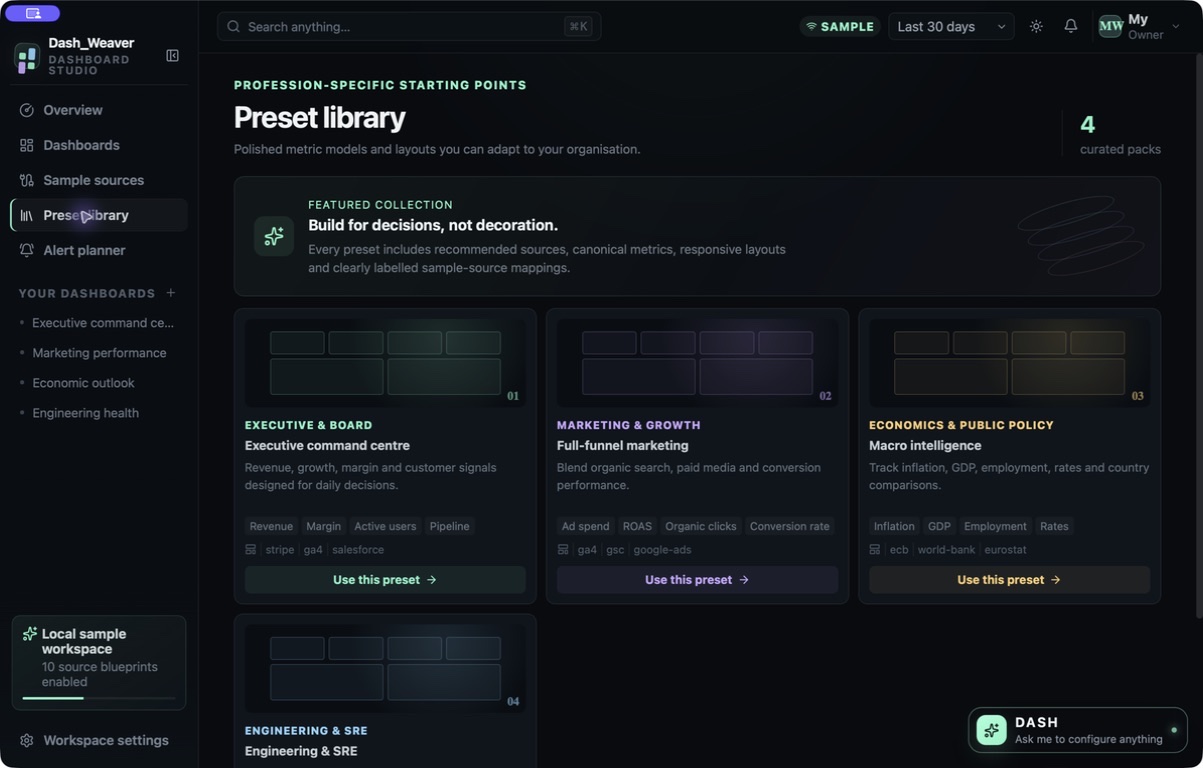
Start with a profession-specific layout and bundled sample data, then shape the panels to suit your presentation.
What you can do with Dash Weaver
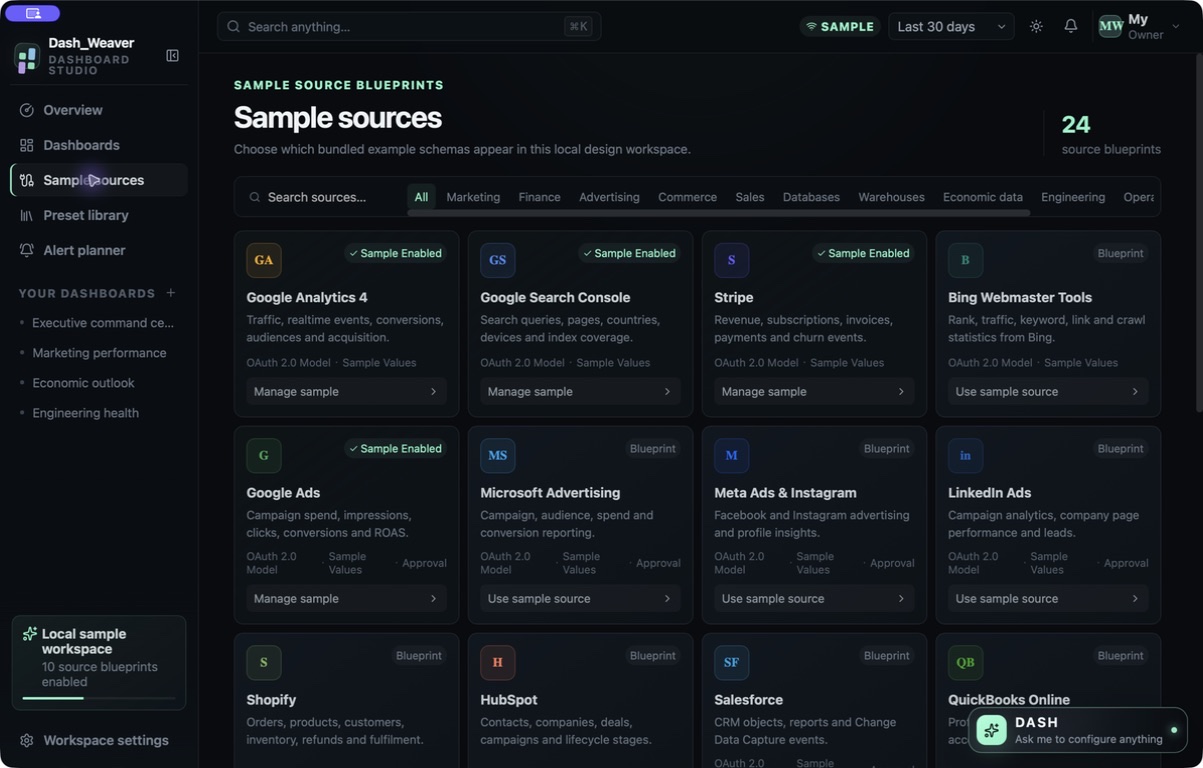
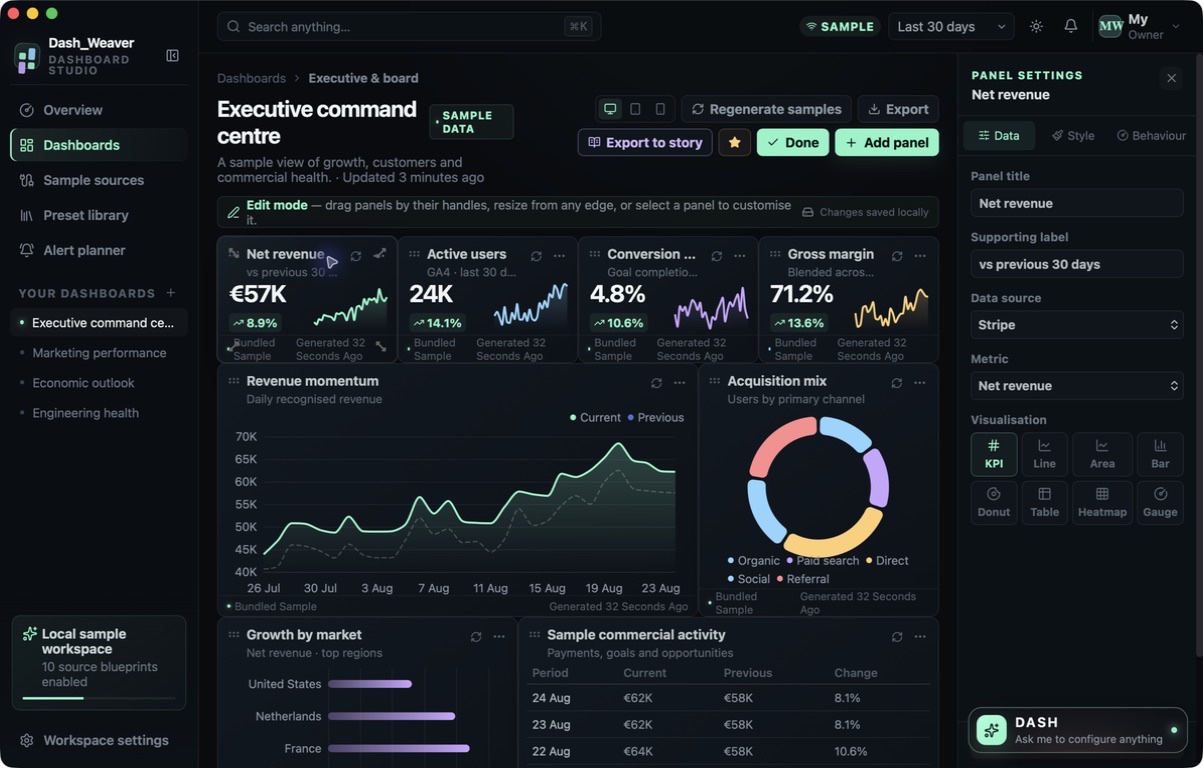
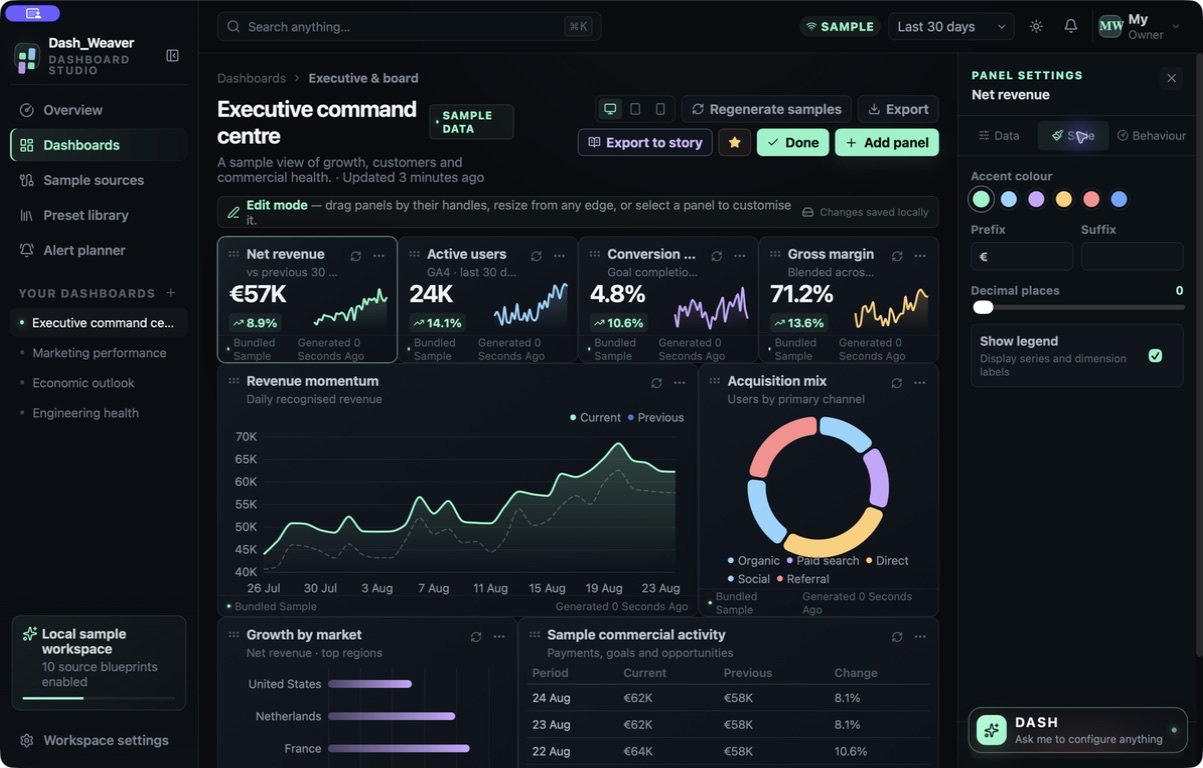
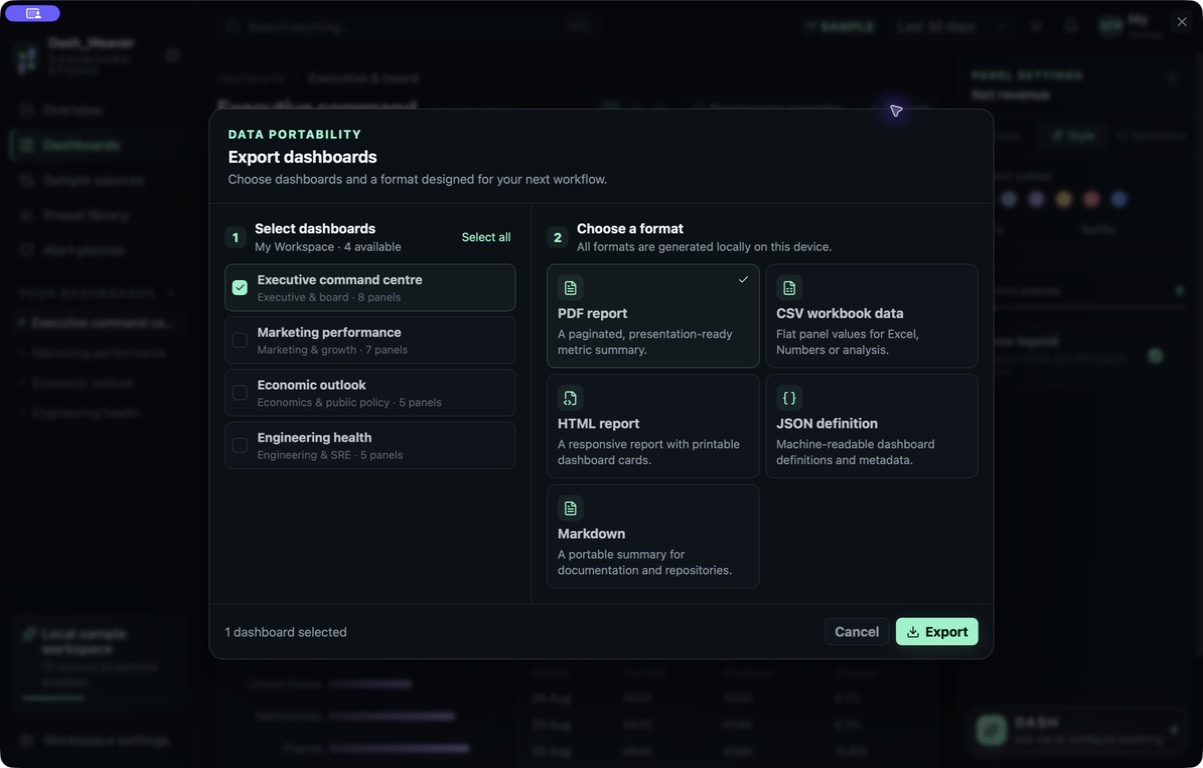
Start with a profession-specific layout and bundled sample data, then shape the panels to suit your presentation. Dash Weaver gives you a local space to explore dashboard structure and responsive layouts before exporting. Take the result into PDF, CSV, HTML, JSON or Markdown for your next review or handoff.
- Start from a useful dashboard layout
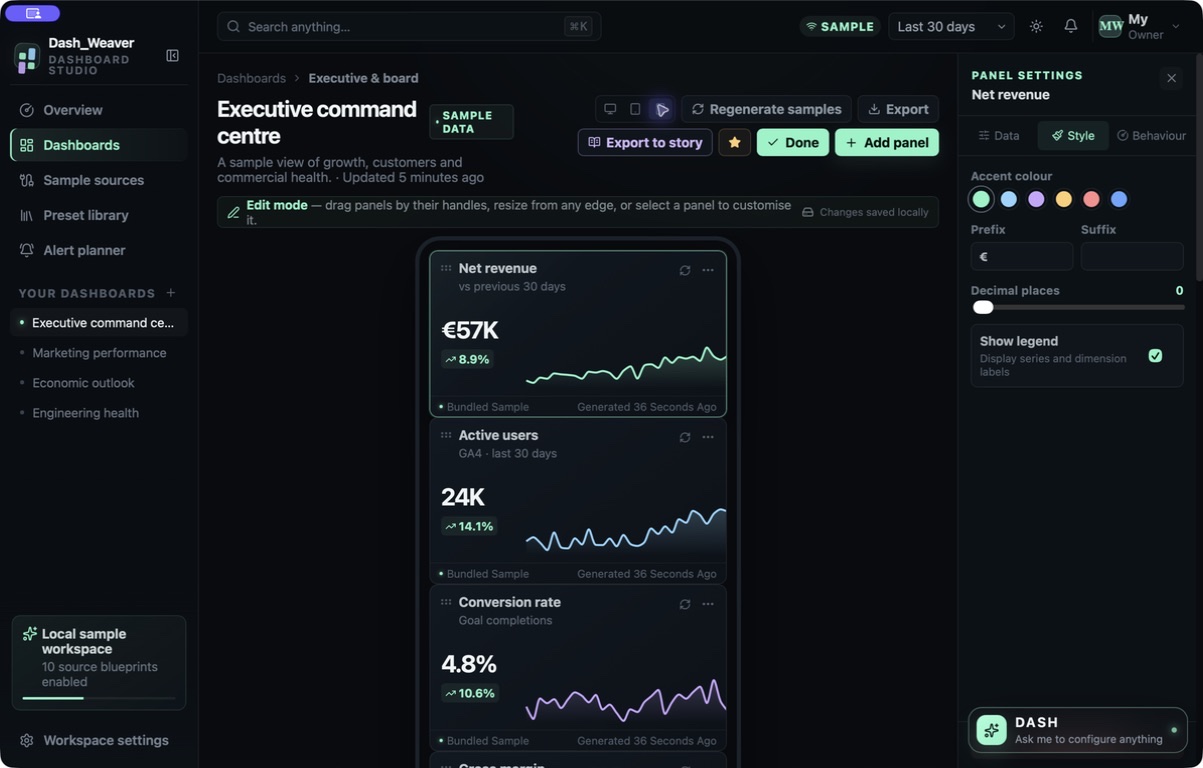
- Shape panels across responsive views
- Export the design in five formats
See the workspace
Explore 5 more screenshots
A simple way to get started
Choose a starting layout
Begin with a dashboard preset and bundled sample data.
Arrange the panels
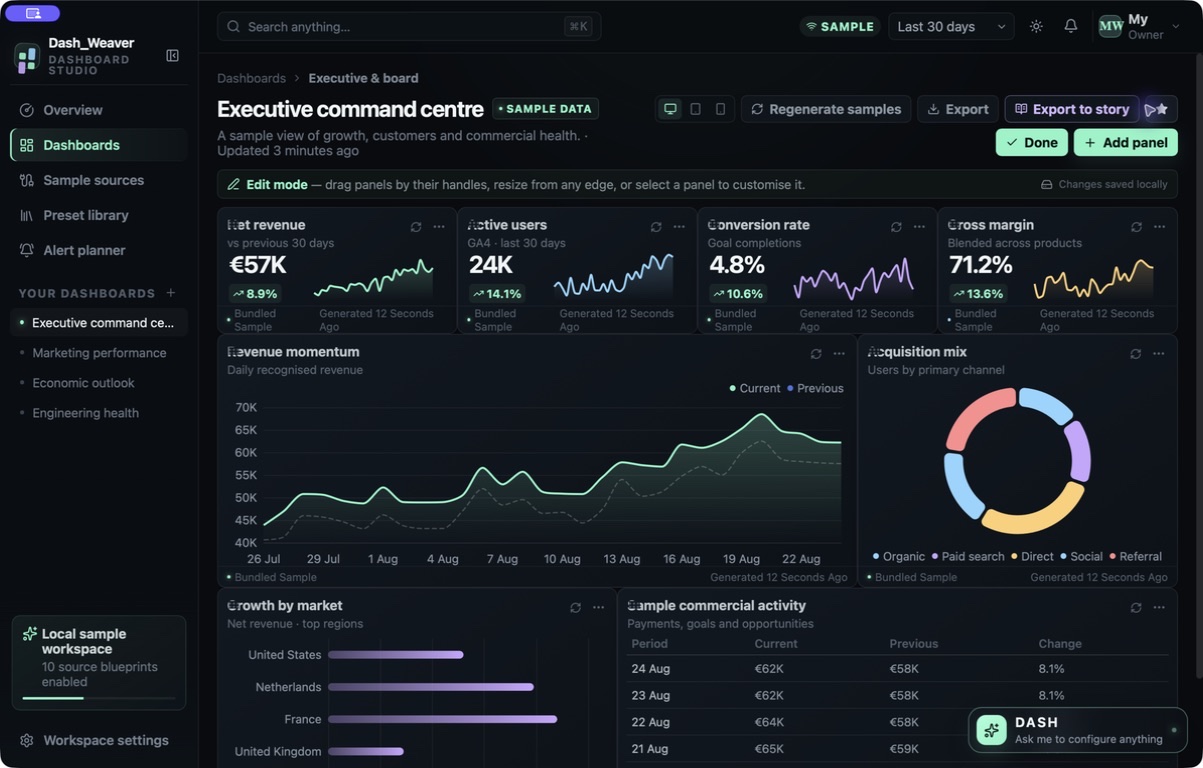
Shape the visualisations and review desktop, tablet and phone layouts.
Export the design
Prepare PDF, CSV, HTML, JSON or Markdown for a review or handoff.
Explore more features
- Dashboard presets and source blueprints
- Responsive panel editing
- PDF, CSV, JSON, HTML and Markdown export
Get Dash Weaver
Compatibility and installation details
- Requires
- Windows x64; review product requirements
- Architecture
- x64
- Version
- 1.1.0
- Download
- 94.8 MB
- Installer
- Dash Weaver-1.1.0-Windows-x64-Setup.exe
- Publisher signature
- Unsigned
- SHA-256
d29f972127855ec61ed3a0754ceb1b637548acdf40bcb86af78061de375edd10
The dashboard studio includes bundled sample data for designing layouts and reports.
Download the Windows installer from your receipt and follow its setup steps.
Useful to know
What can I do with Dash Weaver?
Start with a profession-specific layout and bundled sample data, then shape the panels to suit your presentation. Dash Weaver gives you a local space to explore dashboard structure and responsive layouts before exporting. Take the result into PDF, CSV, HTML, JSON or Markdown for your next review or handoff.
How do I start?
Begin with a dashboard preset and bundled sample data. Shape the visualisations and review desktop, tablet and phone layouts. Prepare PDF, CSV, HTML, JSON or Markdown for a review or handoff.
How do I receive my download?
After your purchase, the receipt page provides your download link. The exact expiry is shown with your delivery link. Keep your receipt and installer. If a link expires or a download fails, contact support with your receipt instead of buying again.
Where can I find setup help?
Compatibility and installation details are on this page. The installation guide and support team can help with the next step.
Watch the screenshot tour
. Watch the video and read a list of the views it shows before choosing the app.