Codemonkey AI
Build coding confidence through practice.
Learn with a structured curriculum, put ideas into practice in a coding playground, and turn new skills into projects.
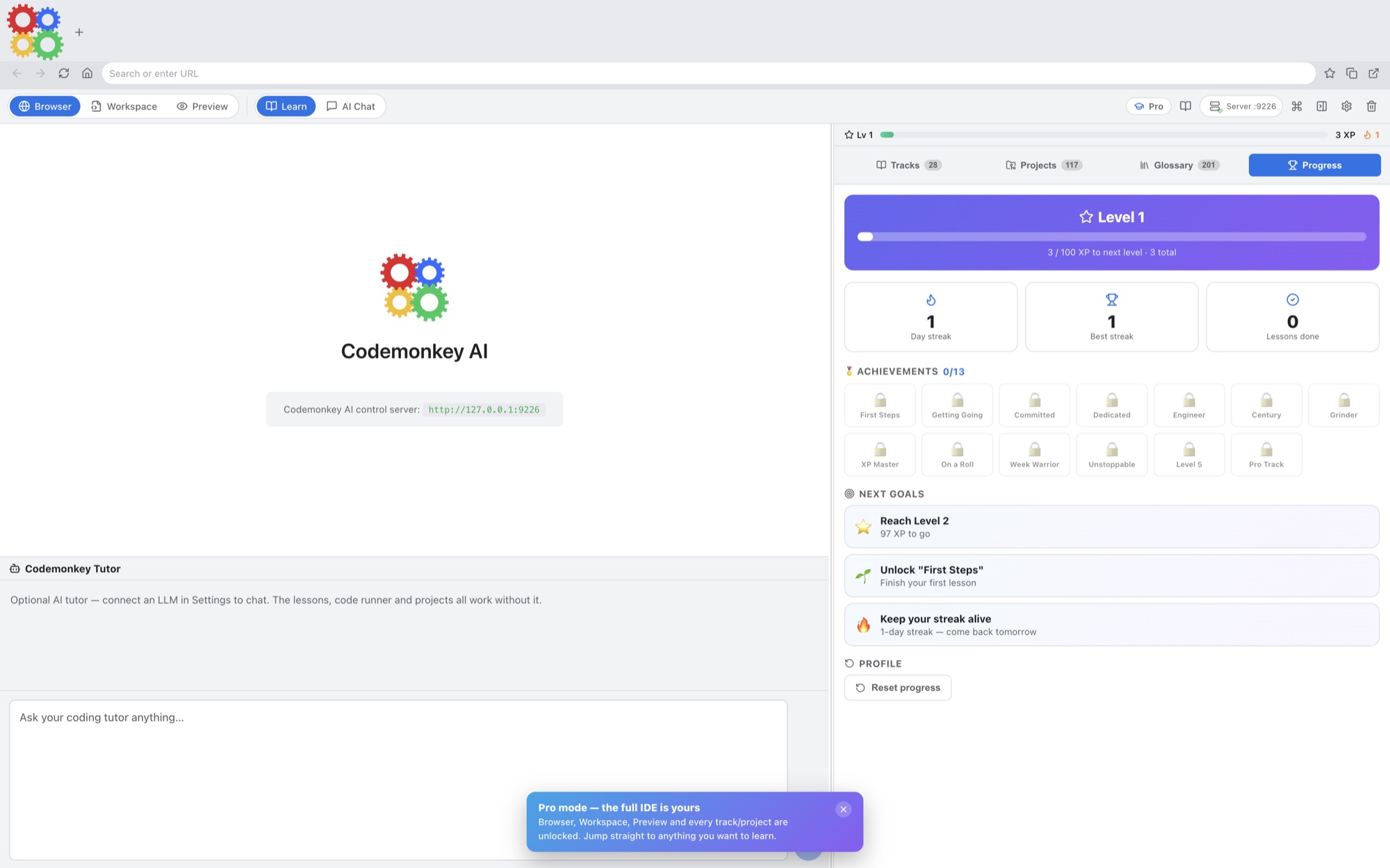
What you can do with Codemonkey AI
Learn with a structured curriculum, put ideas into practice in a coding playground, and turn new skills into projects. Codemonkey AI brings lessons and hands-on work together so you can move from reading an explanation to trying it yourself. Add a connected AI tutor to help you work through questions along the way.
- Learn through interactive lessons
- Turn practice into working projects
- Keep a connected AI tutor beside your code
See the workspace
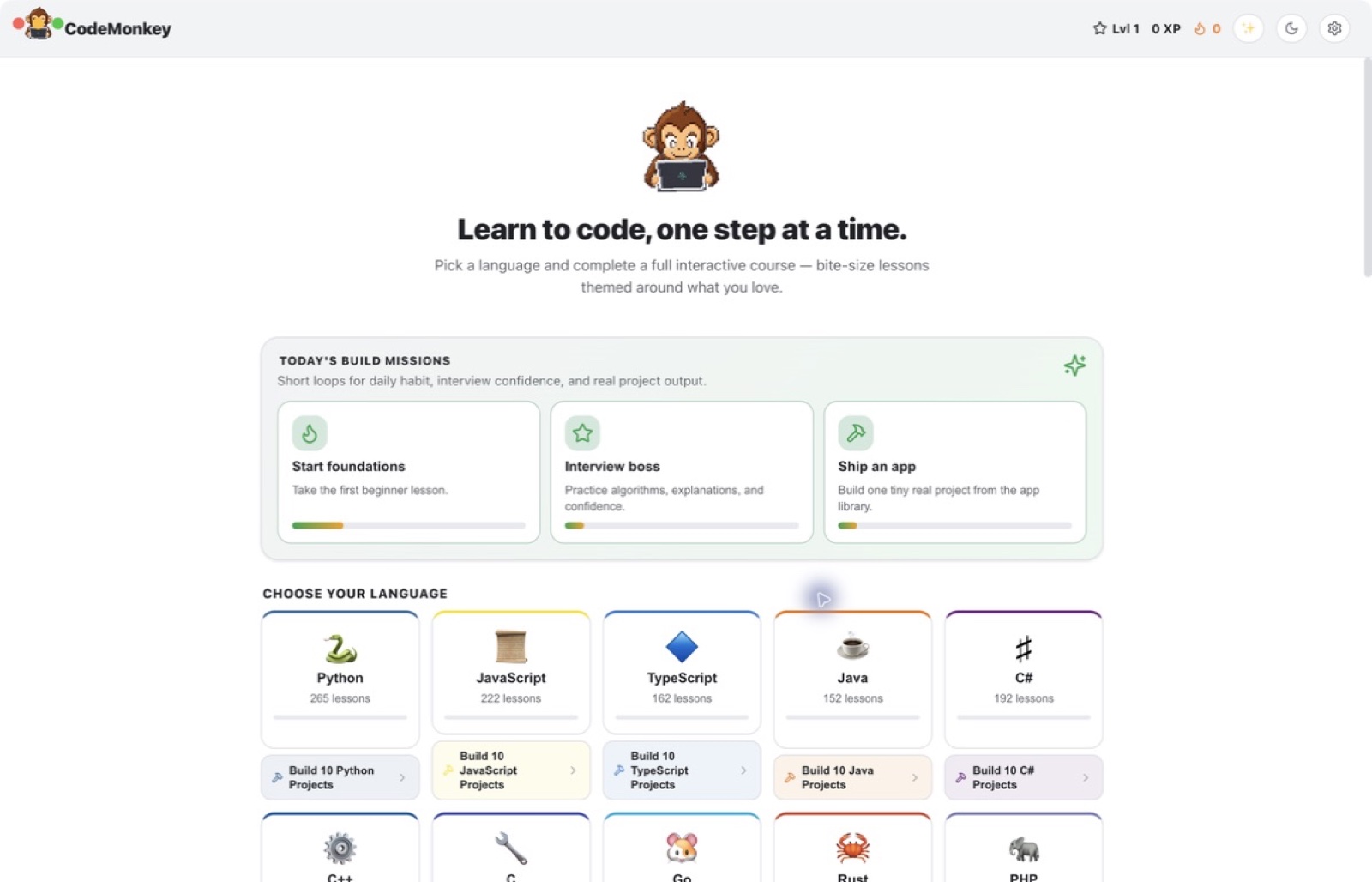
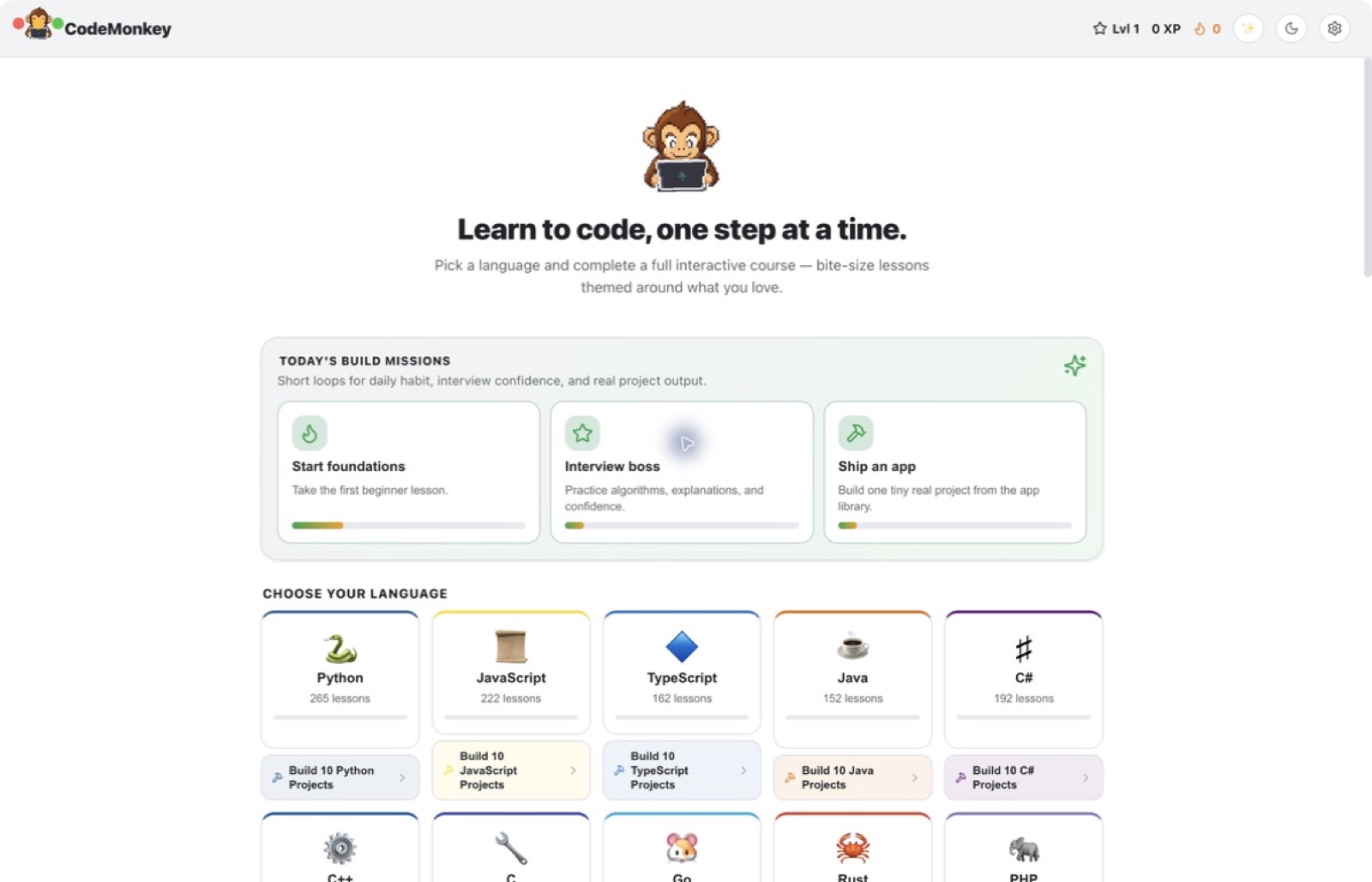
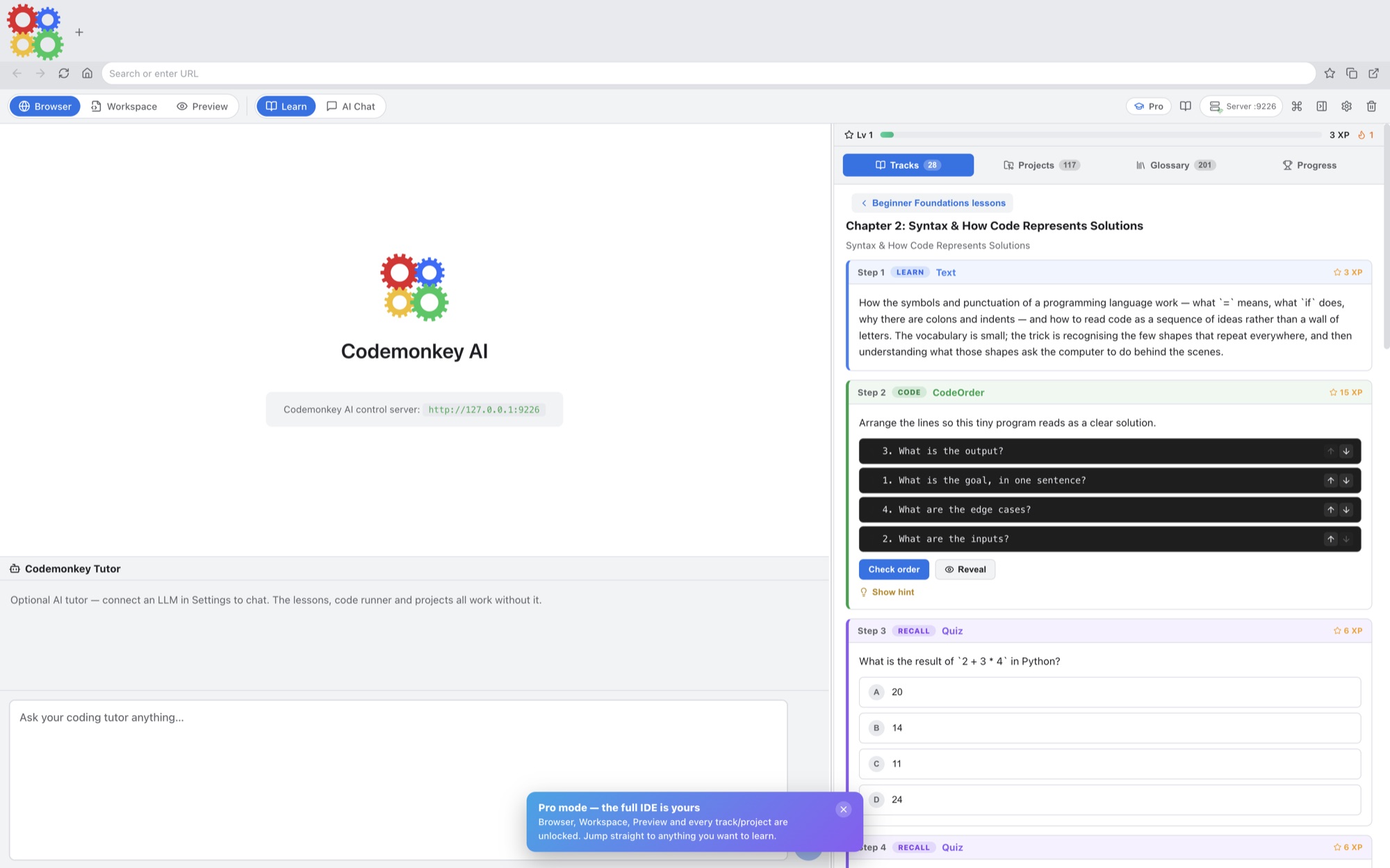
Explore 5 more screenshots
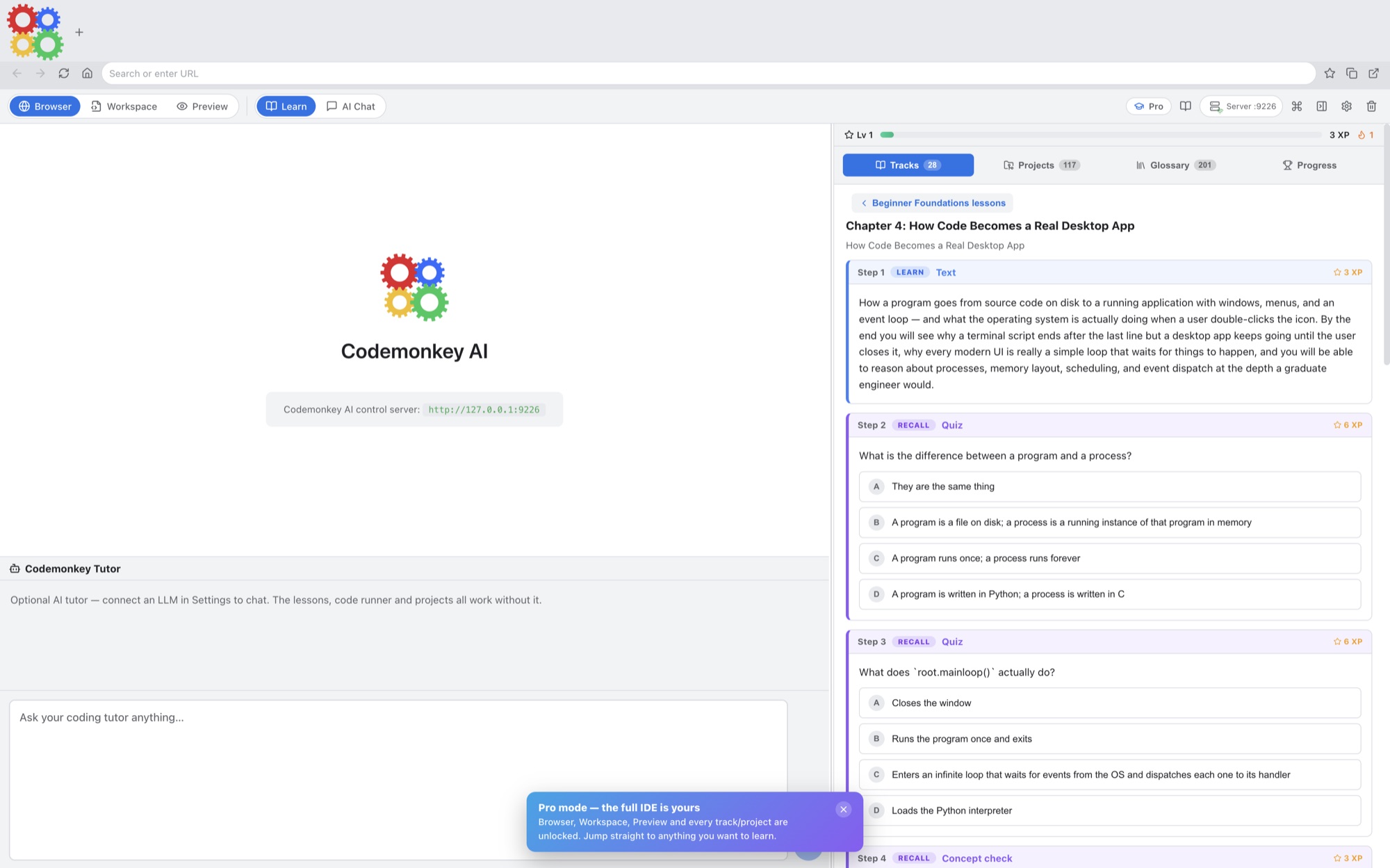
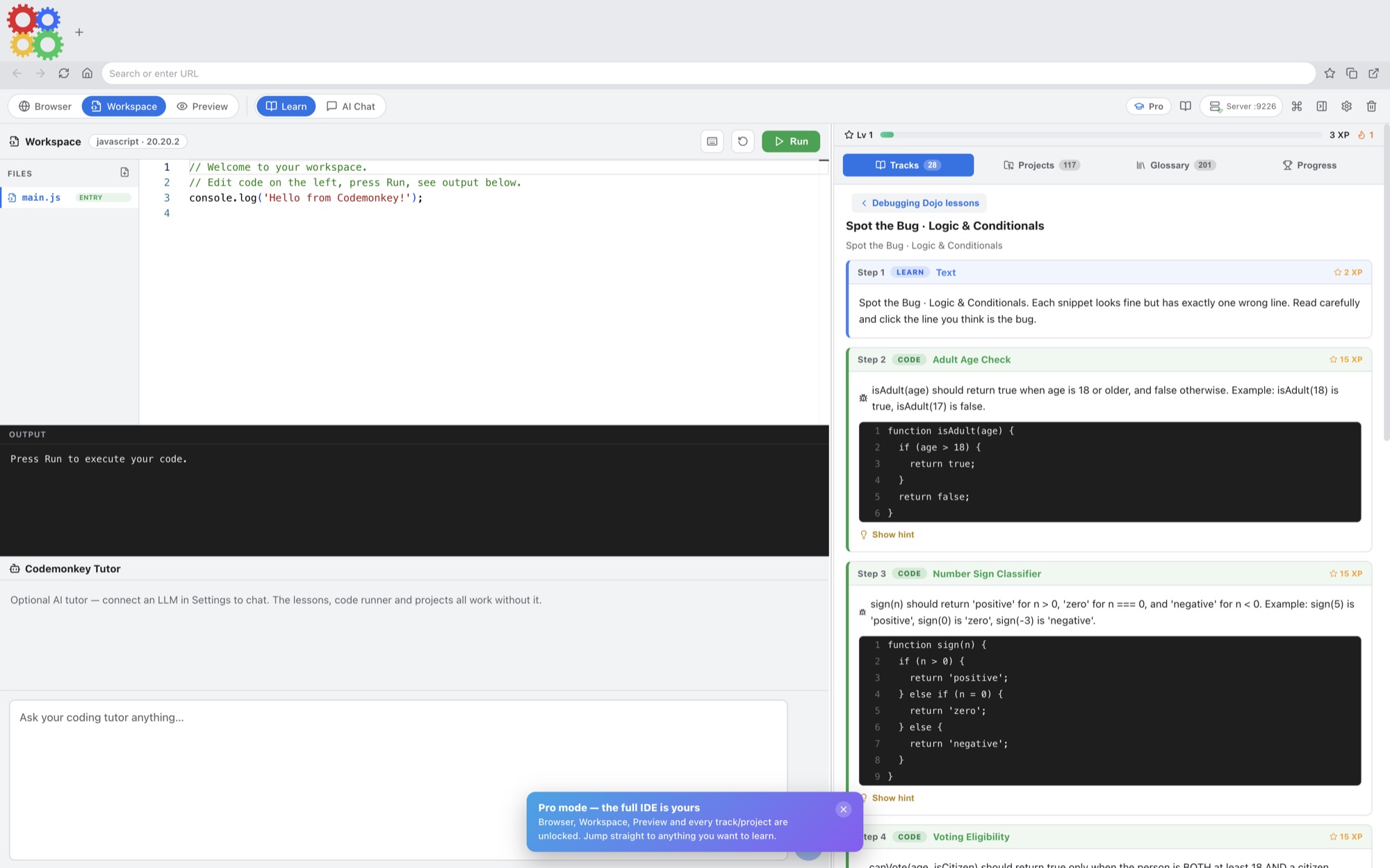
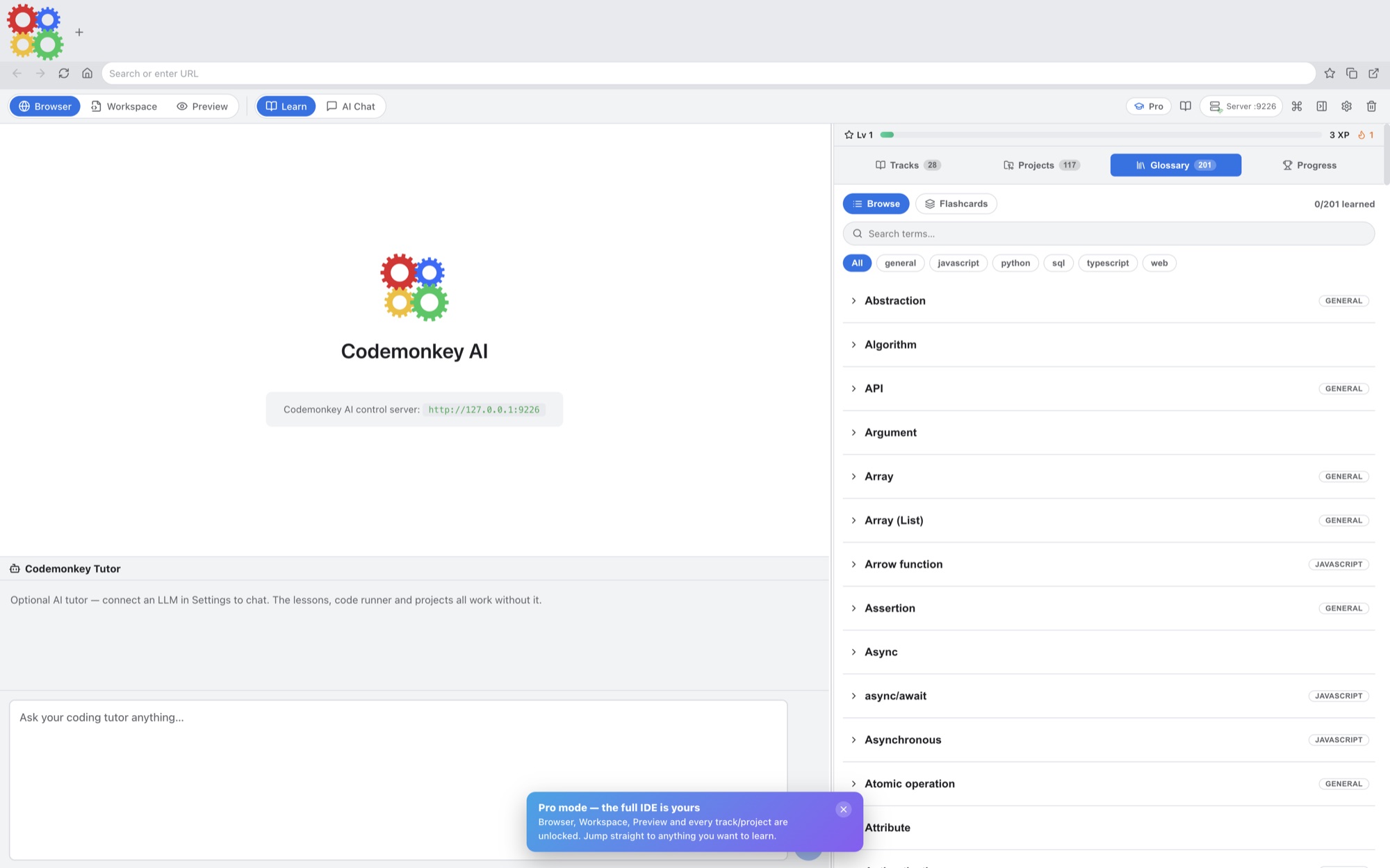
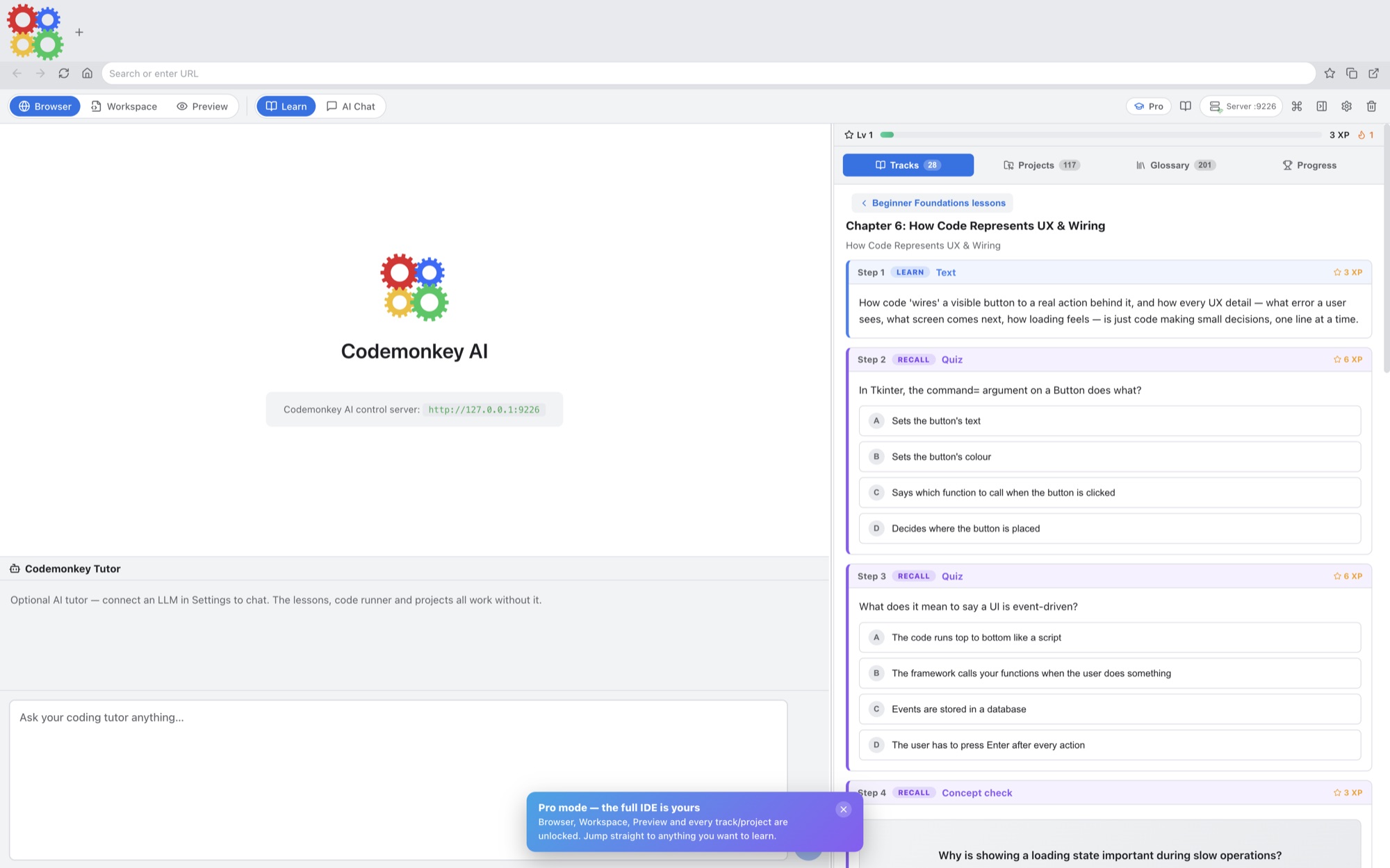
A simple way to get started
Choose a lesson
Open an interactive coding lesson and work through its explanation.
Write and practise
Try the exercise and use your connected AI tutor as you develop a solution.
Build a project
Bring the ideas together in a working project you can continue improving.
Explore more features
- Coding lessons and projects
- Practice gym and playground
- Optional model-provider settings
Get Codemonkey AI
Compatibility and installation details
- Requires
- Windows x64; review product requirements
- Architecture
- x64
- Version
- 1.1.0
- Download
- 104.4 MB
- Installer
- CodeMonkey AI-1.1.0-Windows-x64-Setup.exe
- Publisher signature
- Unsigned
- SHA-256
52cdb5bc43c031f58a5d6cef2509a25342258a7099b29020fb3320fe3d297763
Choose a supported model provider or local model connection. Any connected provider account and usage charges belong to the service you choose.
Download the Windows installer from your receipt and follow its setup steps.
Useful to know
What can I do with Codemonkey AI?
Learn with a structured curriculum, put ideas into practice in a coding playground, and turn new skills into projects. Codemonkey AI brings lessons and hands-on work together so you can move from reading an explanation to trying it yourself. Add a connected AI tutor to help you work through questions along the way.
How do I start?
Open an interactive coding lesson and work through its explanation. Try the exercise and use your connected AI tutor as you develop a solution. Bring the ideas together in a working project you can continue improving.
How do I receive my download?
After your purchase, the receipt page provides your download link. The exact expiry is shown with your delivery link. Keep your receipt and installer. If a link expires or a download fails, contact support with your receipt instead of buying again.
Where can I find setup help?
Compatibility and installation details are on this page. The installation guide and support team can help with the next step.