Research a buying decision
Open official product pages, collect price, platform support, privacy notes, refund terms, and limitations, then make a source-linked table without signing up or buying.

Browse, research and build in one AI workspace.
Keep your browsing and AI work side by side.
Keep your browsing and AI work side by side. LLM Browser combines familiar tabs, bookmarks and history with a conversation workspace and tools for code and documents. Research a subject, gather material and continue working with local files without repeatedly moving between separate applications.
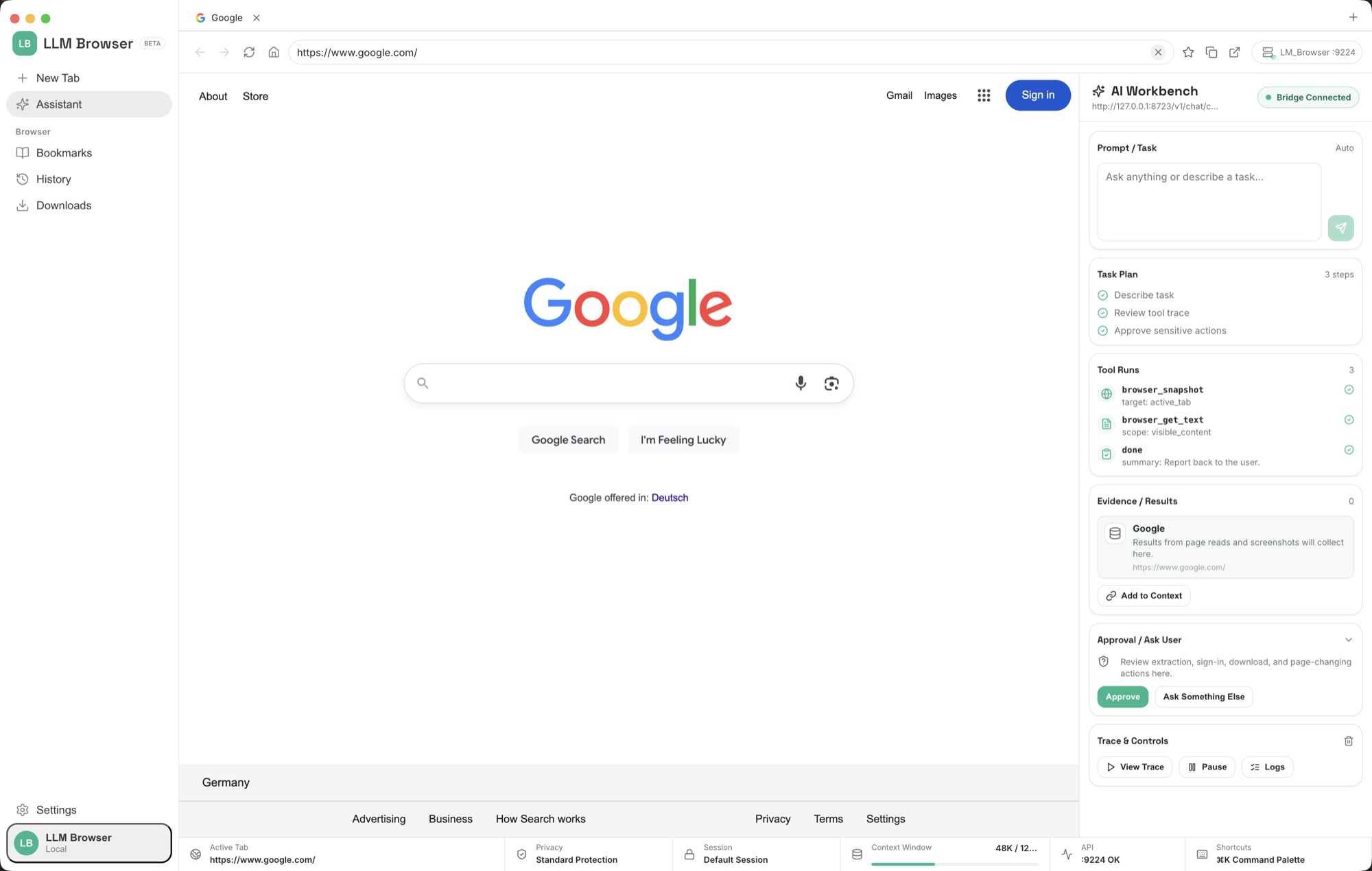
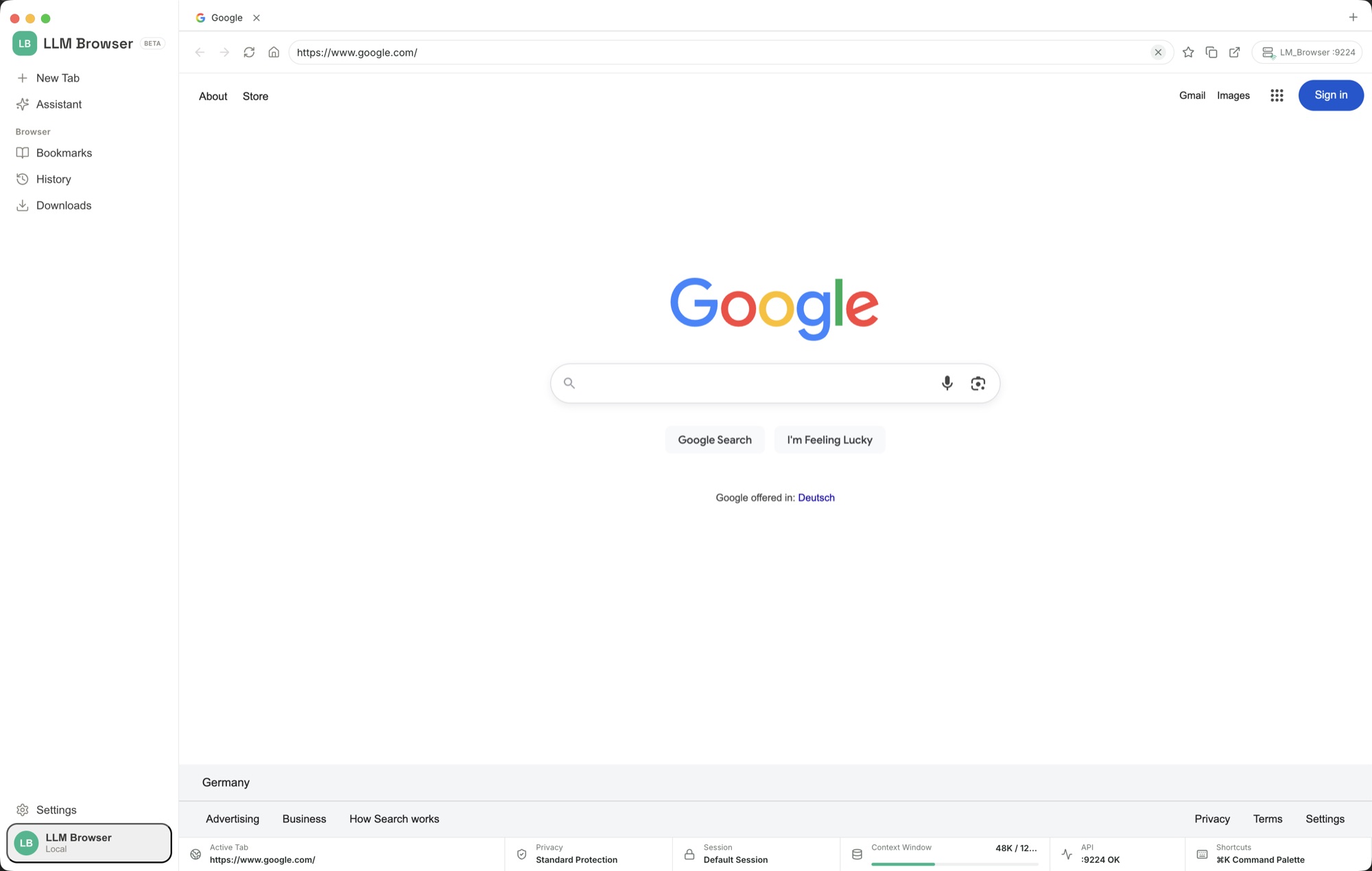
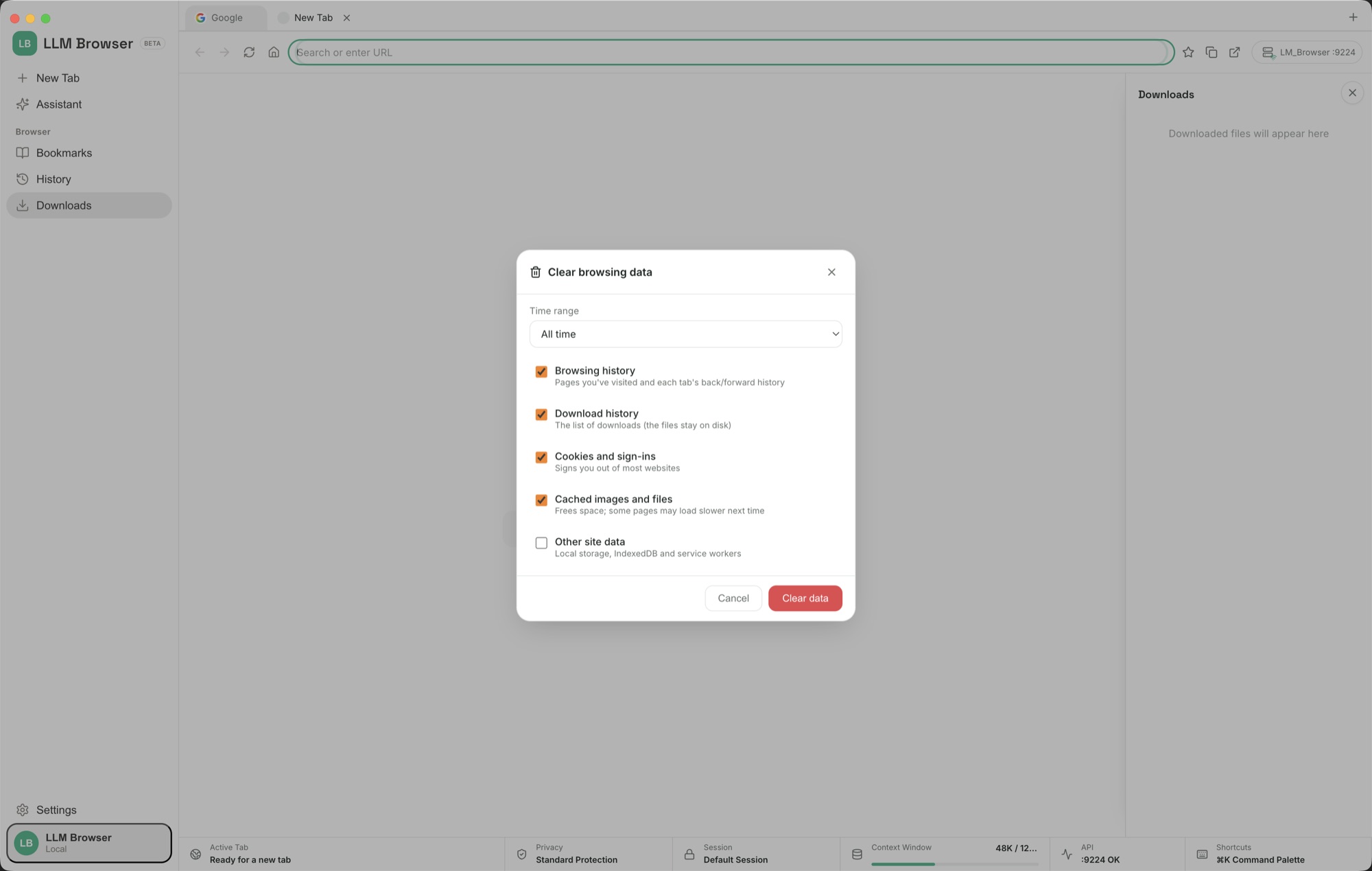
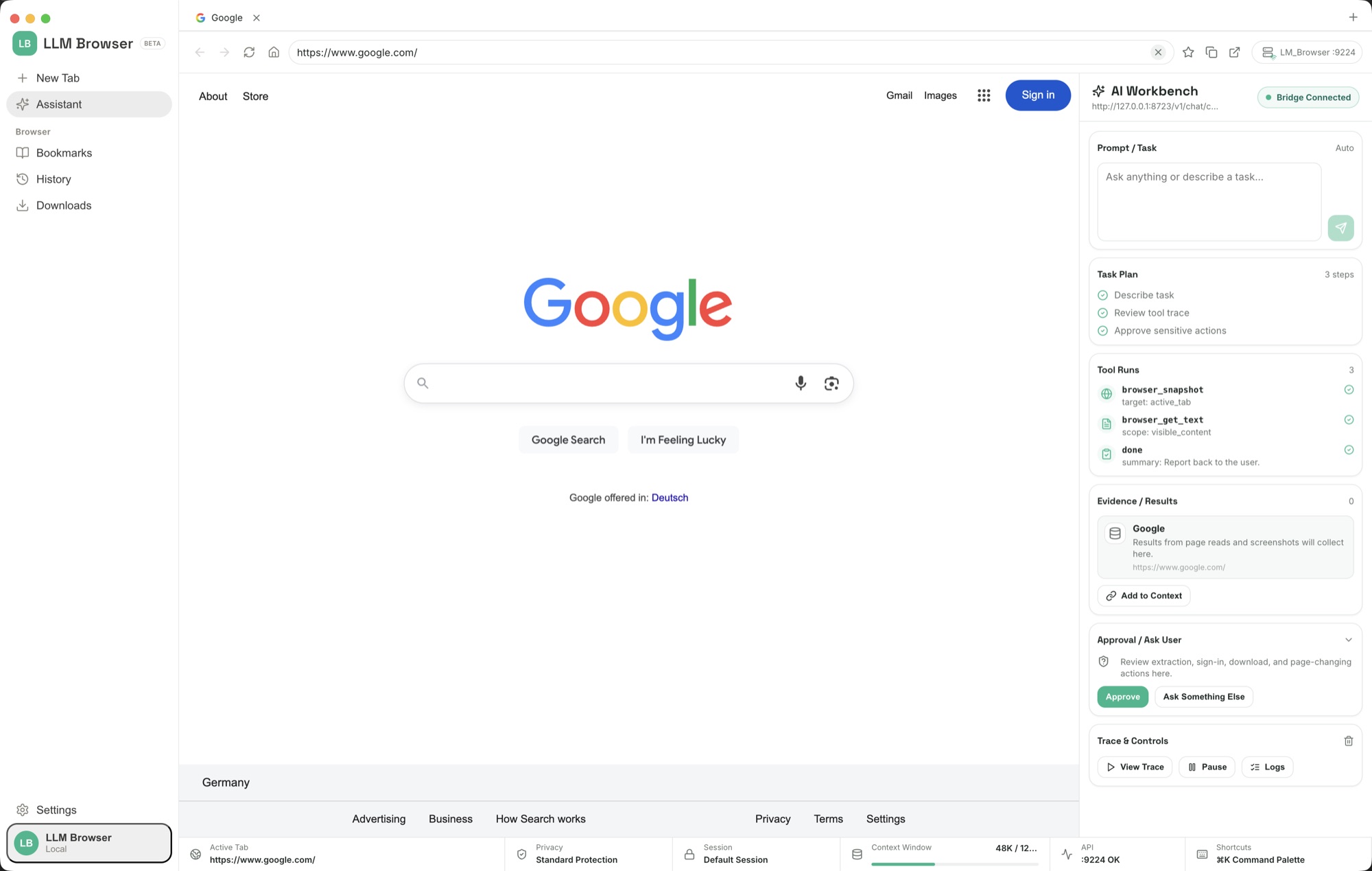
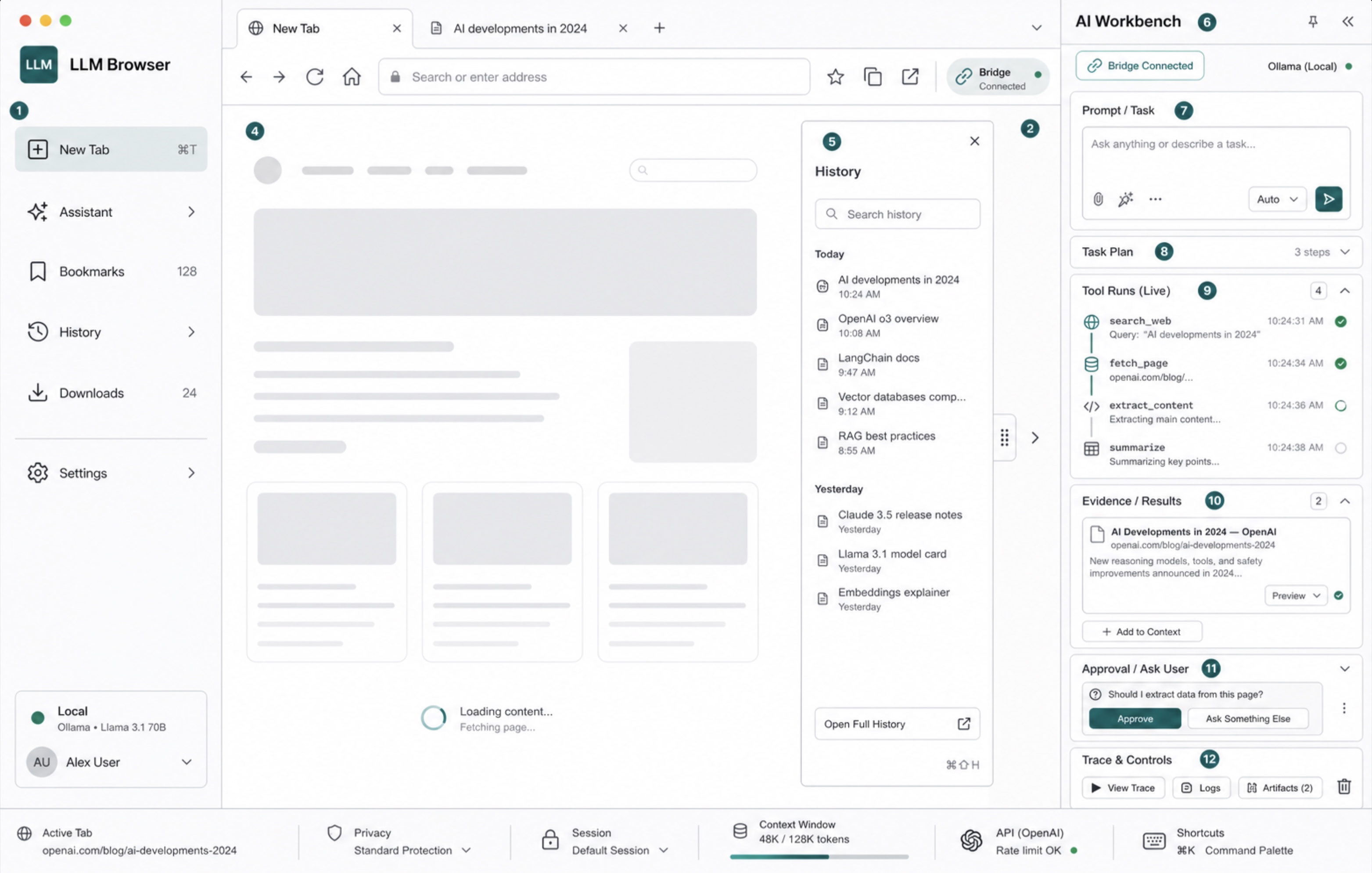
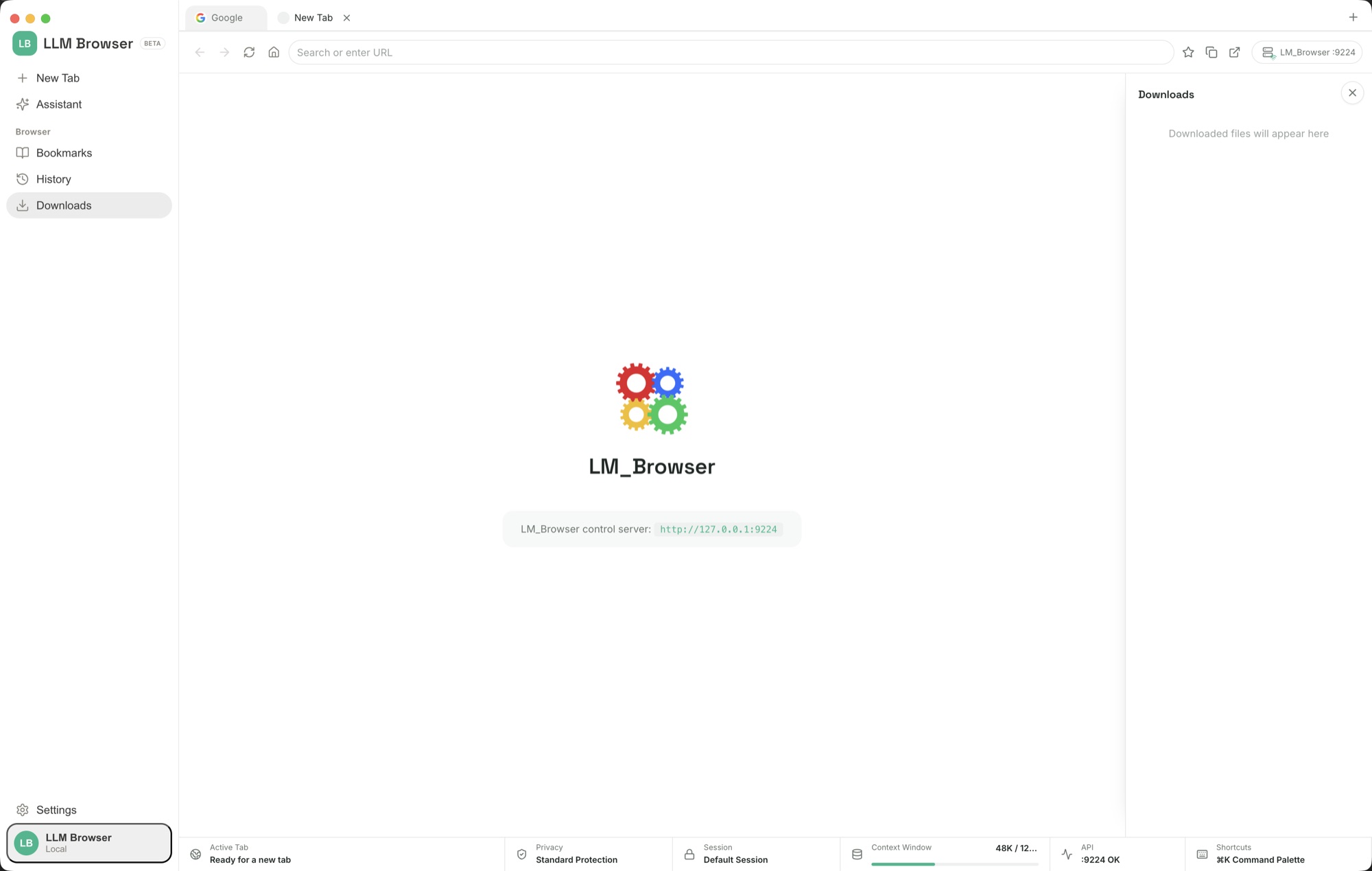
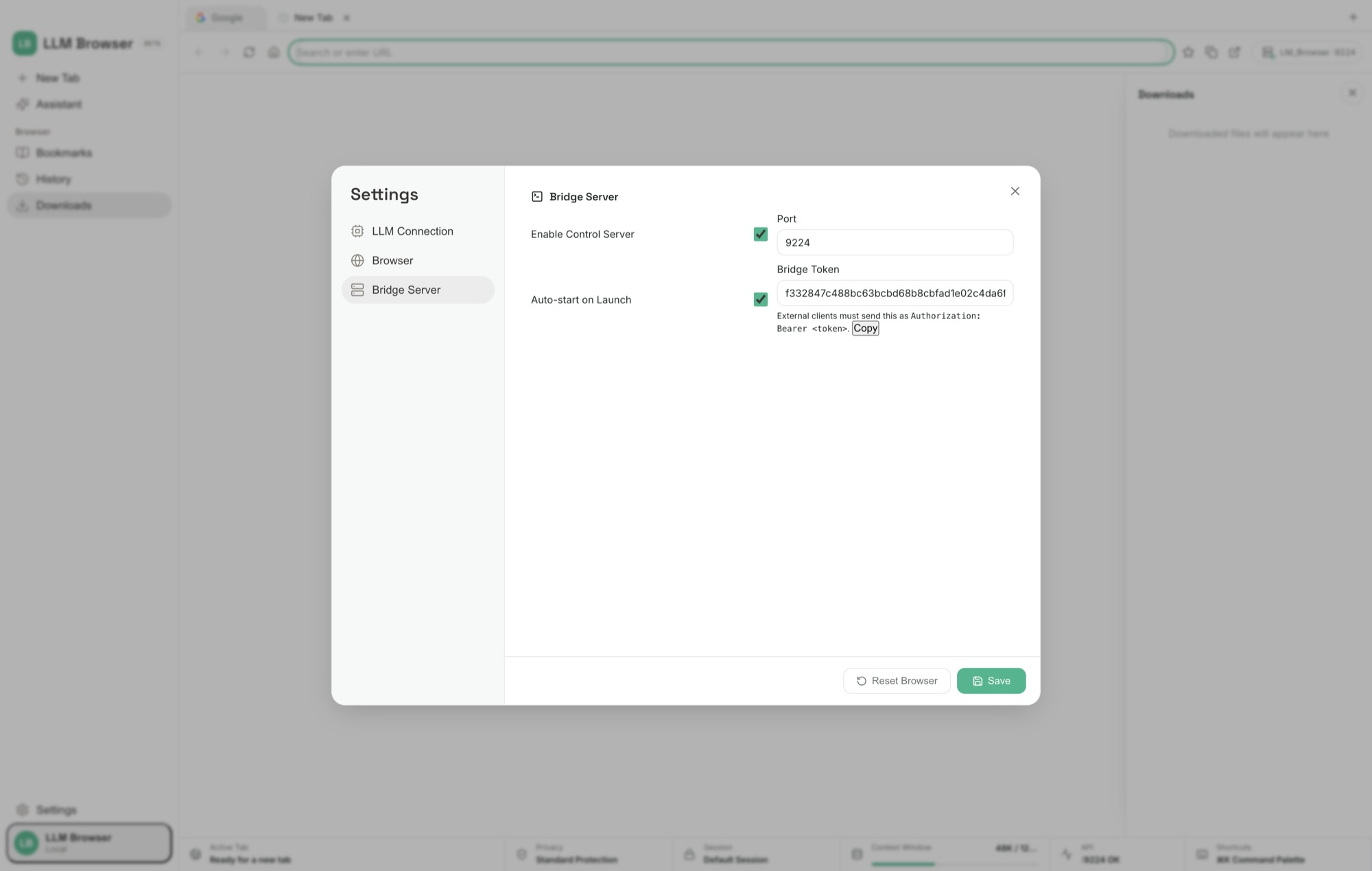
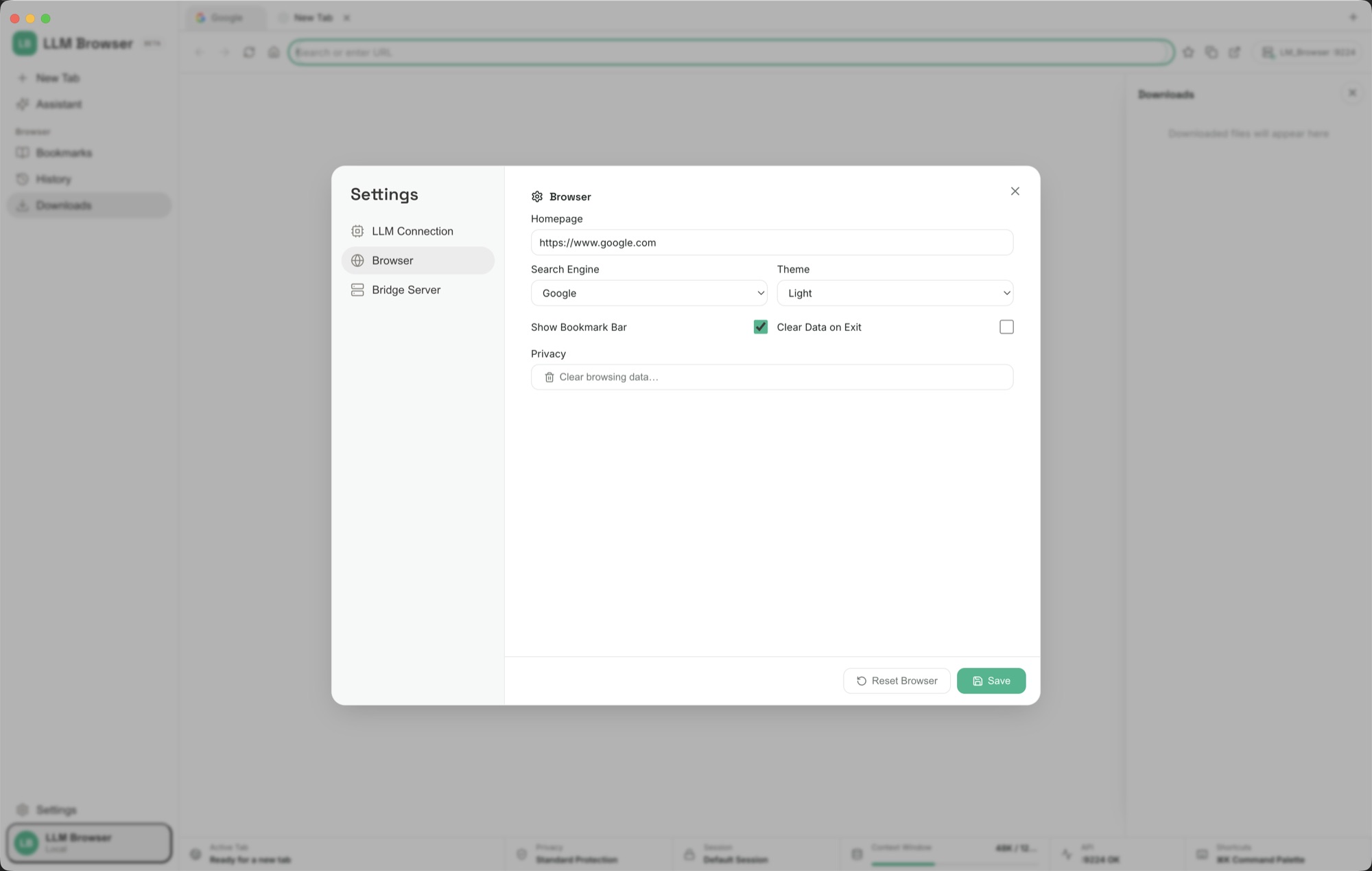
Bring the pages you want to explore into familiar browser tabs.
Use the AI conversation and workbench with the browsing context close at hand.
Carry the task into local code or documents and keep the result in the same workspace.
Open official product pages, collect price, platform support, privacy notes, refund terms, and limitations, then make a source-linked table without signing up or buying.
Find the visible list or table, normalize rows into useful columns, and mark missing values as not shown instead of guessing.
Fill visible fields from details the user provides, leave uncertain fields blank, stop before submit, and report filled and skipped fields.
Collect matching roles, salary if shown, location, skills, fit notes, and source links, then stop before applying.
Group visible items into urgent, reply later, archive candidate, and ignore, without deleting, archiving, sending, or marking anything without approval.
Connect Ollama, LM Studio, or a local GGUF model, test it, and use it for sensitive inbox, dashboard, client, or internal browsing tasks.
d78431274fcae6646323f2c26ad8e44c570a9155e8dc4bc37141722fe44f7400Choose a supported model provider or local model connection. Any connected provider account and usage charges belong to the service you choose.
Download the Windows installer from your receipt and follow its setup steps.
Keep your browsing and AI work side by side. LLM Browser combines familiar tabs, bookmarks and history with a conversation workspace and tools for code and documents. Research a subject, gather material and continue working with local files without repeatedly moving between separate applications.
Bring the pages you want to explore into familiar browser tabs. Use the AI conversation and workbench with the browsing context close at hand. Carry the task into local code or documents and keep the result in the same workspace.
After your purchase, the receipt page provides your download link. The exact expiry is shown with your delivery link. Keep your receipt and installer. If a link expires or a download fails, contact support with your receipt instead of buying again.
Compatibility and installation details are on this page. The installation guide and support team can help with the next step.