
InQ Designer
Draw with precision. Keep the paths editable.
Create artwork on artboards with shapes, text, placed images and Bézier paths.
What you can do with InQ Designer
Create artwork on artboards with shapes, text, placed images and Bézier paths. InQ Designer gives you control over anchors, handles, grouping, alignment and spacing while keeping the geometry editable. Save your local project with its history, then export the active artboard as an SVG.
- Draw precise shapes and Bézier paths on artboards
- Keep groups and compound geometry editable
- Align the artwork and export an SVG
See the workspace
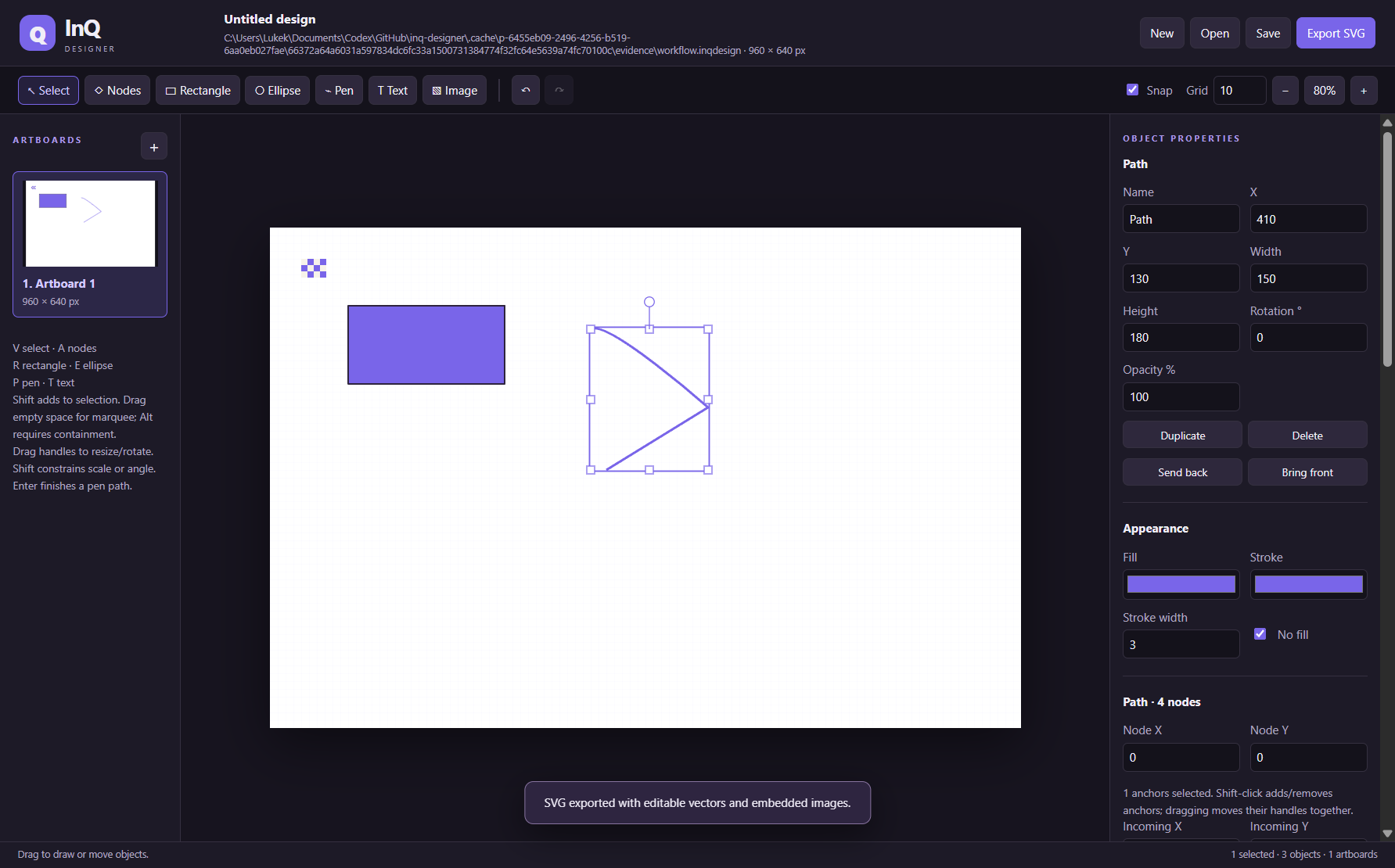
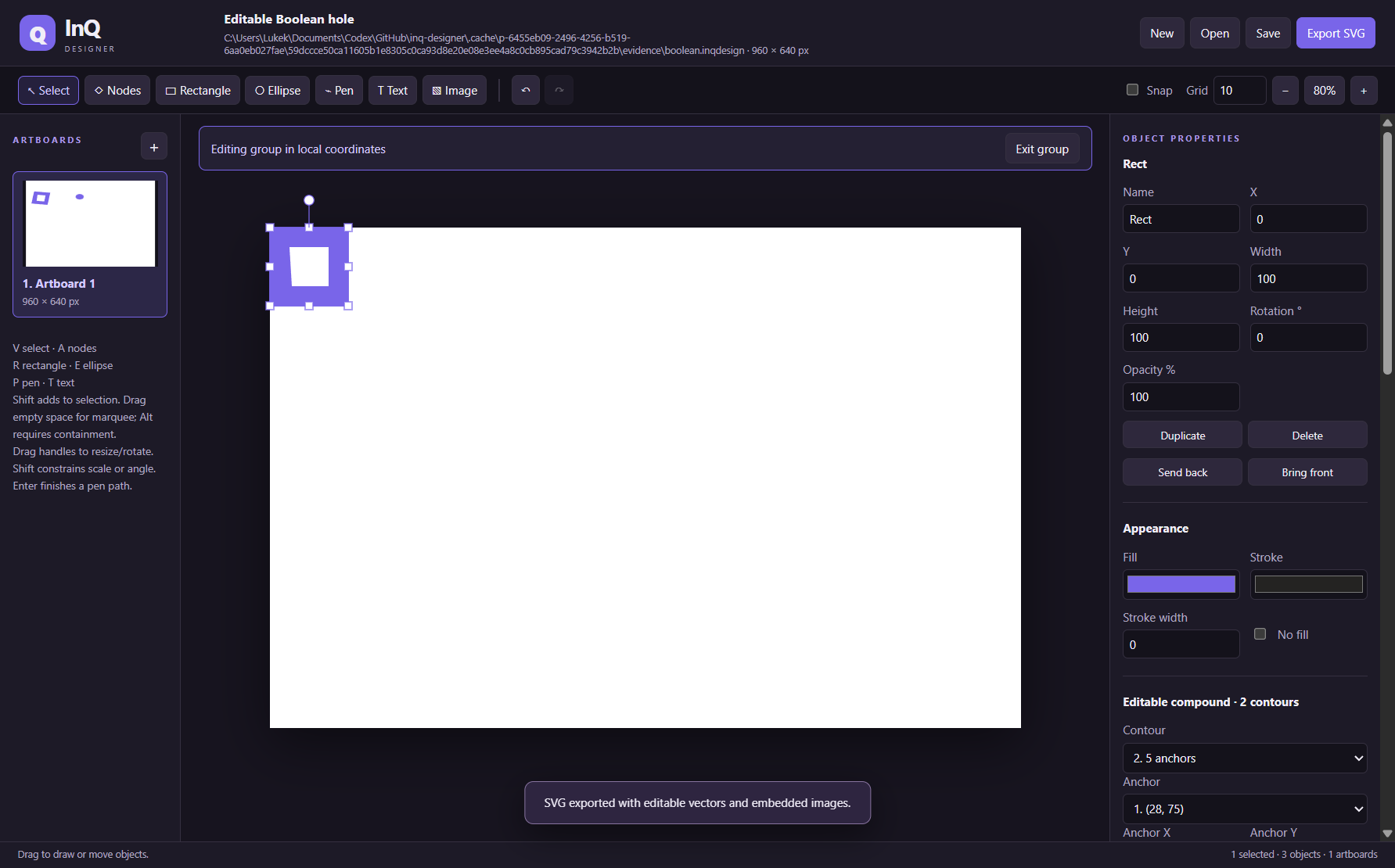
A simple way to get started
Create an artboard
Draw shapes, text and Bézier paths in a local design.
Refine the geometry
Edit anchors and handles, group objects, and control alignment and spacing.
Deliver the artwork
Keep your editable .inqdesign project and export the active artboard as SVG.
Explore more features
- Create, rename, duplicate and size editable artboards with their own object inventories
- Draw rectangles, ellipses, pen paths and editable text
- Place embedded PNG, JPEG or WebP images in the design
- Set solid fill, stroke, stroke width, opacity, rotation and numeric geometry
- Select and move multiple objects with grid snapping, ordering, visibility and locks
- Edit Bézier anchors and incoming/outgoing handles with numeric or canvas controls
Get InQ Designer
Compatibility and installation details
- Requires
- Windows 11 x64
- Architecture
- x64
- Version
- 0.4.0
- Download
- 107.3 MB
- Installer
- InQ-Designer-0.4.0-Windows-x64-Setup.exe
- Publisher signature
- Unsigned
- SHA-256
12a8ee46525028d404e837ea201bb117d55414efcea35fc17bb2f0465ec1c219
Download the Windows installer from your receipt and follow its setup steps.
Useful to know
What can I do with InQ Designer?
Create artwork on artboards with shapes, text, placed images and Bézier paths. InQ Designer gives you control over anchors, handles, grouping, alignment and spacing while keeping the geometry editable. Save your local project with its history, then export the active artboard as an SVG.
How do I start?
Draw shapes, text and Bézier paths in a local design. Edit anchors and handles, group objects, and control alignment and spacing. Keep your editable .inqdesign project and export the active artboard as SVG.
How do I receive my download?
After your purchase, the receipt page provides your download link. The exact expiry is shown with your delivery link. Keep your receipt and installer. If a link expires or a download fails, contact support with your receipt instead of buying again.
Where can I find setup help?
Compatibility and installation details are on this page. The installation guide and support team can help with the next step.