
InQ Effects
Build animation you can keep refining.
Arrange shapes, text and images in a 2D composition, then bring them to life with editable keyframes and timing curves.
What you can do with InQ Effects
Arrange shapes, text and images in a 2D composition, then bring them to life with editable keyframes and timing curves. InQ Effects combines masks, track mattes and nested compositions so you can shape movement and visibility together. Save the project and render a PNG frame or numbered image sequence.
- Animate shapes, text and images with keyframes
- Control visibility with masks and track mattes
- Keep the project editable and render PNG sequences
See the workspace
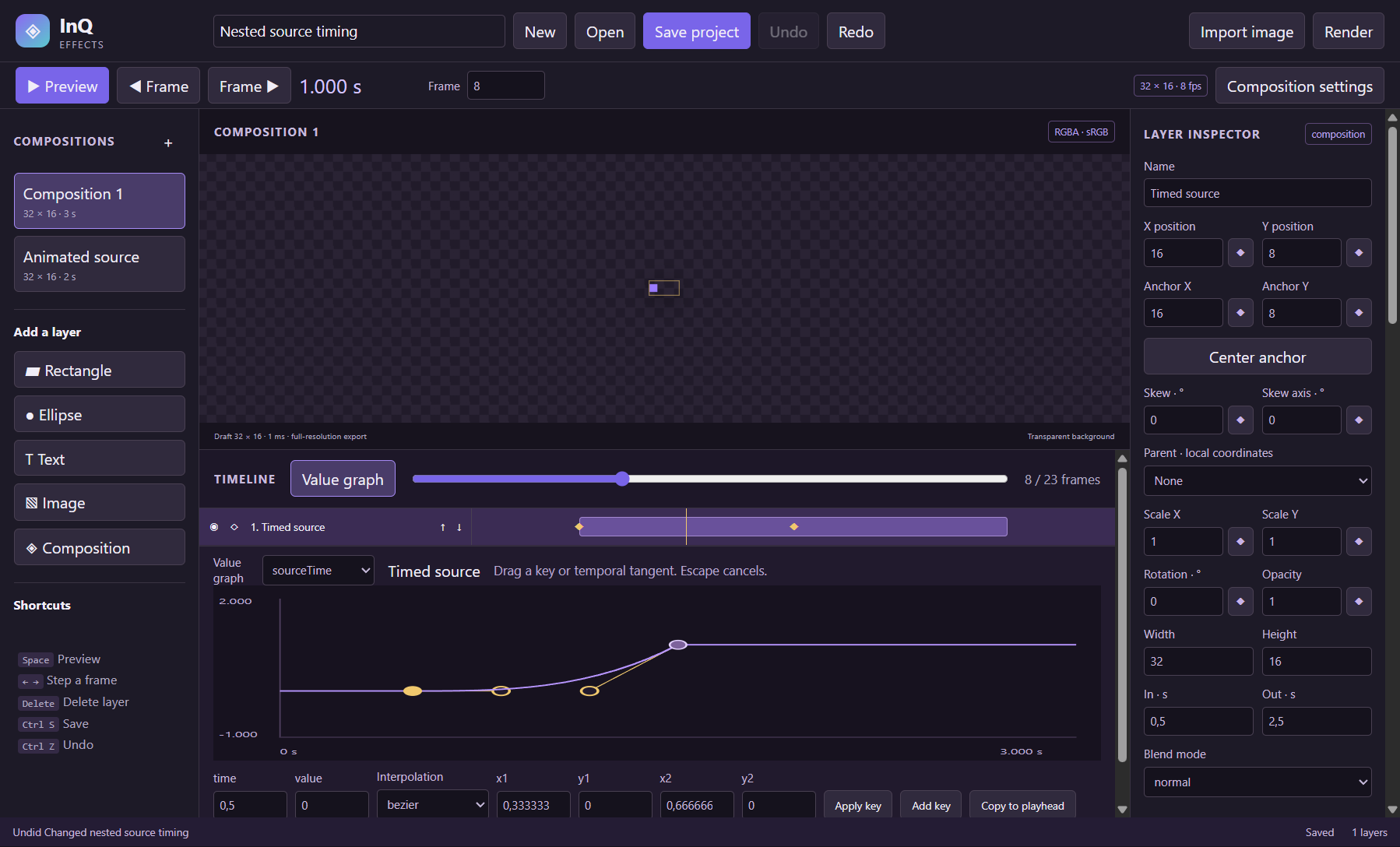
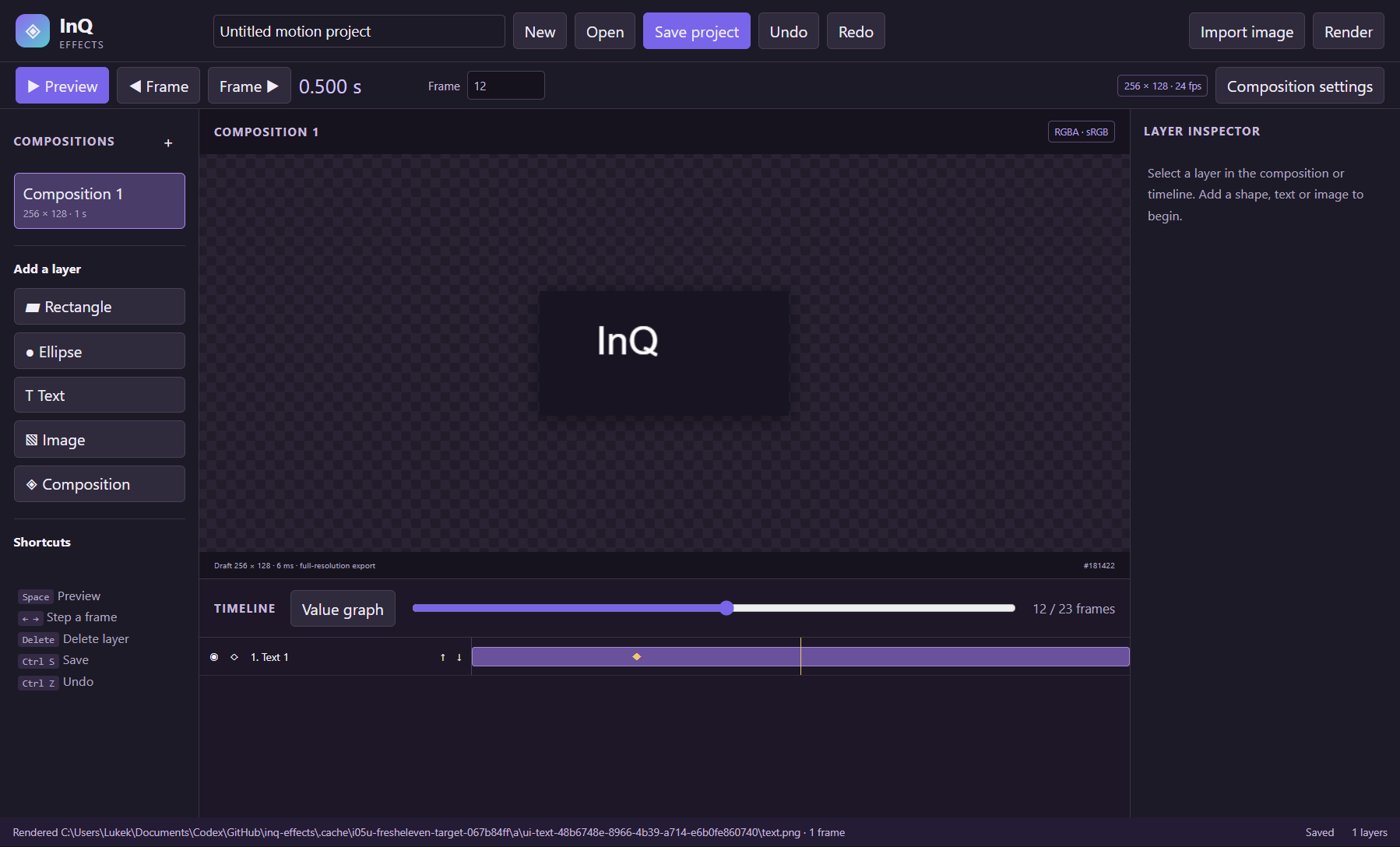
A simple way to get started
Arrange the scene
Create a 2D composition with shapes, text, images and nested compositions.
Set the movement
Animate properties with keyframes and shape visibility with masks or mattes.
Render the frames
Save the editable project and export a PNG frame or numbered image sequence.
Explore more features
- Create local 2D compositions with editable dimensions, frame rate, duration and background alpha
- Arrange rectangle, ellipse, text, image and nested-composition layers in an editable stack
- Set layer in/out timing, visibility, locks, duplication and ordering
- Edit position, signed scale, rotation, opacity, anchor, skew and transform parents
- Add, move, copy and delete property keyframes with linear, hold and easing presets
- Shape temporal interpolation in a value graph with editable cubic Bézier tangents
Get InQ Effects
Compatibility and installation details
- Requires
- Windows 11 x64
- Architecture
- x64
- Version
- 0.5.0
- Download
- 106.1 MB
- Installer
- InQ-Effects-0.5.0-Windows-x64-Setup.exe
- Publisher signature
- Unsigned
- SHA-256
56b50fa4534c280144f6617d01406c384ce6cd6d19b6bb962cb5ae3313a81b37
Download the Windows installer from your receipt and follow its setup steps.
Useful to know
What can I do with InQ Effects?
Arrange shapes, text and images in a 2D composition, then bring them to life with editable keyframes and timing curves. InQ Effects combines masks, track mattes and nested compositions so you can shape movement and visibility together. Save the project and render a PNG frame or numbered image sequence.
How do I start?
Create a 2D composition with shapes, text, images and nested compositions. Animate properties with keyframes and shape visibility with masks or mattes. Save the editable project and export a PNG frame or numbered image sequence.
How do I receive my download?
After your purchase, the receipt page provides your download link. The exact expiry is shown with your delivery link. Keep your receipt and installer. If a link expires or a download fails, contact support with your receipt instead of buying again.
Where can I find setup help?
Compatibility and installation details are on this page. The installation guide and support team can help with the next step.