
InQ Publisher
Bring a publication into a consistent layout.
Flow stories through linked text frames, shape the typography with reusable styles and carry page structure across a publication with master templates.
What you can do with InQ Publisher
Flow stories through linked text frames, shape the typography with reusable styles and carry page structure across a publication with master templates. InQ Publisher brings text, images and layout controls into one editable project. Refine the details and deliver page SVGs or a multipage PDF.
- Flow stories through linked frames and columns
- Carry consistent typography across pages
- Deliver page SVGs or a multipage PDF
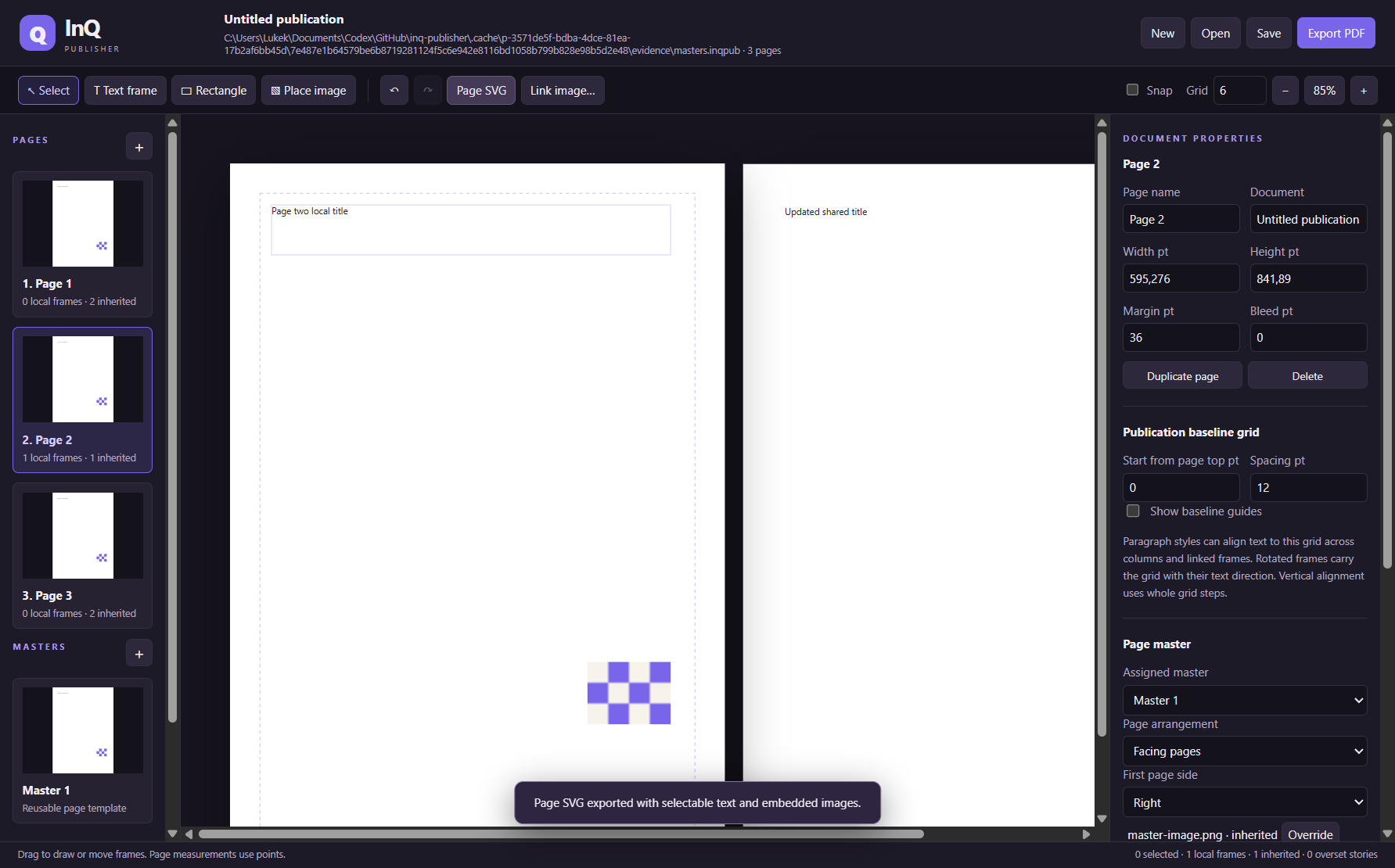
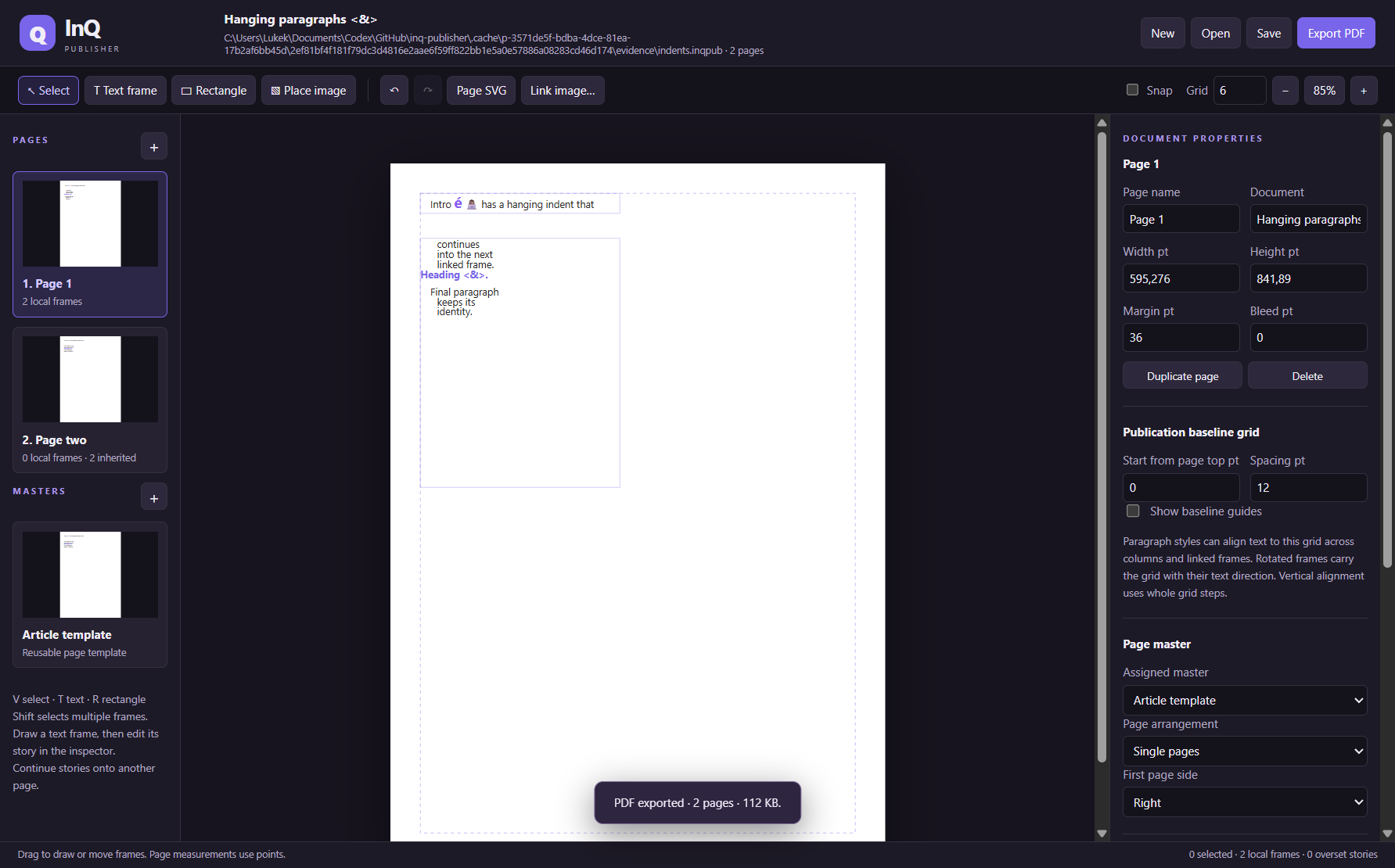
See the workspace
A simple way to get started
Set up the pages
Choose page structure and place text and image frames.
Build consistent typography
Flow stories through linked frames and apply reusable styles and master templates.
Prepare delivery
Review the layout, save the editable publication and export SVG pages or a multipage PDF.
Explore more features
- Create ordered publication pages with shared point-based dimensions, margins and bleed guides
- Work with single or facing-page arrangements and switch the active page from the companion preview
- Draw and position rectangle, text and image frames with rotation, visibility and locking
- Flow one editable story through linked continuation frames and columns across pages
- Control column gutters, frame insets and top, centre or bottom text alignment
- Reuse paragraph styles for fonts, weight, tracking, colour, alignment, leading and paragraph spacing
Get InQ Publisher
Compatibility and installation details
- Requires
- Windows 11 x64
- Architecture
- x64
- Version
- 0.4.0
- Download
- 106.2 MB
- Installer
- InQ-Publisher-0.4.0-Windows-x64-Setup.exe
- Publisher signature
- Unsigned
- SHA-256
902e55dce5f74695c19328dbcaae4fef4fa24dd39a5856d7ae34232aaad7bc05
Download the Windows installer from your receipt and follow its setup steps.
Useful to know
What can I do with InQ Publisher?
Flow stories through linked text frames, shape the typography with reusable styles and carry page structure across a publication with master templates. InQ Publisher brings text, images and layout controls into one editable project. Refine the details and deliver page SVGs or a multipage PDF.
How do I start?
Choose page structure and place text and image frames. Flow stories through linked frames and apply reusable styles and master templates. Review the layout, save the editable publication and export SVG pages or a multipage PDF.
How do I receive my download?
After your purchase, the receipt page provides your download link. The exact expiry is shown with your delivery link. Keep your receipt and installer. If a link expires or a download fails, contact support with your receipt instead of buying again.
Where can I find setup help?
Compatibility and installation details are on this page. The installation guide and support team can help with the next step.