
InQ Video Editor
Take a video from source files to final export.
Organise your media, build picture and sound on a frame-based timeline, and refine the result through eight connected workspaces.
What you can do with InQ Video Editor
Organise your media, build picture and sound on a frame-based timeline, and refine the result through eight connected workspaces. InQ Video Editor keeps cuts, captions, colour and audio in one editable project. Save your decisions and history, then deliver an H.264/AAC MP4 from your local workspace.
- Move through eight connected editing workspaces
- Refine picture, sound and captions on one timeline
- Save the project and deliver a local MP4
See the workspace
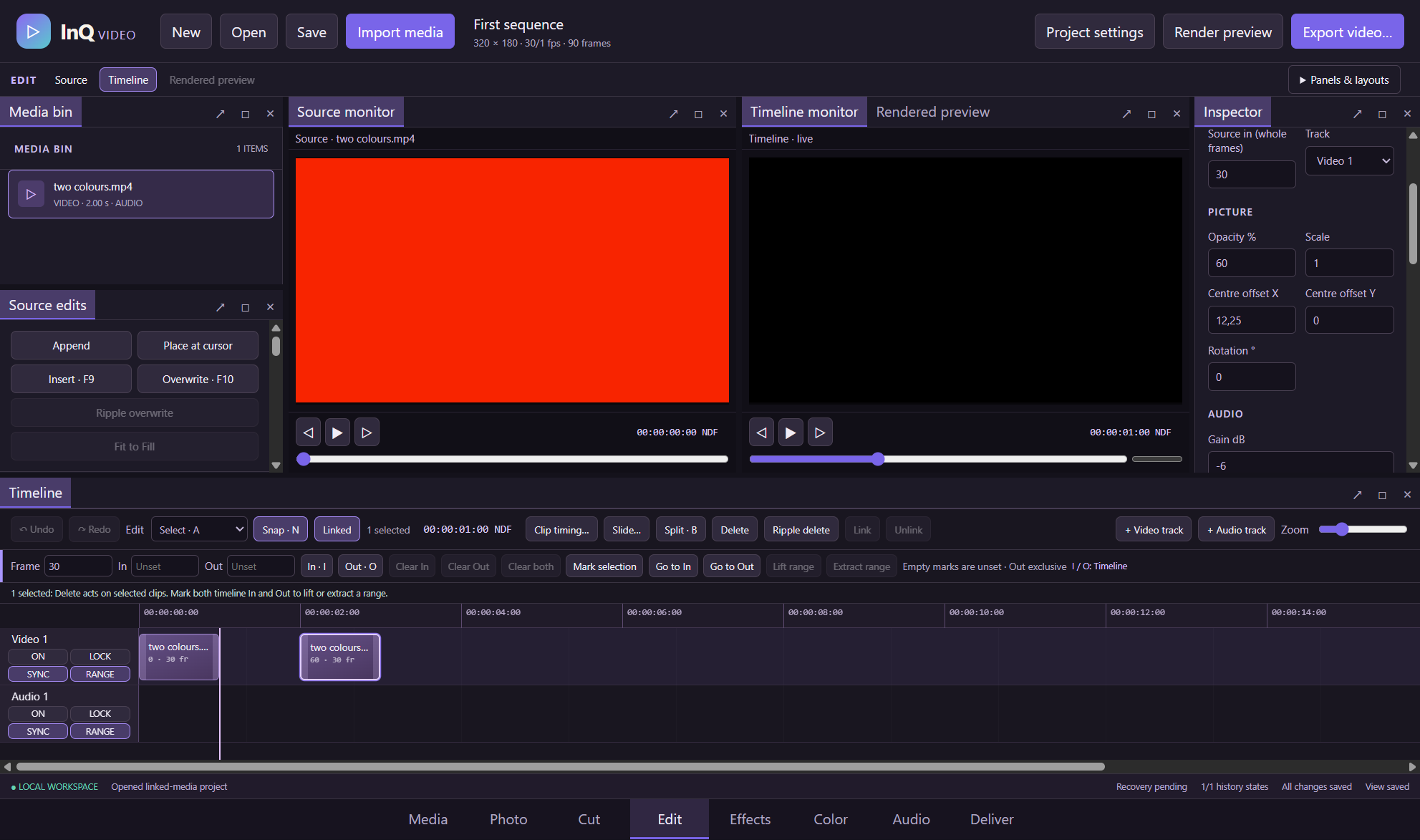
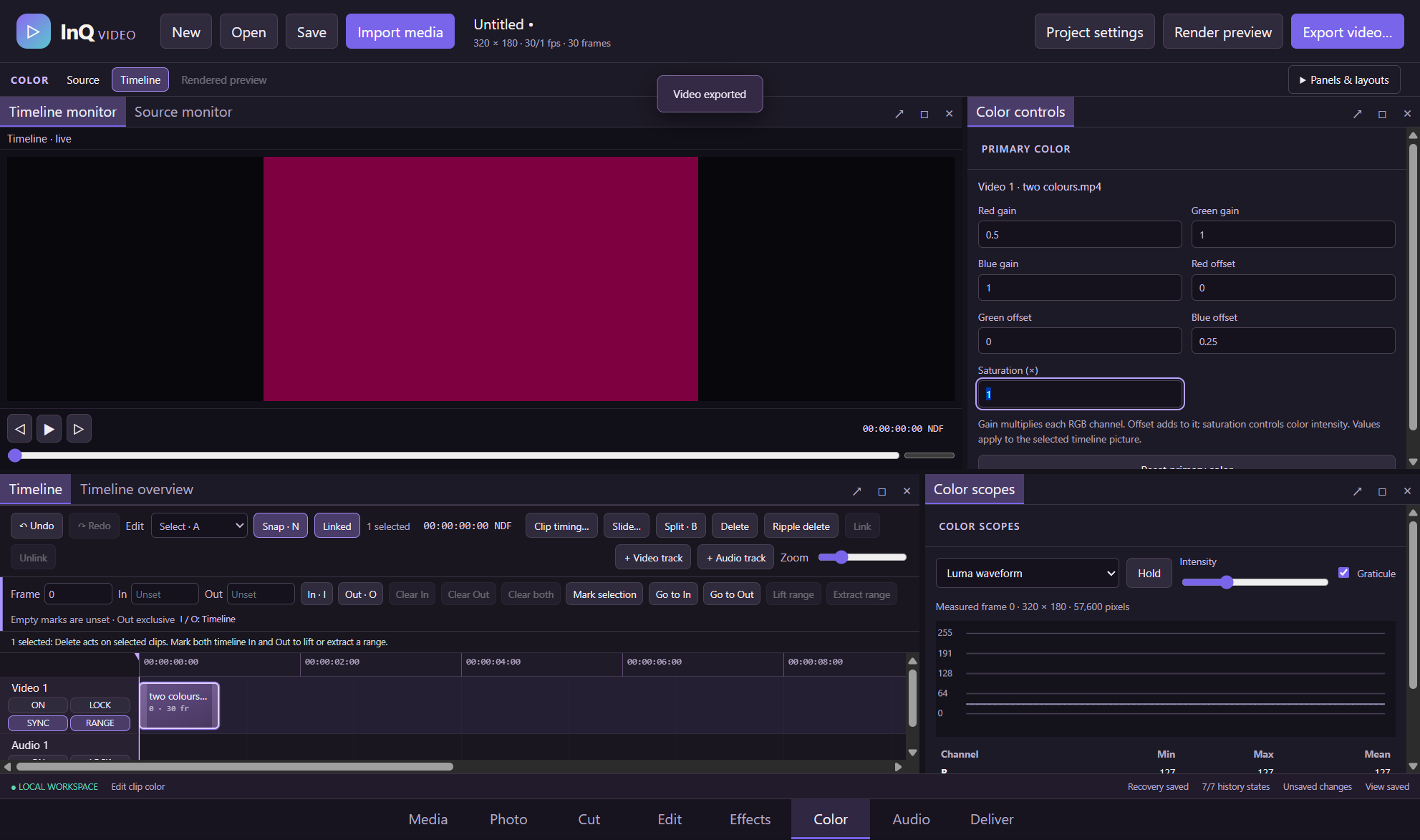
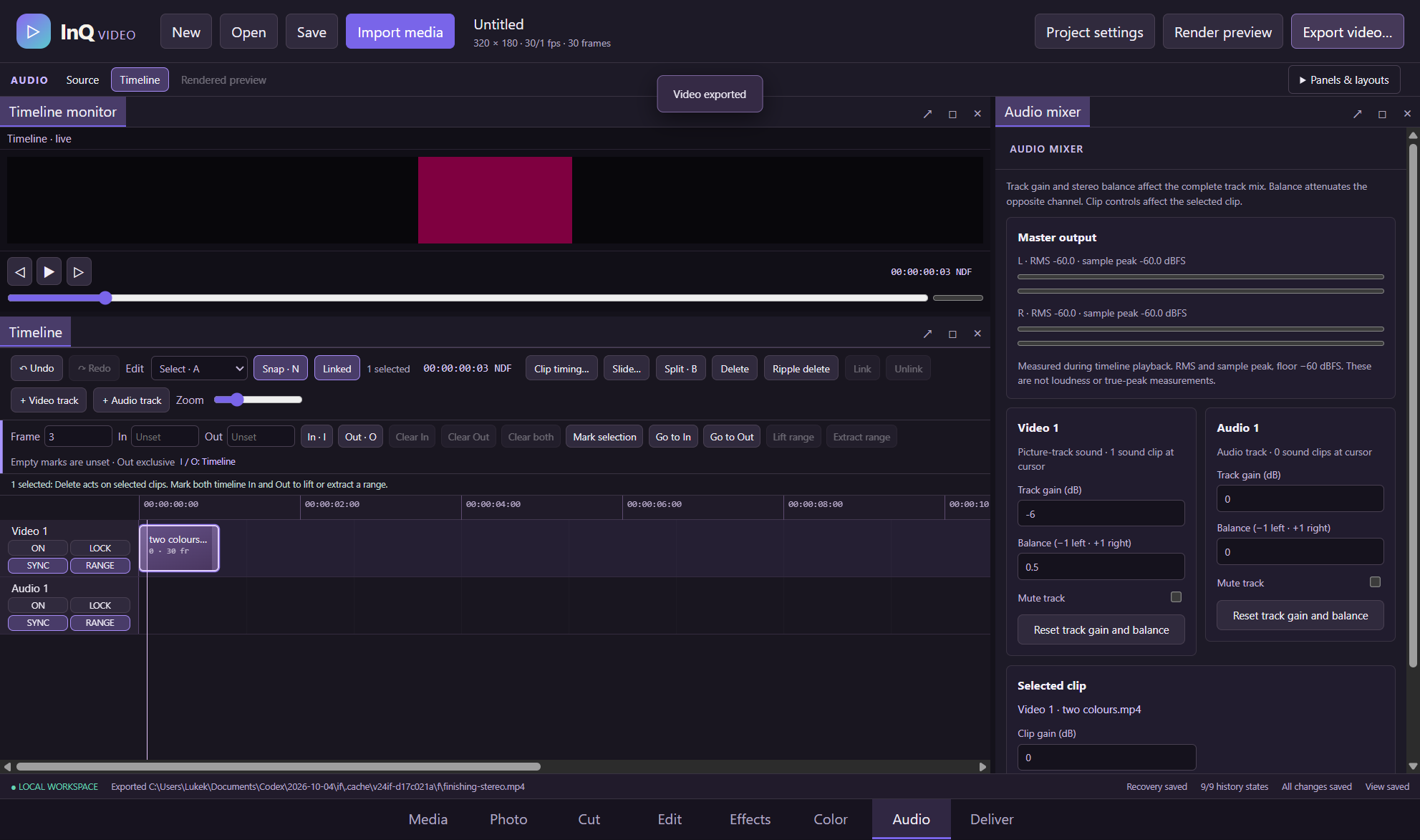
Explore 2 more screenshots
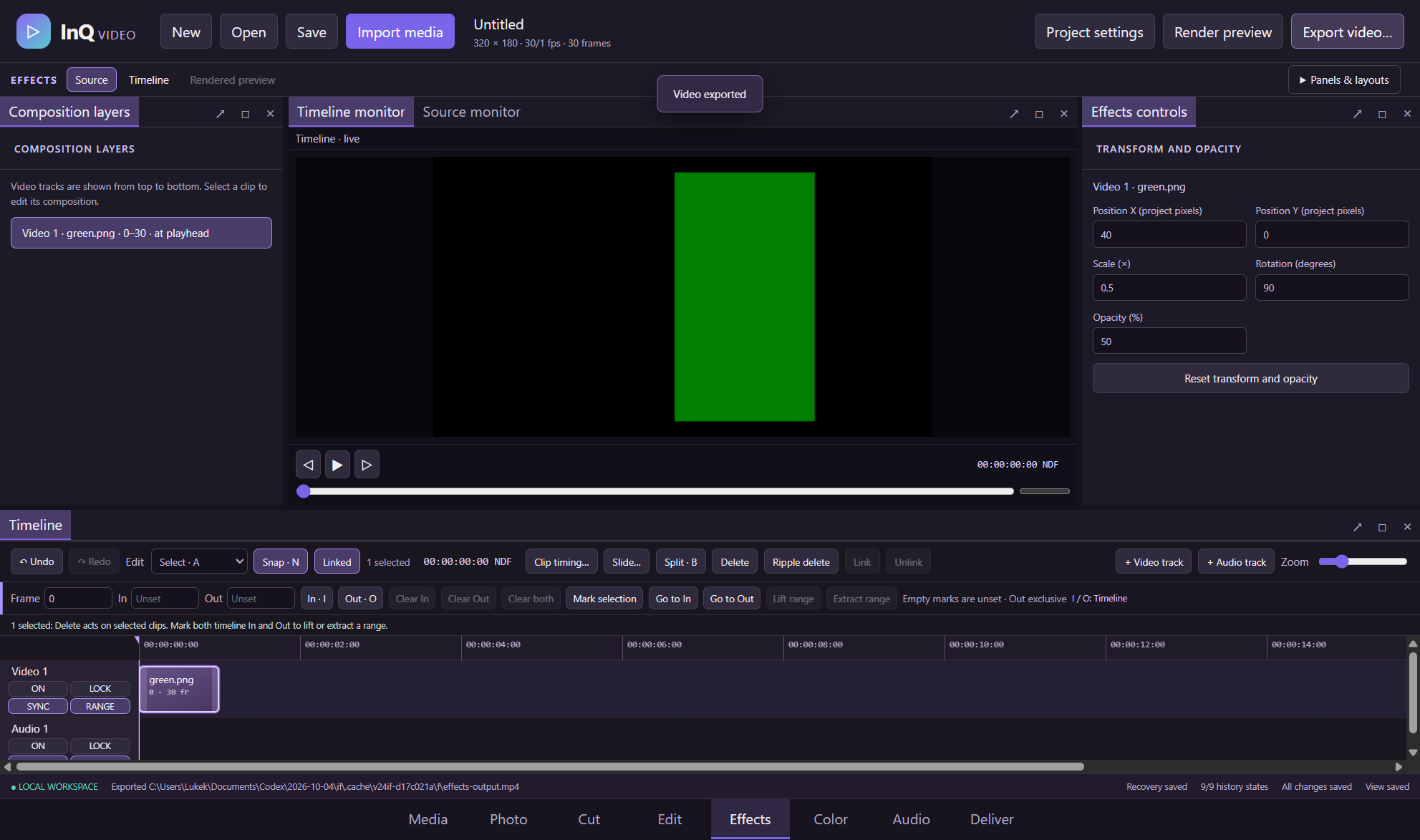
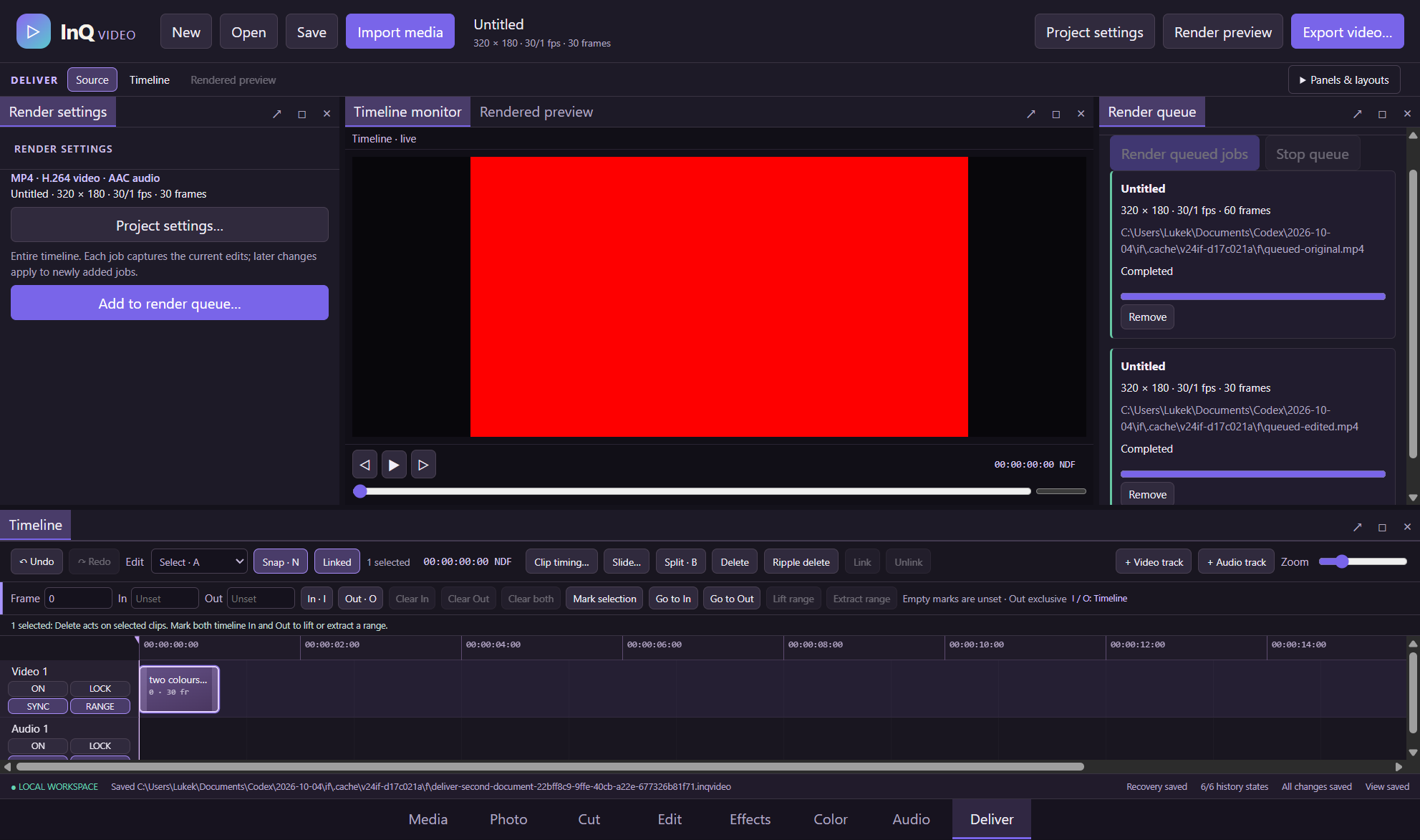
A simple way to get started
Organise your media
Import video, audio and stills into project bins.
Build the sequence
Arrange, trim and split clips on the timeline, then refine captions, colour and audio.
Deliver the edit
Save your project and render an H.264/AAC MP4 from the local workspace.
Explore more features
- Switch between eight workspaces that share one project, timeline and editing history
- Import local video, audio and still images with factual metadata, search, filters and nested project bins
- Use separate Source, Timeline and Rendered Preview monitors with independent cursors
- Resize and dock panels, use tab groups and save named layouts for each workspace
- Move, trim and split clips across video and audio tracks with magnetic snapping
- Slip a clip source window or roll the shared cut between touching clips
Get InQ Video Editor
Compatibility and installation details
- Requires
- Windows 11 x64
- Architecture
- x64
- Version
- 0.24.0
- Download
- 146.0 MB
- Installer
- InQ-Video-Editor-0.24.0-Windows-x64-Setup.exe
- Publisher signature
- Unsigned
- SHA-256
e812d693464dd642ceab3109b1744061b75790fc3d31405bf378a8edb955c516
Download the Windows installer from your receipt and follow its setup steps.
Useful to know
What can I do with InQ Video Editor?
Organise your media, build picture and sound on a frame-based timeline, and refine the result through eight connected workspaces. InQ Video Editor keeps cuts, captions, colour and audio in one editable project. Save your decisions and history, then deliver an H.264/AAC MP4 from your local workspace.
How do I start?
Import video, audio and stills into project bins. Arrange, trim and split clips on the timeline, then refine captions, colour and audio. Save your project and render an H.264/AAC MP4 from the local workspace.
How do I receive my download?
After your purchase, the receipt page provides your download link. The exact expiry is shown with your delivery link. Keep your receipt and installer. If a link expires or a download fails, contact support with your receipt instead of buying again.
Where can I find setup help?
Compatibility and installation details are on this page. The installation guide and support team can help with the next step.