
Recast
Make file conversion a repeatable routine.
Bring files into a local batch workflow, choose your output and keep useful settings as reusable presets.
What you can do with Recast
Bring files into a local batch workflow, choose your output and keep useful settings as reusable presets. Recast helps turn repeated conversions into an organised task, with the source files and destination choices in one place. Process a group of files together and get them ready for the next application or workflow.
- Convert groups of files in a batch
- Keep output choices together in one workflow
- Prepare files for the application you use next
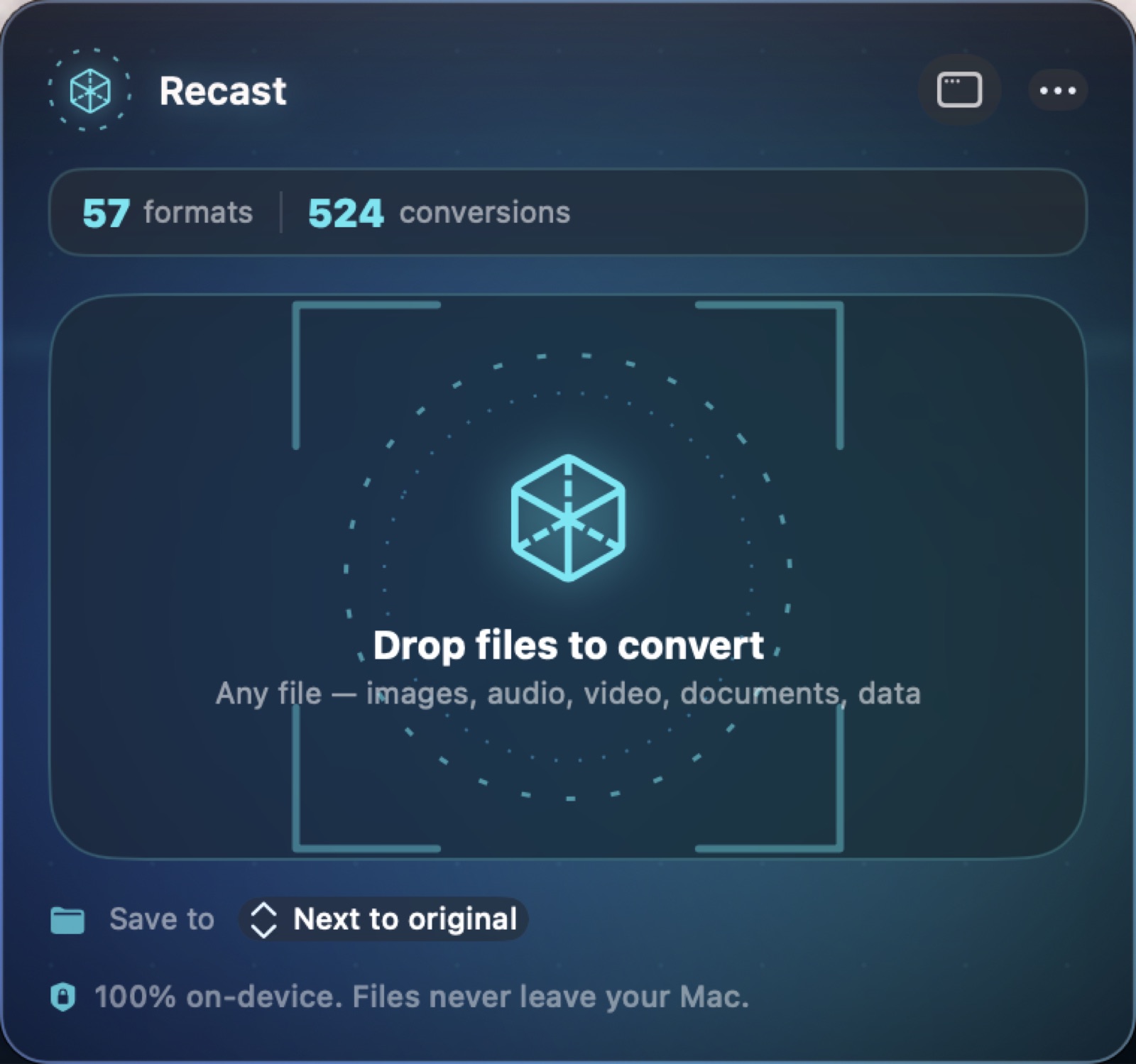
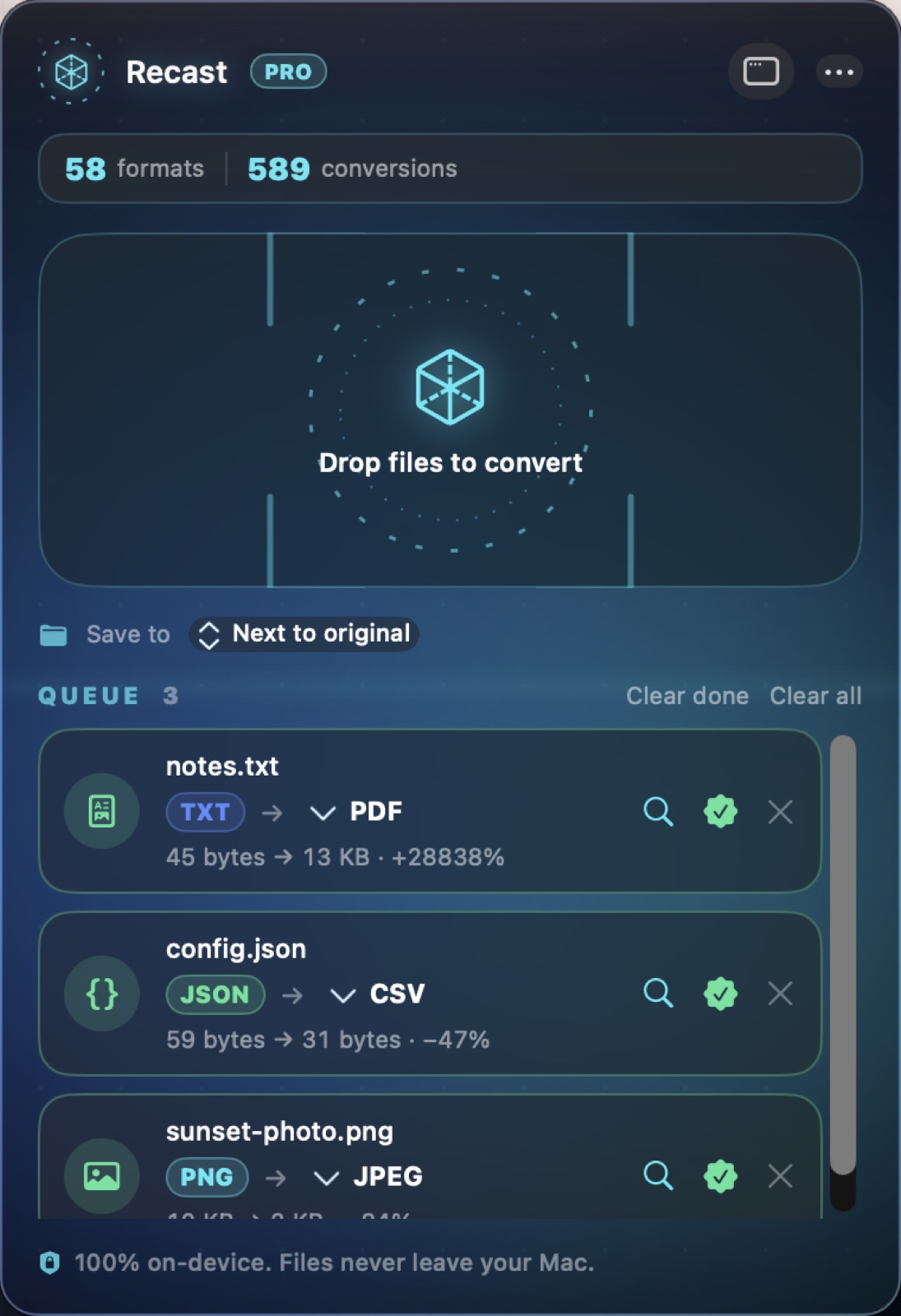
See the workspace
A simple way to get started
Add your files
Bring the files you want to convert into the batch queue.
Choose the output
Select the target format and quality options, or reuse a saved preset.
Convert and continue
Run the batch and take the converted files into your next application or workflow.
Explore more features
- Batch file conversion
- Named conversion presets
- Folder and command-line workflows
Find your next Windows app
Explore apps for files, creativity, learning and everyday work.
Explore Windows appsCompatibility and installation details
Useful to know
What can I do with Recast?
Bring files into a local batch workflow, choose your output and keep useful settings as reusable presets. Recast helps turn repeated conversions into an organised task, with the source files and destination choices in one place. Process a group of files together and get them ready for the next application or workflow.
How do I start?
Bring the files you want to convert into the batch queue. Select the target format and quality options, or reuse a saved preset. Run the batch and take the converted files into your next application or workflow.
Where can I find setup help?
Compatibility and installation details are on this page. The installation guide and support team can help with the next step.