
Shorts
Shape your next short-form video in one place.
Bring your media into a focused short-form editing workspace and turn it into a finished video.
What you can do with Shorts
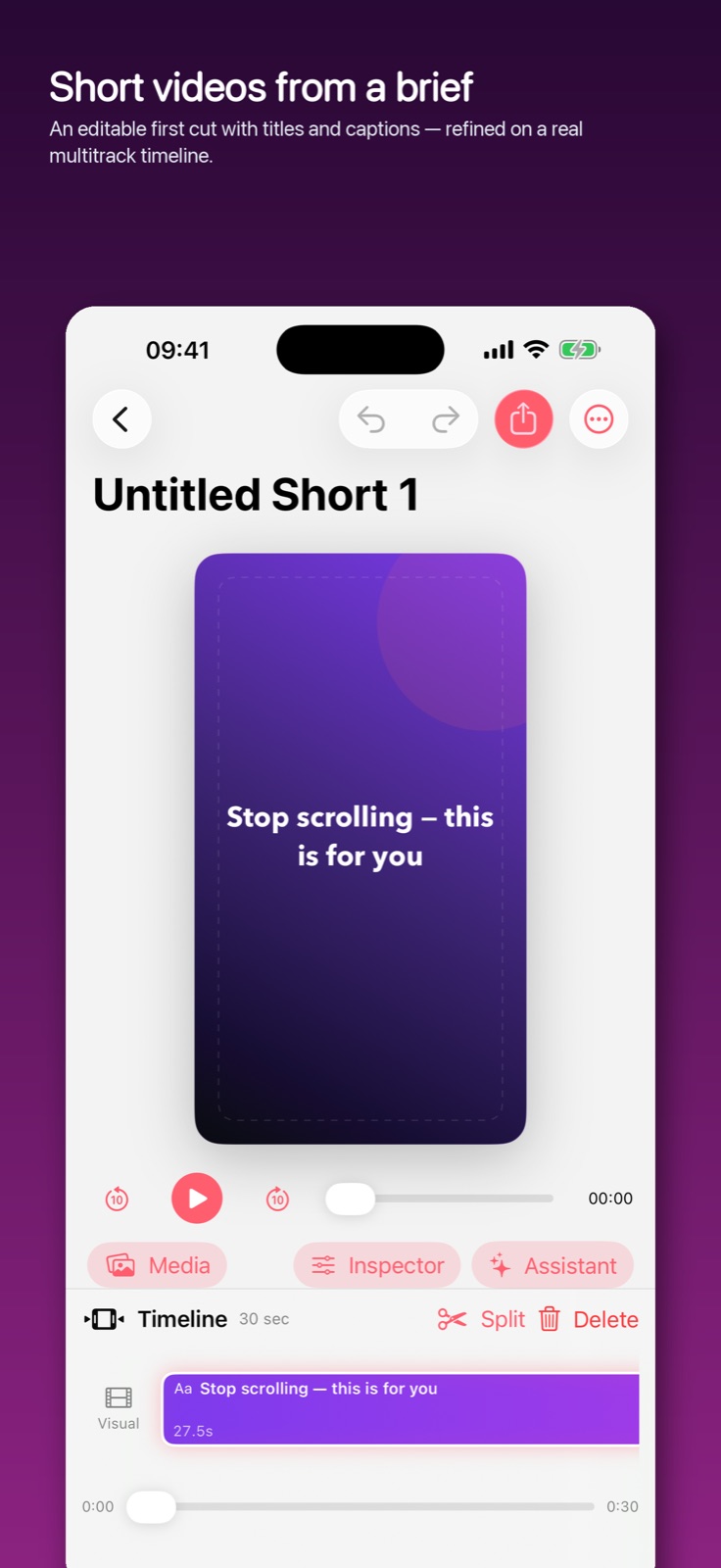
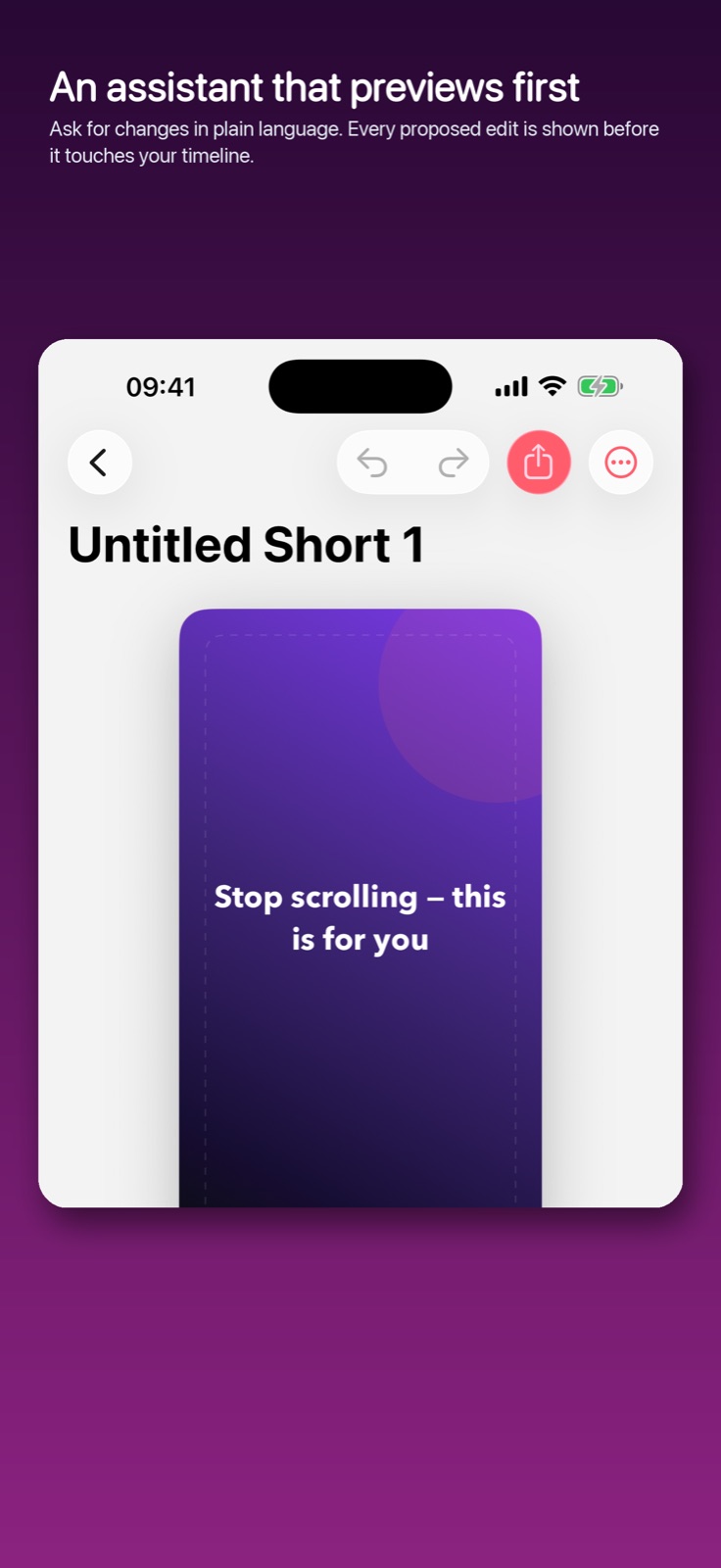
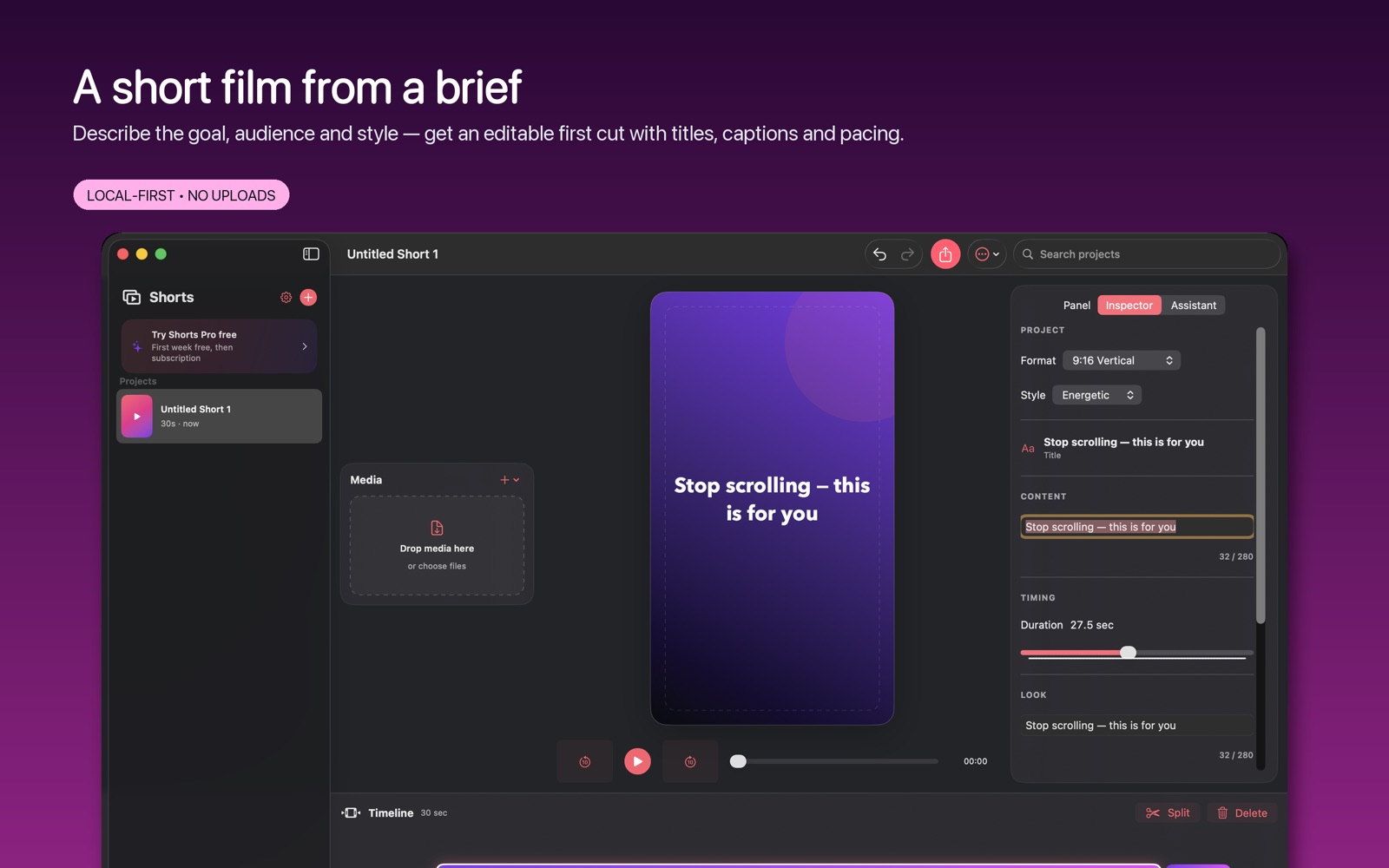
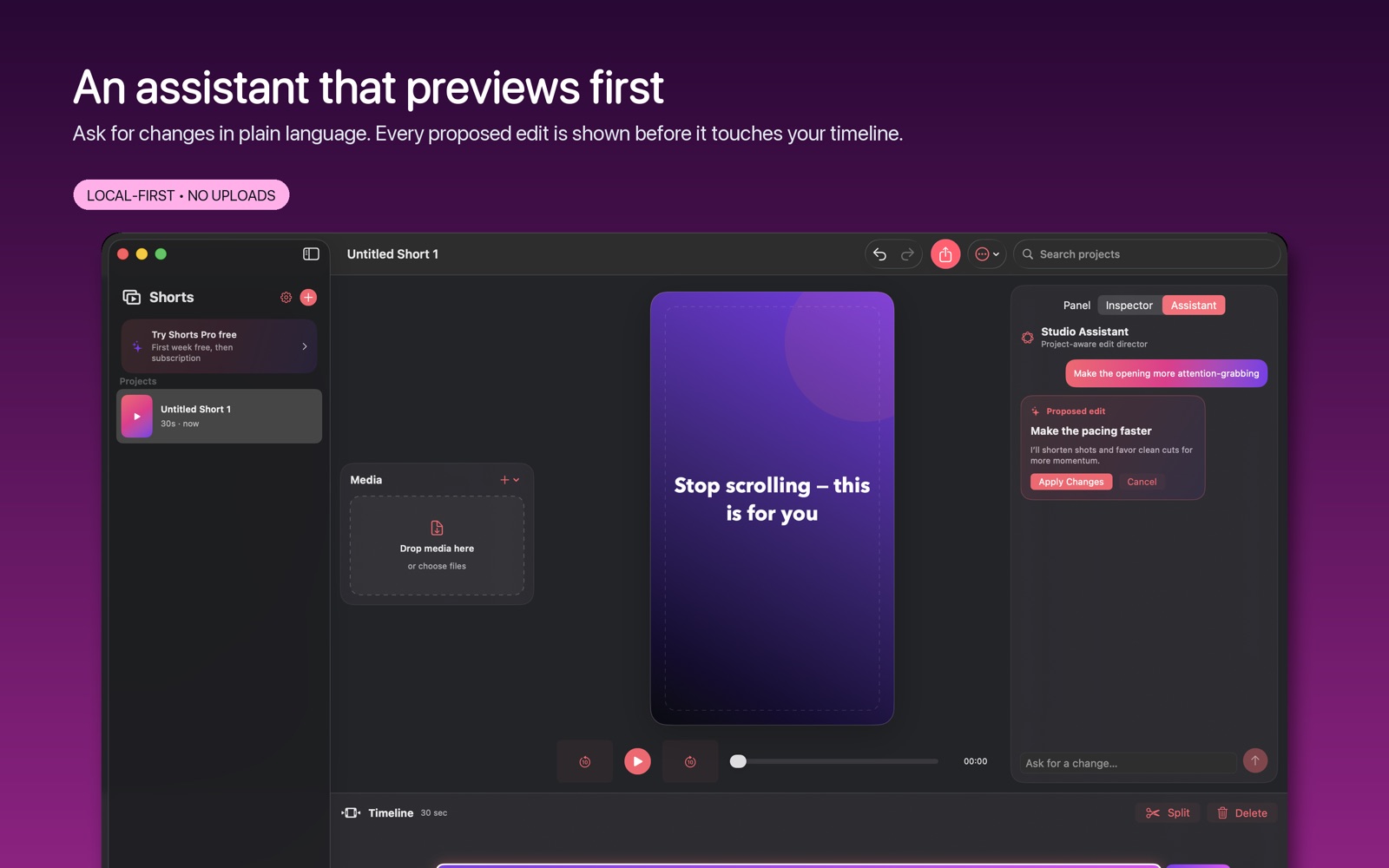
Bring your media into a focused short-form editing workspace and turn it into a finished video. Keep your project together as you arrange the material, refine the sequence and prepare an export. Shorts gives quick video ideas a dedicated place to become something you can share.
- Keep media organised in a local video project
- Shape a short-form sequence in a focused editor
- Export the finished video for sharing
See the workspace
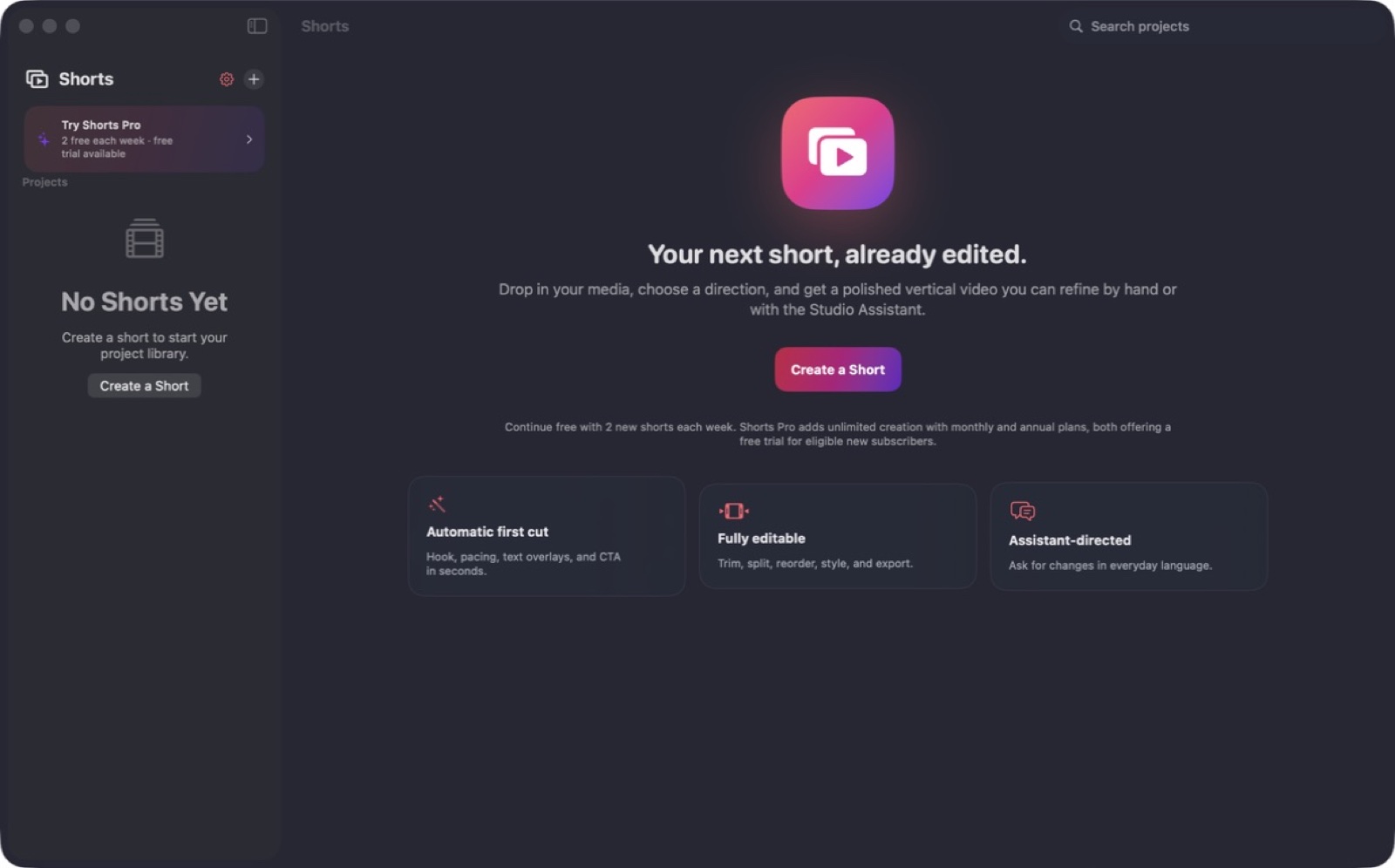
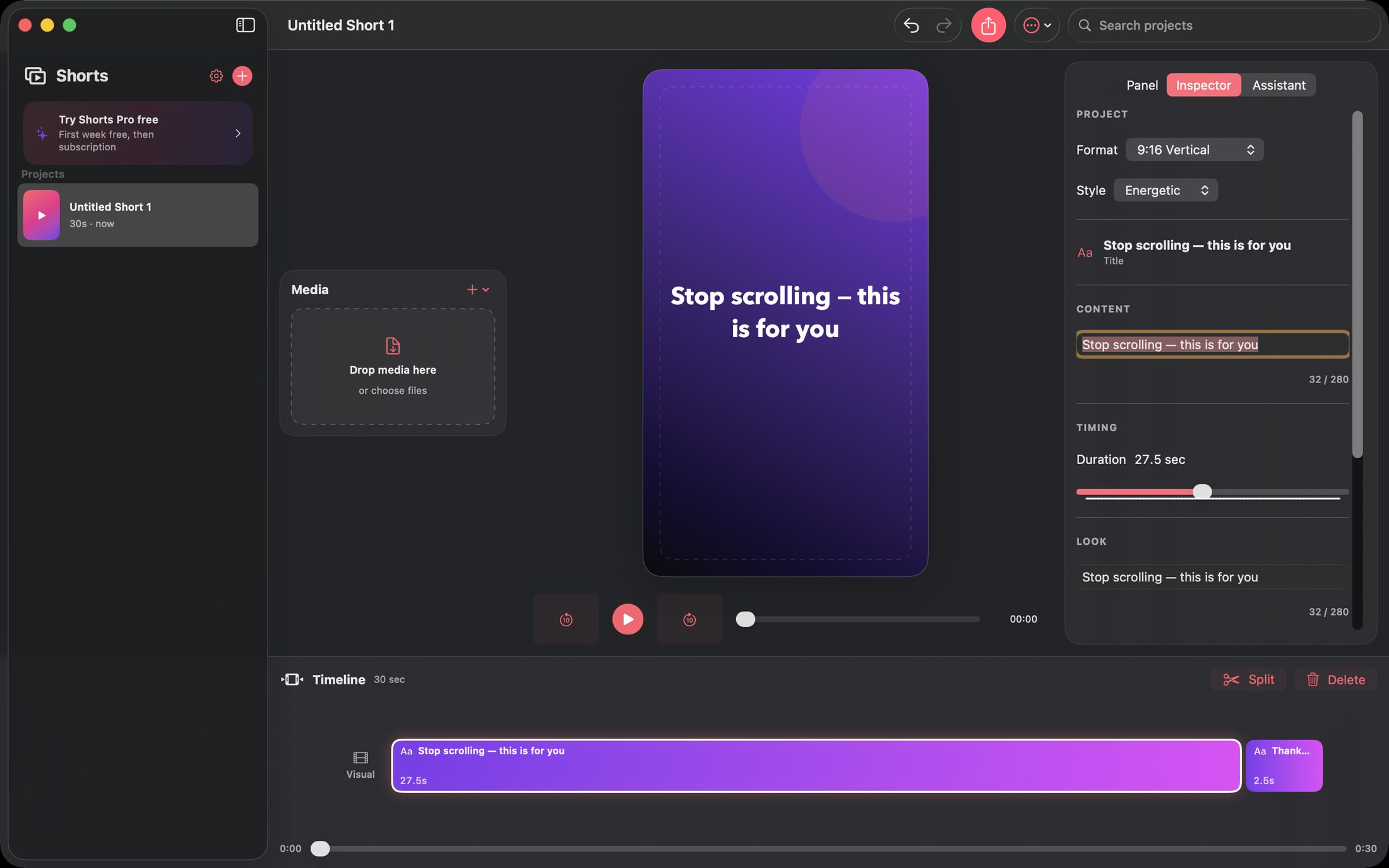
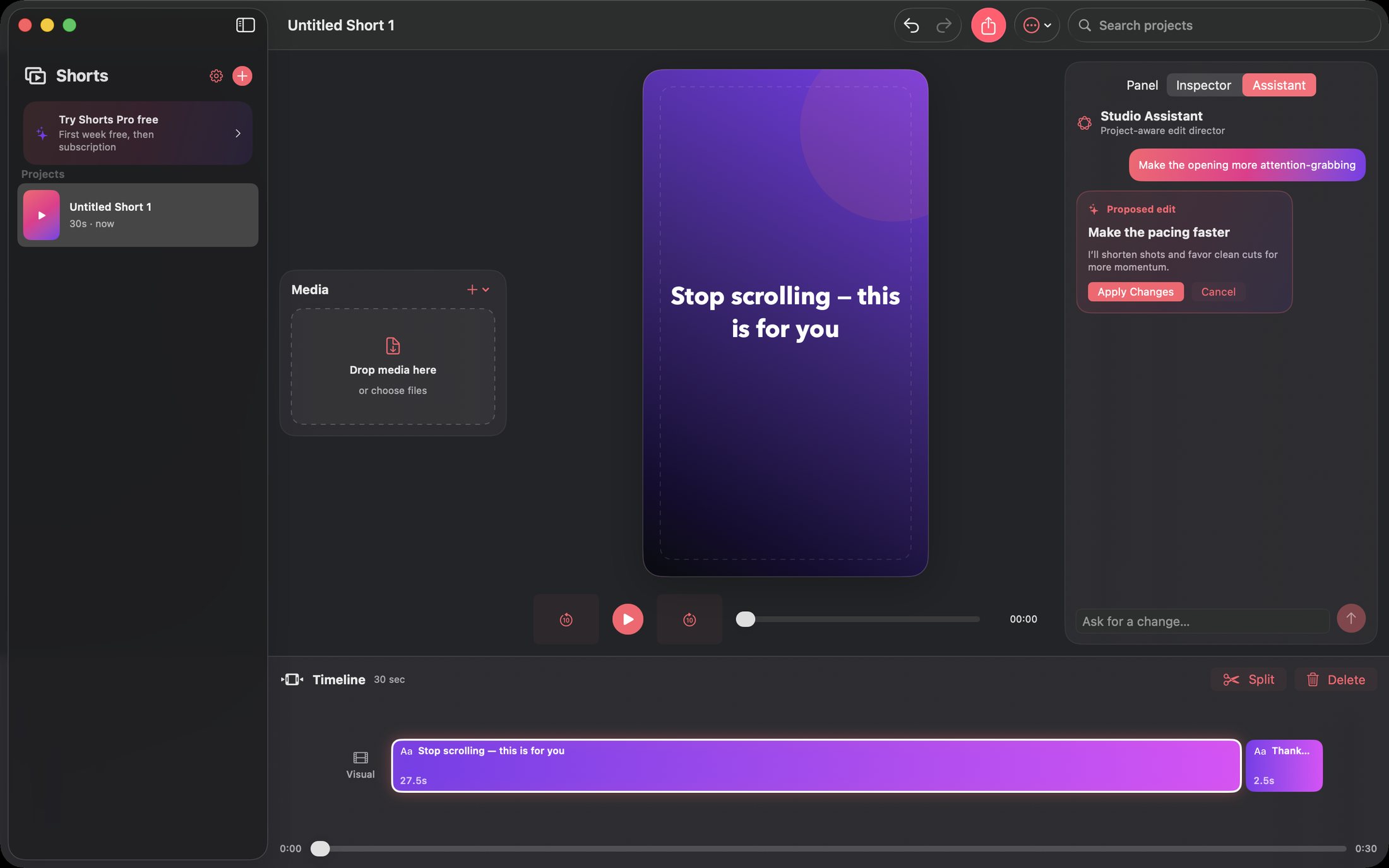
Explore 5 more screenshots
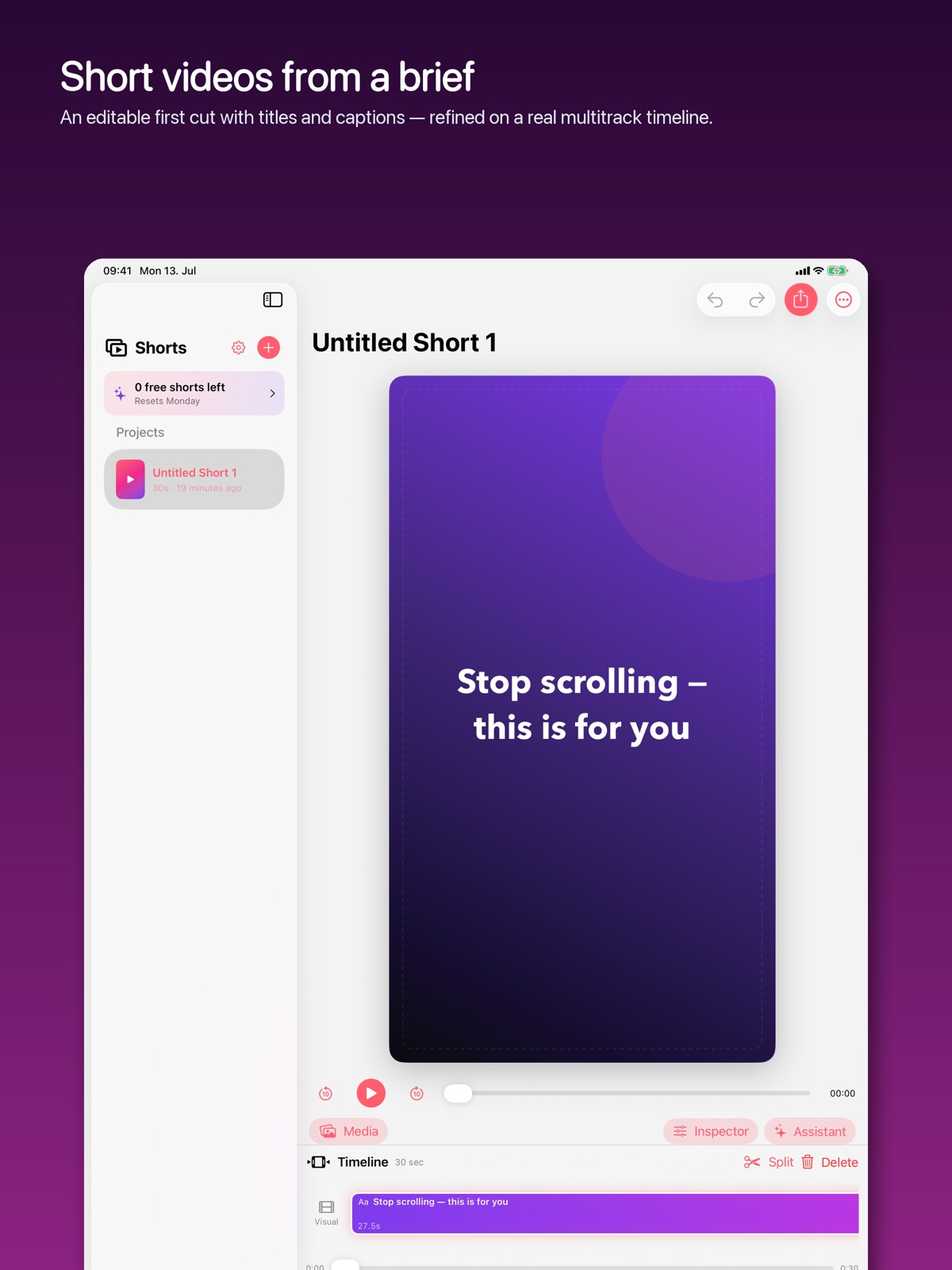
A simple way to get started
Start with your material
Open a project and bring in the material you want to shape.
Refine the details
Use the app’s editing controls to develop the result.
Keep the work ready
Save the project or use the supported output for your next step.
Explore more features
- Local video projects
- Short-form editing workflow
- Video export
Find your next Windows app
Explore apps for files, creativity, learning and everyday work.
Explore Windows appsCompatibility and installation details
Useful to know
What can I do with Shorts?
Bring your media into a focused short-form editing workspace and turn it into a finished video. Keep your project together as you arrange the material, refine the sequence and prepare an export. Shorts gives quick video ideas a dedicated place to become something you can share.
How do I start?
Open a project and bring in the material you want to shape. Use the app’s editing controls to develop the result. Save the project or use the supported output for your next step.
Where can I find setup help?
Compatibility and installation details are on this page. The installation guide and support team can help with the next step.