Algorithms Arena
Learn algorithms by following the action.
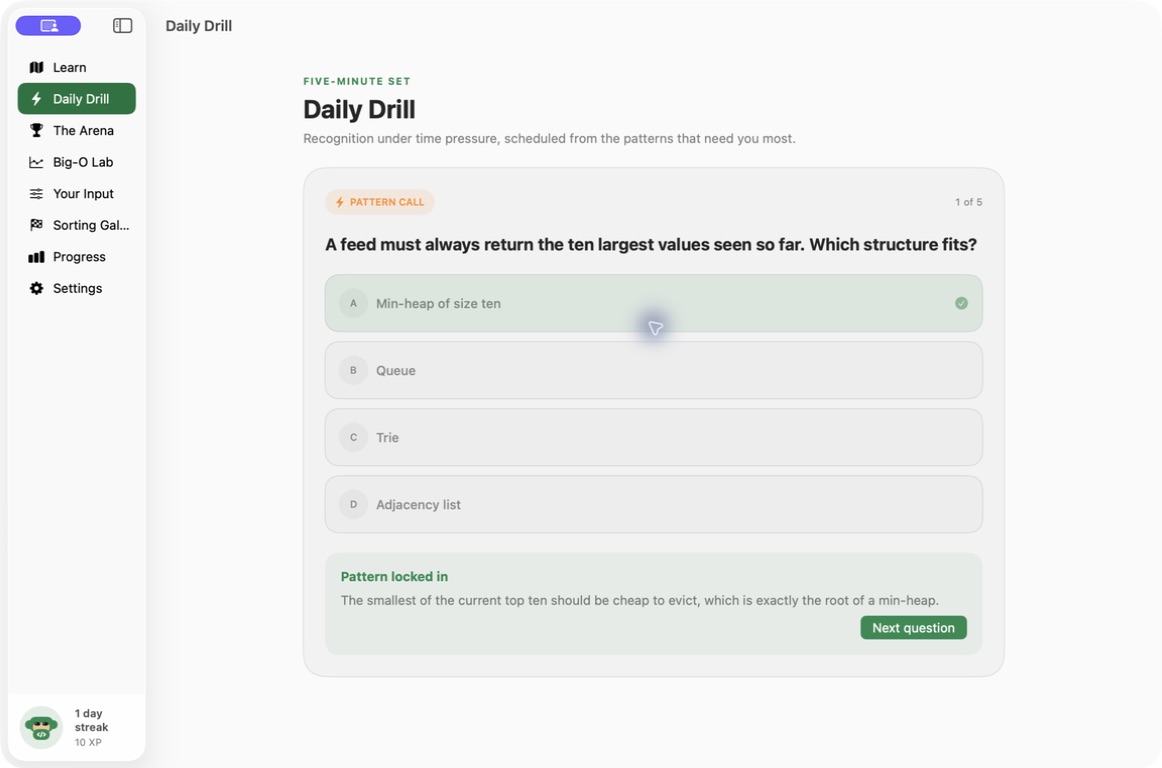
Explore 17 chapters and 280 lessons through traces, drills and interactive practice.
What you can do with Algorithms Arena
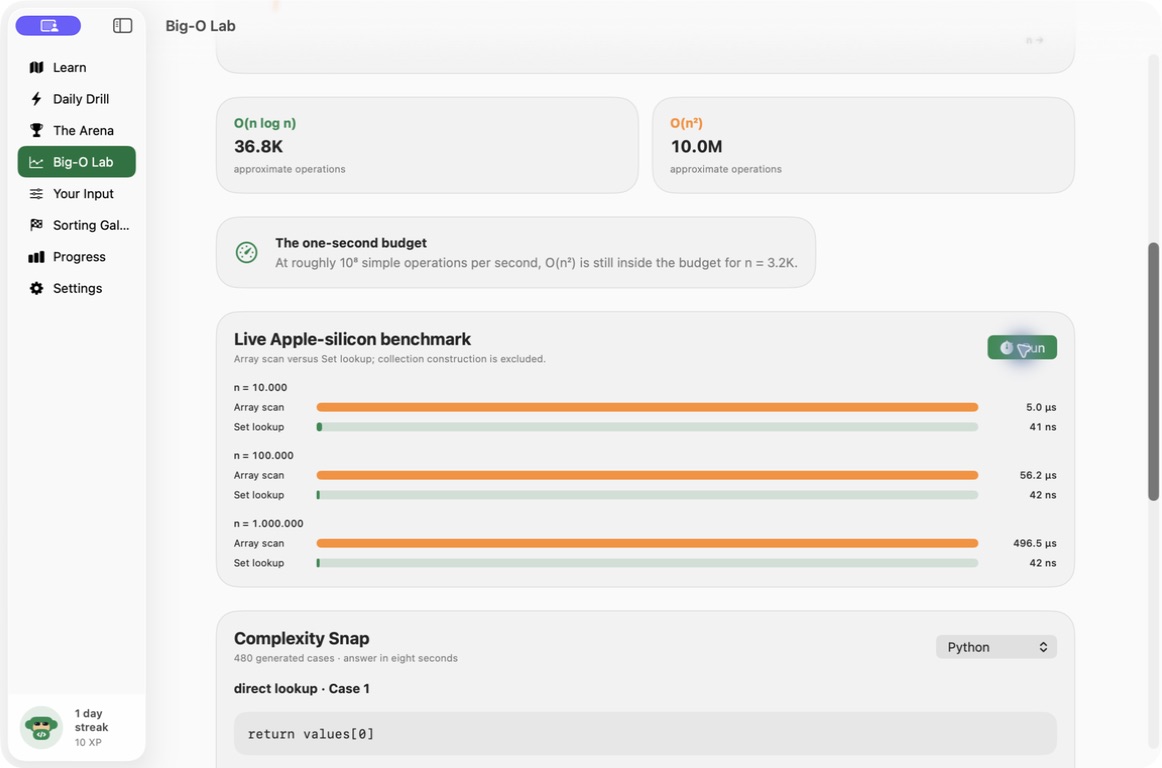
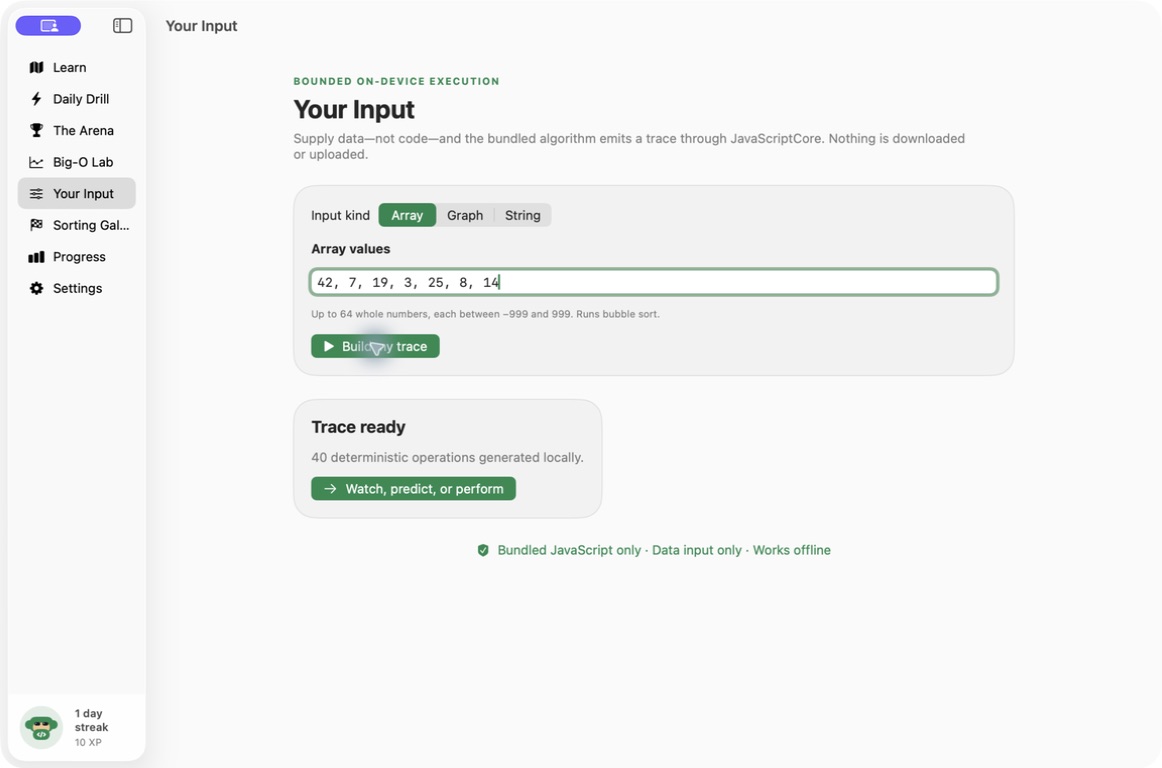
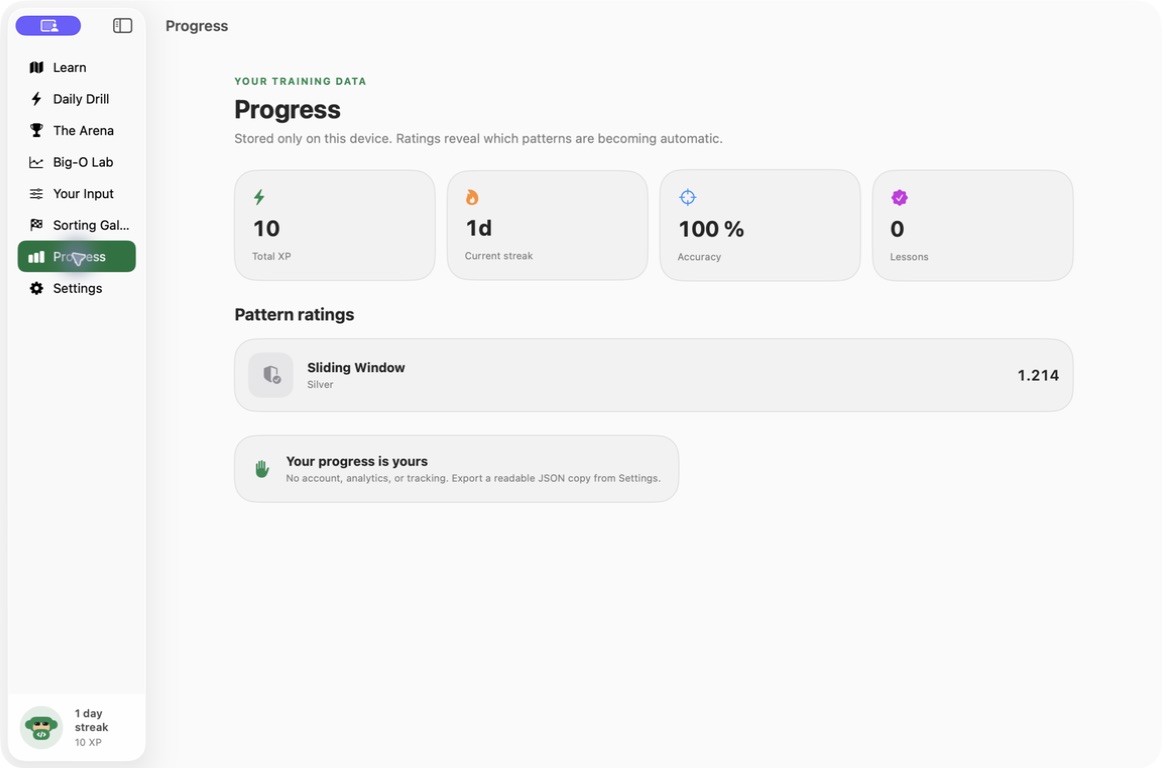
Explore 17 chapters and 280 lessons through traces, drills and interactive practice. Algorithms Arena helps you connect a concept to the steps an algorithm takes, then test your understanding with focused exercises. Return to complexity cases and practical boards as you build a more connected picture of how algorithms work.
- Follow 17 chapters and 280 lessons
- See algorithms unfold through traces and boards
- Test understanding with drills and complexity cases
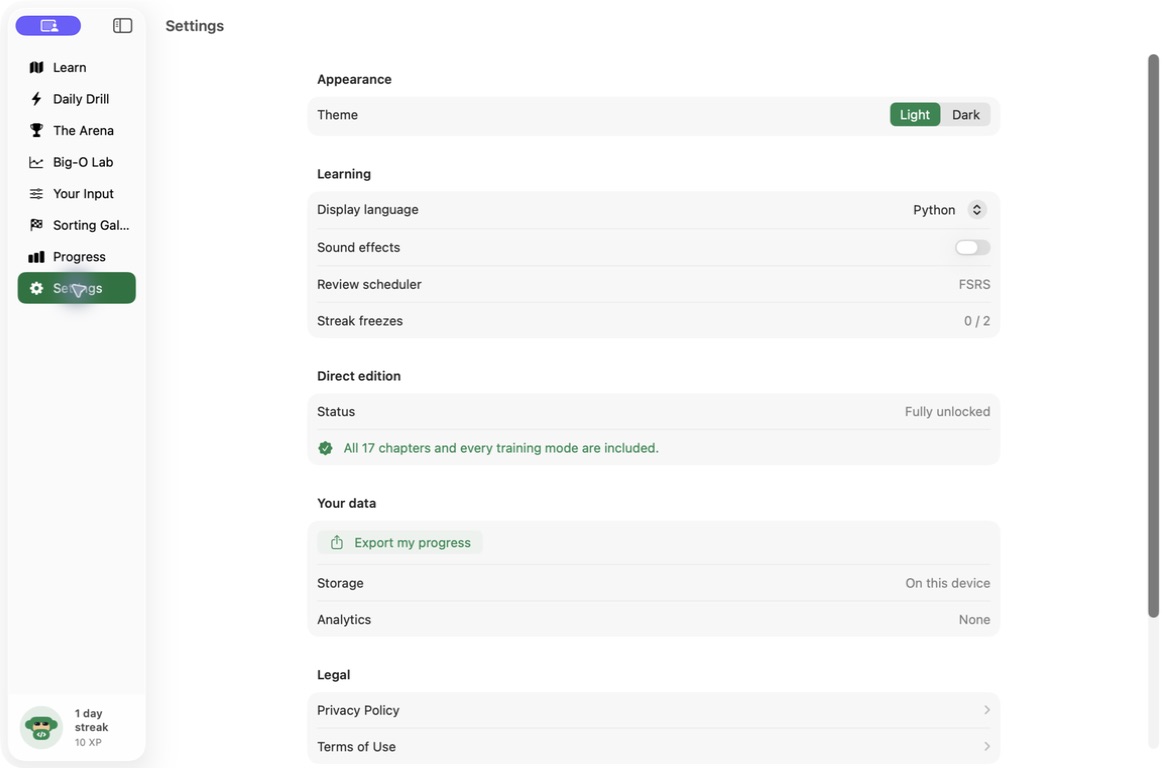
See the workspace
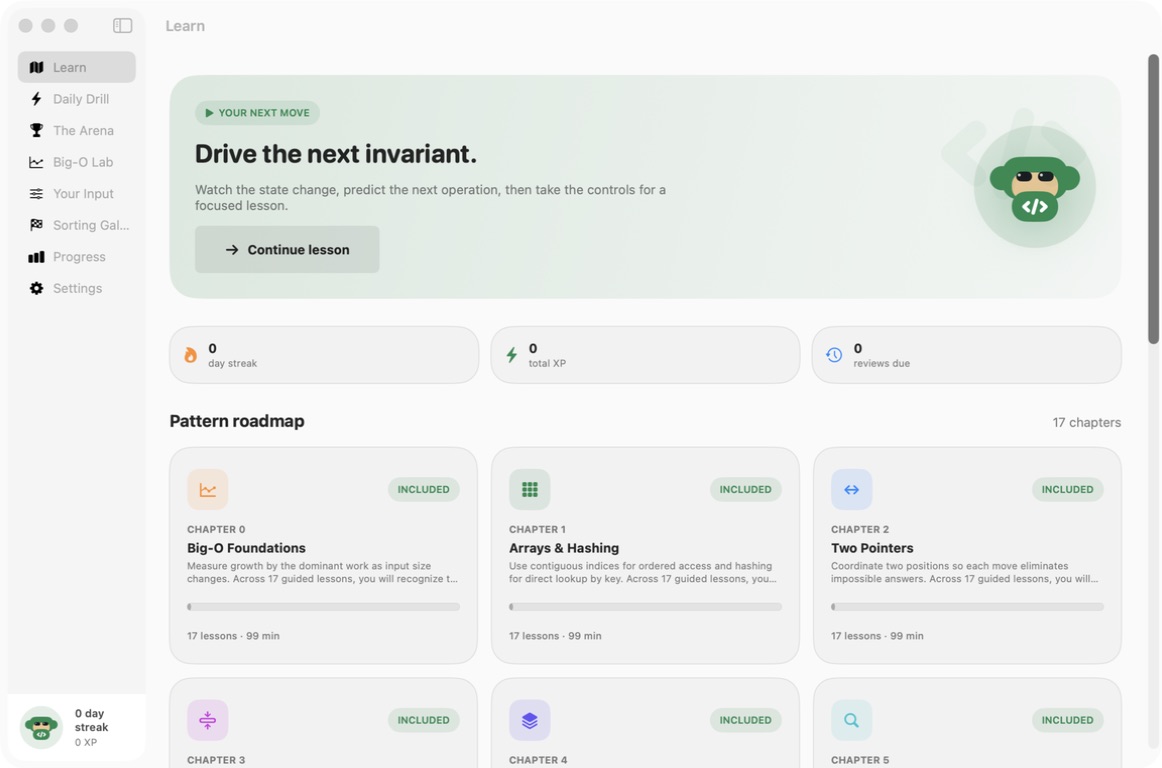
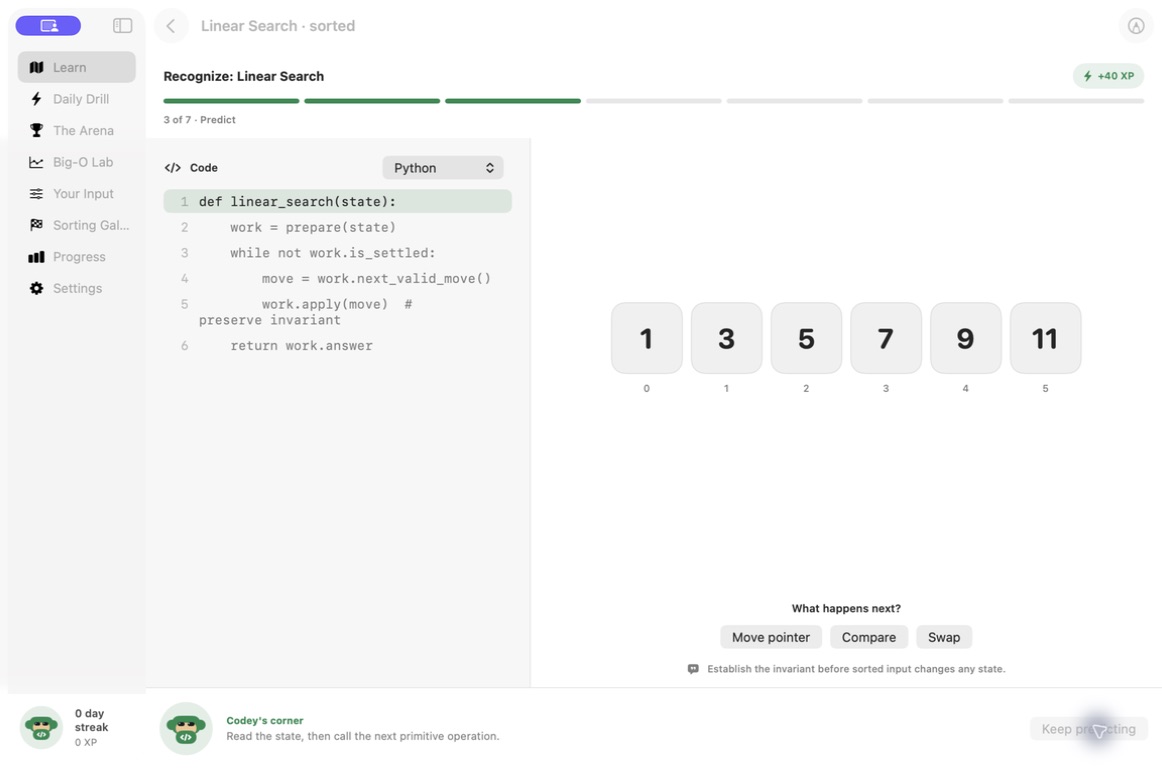
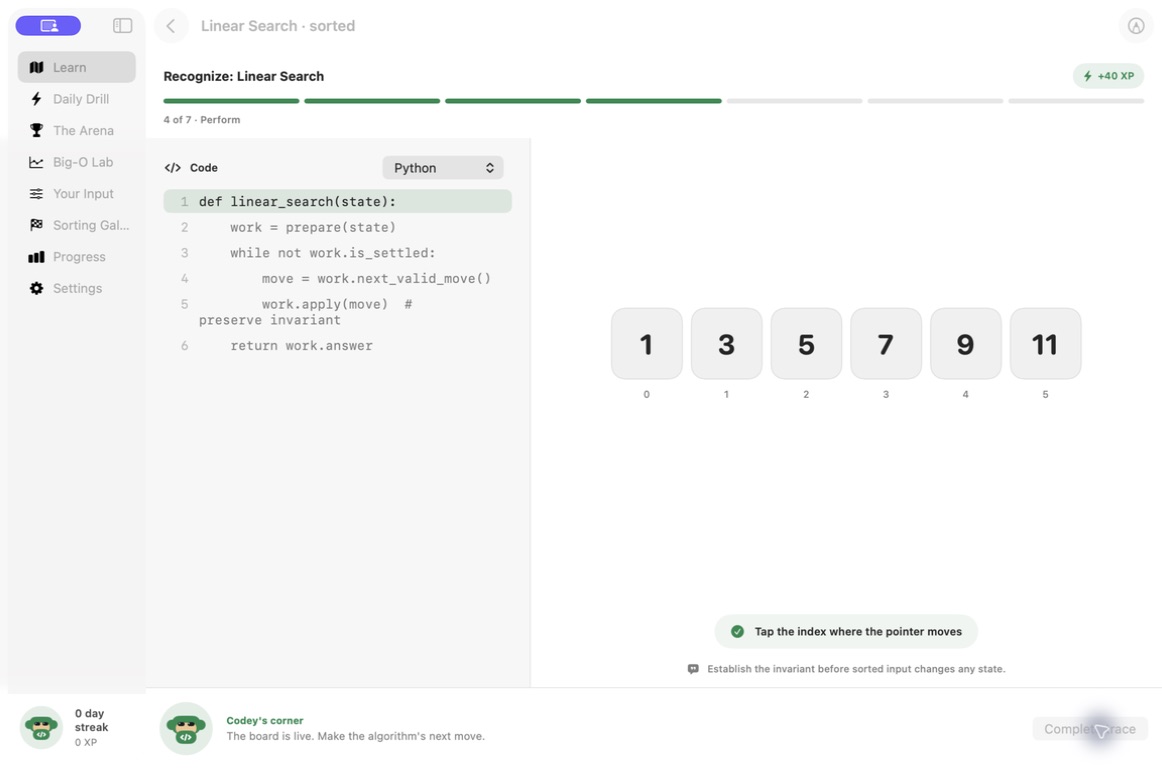
Explore 5 more screenshots
A simple way to get started
Choose a topic
Begin with the skill or project you want to understand.
Try it yourself
Work through the available exercises, examples and project activities.
Build on the session
Return to the material and carry the ideas into your next task.
Explore more features
- 17 chapters and 280 lessons
- Deterministic traces and complexity cases
- Practice boards and benchmark exercises
Get Algorithms Arena
Compatibility and installation details
- Requires
- Windows x64; review product requirements
- Architecture
- x64
- Version
- 1.0.0
- Download
- 97.6 MB
- Installer
- Algorithms Arena-1.0.0-Windows-x64-Setup.exe
- Publisher signature
- Unsigned
- SHA-256
8c3926c48864504f99c41b68384d47f27b216353251ea823ca36d15d1ae4a48c
Download the Windows installer from your receipt and follow its setup steps.
Useful to know
What can I do with Algorithms Arena?
Explore 17 chapters and 280 lessons through traces, drills and interactive practice. Algorithms Arena helps you connect a concept to the steps an algorithm takes, then test your understanding with focused exercises. Return to complexity cases and practical boards as you build a more connected picture of how algorithms work.
How do I start?
Begin with the skill or project you want to understand. Work through the available exercises, examples and project activities. Return to the material and carry the ideas into your next task.
How do I receive my download?
After your purchase, the receipt page provides your download link. The exact expiry is shown with your delivery link. Keep your receipt and installer. If a link expires or a download fails, contact support with your receipt instead of buying again.
Where can I find setup help?
Compatibility and installation details are on this page. The installation guide and support team can help with the next step.
Watch the screenshot tour
. Watch the video and read a list of the views it shows before choosing the app.