
Cadence Email Sequences
Shape an email journey from first message to follow-up.
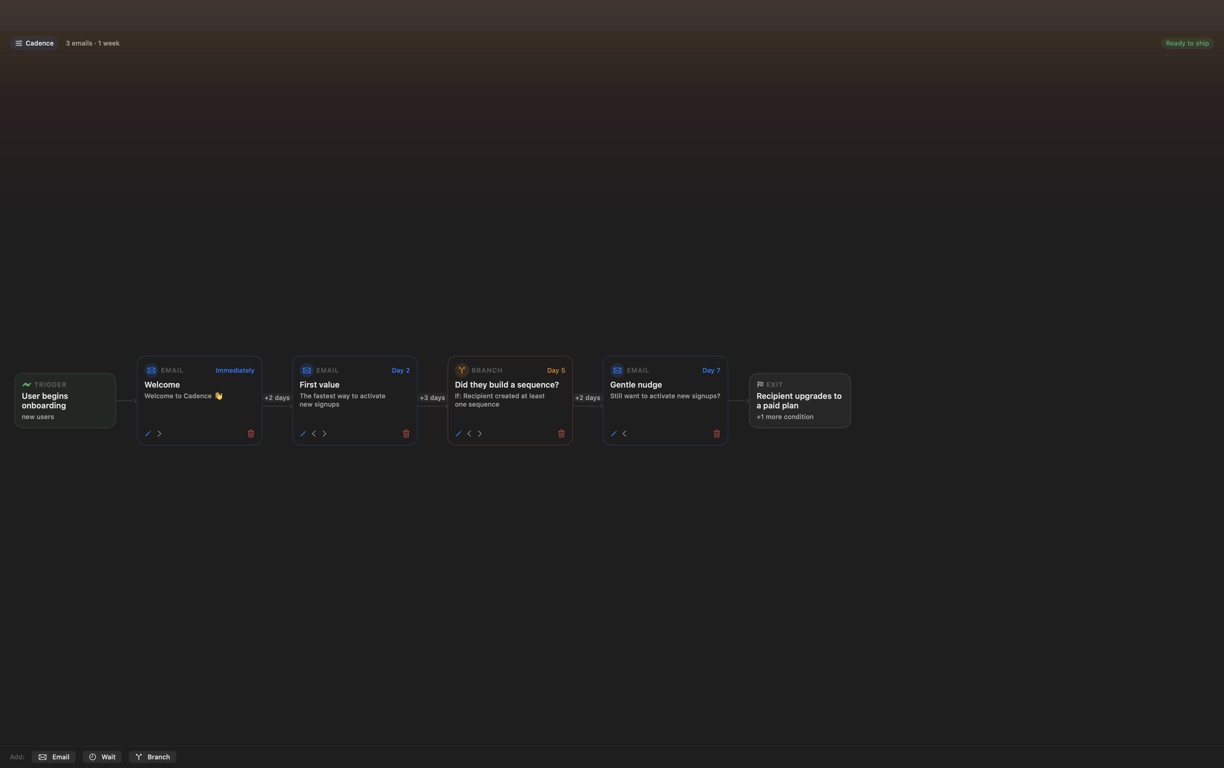
Plan a sequence with email steps, waiting periods and branches in one visual workspace.
What you can do with Cadence Email Sequences
Plan a sequence with email steps, waiting periods and branches in one visual workspace. Cadence Email Sequences keeps the copy and timing together as you refine the journey. Review the structure, adjust individual steps and export a complete sequence that is ready for your delivery workflow.
- Plan messages, waits and branches on one board
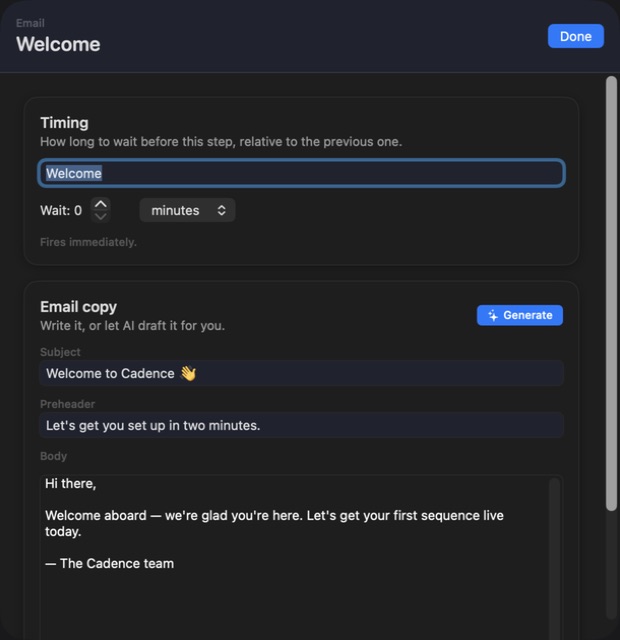
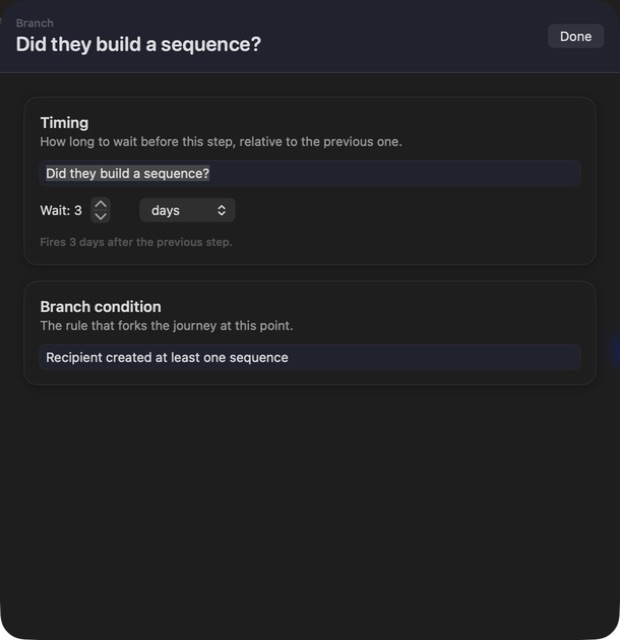
- Refine the copy and timing together
- Export a complete email journey
See the workspace
Explore 4 more screenshots
A simple way to get started
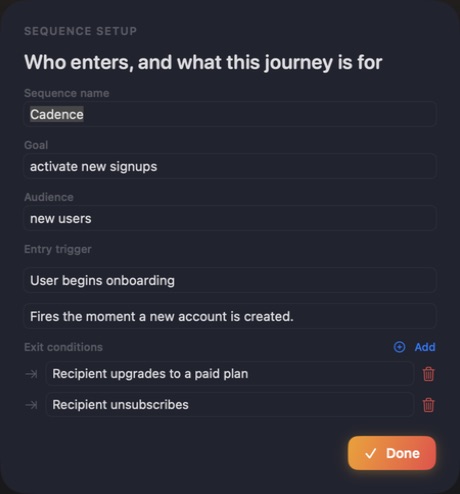
Map the journey
Arrange email, wait and branch steps for the sequence you want to build.
Refine the messages
Edit the wording and timing with the whole journey in view.
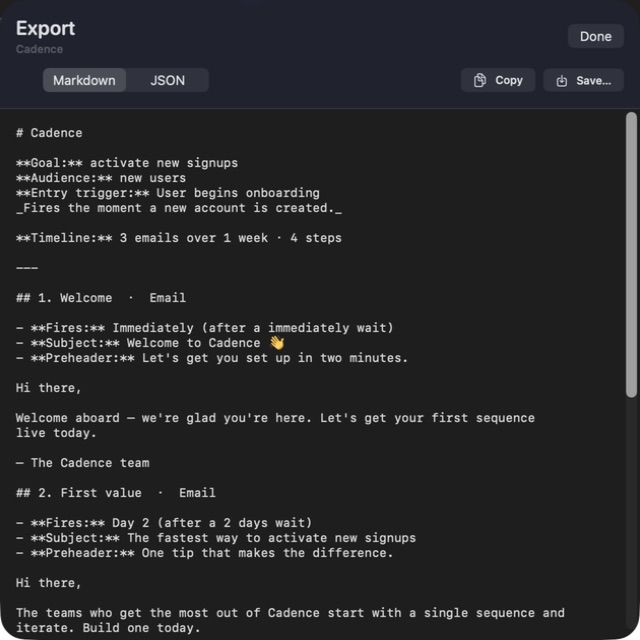
Export the sequence
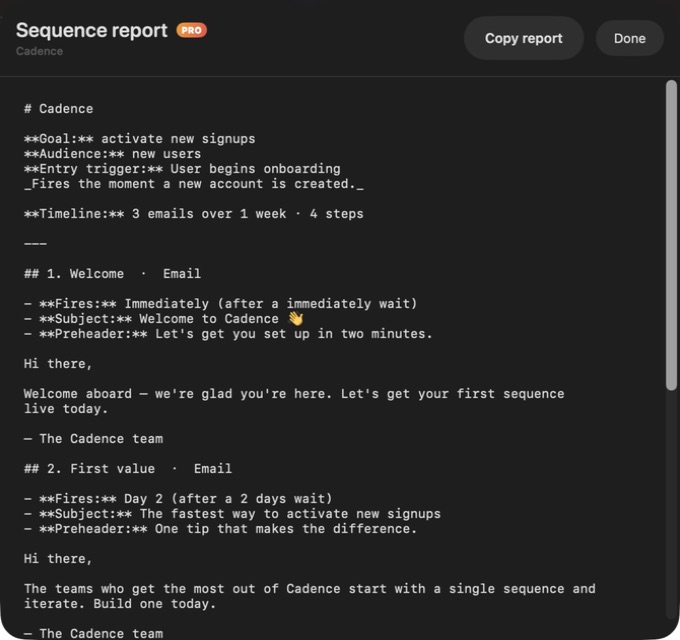
Take the finished plan and copy into your email delivery workflow.
Explore more features
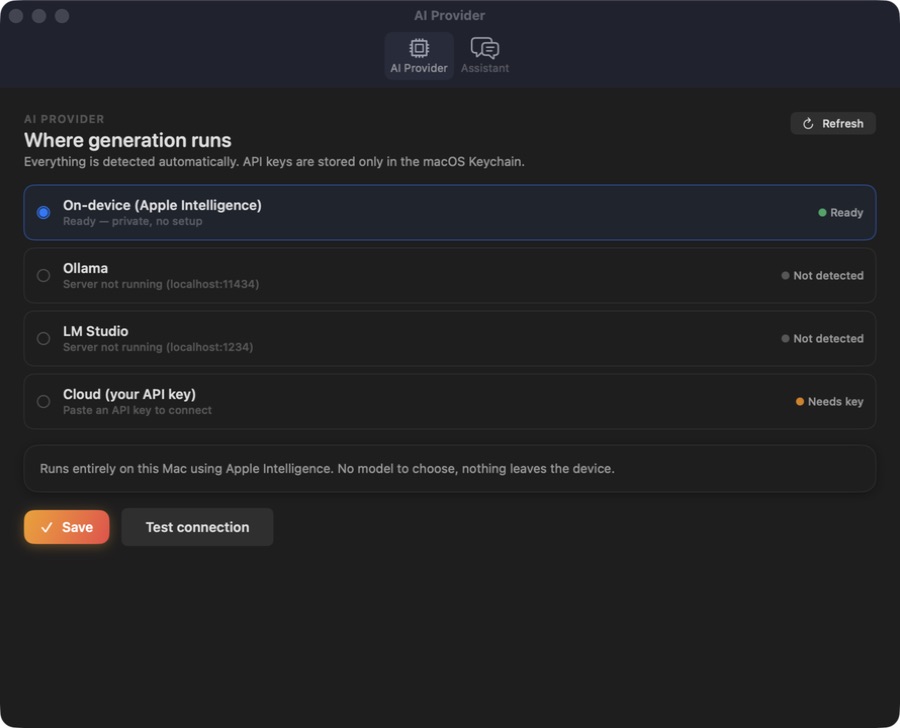
- Journey board and step editing
- Timing and structural checks
- Markdown report and copy export
Get Cadence Email Sequences
Compatibility and installation details
- Requires
- Windows x64; review product requirements
- Architecture
- x64
- Version
- 1.0.0
- Download
- 94.8 MB
- Installer
- Cadence-1.0.0-Windows-x64-Setup.exe
- Publisher signature
- Unsigned
- SHA-256
2f2f63e446c139b81667549932599a14a706884ec7f7ca668500a82b698b8ecb
Download the Windows installer from your receipt and follow its setup steps.
Useful to know
What can I do with Cadence Email Sequences?
Plan a sequence with email steps, waiting periods and branches in one visual workspace. Cadence Email Sequences keeps the copy and timing together as you refine the journey. Review the structure, adjust individual steps and export a complete sequence that is ready for your delivery workflow.
How do I start?
Arrange email, wait and branch steps for the sequence you want to build. Edit the wording and timing with the whole journey in view. Take the finished plan and copy into your email delivery workflow.
How do I receive my download?
After your purchase, the receipt page provides your download link. The exact expiry is shown with your delivery link. Keep your receipt and installer. If a link expires or a download fails, contact support with your receipt instead of buying again.
Where can I find setup help?
Compatibility and installation details are on this page. The installation guide and support team can help with the next step.
Watch the screenshot tour
. Watch the video and read a list of the views it shows before choosing the app.