GigaJob
Keep opportunities and work details organised.
Bring work opportunities, profiles, budgets and contact details into one desktop workspace.
What you can do with GigaJob
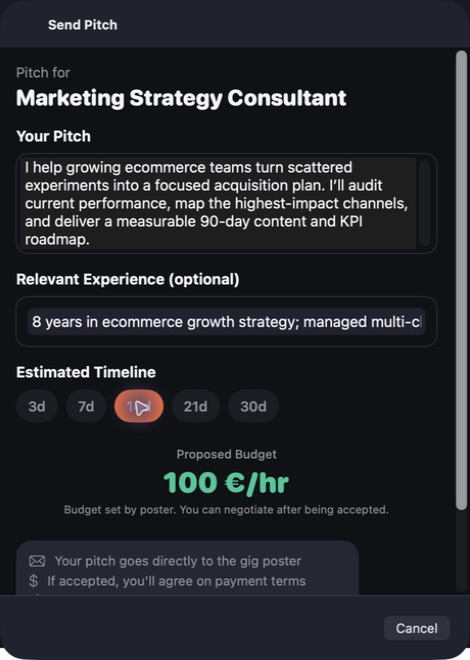
Bring work opportunities, profiles, budgets and contact details into one desktop workspace. GigaJob helps you organise information by category, location and status so you can see what deserves attention. Keep the context of an opportunity together as you consider the next conversation or piece of work.
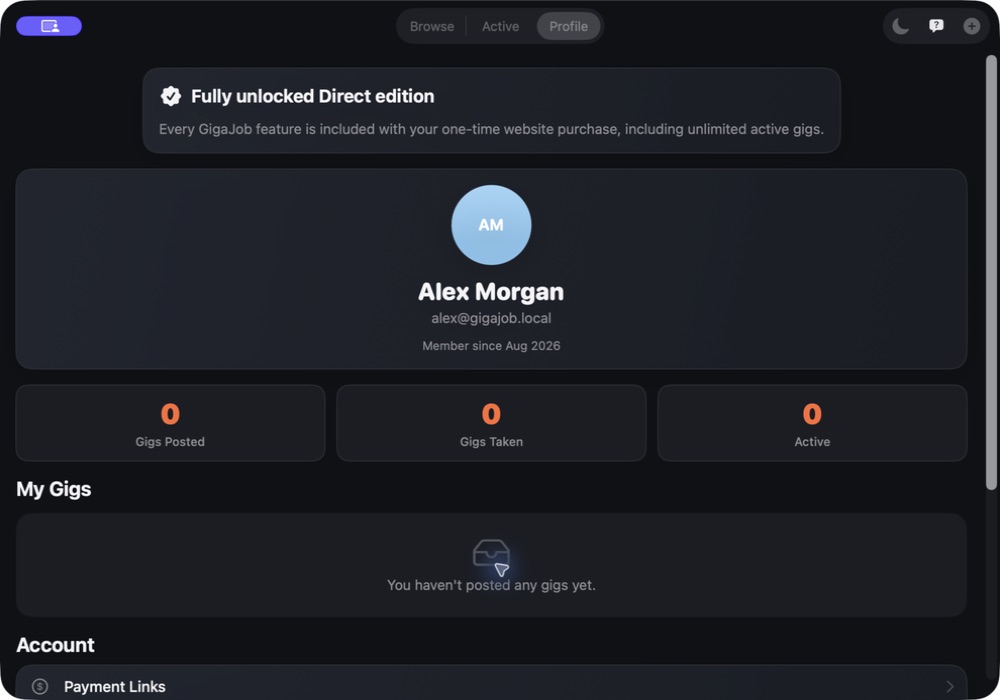
- Keep opportunities and profile details together
- Sort work by category, location and status
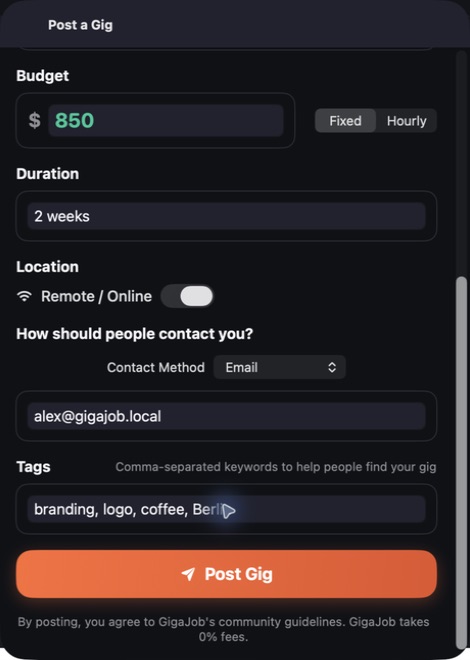
- Keep budgets and contacts close to the opportunity
See the workspace
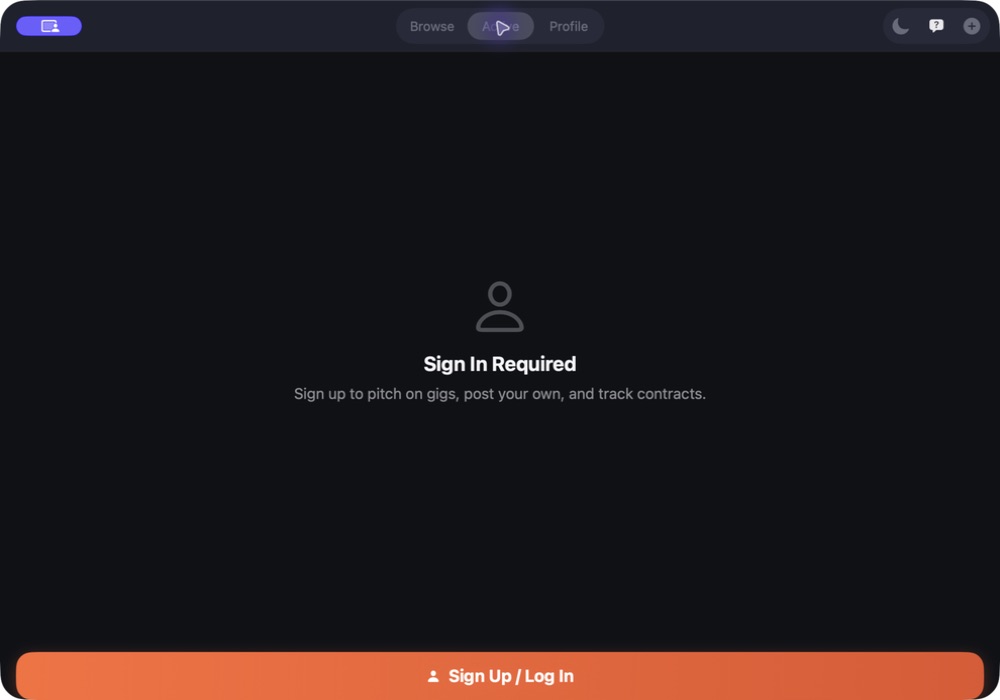


Explore 4 more screenshots

A simple way to get started
Bring your context
Start with the source material, brief or records for the task.
Develop the work
Use the focused workspace to compare, organise or draft the result.
Prepare the next step
Keep useful findings and copy ready for the next part of your work.
Explore more features
- Opportunity and profile records
- Category, location and status filters
- Budget and contact-detail organisation
Get GigaJob
Compatibility and installation details
- Requires
- Windows x64; review product requirements
- Architecture
- x64
- Version
- 1.0.0
- Download
- 95.6 MB
- Installer
- GigaJob-1.0.0-Windows-x64-Setup.exe
- Publisher signature
- Unsigned
- SHA-256
af91f5b7527005def9943ee1f85cc6cb40260b77e48e7a6fc57ebbf984dc2766
Download the Windows installer from your receipt and follow its setup steps.
Useful to know
What can I do with GigaJob?
Bring work opportunities, profiles, budgets and contact details into one desktop workspace. GigaJob helps you organise information by category, location and status so you can see what deserves attention. Keep the context of an opportunity together as you consider the next conversation or piece of work.
How do I start?
Start with the source material, brief or records for the task. Use the focused workspace to compare, organise or draft the result. Keep useful findings and copy ready for the next part of your work.
How do I receive my download?
After your purchase, the receipt page provides your download link. The exact expiry is shown with your delivery link. Keep your receipt and installer. If a link expires or a download fails, contact support with your receipt instead of buying again.
Where can I find setup help?
Compatibility and installation details are on this page. The installation guide and support team can help with the next step.