
Vantage Competitor Intel
See how competitors tell their story.
Bring competitor records and source text into a focused comparison workspace.
What you can do with Vantage Competitor Intel
Bring competitor records and source text into a focused comparison workspace. Vantage Competitor Intel helps you look across keywords, shared themes and messaging, then organise the findings into a briefing. Keep the evidence close as you consider how to describe your own product more clearly.
- Keep competitor messaging and references together
- Compare keywords and shared themes
- Turn source material into a competitive briefing
See the workspace
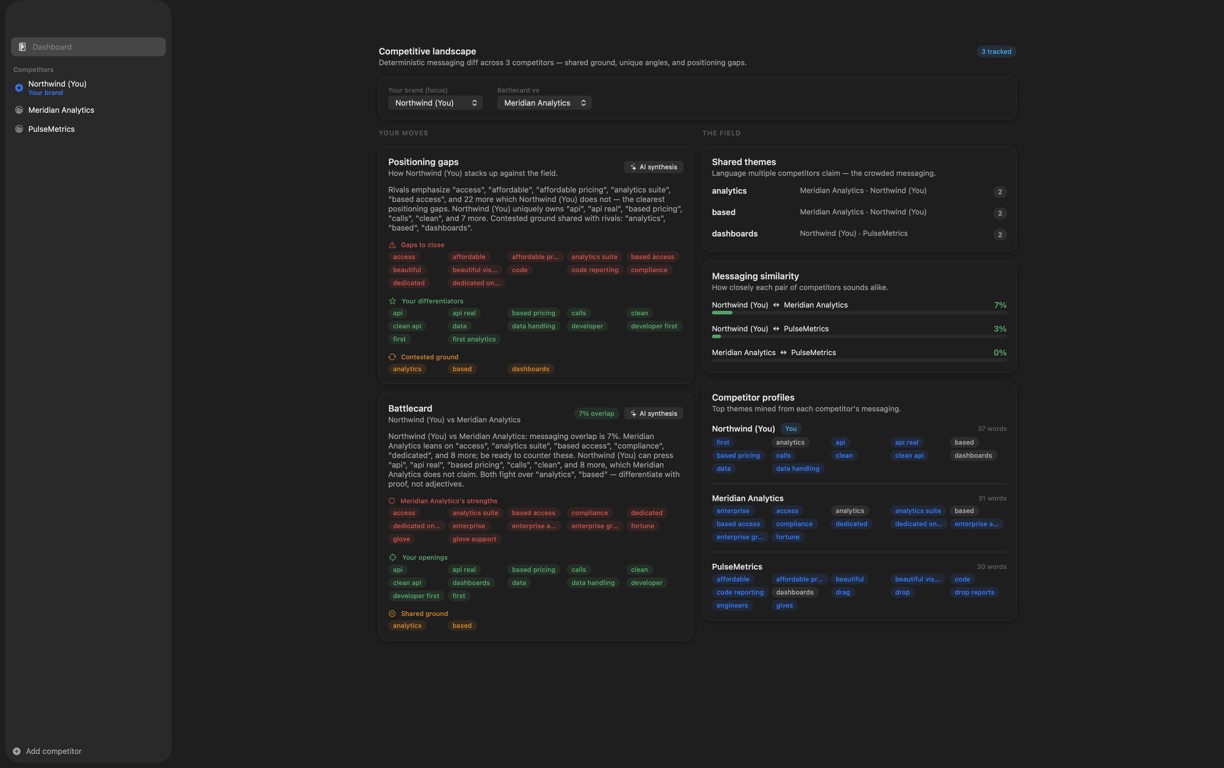
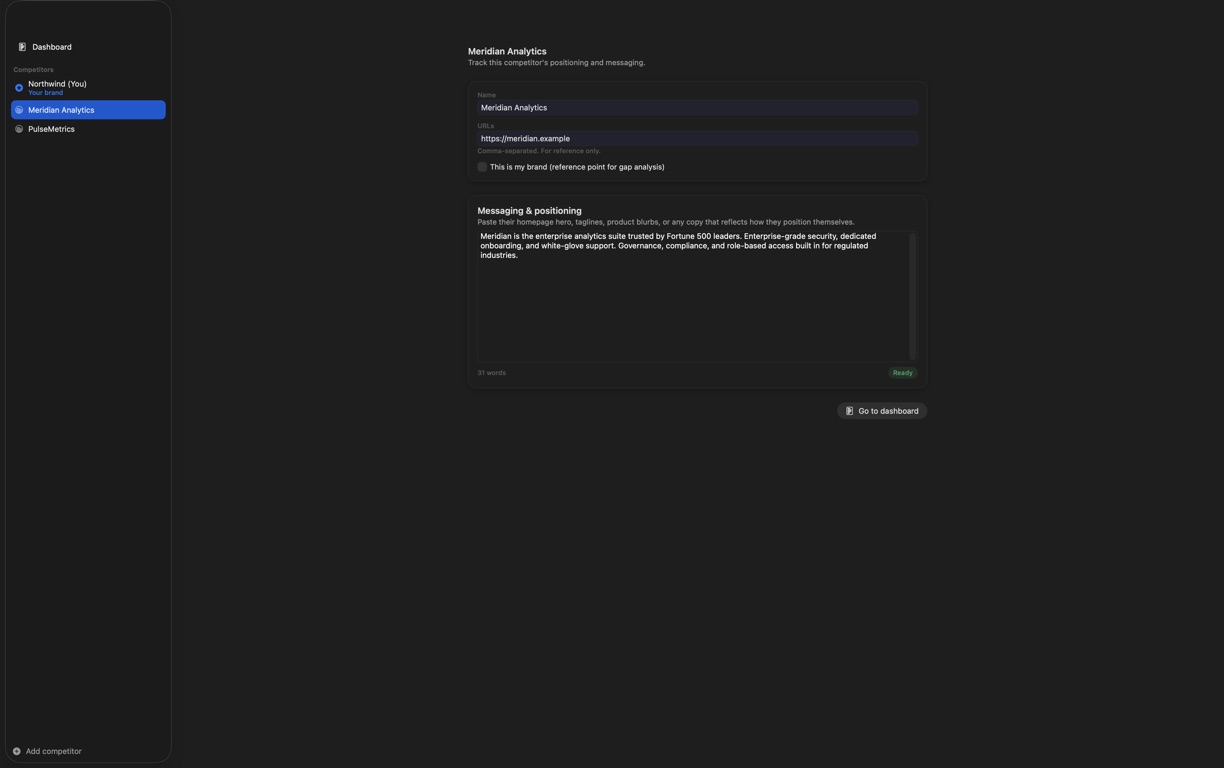
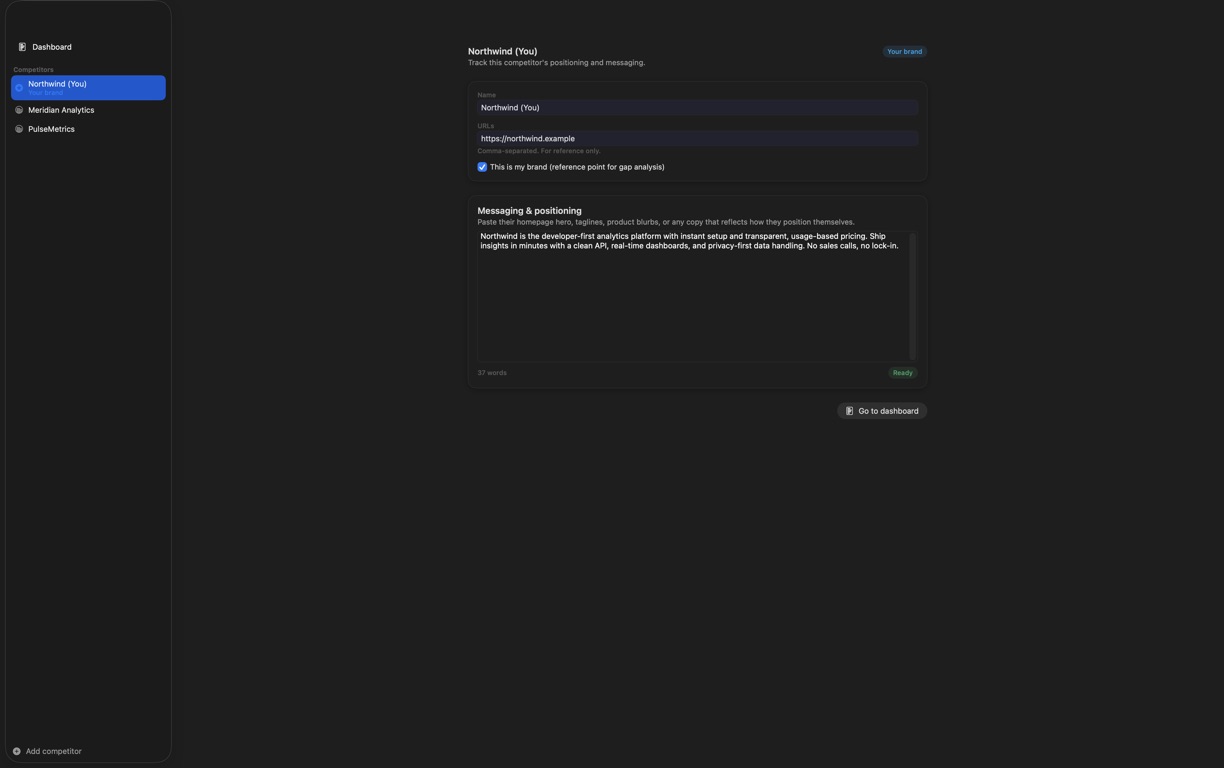
Explore 3 more screenshots
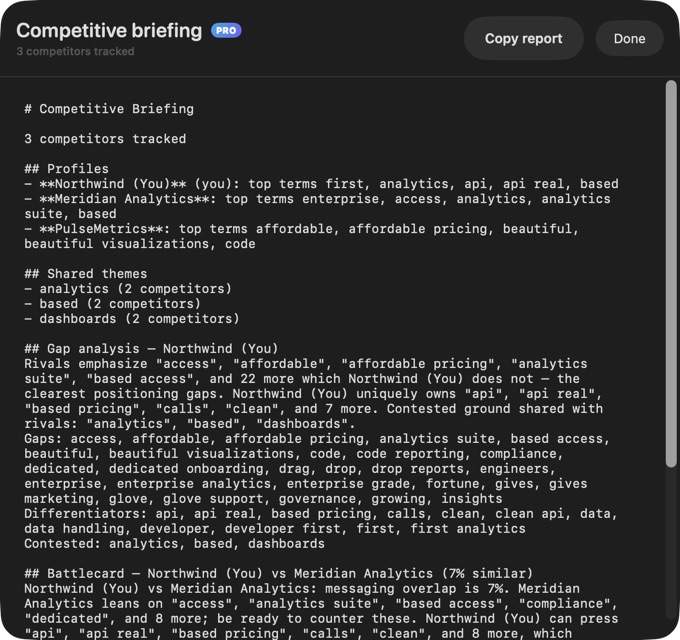
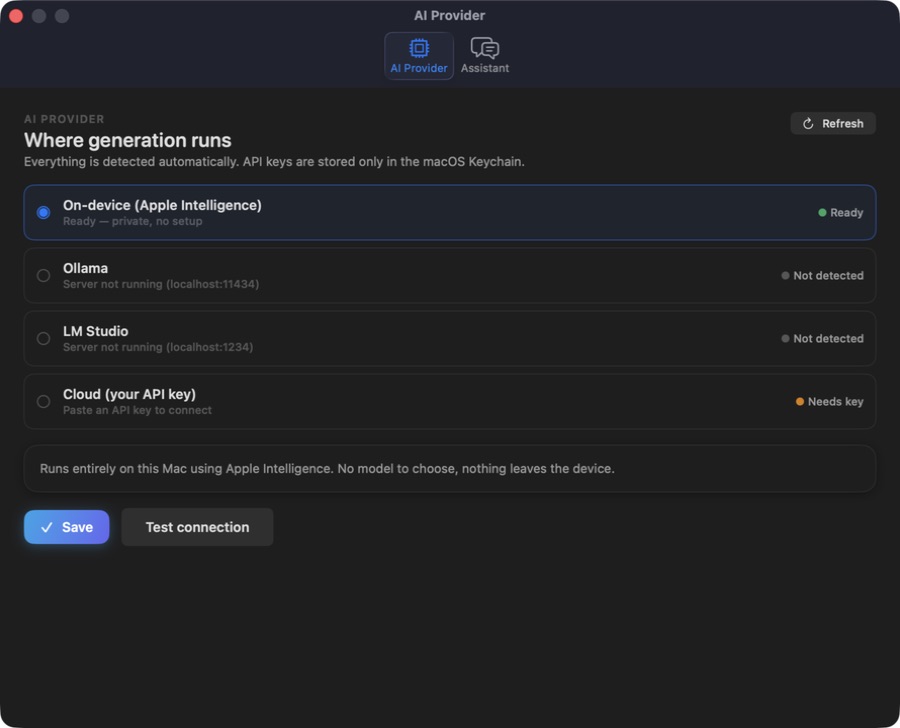
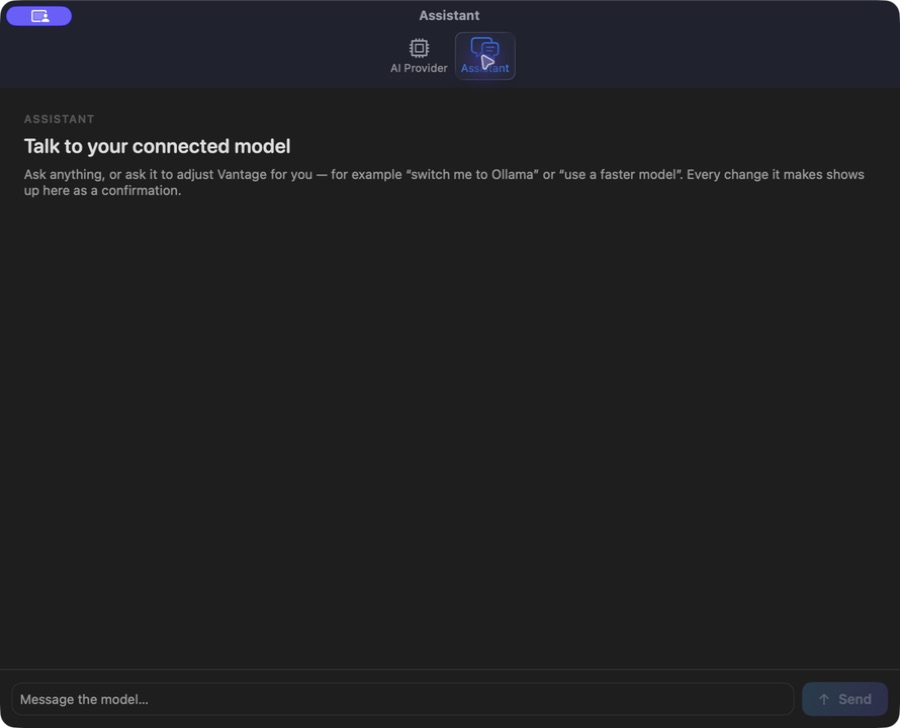
A simple way to get started
Bring your context
Start with the source material, brief or records for the task.
Develop the work
Use the focused workspace to compare, organise or draft the result.
Prepare the next step
Keep useful findings and copy ready for the next part of your work.
Explore more features
- Competitor records and reference URLs
- Keyword and shared-theme review
- Competitive briefing
Get Vantage Competitor Intel
Compatibility and installation details
- Requires
- Windows x64; review product requirements
- Architecture
- x64
- Version
- 1.0.0
- Download
- 94.9 MB
- Installer
- Vantage-1.0.0-Windows-x64-Setup.exe
- Publisher signature
- Unsigned
- SHA-256
47a7d1f8928d226c56ef4cd0eaa04f806421ff65d5c1fcd751e6a85d72ee00f9
Download the Windows installer from your receipt and follow its setup steps.
Useful to know
What can I do with Vantage Competitor Intel?
Bring competitor records and source text into a focused comparison workspace. Vantage Competitor Intel helps you look across keywords, shared themes and messaging, then organise the findings into a briefing. Keep the evidence close as you consider how to describe your own product more clearly.
How do I start?
Start with the source material, brief or records for the task. Use the focused workspace to compare, organise or draft the result. Keep useful findings and copy ready for the next part of your work.
How do I receive my download?
After your purchase, the receipt page provides your download link. The exact expiry is shown with your delivery link. Keep your receipt and installer. If a link expires or a download fails, contact support with your receipt instead of buying again.
Where can I find setup help?
Compatibility and installation details are on this page. The installation guide and support team can help with the next step.
Watch the screenshot tour
. Watch the video and read a list of the views it shows before choosing the app.