
CodeMonkey Pro
Practise the judgement behind good code.
Read unfamiliar code, investigate bugs, review changes and consider how a design could improve.
What you can do with CodeMonkey Pro
Read unfamiliar code, investigate bugs, review changes and consider how a design could improve. CodeMonkey Pro turns refactoring, review, architecture, performance and security into focused practice. Work through a case, compare your decision with the exercise feedback and return through scheduled drills that keep the material active.
- Practise refactoring, code review and debugging
- Work through architecture and performance decisions
- Return to important cases through scheduled drills
See the workspace
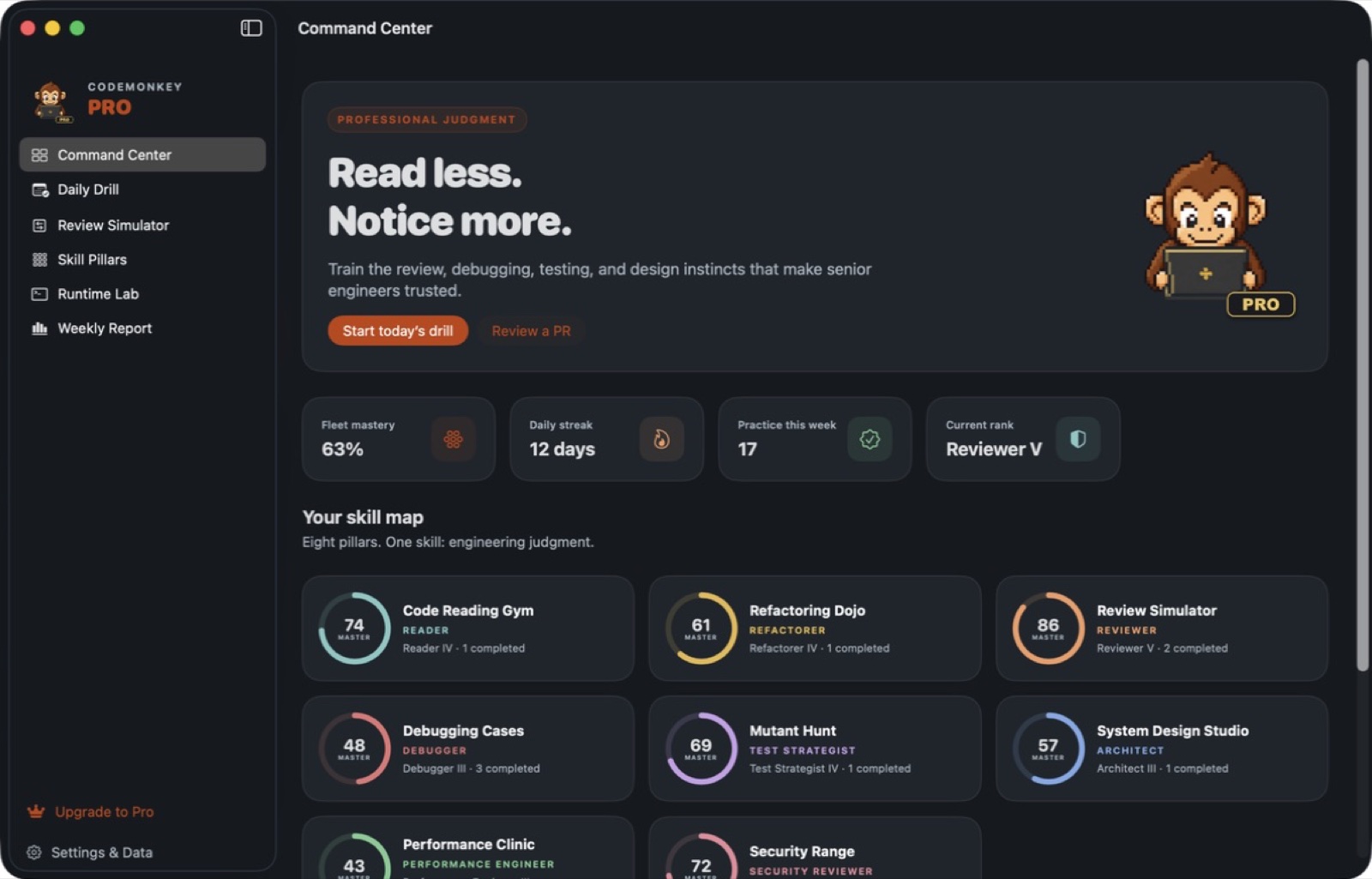
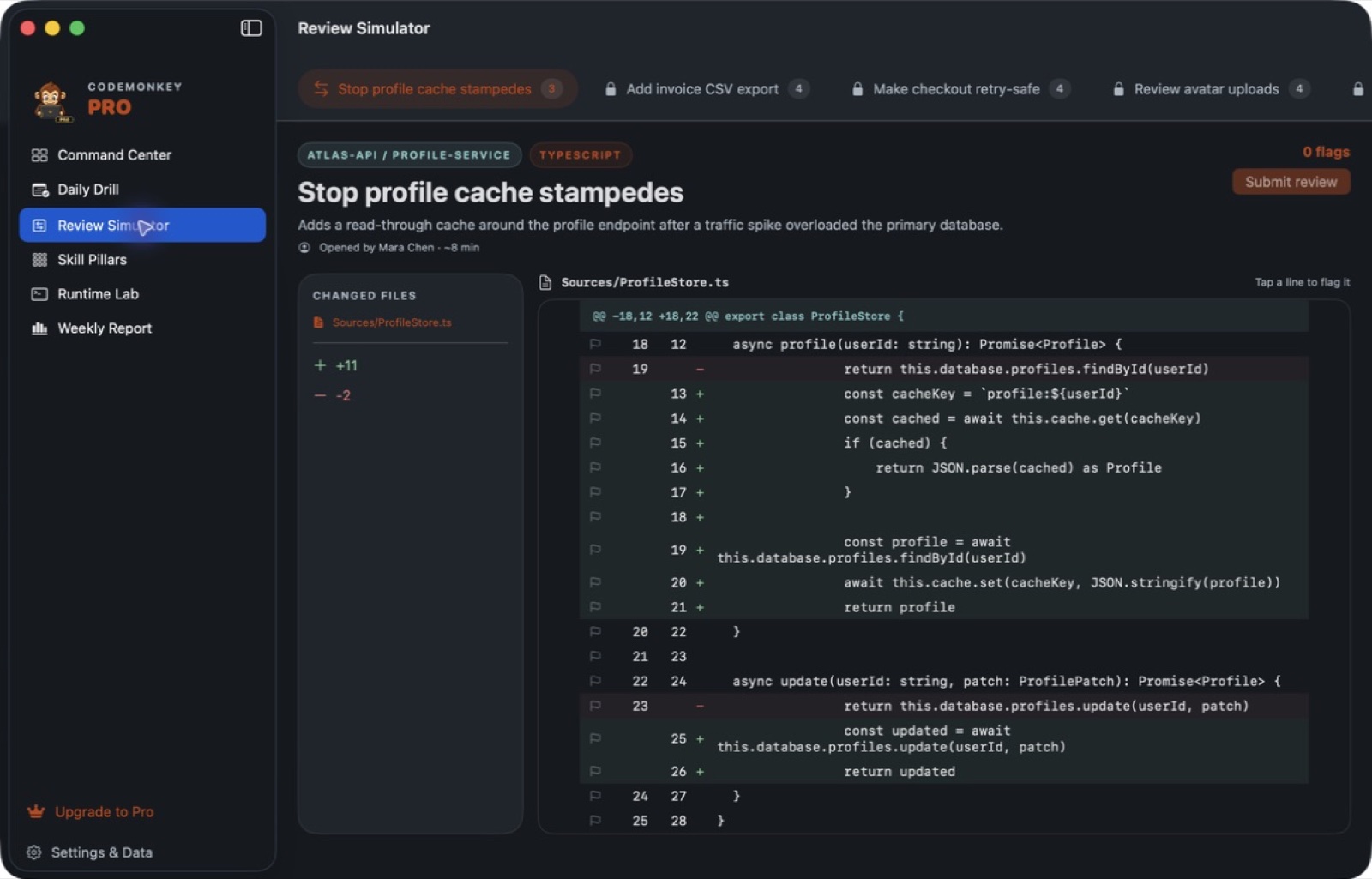
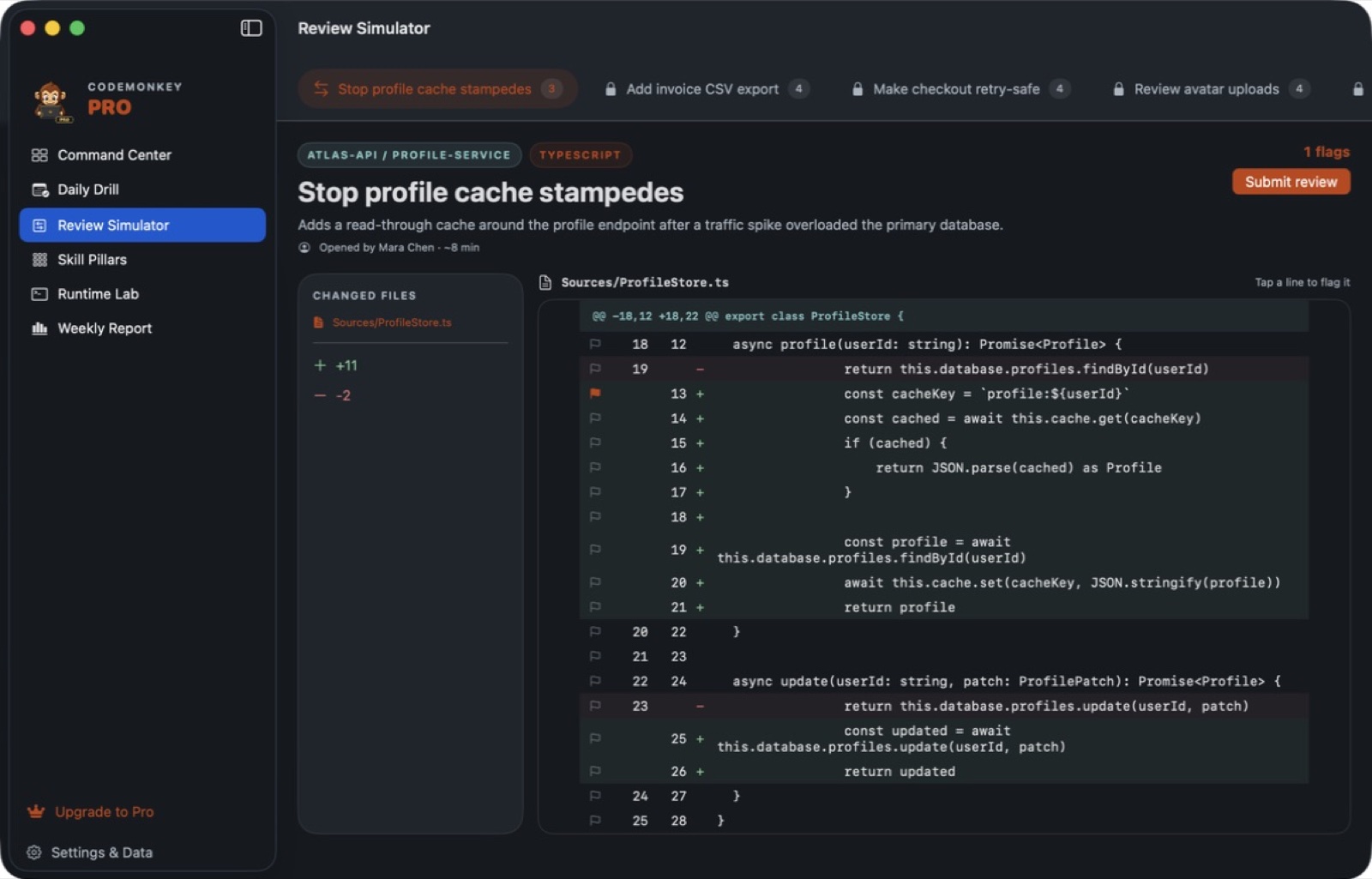
Explore 5 more screenshots
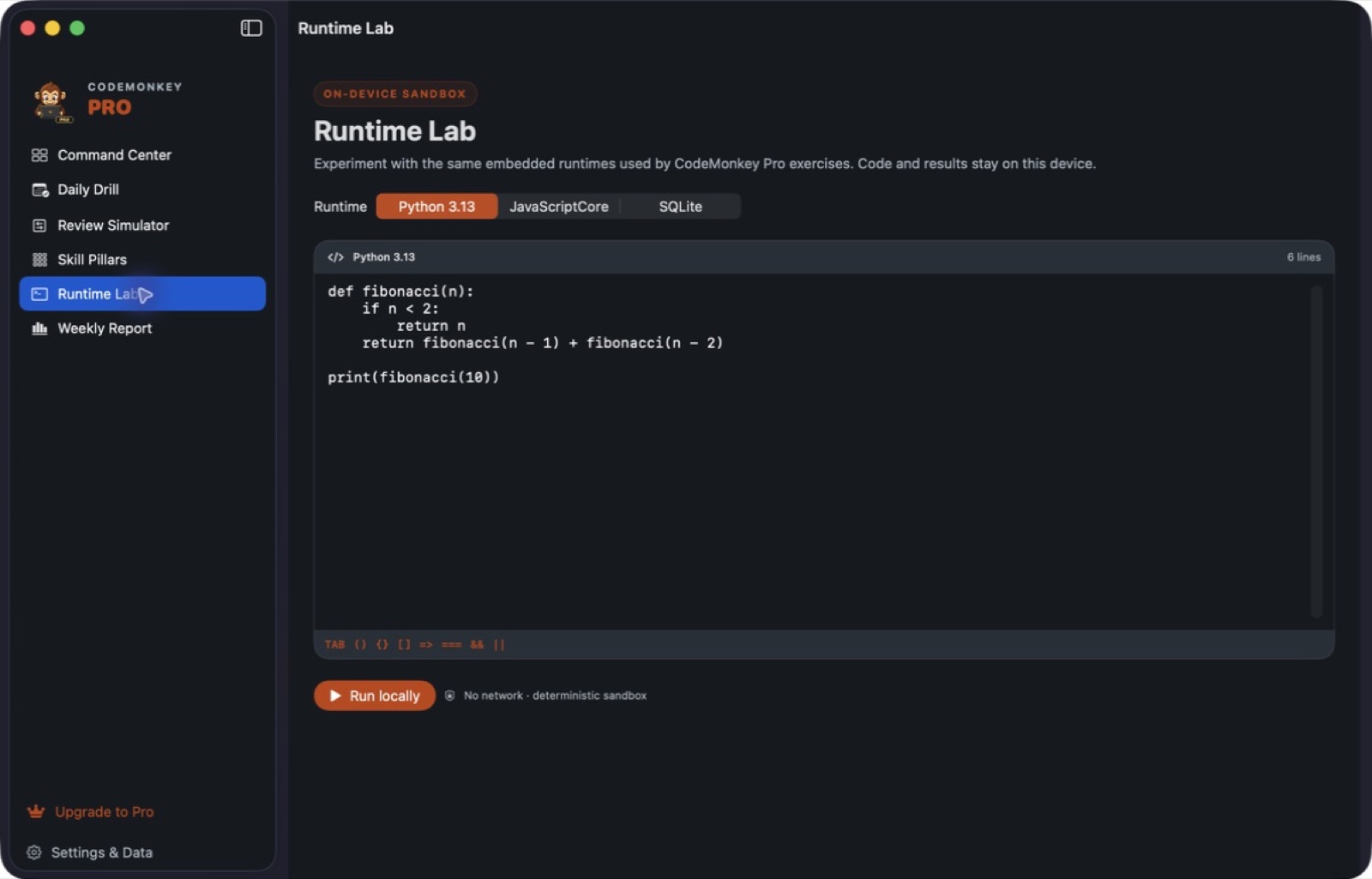
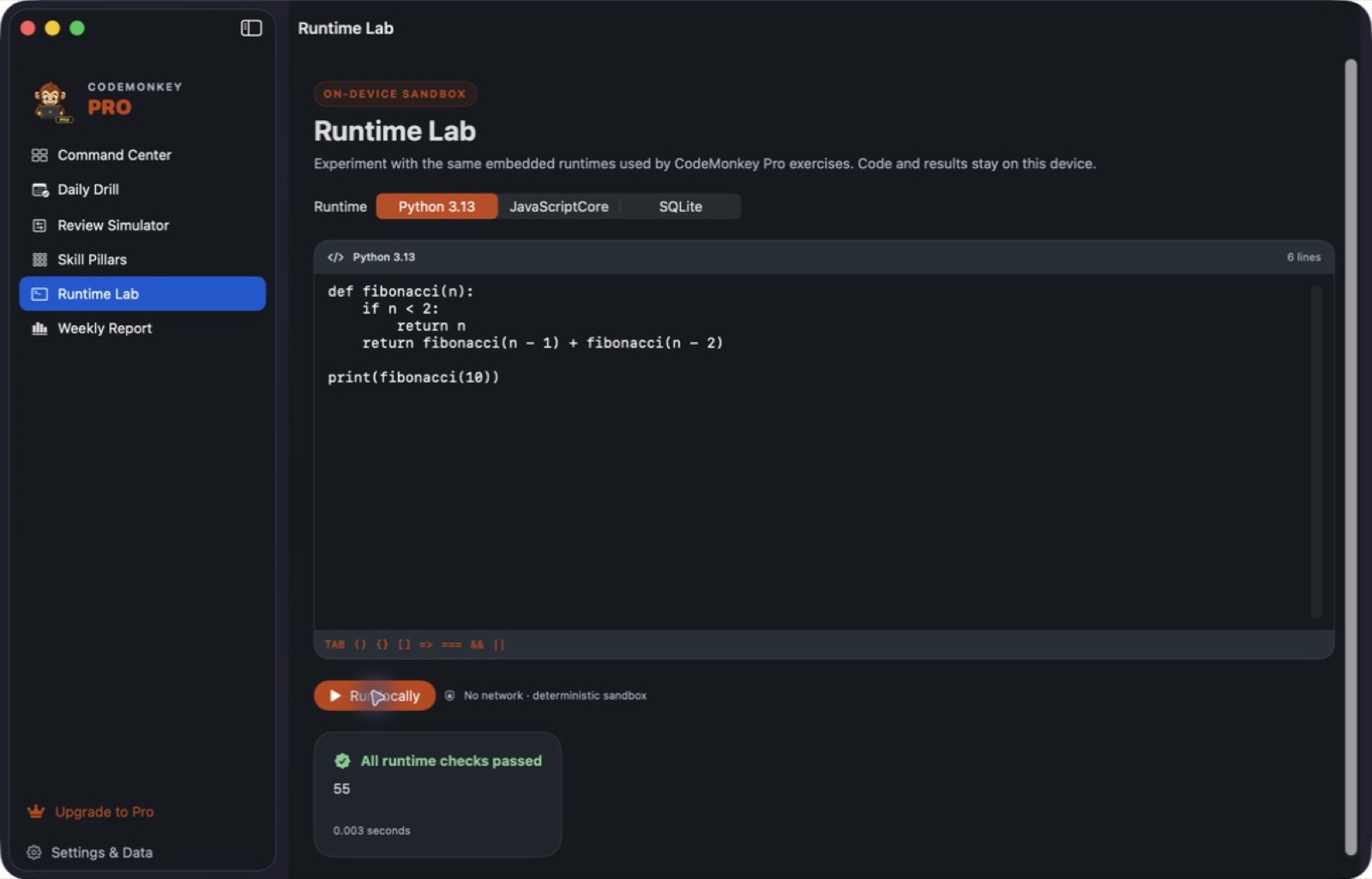
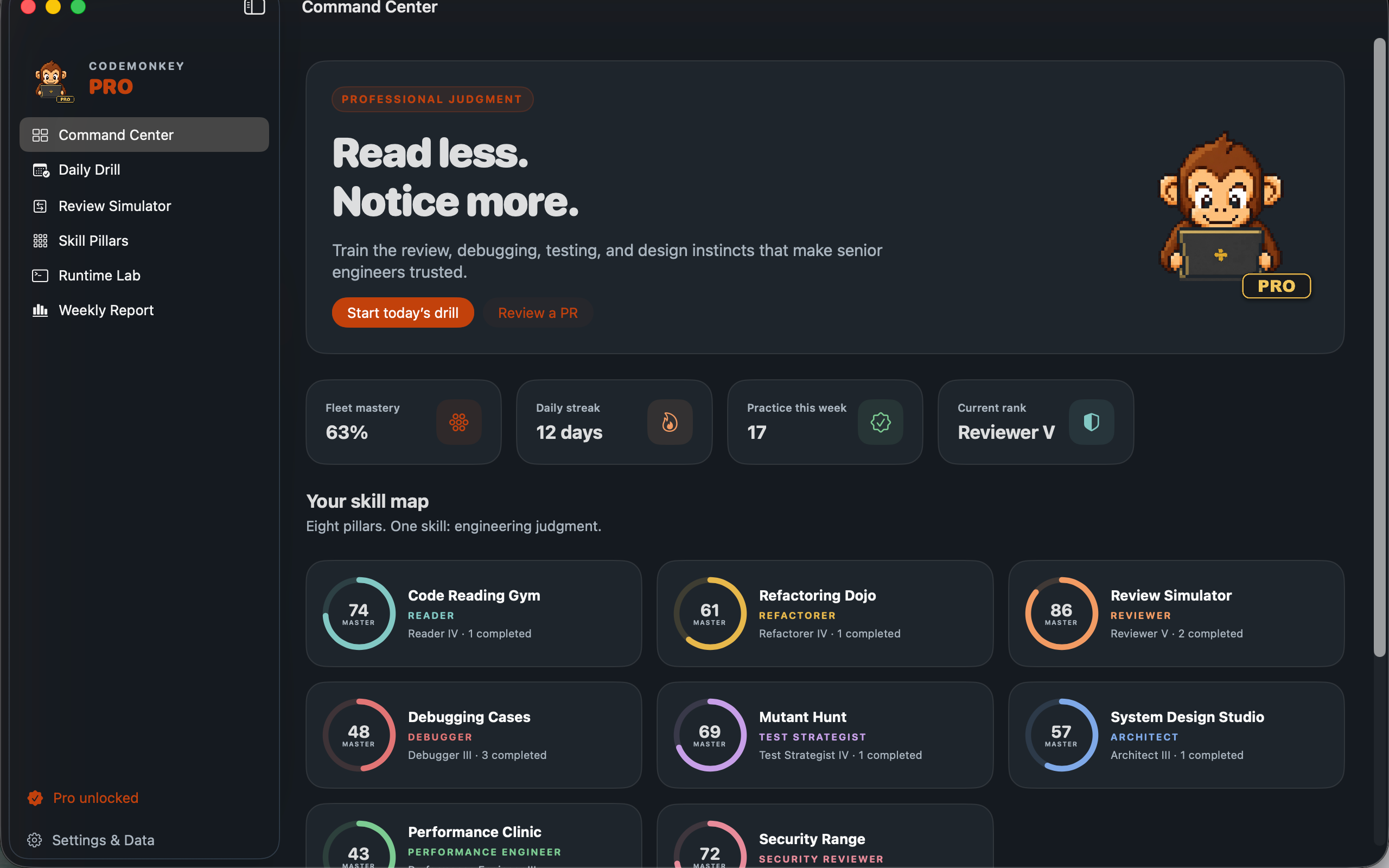
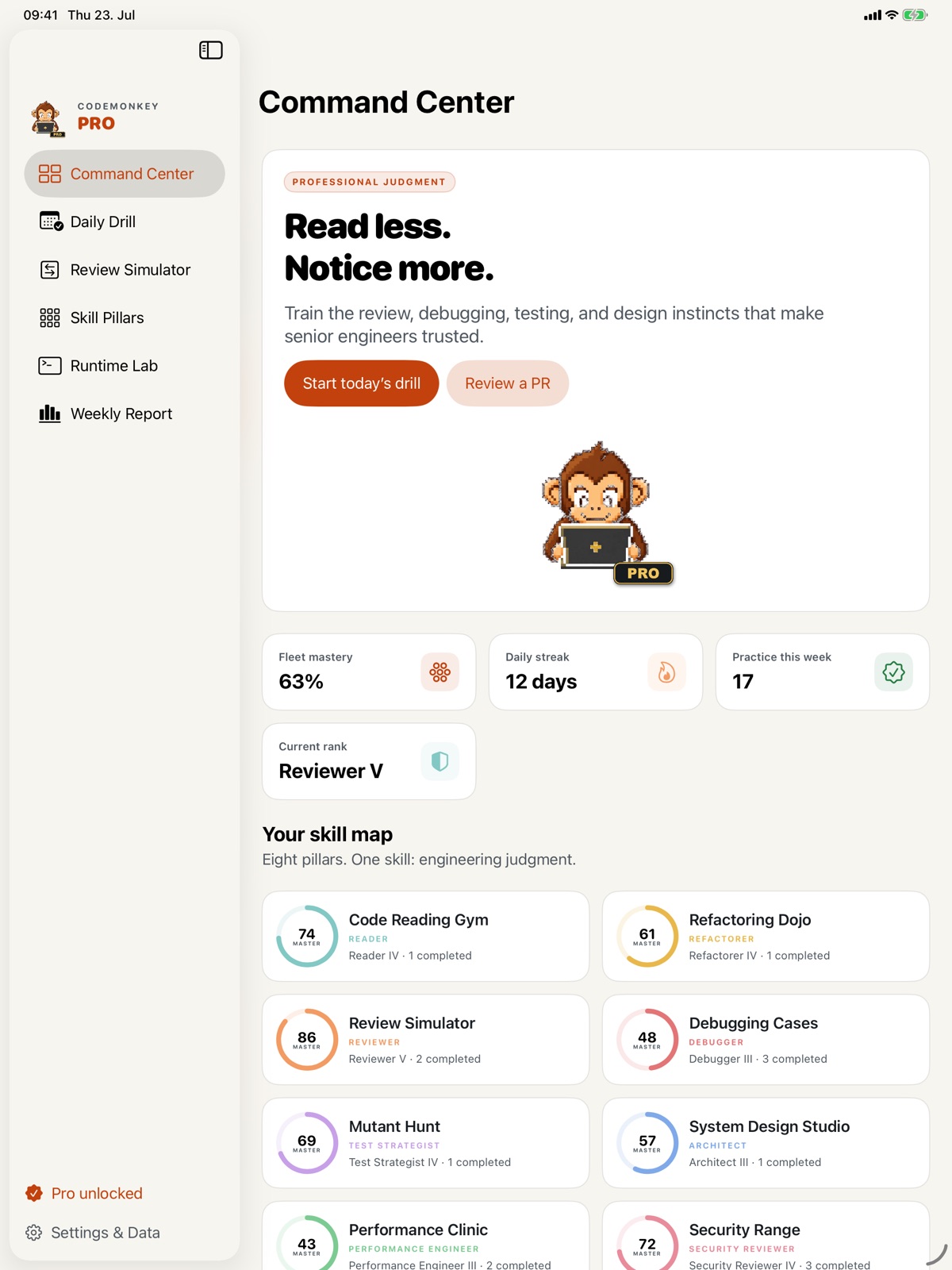
A simple way to get started
Choose a topic
Begin with the skill or project you want to understand.
Try it yourself
Work through the available exercises, examples and project activities.
Build on the session
Return to the material and carry the ideas into your next task.
Explore more features
- Refactoring, review and debugging studios
- Architecture, performance and security cases
- Scheduled practice and history
Get CodeMonkey Pro
Compatibility and installation details
- Requires
- Windows x64; review product requirements
- Architecture
- x64
- Version
- 1.0.0
- Download
- 100.5 MB
- Installer
- CodeMonkey Pro-1.0.0-Windows-x64-Setup.exe
- Publisher signature
- Unsigned
- SHA-256
5fc674e3c0a449fd2eda35517d2d5ff049efed00656510869fb697e5989850b9
Download the Windows installer from your receipt and follow its setup steps.
Useful to know
What can I do with CodeMonkey Pro?
Read unfamiliar code, investigate bugs, review changes and consider how a design could improve. CodeMonkey Pro turns refactoring, review, architecture, performance and security into focused practice. Work through a case, compare your decision with the exercise feedback and return through scheduled drills that keep the material active.
How do I start?
Begin with the skill or project you want to understand. Work through the available exercises, examples and project activities. Return to the material and carry the ideas into your next task.
How do I receive my download?
After your purchase, the receipt page provides your download link. The exact expiry is shown with your delivery link. Keep your receipt and installer. If a link expires or a download fails, contact support with your receipt instead of buying again.
Where can I find setup help?
Compatibility and installation details are on this page. The installation guide and support team can help with the next step.