Corpus
Keep your research grounded in your own sources.
Build a local library of marketing material and bring relevant passages into view when you need them.
What you can do with Corpus
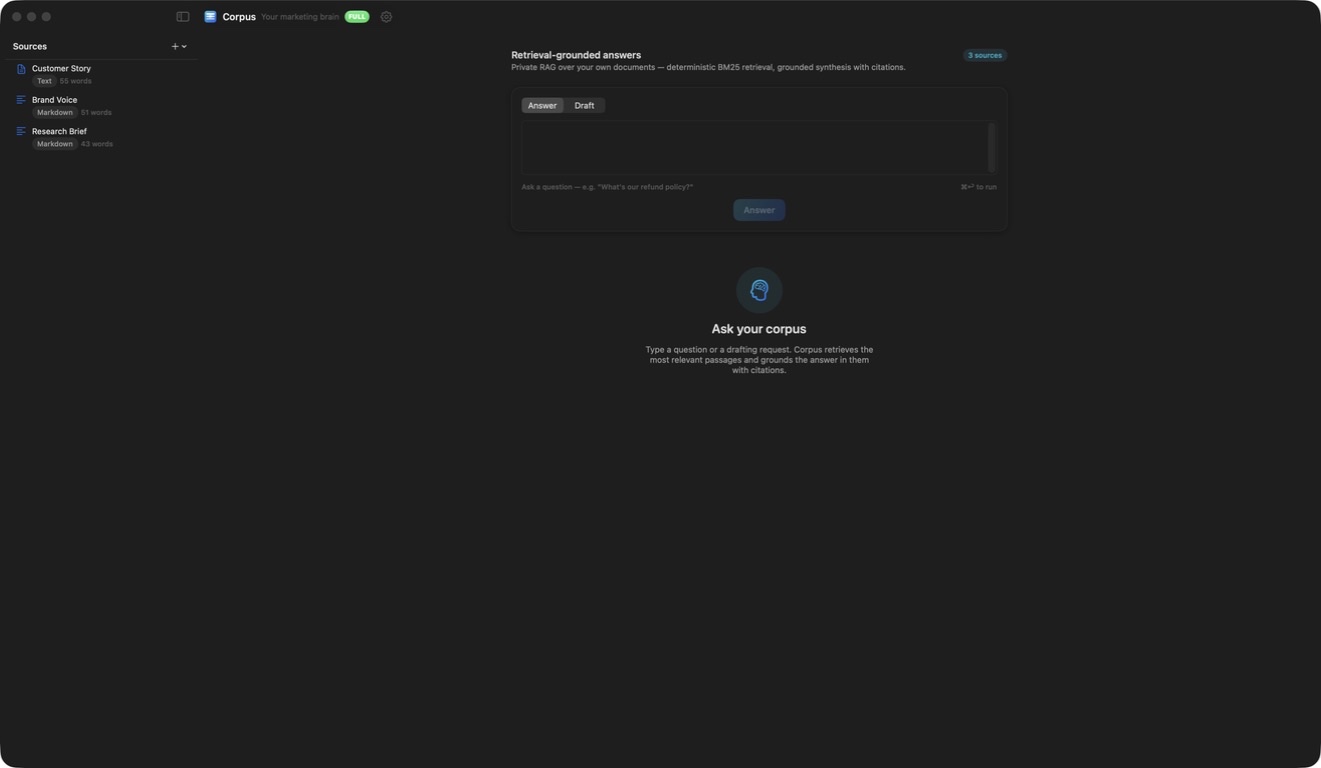
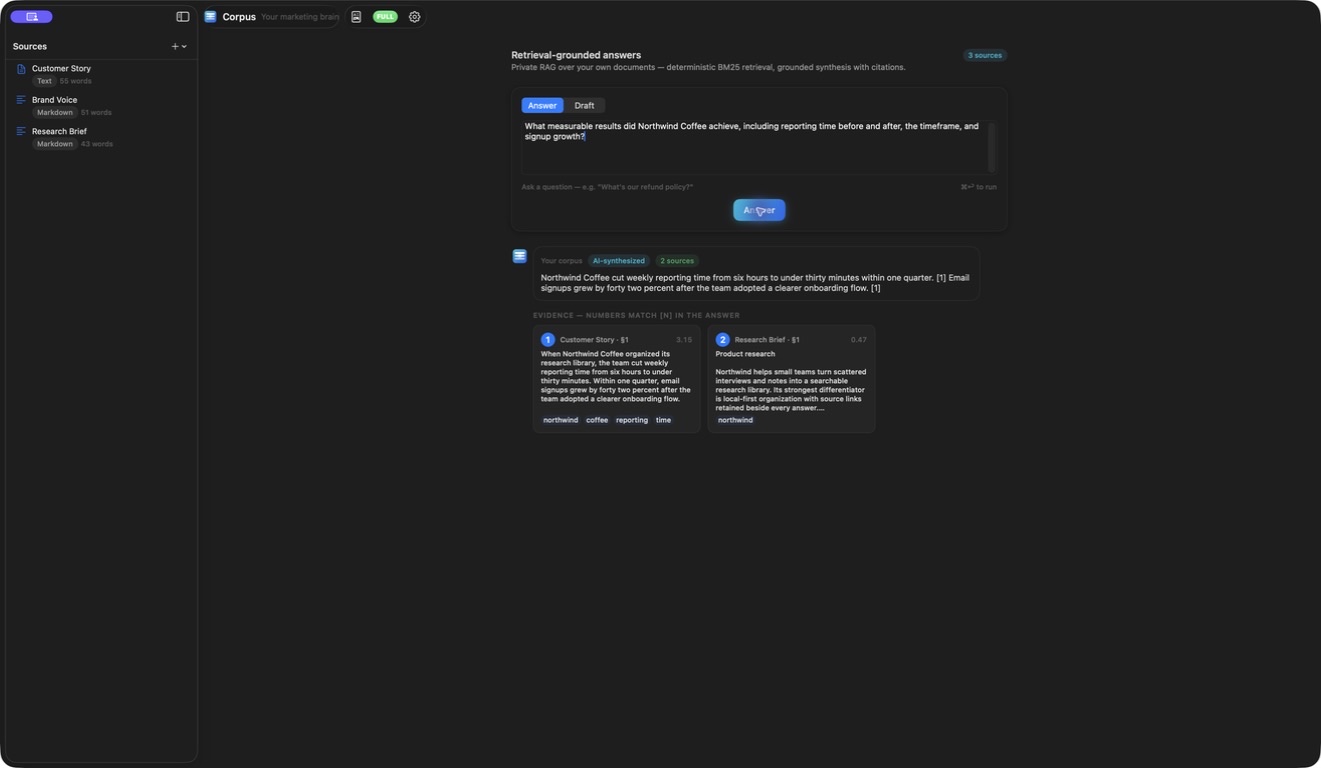
Build a local library of marketing material and bring relevant passages into view when you need them. Corpus keeps source evidence beside research and drafting work, helping you return to the words behind an answer. Organise the library and export a useful brief for the next stage of your project.
- Keep research material in a local source library
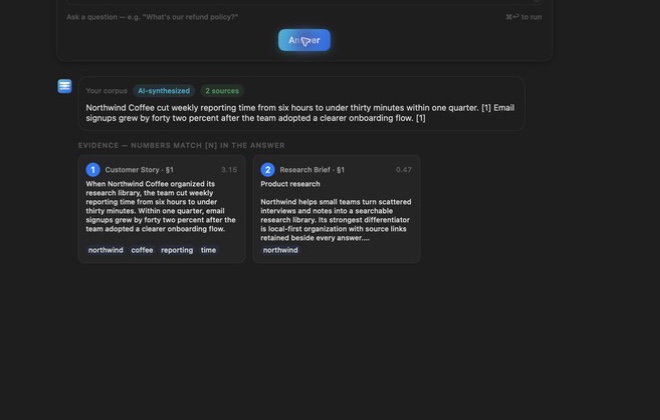
- Find relevant passages with their references
- Prepare a grounded research brief
See the workspace
Explore 3 more screenshots
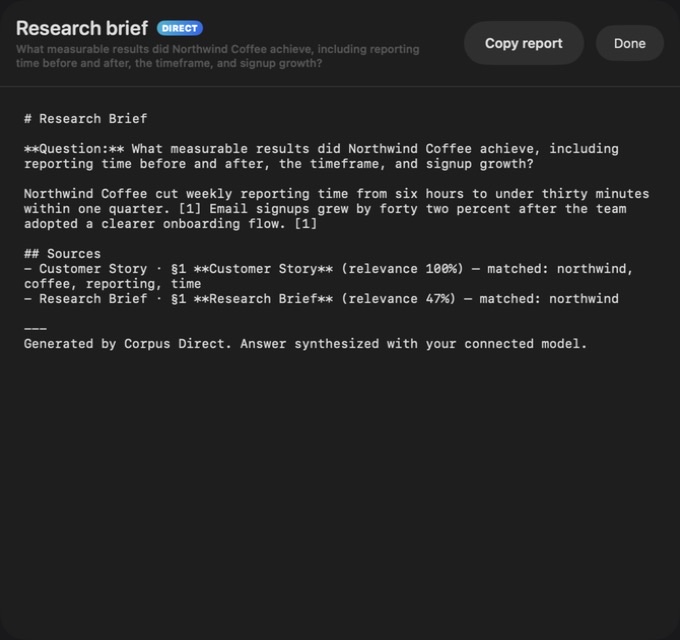
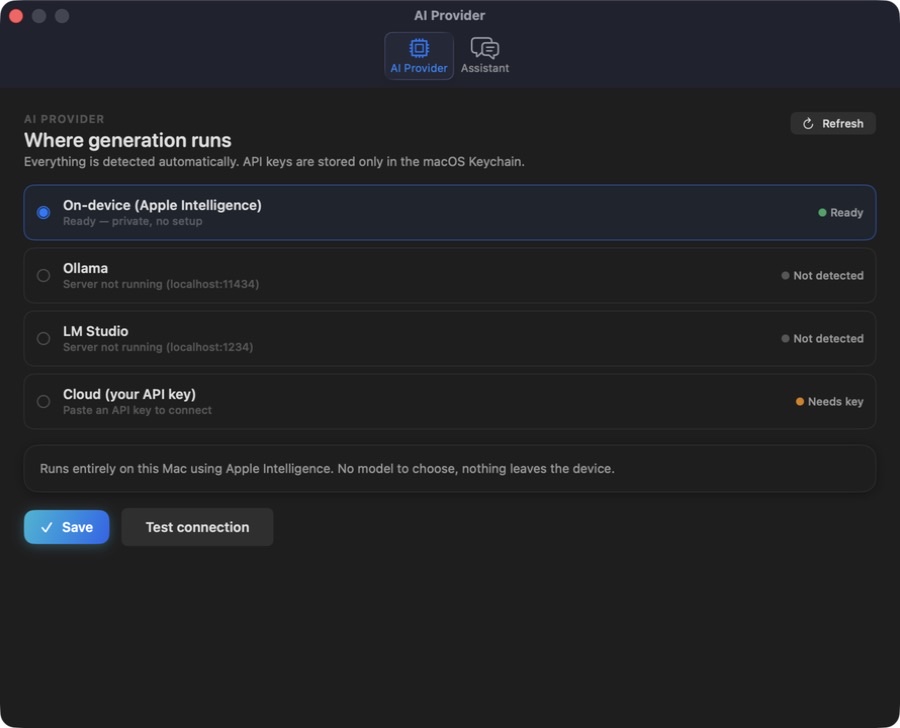
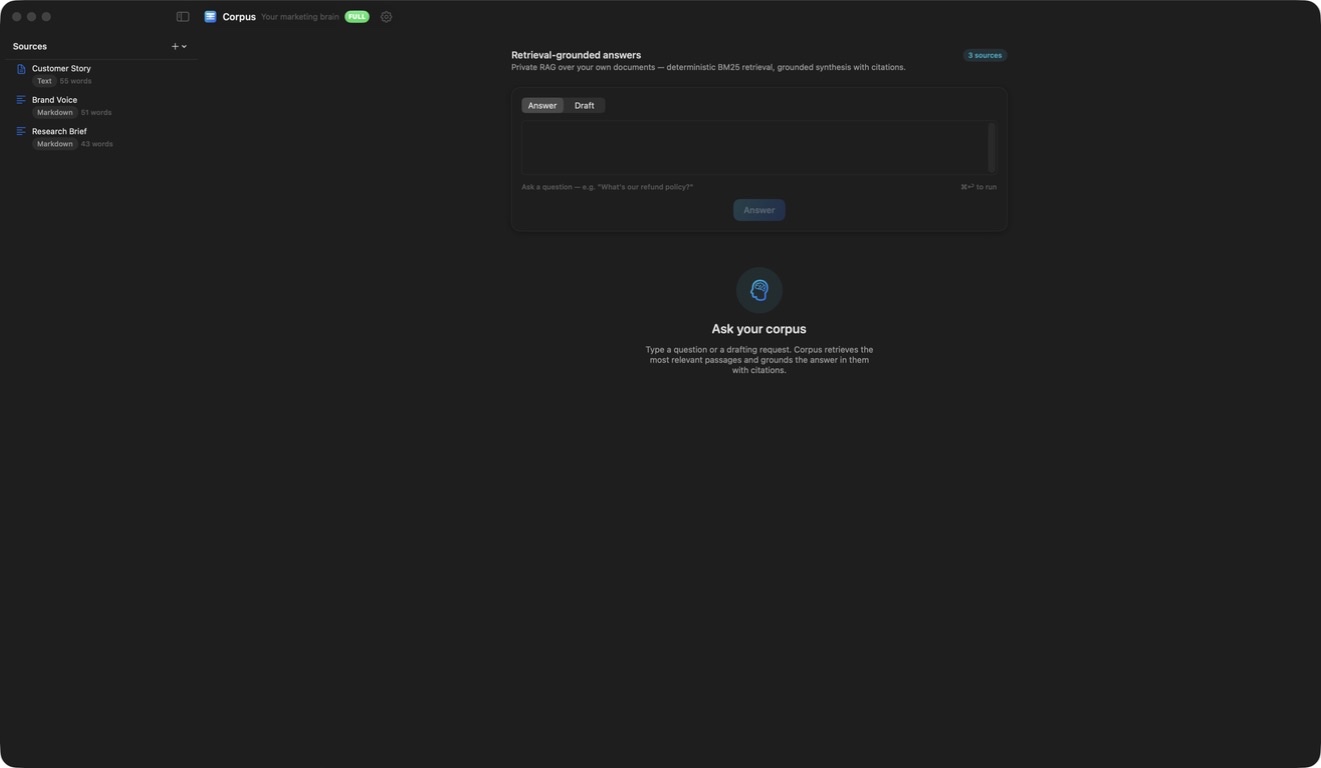
A simple way to get started
Build the library
Import or paste the source material you want to keep close.
Find the evidence
Ask a research question and review relevant passages with their sources.
Prepare a brief
Keep the supporting material beside the answer as you move into drafting.
Explore more features
- Local source import and library search
- Cited passage retrieval
- Marketing workflows and reports
Get Corpus
Compatibility and installation details
- Requires
- Windows x64; review product requirements
- Architecture
- x64
- Version
- 1.0.0
- Download
- 94.7 MB
- Installer
- Corpus-1.0.0-Windows-x64-Setup.exe
- Publisher signature
- Unsigned
- SHA-256
b48a9ae0ae4e37a7dbba86e2bddaf0d53d600aa8c7d7edfd54af096ee4f68c62
Download the Windows installer from your receipt and follow its setup steps.
Useful to know
What can I do with Corpus?
Build a local library of marketing material and bring relevant passages into view when you need them. Corpus keeps source evidence beside research and drafting work, helping you return to the words behind an answer. Organise the library and export a useful brief for the next stage of your project.
How do I start?
Import or paste the source material you want to keep close. Ask a research question and review relevant passages with their sources. Keep the supporting material beside the answer as you move into drafting.
How do I receive my download?
After your purchase, the receipt page provides your download link. The exact expiry is shown with your delivery link. Keep your receipt and installer. If a link expires or a download fails, contact support with your receipt instead of buying again.
Where can I find setup help?
Compatibility and installation details are on this page. The installation guide and support team can help with the next step.
Watch the screenshot tour
. Watch the video and read a list of the views it shows before choosing the app.