
DevMonkey
Learn web development by building real pages.
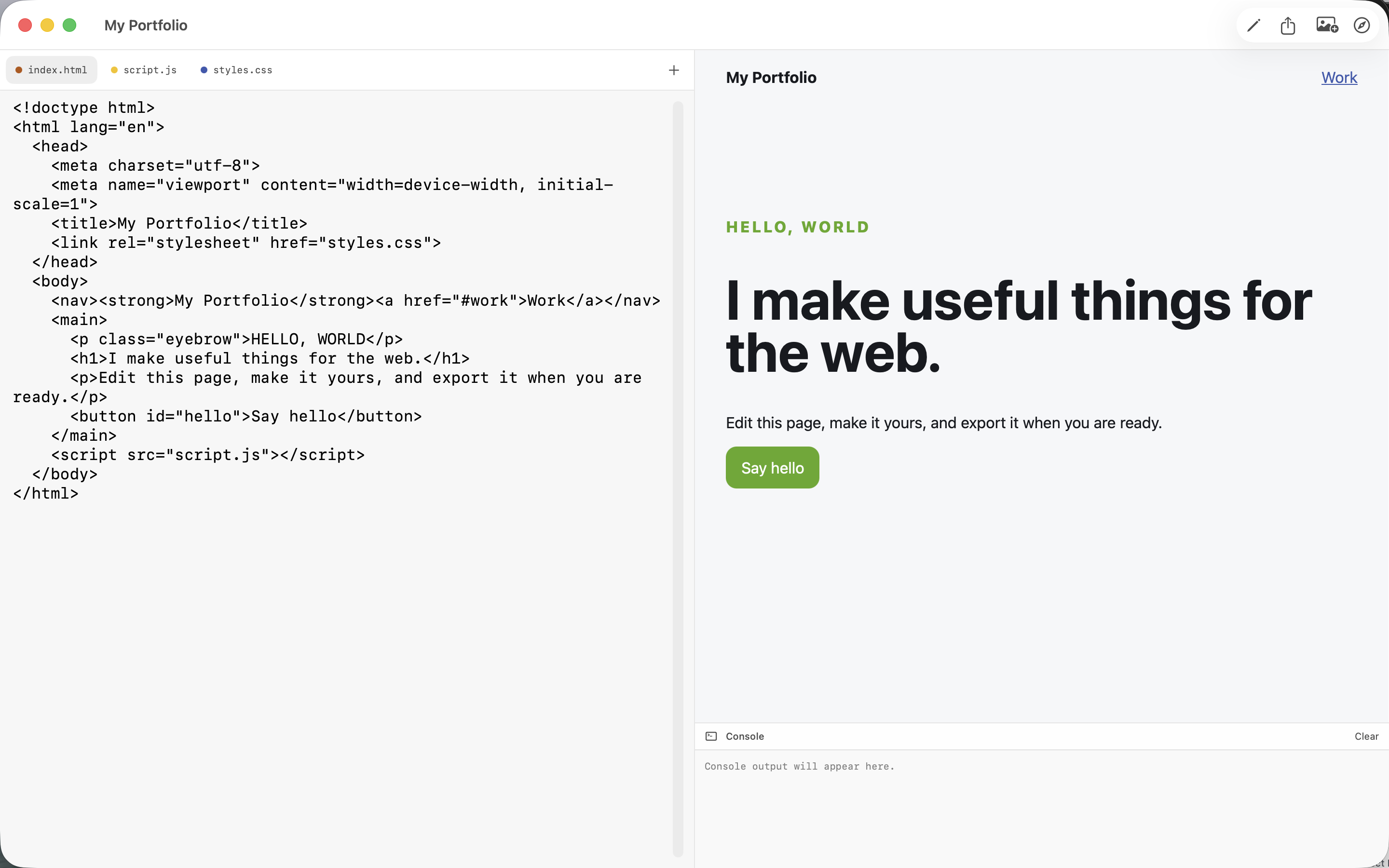
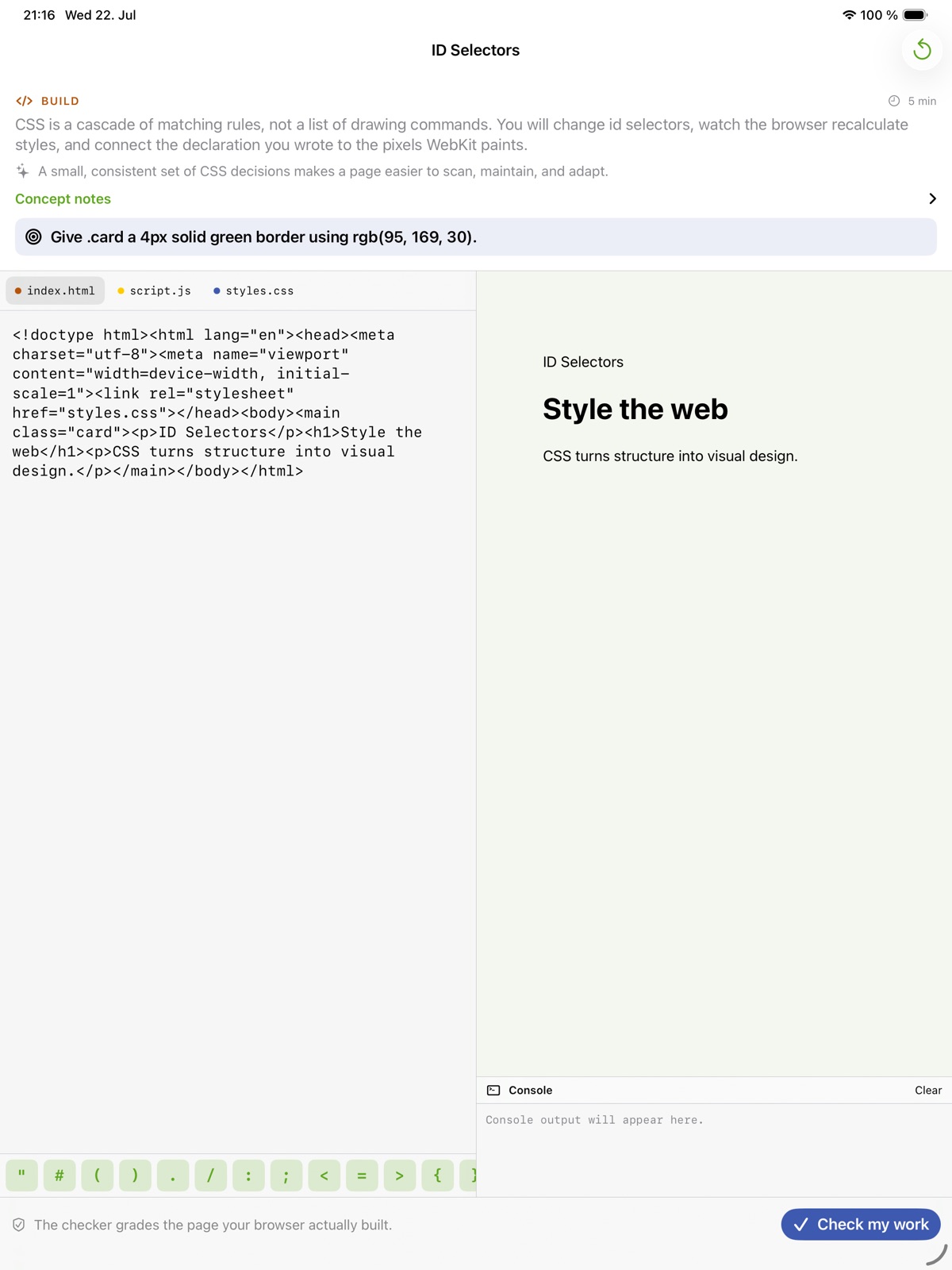
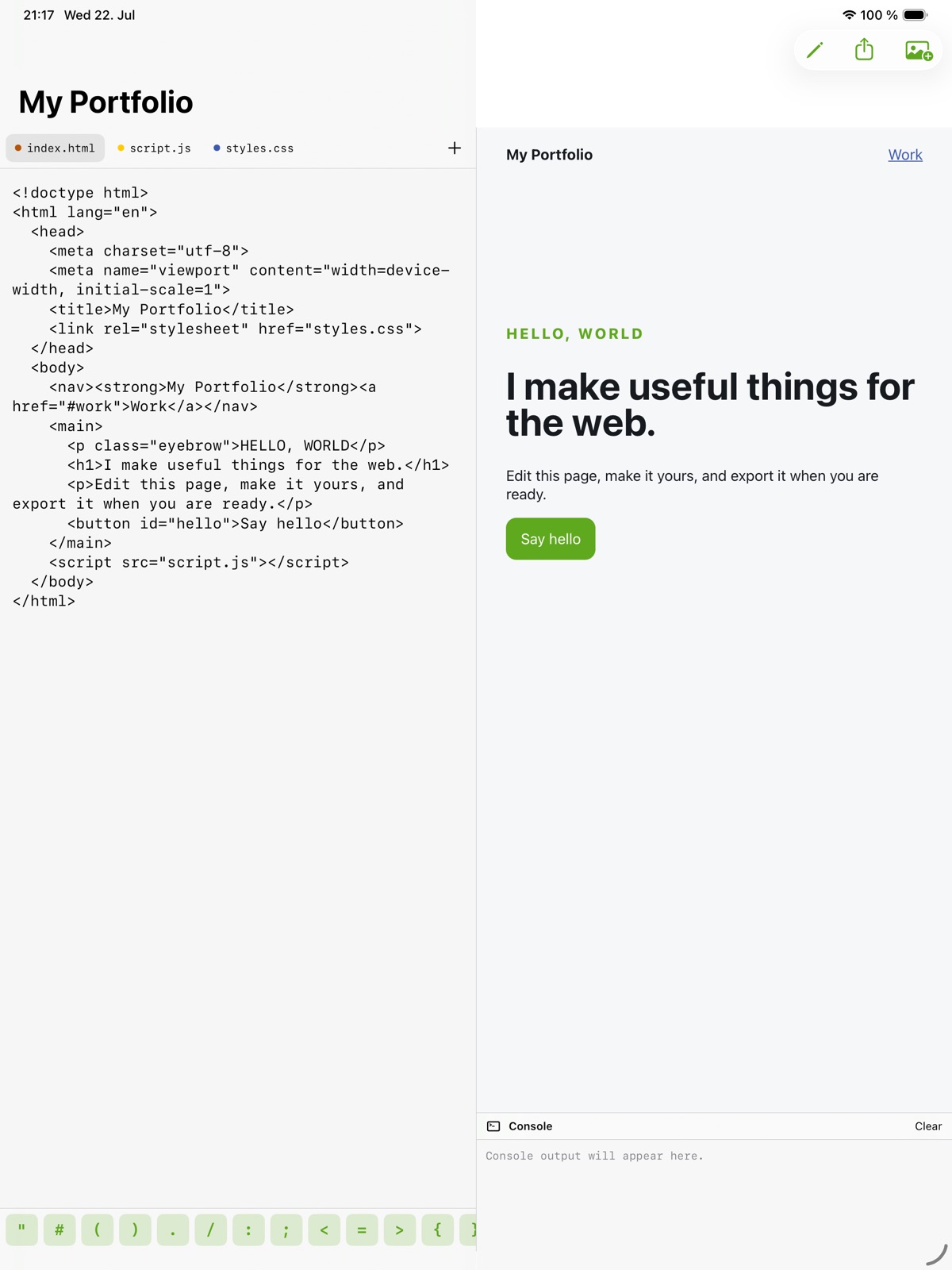
Write HTML, CSS and JavaScript, then see the result in a local browser preview.
What you can do with DevMonkey
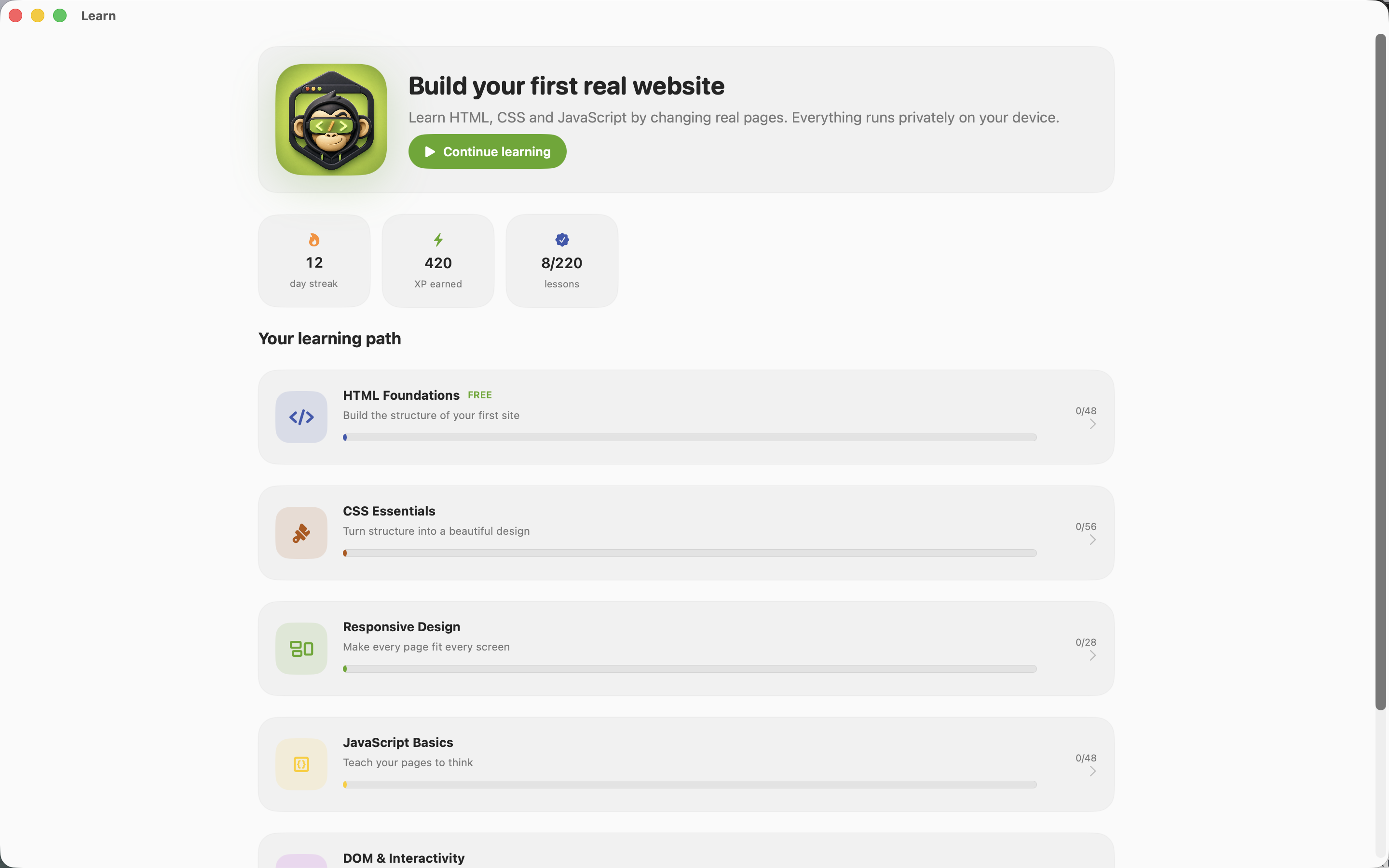
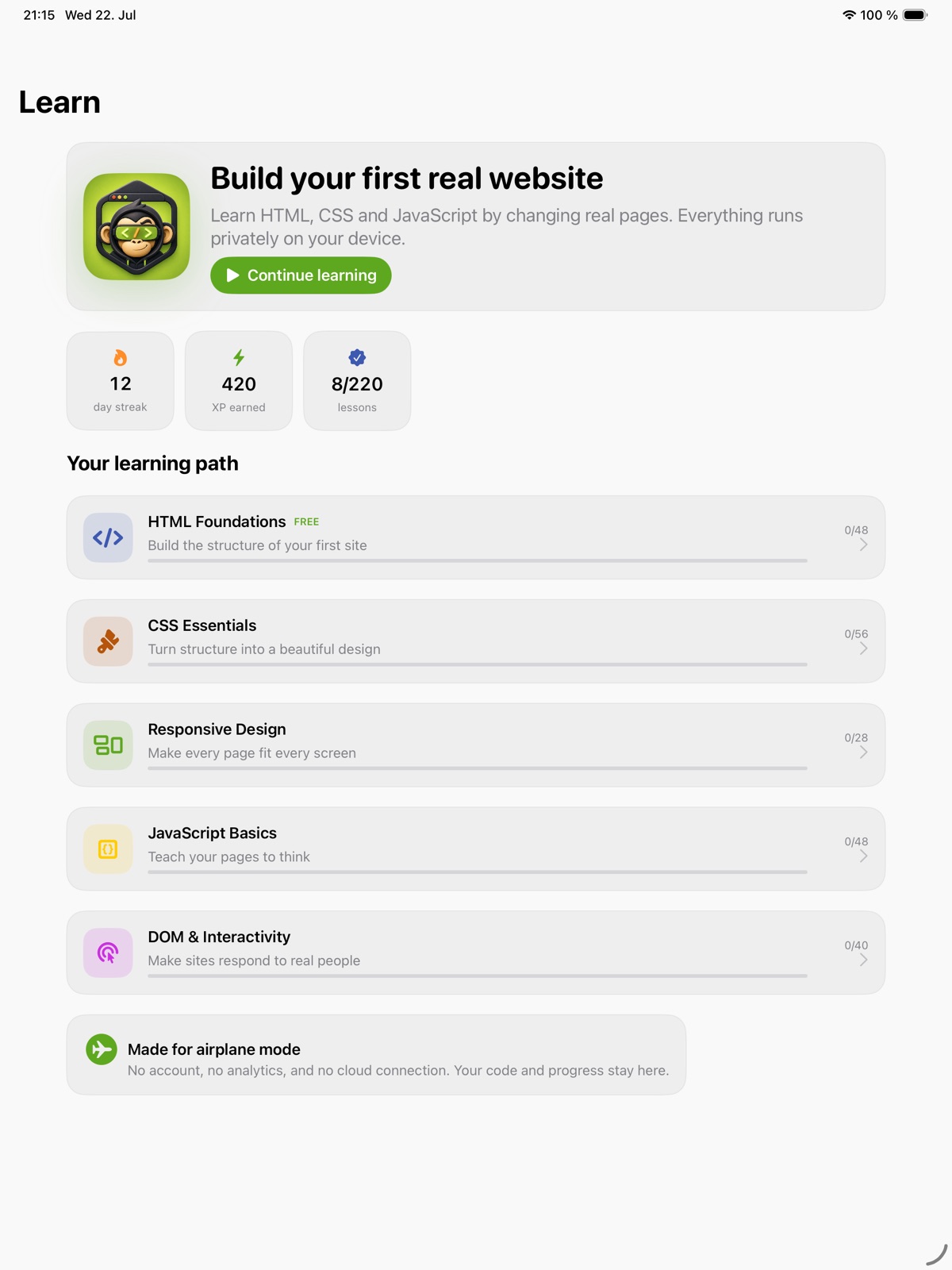
Write HTML, CSS and JavaScript, then see the result in a local browser preview. DevMonkey puts lessons and practical page building together, with checks that help you understand what your code produces. Move from a small exercise to a multi-file project and keep developing the page as your skills grow.
- See HTML, CSS and JavaScript in a live preview
- Learn from checks on the rendered page
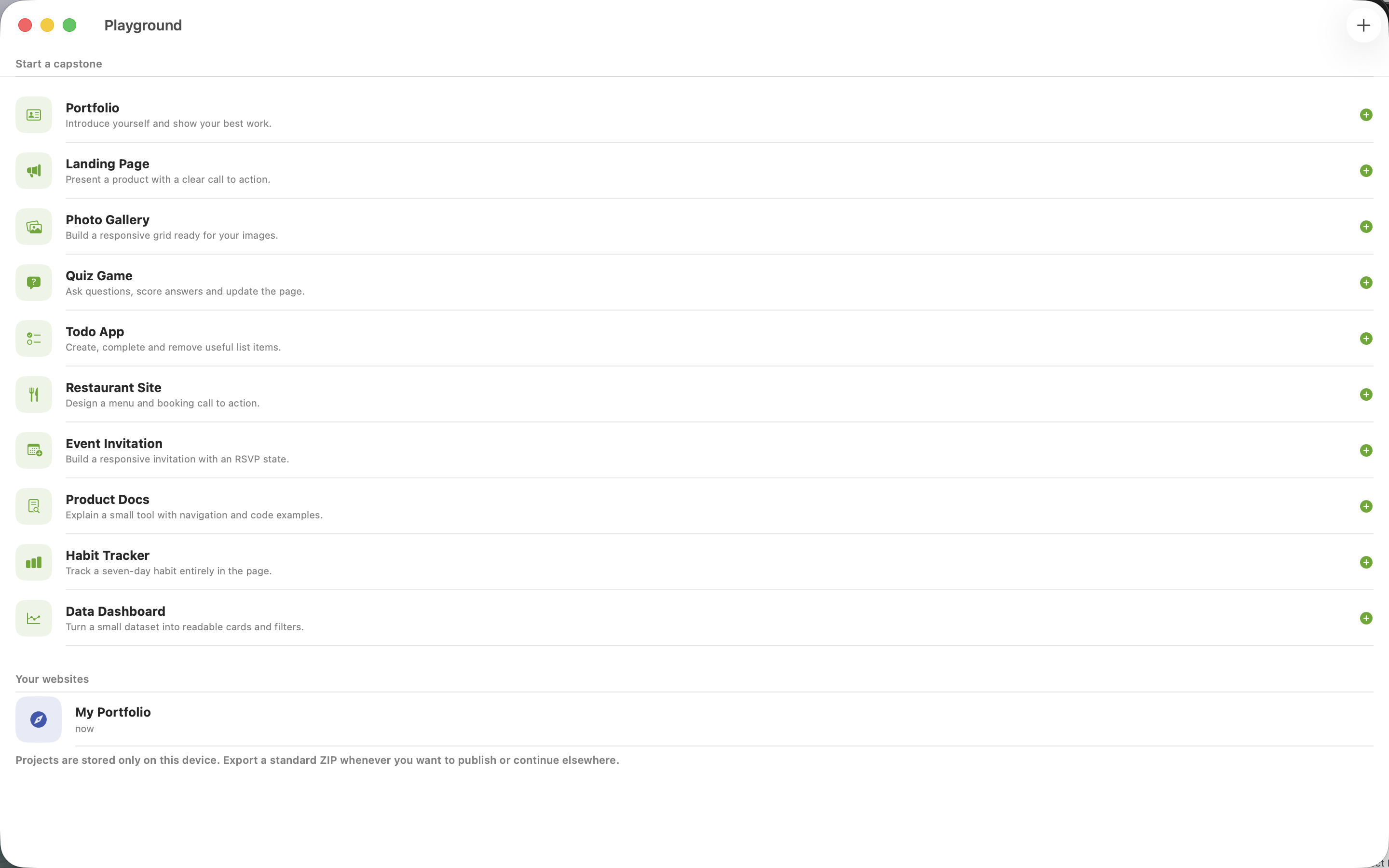
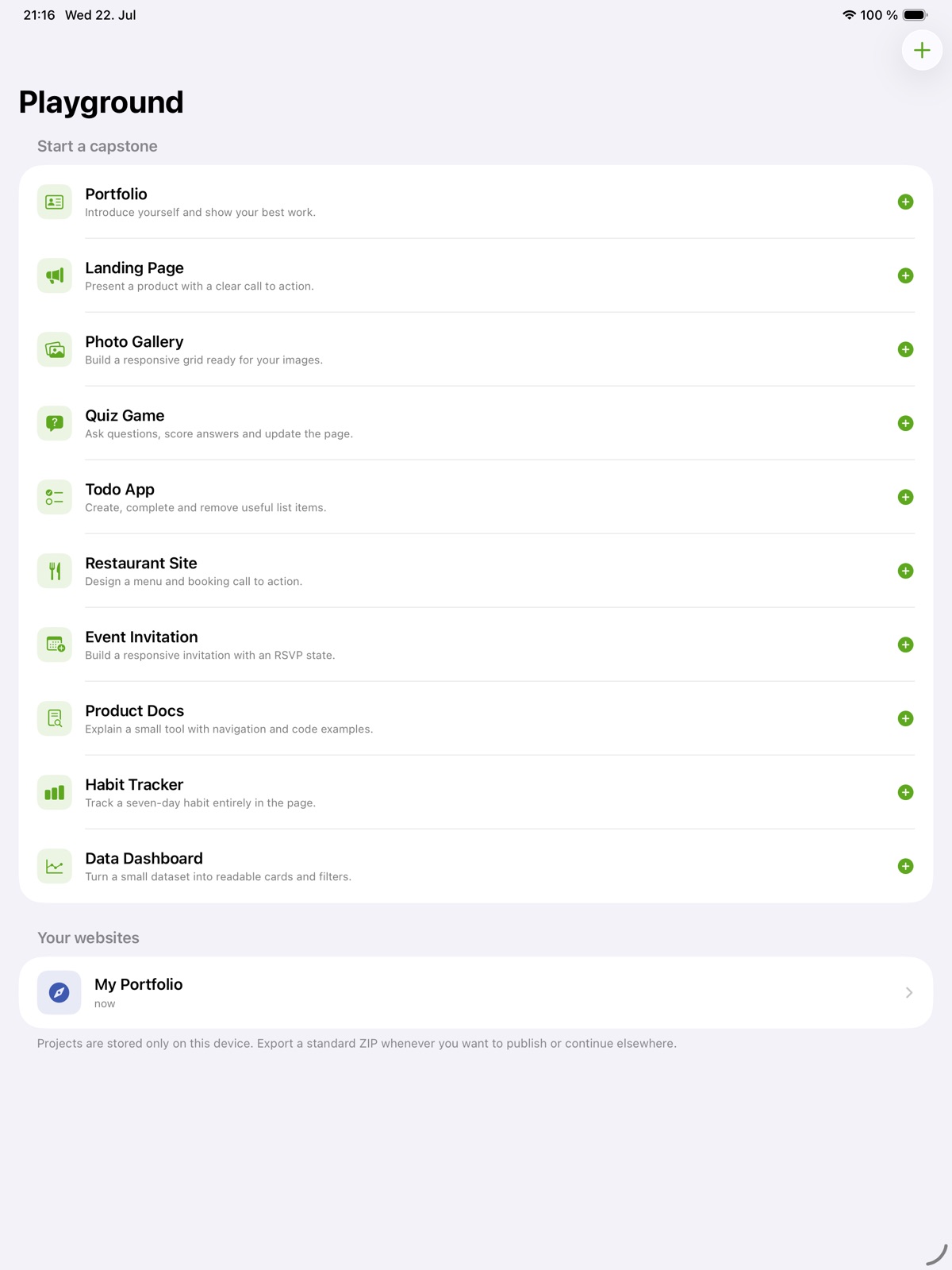
- Develop ideas into multi-file projects
See the workspace
Explore 5 more screenshots
A simple way to get started
Choose a topic
Begin with the skill or project you want to understand.
Try it yourself
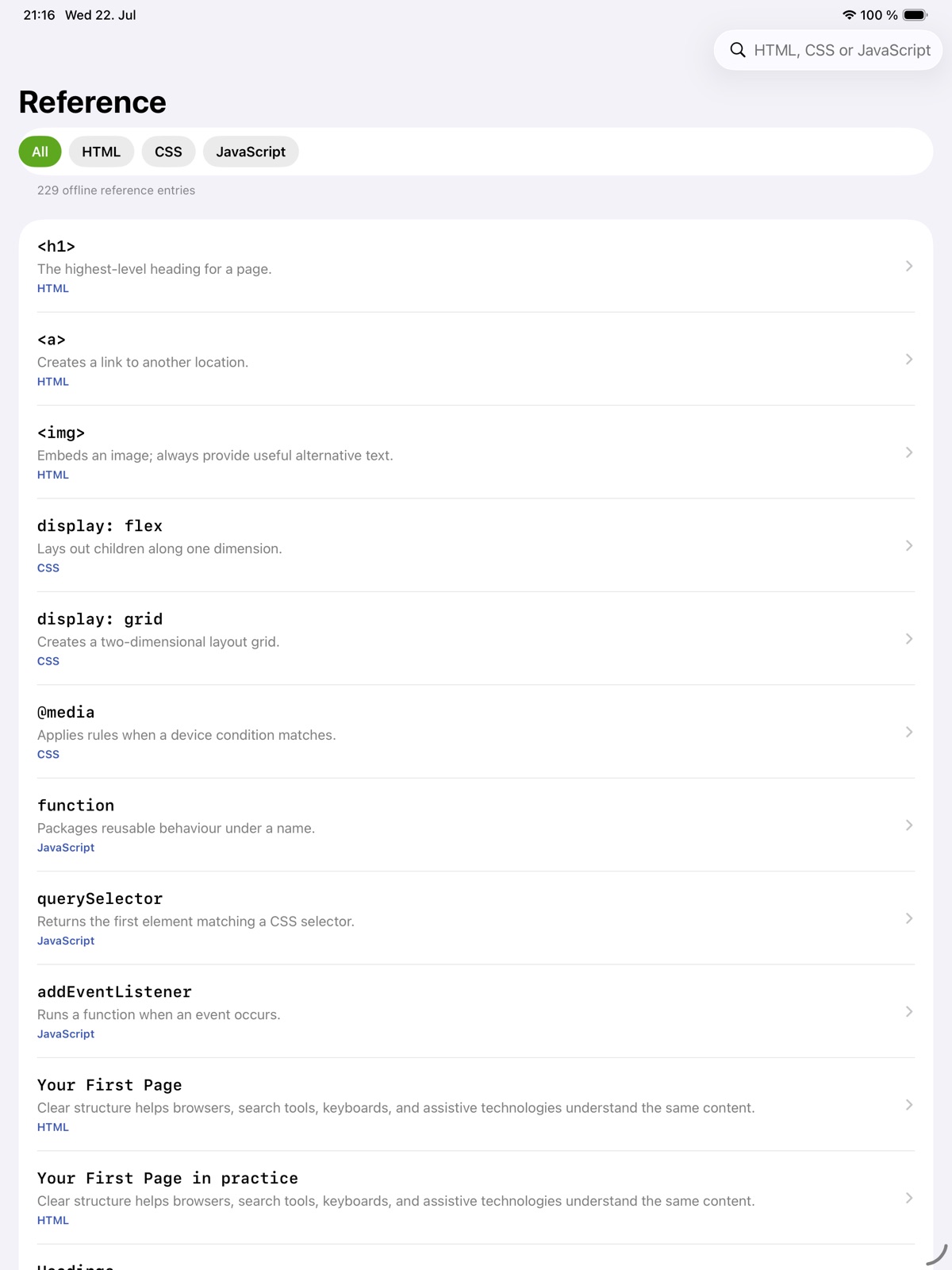
Work through the available exercises, examples and project activities.
Build on the session
Return to the material and carry the ideas into your next task.
Explore more features
- 220 lesson IDs across five courses
- Offline browser previews and checks
- Project editing and website ZIP export
Get DevMonkey
Compatibility and installation details
- Requires
- Windows x64; review product requirements
- Architecture
- x64
- Version
- 1.0.0
- Download
- 95.9 MB
- Installer
- DevMonkey-1.0.0-Windows-x64-Setup.exe
- Publisher signature
- Unsigned
- SHA-256
fb24303c00e5fbf54aa6522b4647a559680a262ab34244d41dcd32c57ab0f9f2
Download the Windows installer from your receipt and follow its setup steps.
Useful to know
What can I do with DevMonkey?
Write HTML, CSS and JavaScript, then see the result in a local browser preview. DevMonkey puts lessons and practical page building together, with checks that help you understand what your code produces. Move from a small exercise to a multi-file project and keep developing the page as your skills grow.
How do I start?
Begin with the skill or project you want to understand. Work through the available exercises, examples and project activities. Return to the material and carry the ideas into your next task.
How do I receive my download?
After your purchase, the receipt page provides your download link. The exact expiry is shown with your delivery link. Keep your receipt and installer. If a link expires or a download fails, contact support with your receipt instead of buying again.
Where can I find setup help?
Compatibility and installation details are on this page. The installation guide and support team can help with the next step.