
IndexHalo
Turn a content review into a practical next step.
Bring a page, draft or supported local document into an evidence-focused workspace.
What you can do with IndexHalo
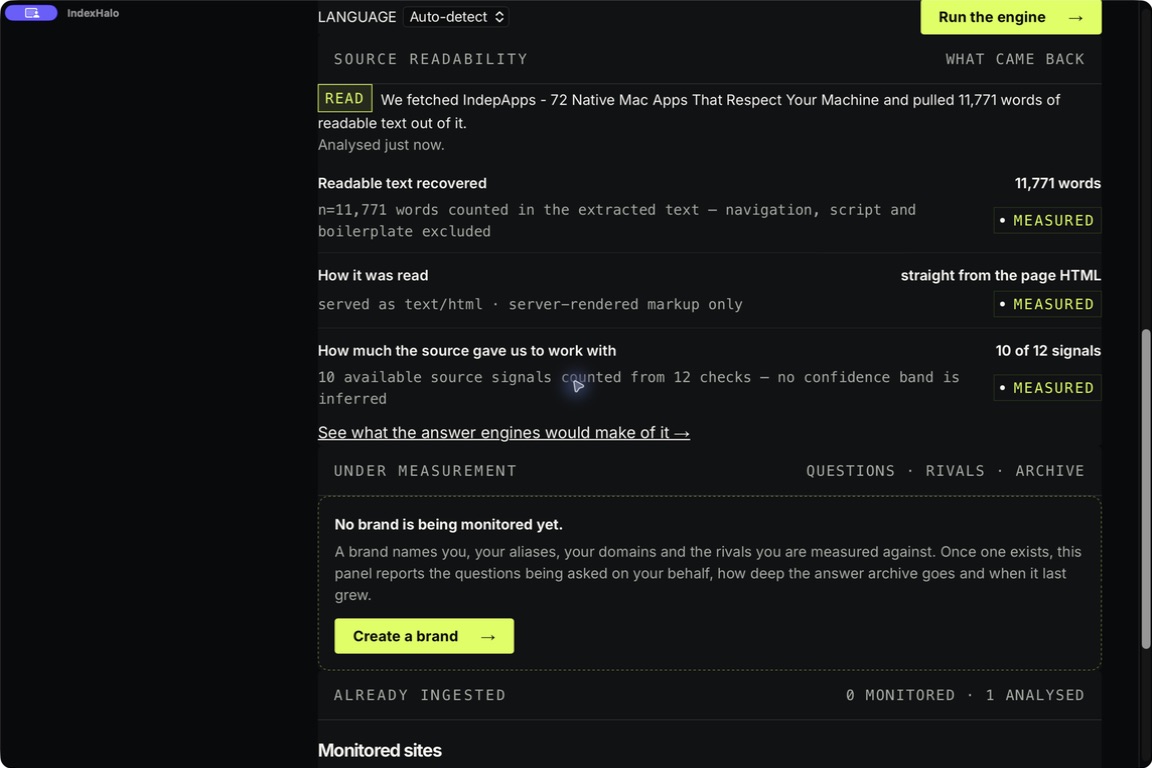
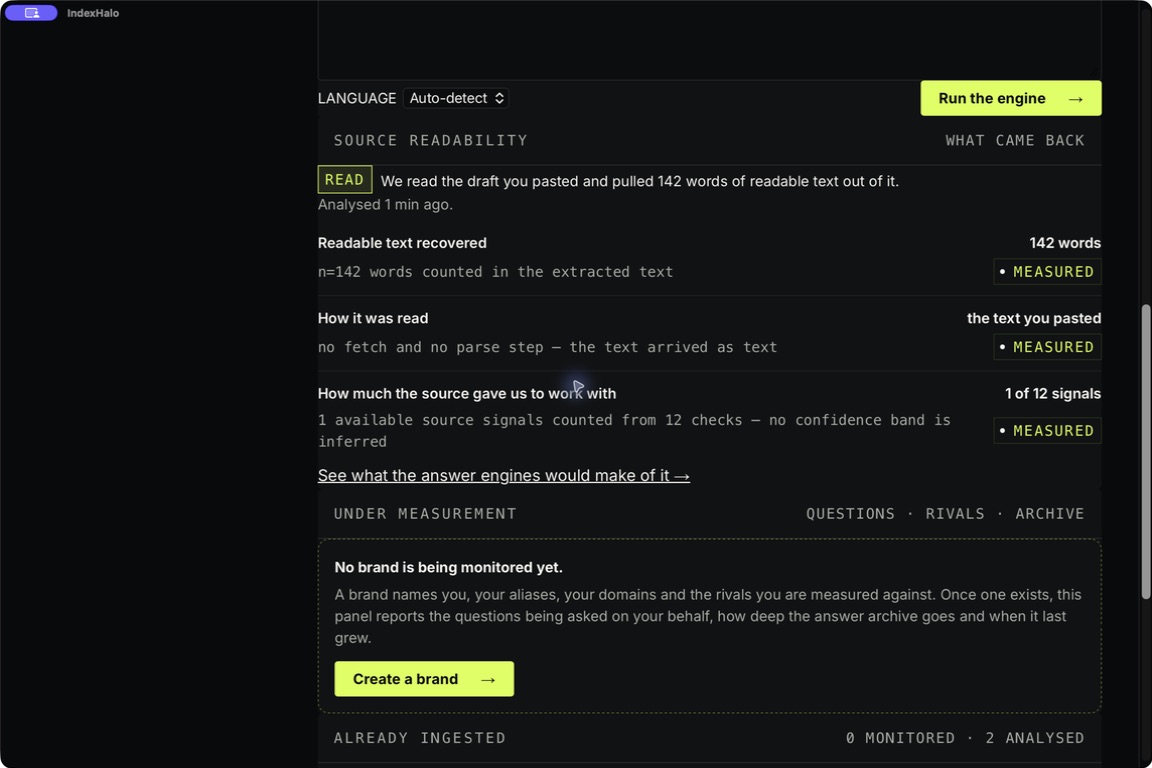
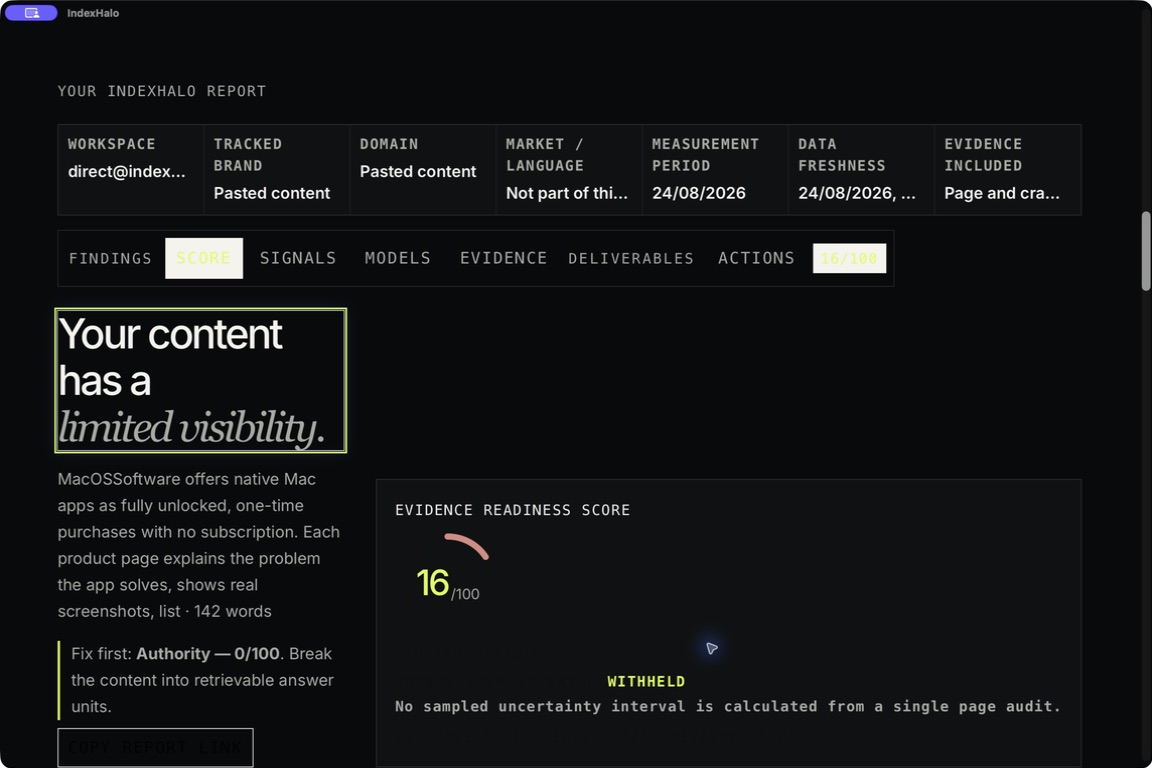
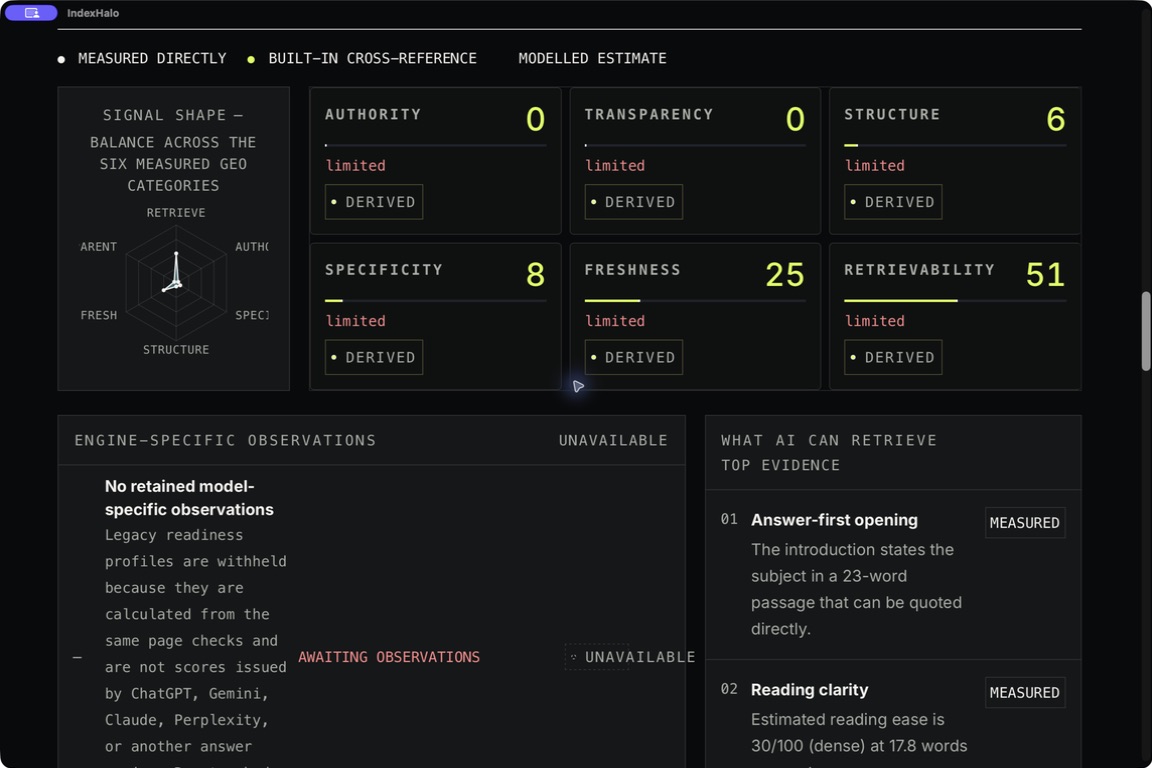
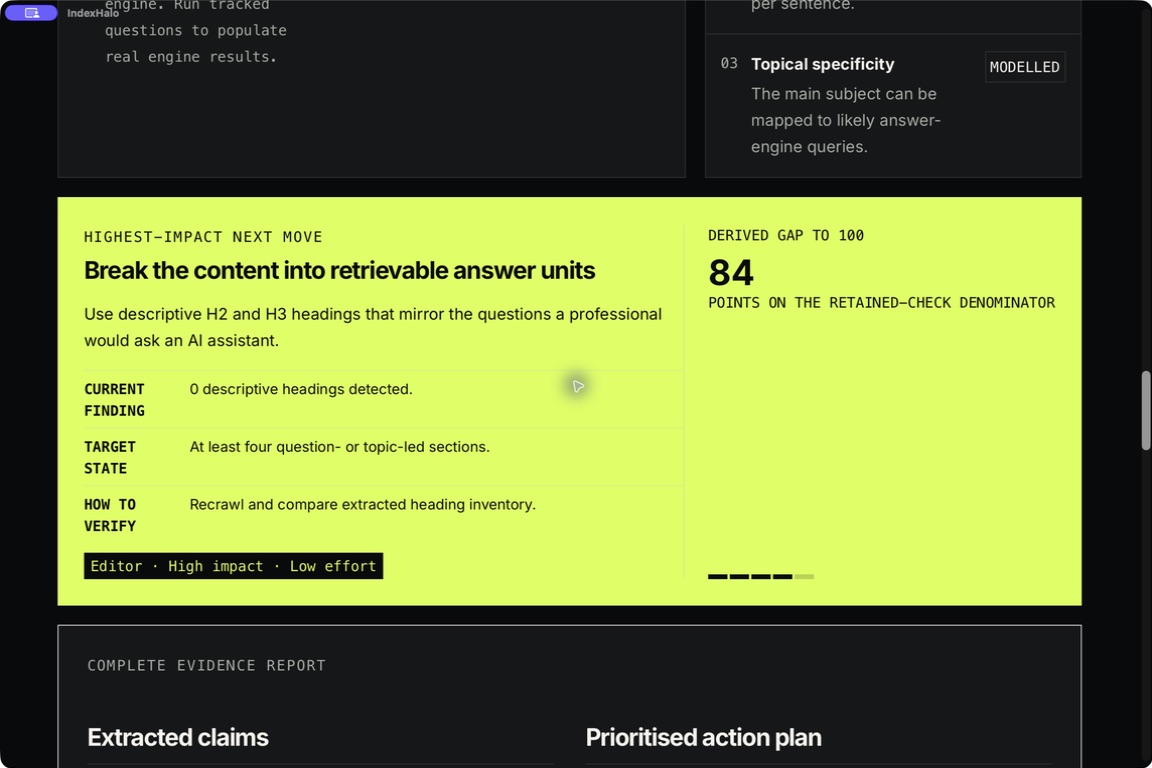
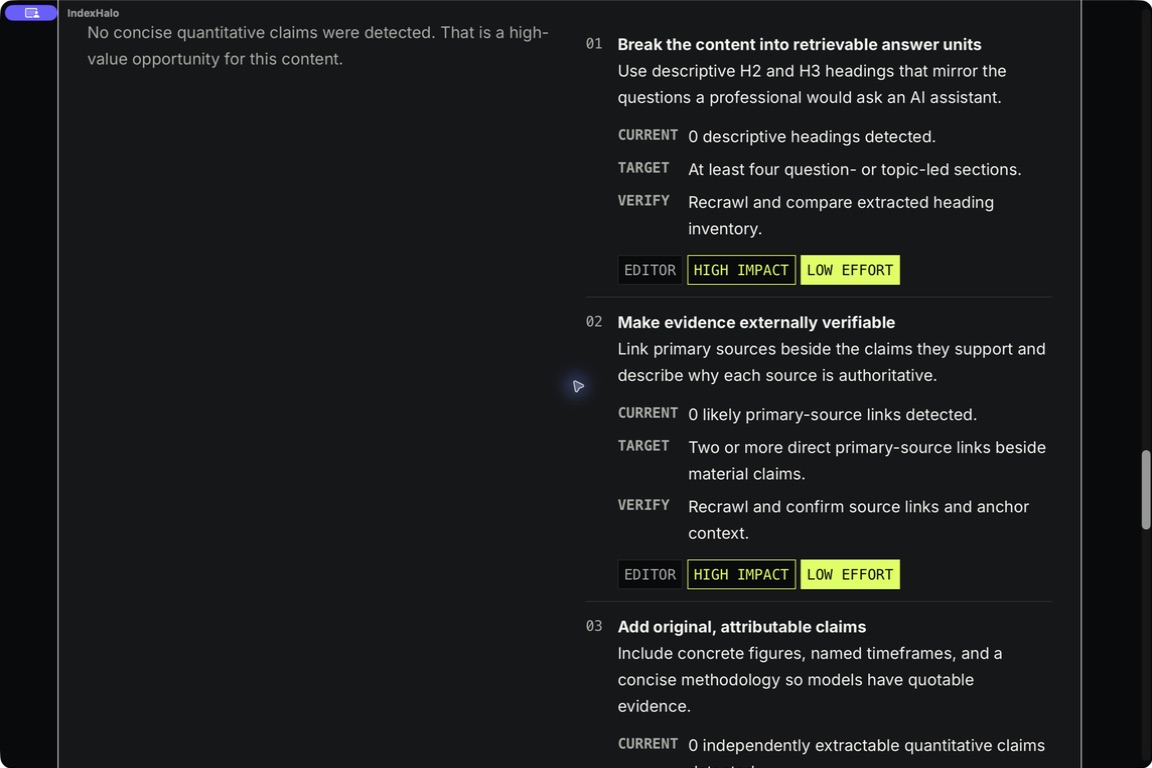
Bring a page, draft or supported local document into an evidence-focused workspace. IndexHalo helps you inspect structure, claims and source signals, then organise useful improvements into a report. Keep a local history so you can revisit earlier findings and return to the next editing session with a clear starting point.
- Inspect content and source signals together
- Turn findings into a practical fix kit
- Keep reports available in a local history
See the workspace
Explore 4 more screenshots

A simple way to get started
Bring your context
Start with the source material, brief or records for the task.
Develop the work
Use the focused workspace to compare, organise or draft the result.
Prepare the next step
Keep useful findings and copy ready for the next part of your work.
Explore more features
- Content signals and evidence review
- Local report history and fix kits
- Comparisons, exports and Studio
Get IndexHalo
Compatibility and installation details
- Requires
- Windows x64; review product requirements
- Architecture
- x64
- Version
- 1.0.0
- Download
- 98.7 MB
- Installer
- IndexHalo-1.0.0-Windows-x64-Setup.exe
- Publisher signature
- Unsigned
- SHA-256
9bb28b1f161426c2a1ee5ae470767d87362b375a06f857589adcd5365fbc8a8b
Download the Windows installer from your receipt and follow its setup steps.
Useful to know
What can I do with IndexHalo?
Bring a page, draft or supported local document into an evidence-focused workspace. IndexHalo helps you inspect structure, claims and source signals, then organise useful improvements into a report. Keep a local history so you can revisit earlier findings and return to the next editing session with a clear starting point.
How do I start?
Start with the source material, brief or records for the task. Use the focused workspace to compare, organise or draft the result. Keep useful findings and copy ready for the next part of your work.
How do I receive my download?
After your purchase, the receipt page provides your download link. The exact expiry is shown with your delivery link. Keep your receipt and installer. If a link expires or a download fails, contact support with your receipt instead of buying again.
Where can I find setup help?
Compatibility and installation details are on this page. The installation guide and support team can help with the next step.
Watch the screenshot tour
. Watch the video and read a list of the views it shows before choosing the app.