
LLM Academy
Bring your model and dataset work into one Studio.
Prepare model and dataset workflows in a Windows Studio backed by local Python and model runtimes.
What you can do with LLM Academy
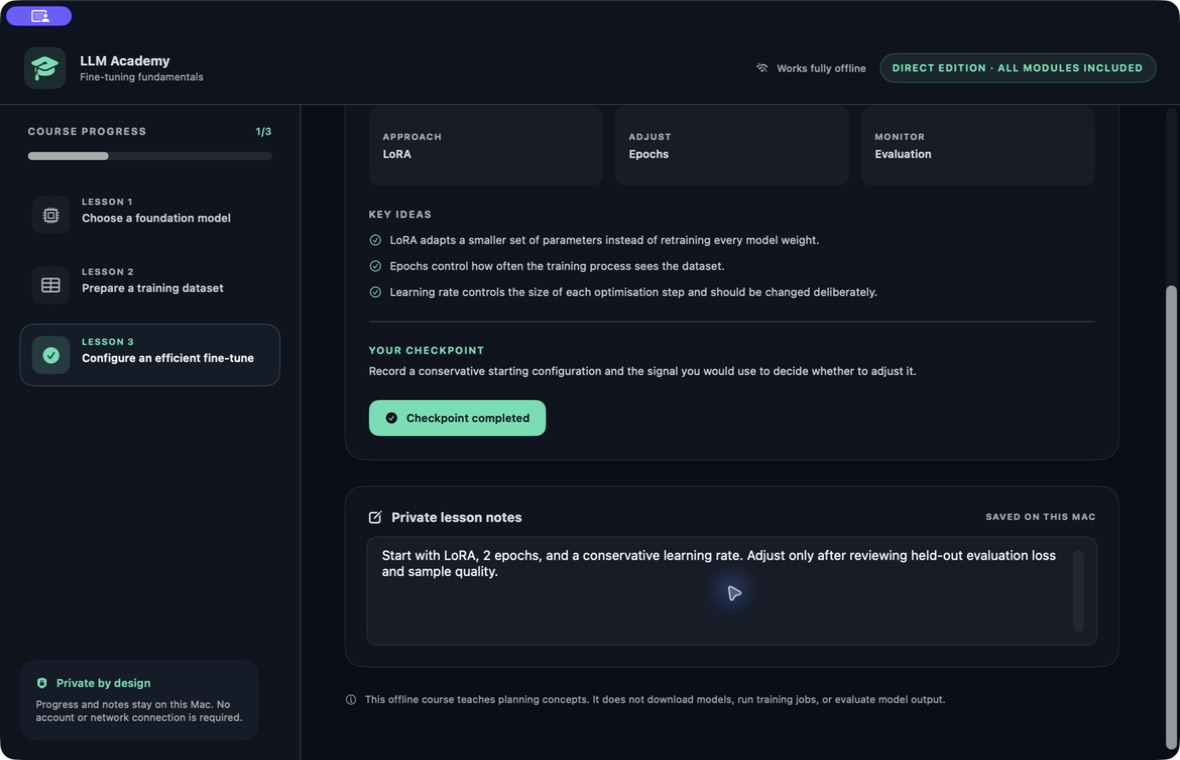
Keep model tools and dataset work together in a Windows Studio. LLM Academy brings local Python and model runtimes into one workspace, with Studio and expert workflows for preparing and running supported tasks. Organise the model, dataset and task settings in the same place as you move through a project, keeping the technical work connected to the result you are trying to build.
- Organise models and datasets in one workspace
- Use Studio and expert workflows
- Work with a local Python backend and model runtimes
See the workspace
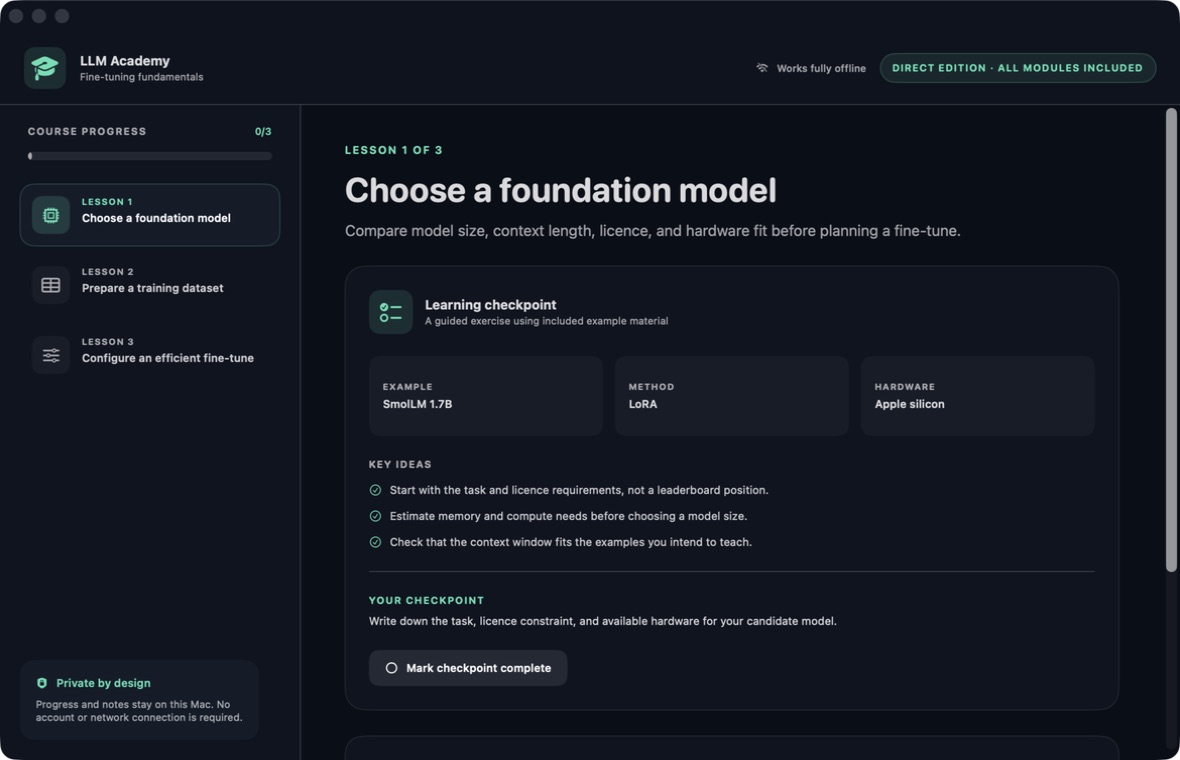
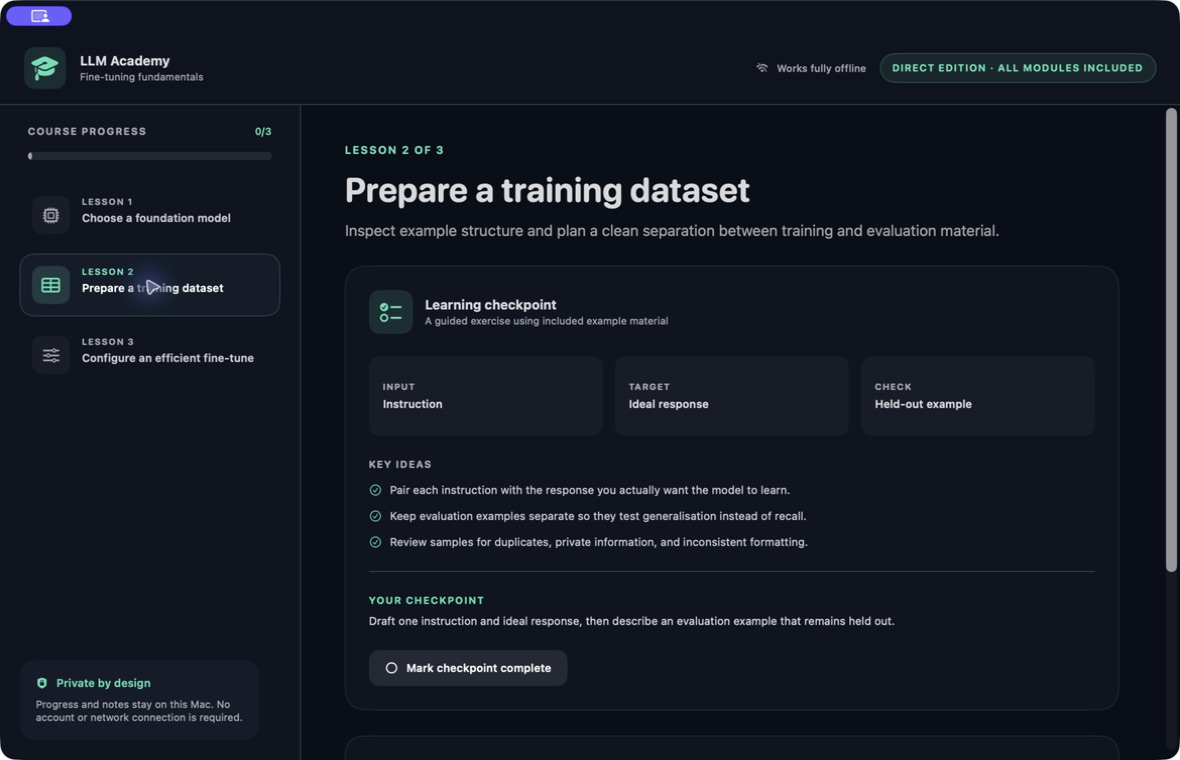
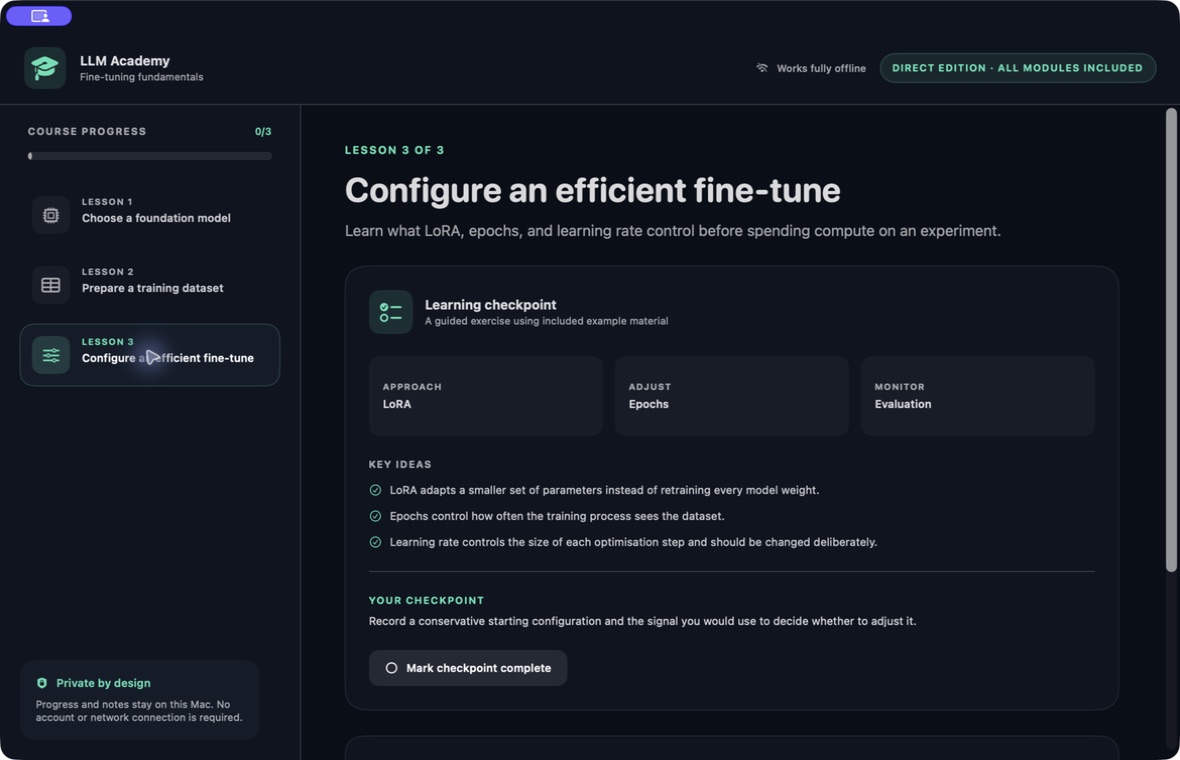
Explore 1 more screenshots
A simple way to get started
Open the Studio
Bring your model and dataset work into the Windows workspace.
Prepare the task
Use the Studio or expert workflow to organise the settings and material.
Work with local tools
Continue through supported tasks with the local Python backend and model runtimes.
Explore more features
- Studio and expert workflows
- Local Python backend
- Model and dataset workspace
Get LLM Academy
Compatibility and installation details
- Requires
- Windows x64; review product requirements
- Architecture
- x64
- Version
- 1.0.0
- Download
- 3236.2 MB
- Installer
- LLM Academy-1.0.0-Windows-x64-Setup-Bundle.zip
- Publisher signature
- Unsigned
- SHA-256
5ed3b12ba6c005346728c04a0e27c819663288774e5bfe9a0ef19fca3c6dcd80
Extract the complete Windows setup bundle and keep its installer files together. The Studio uses the included local Python and model runtimes.
Extract the complete setup bundle and run the Windows installer inside it.
Useful to know
What can I do with LLM Academy?
Keep model tools and dataset work together in a Windows Studio. LLM Academy brings local Python and model runtimes into one workspace, with Studio and expert workflows for preparing and running supported tasks. Organise the model, dataset and task settings in the same place as you move through a project, keeping the technical work connected to the result you are trying to build.
How do I start?
Bring your model and dataset work into the Windows workspace. Use the Studio or expert workflow to organise the settings and material. Continue through supported tasks with the local Python backend and model runtimes.
How do I receive my download?
After your purchase, the receipt page provides your download link. The exact expiry is shown with your delivery link. Keep your receipt and installer. If a link expires or a download fails, contact support with your receipt instead of buying again.
Where can I find setup help?
Compatibility and installation details are on this page. The installation guide and support team can help with the next step.
Watch the screenshot tour
. Watch the video and read a list of the views it shows before choosing the app.