CodeMonkey: Python Quest
Learn Python by making your code move.
Solve coding quests with real local Python execution and see your solution play out.
What you can do with CodeMonkey: Python Quest
Learn Python through 150 coding quests in ten chapters, with real code running locally on your PC. Write a solution and replay its actions alongside the source lines to see how the program unfolds. Authored hints help you work through loops, functions, data structures and broader programming tasks, while local progress and JSON backups make the course easy to return to.
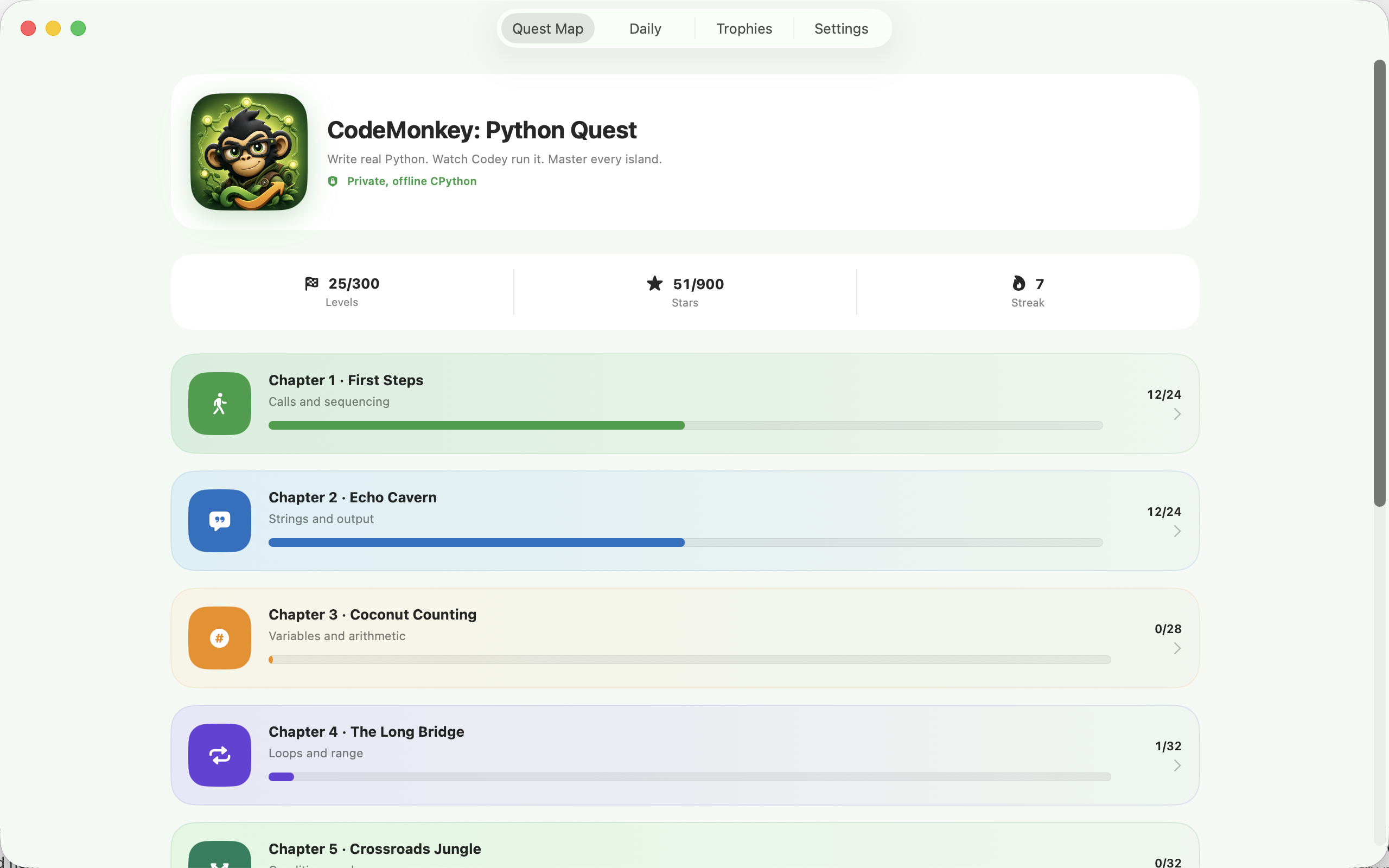
- Explore 150 quests across ten chapters
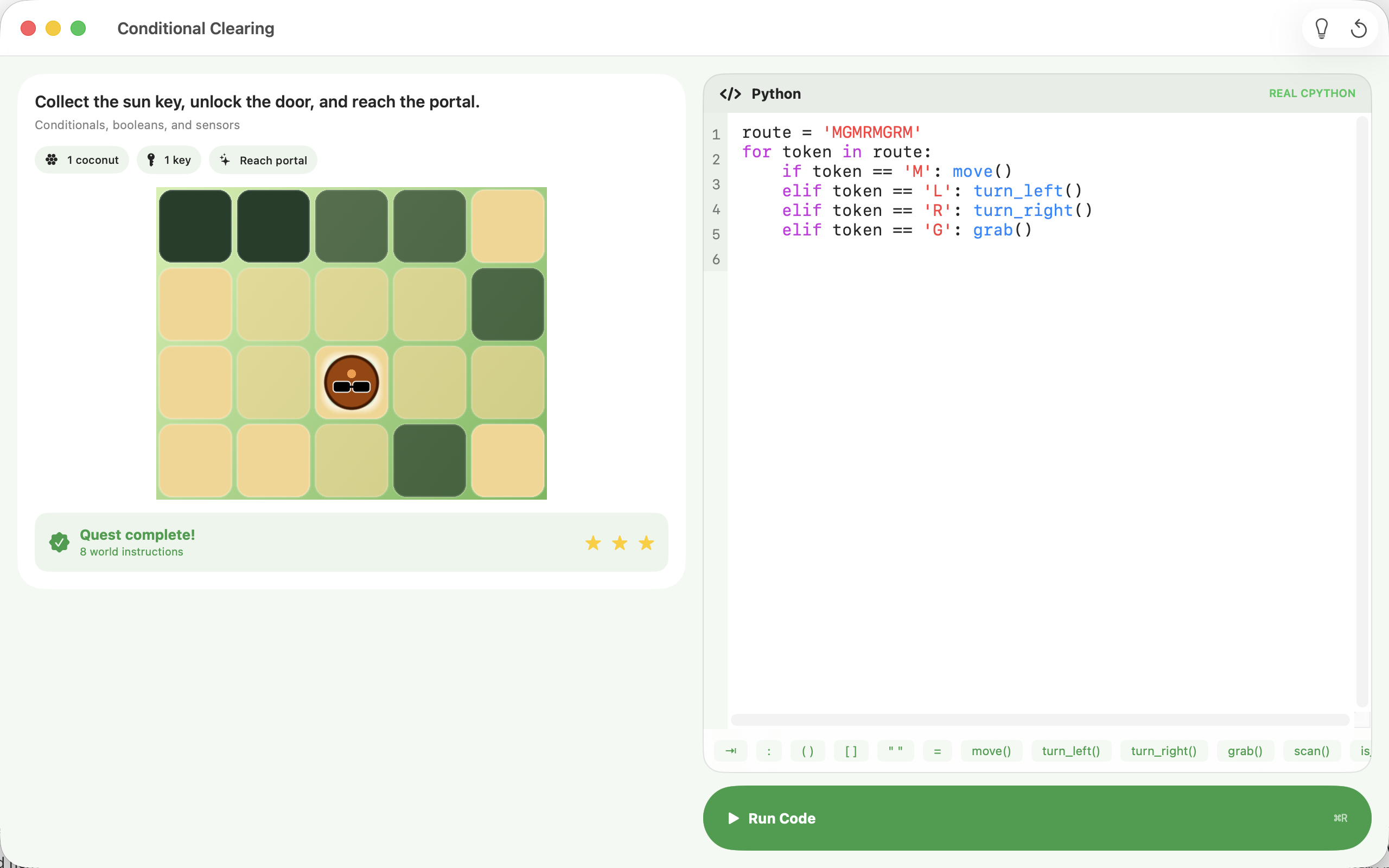
- Follow action replay beside the source code
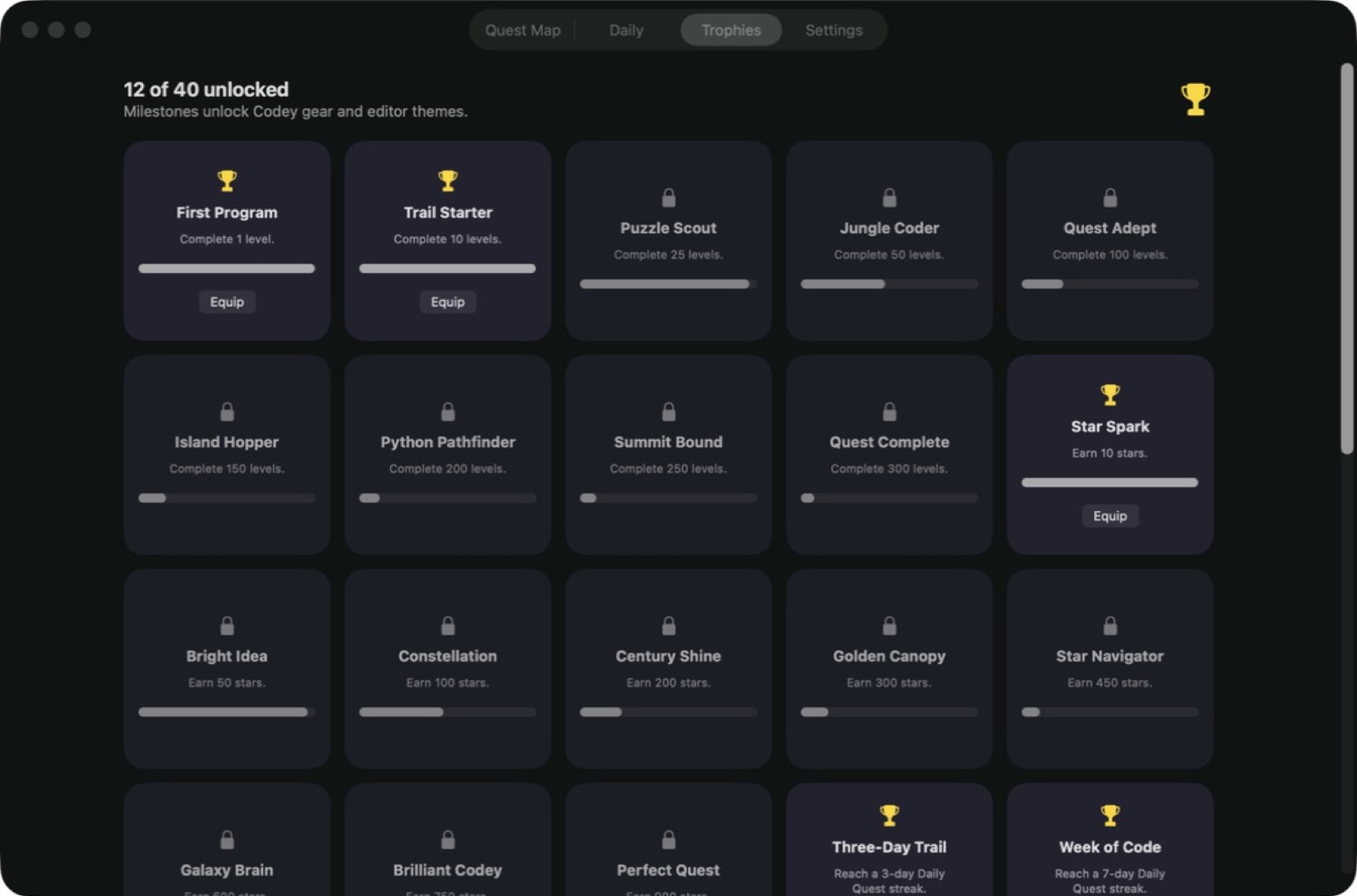
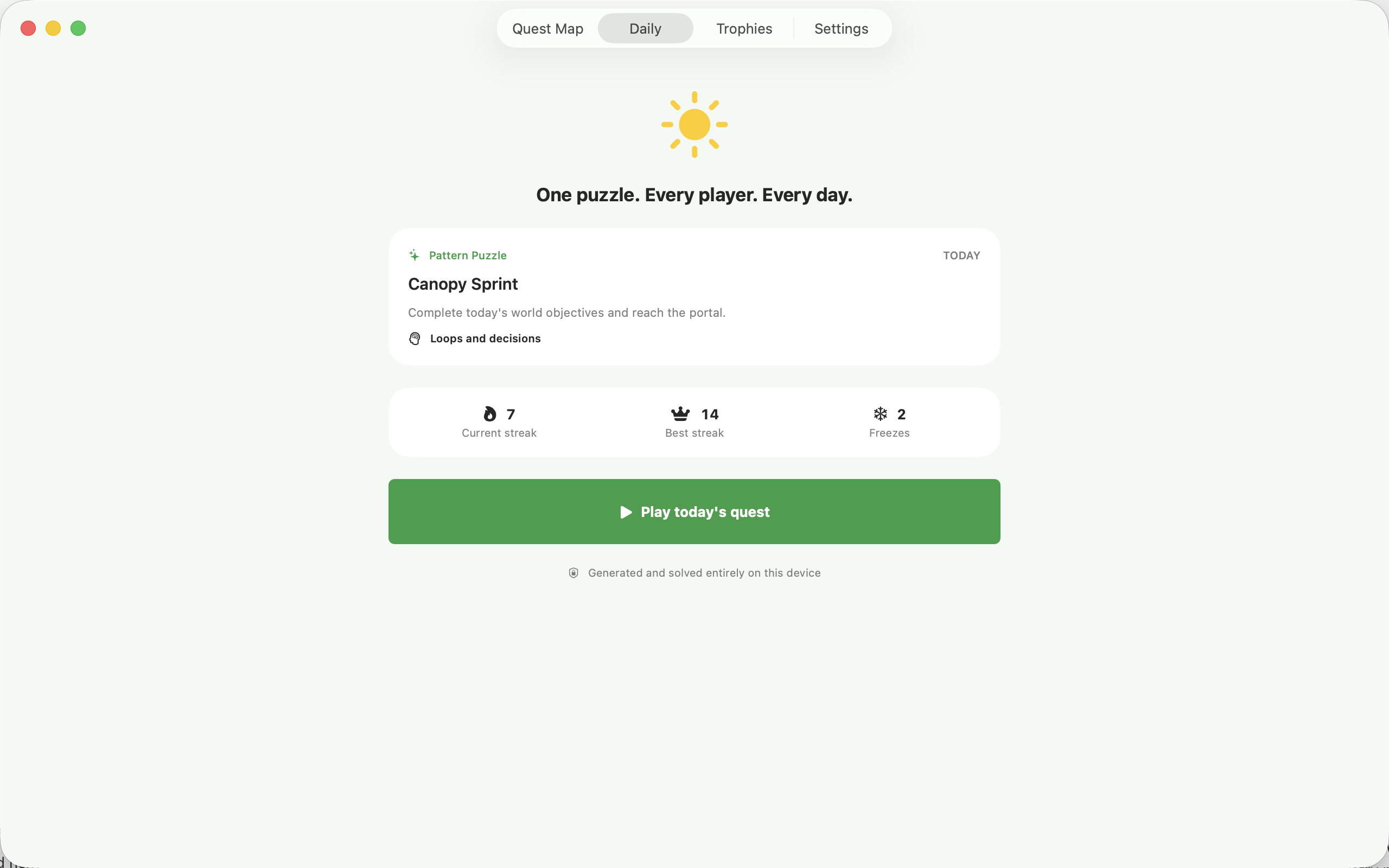
- Use authored hints and keep local progress
See the workspace
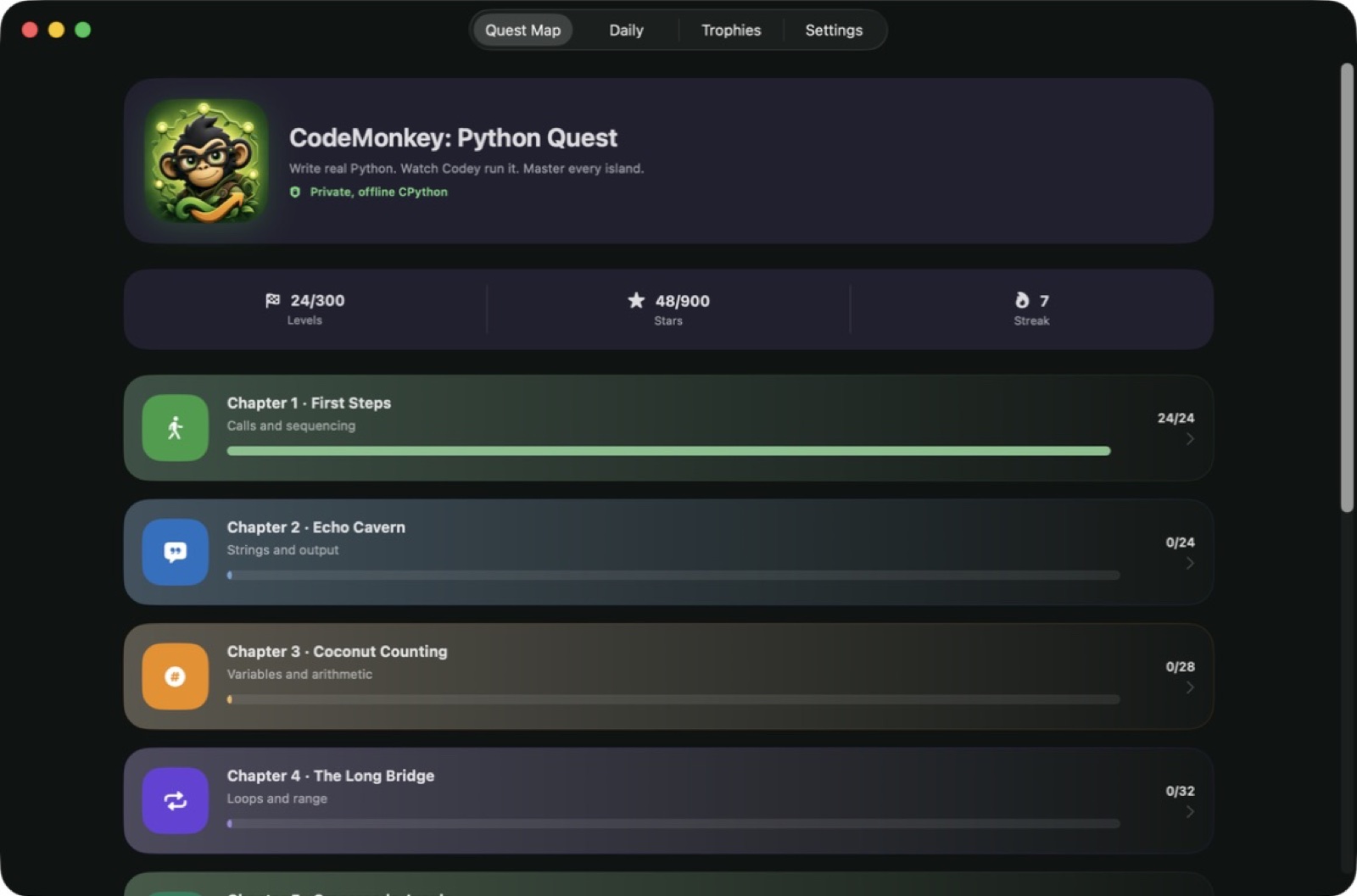
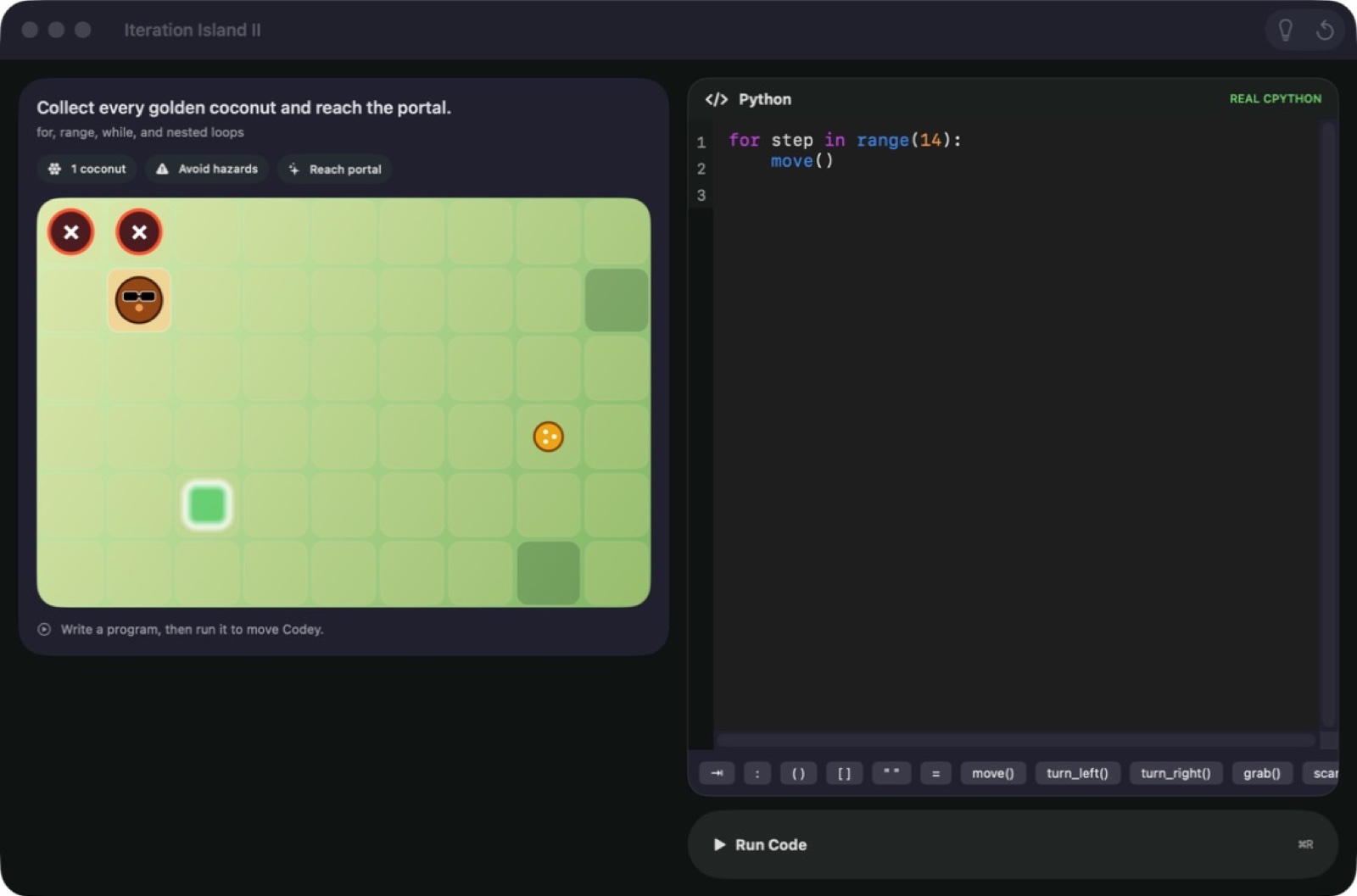
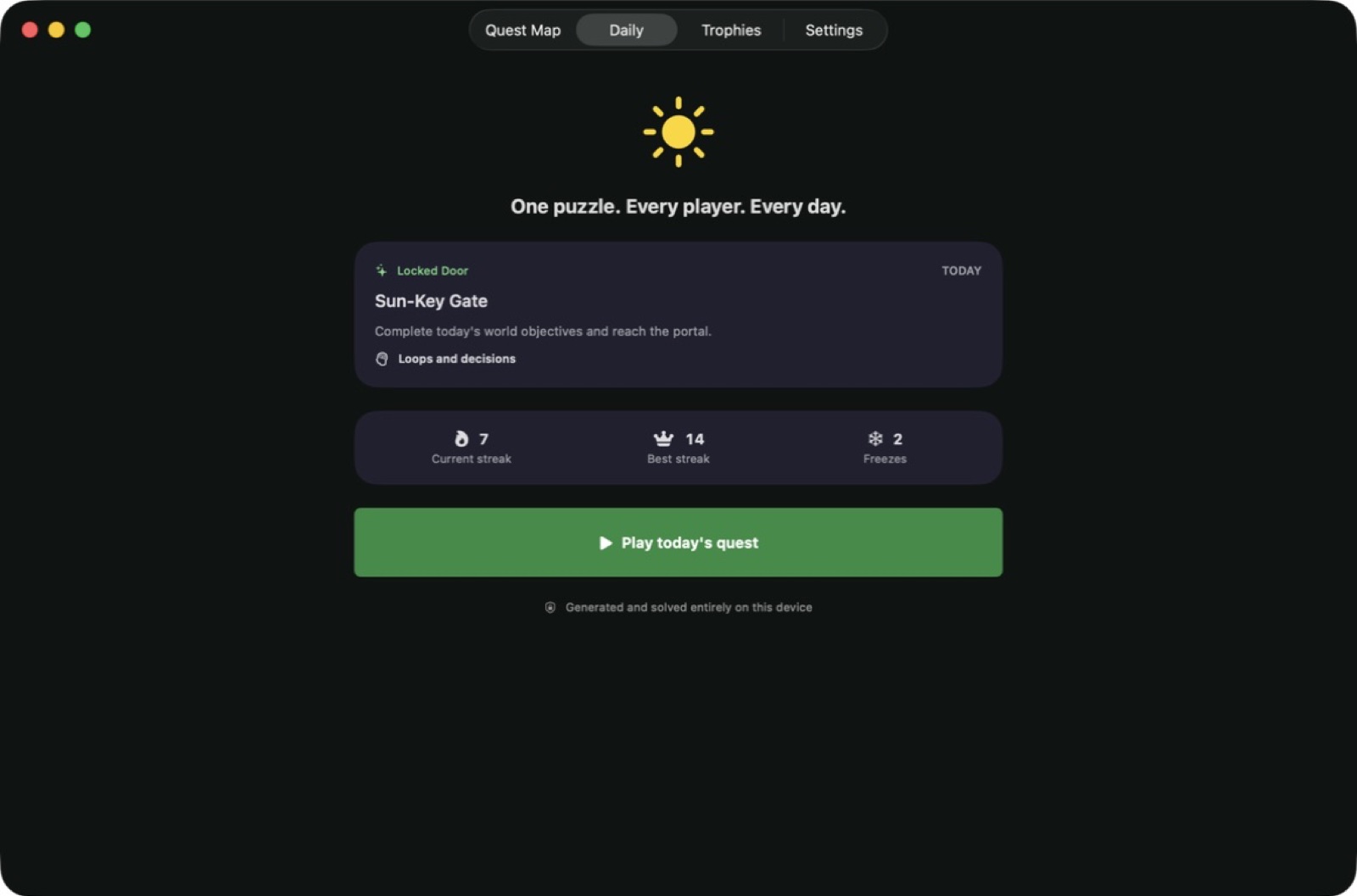
Explore 5 more screenshots
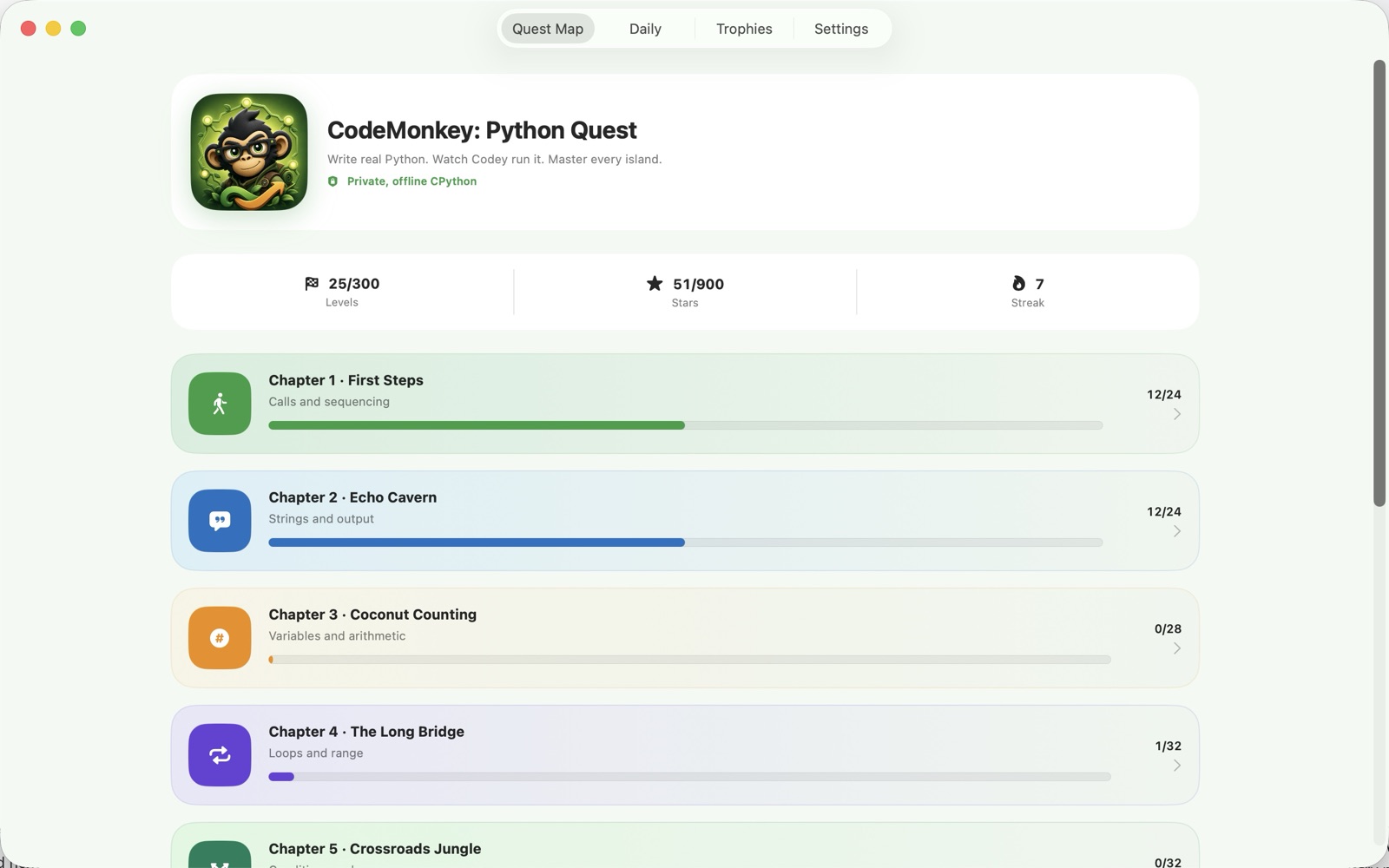
A simple way to get started
Choose a coding quest
Open a quest and read the goal before writing your Python solution.
Run and replay
Execute your code locally and watch how its actions play out in the puzzle.
Build on your progress
Use the hints to refine a solution and move into the next programming challenge.
Explore more features
- 150 quests in ten chapters
- Loops, functions and data structures
- Classes, errors and algorithm practice
- Source-line replay and authored hint tiers
- Local progress and full JSON backup exports
Get CodeMonkey: Python Quest
Compatibility and installation details
- Requires
- Windows x64; review product requirements
- Architecture
- x64
- Version
- 1.0.0
- Download
- 100.7 MB
- Installer
- Python Quest-1.0.0-Windows-x64-Setup.exe
- Publisher signature
- Unsigned
- SHA-256
140bd43987762b00d0388fd0bac79a181f2a7a13f44a044dead79201316b766b
Download the Windows installer from your receipt and follow its setup steps.
Useful to know
What can I do with CodeMonkey: Python Quest?
Learn Python through 150 coding quests in ten chapters, with real code running locally on your PC. Write a solution and replay its actions alongside the source lines to see how the program unfolds. Authored hints help you work through loops, functions, data structures and broader programming tasks, while local progress and JSON backups make the course easy to return to.
How do I start?
Open a quest and read the goal before writing your Python solution. Execute your code locally and watch how its actions play out in the puzzle. Use the hints to refine a solution and move into the next programming challenge.
How do I receive my download?
After your purchase, the receipt page provides your download link. The exact expiry is shown with your delivery link. Keep your receipt and installer. If a link expires or a download fails, contact support with your receipt instead of buying again.
Where can I find setup help?
Compatibility and installation details are on this page. The installation guide and support team can help with the next step.